Change DNS for Faster Browsing?
Every site you visit starts with a DNS lookup — translating the name into an address — and your provider's default DNS is not always the fastest. Switching DNS can shave milliseconds off every new site, occasionally bypass a provider outage, and sometimes improve privacy. It will not multiply your speed, but it is free and takes two minutes. Here is the honest version.
TL;DR / Quick Fix
Quick fix: changing DNS can make browsing feel snappier — it speeds up the lookup before each new site loads, not your download speed. Try a well-known public DNS on one device first and compare. It will not multiply your speed, but it is free and takes two minutes.
Follow these steps
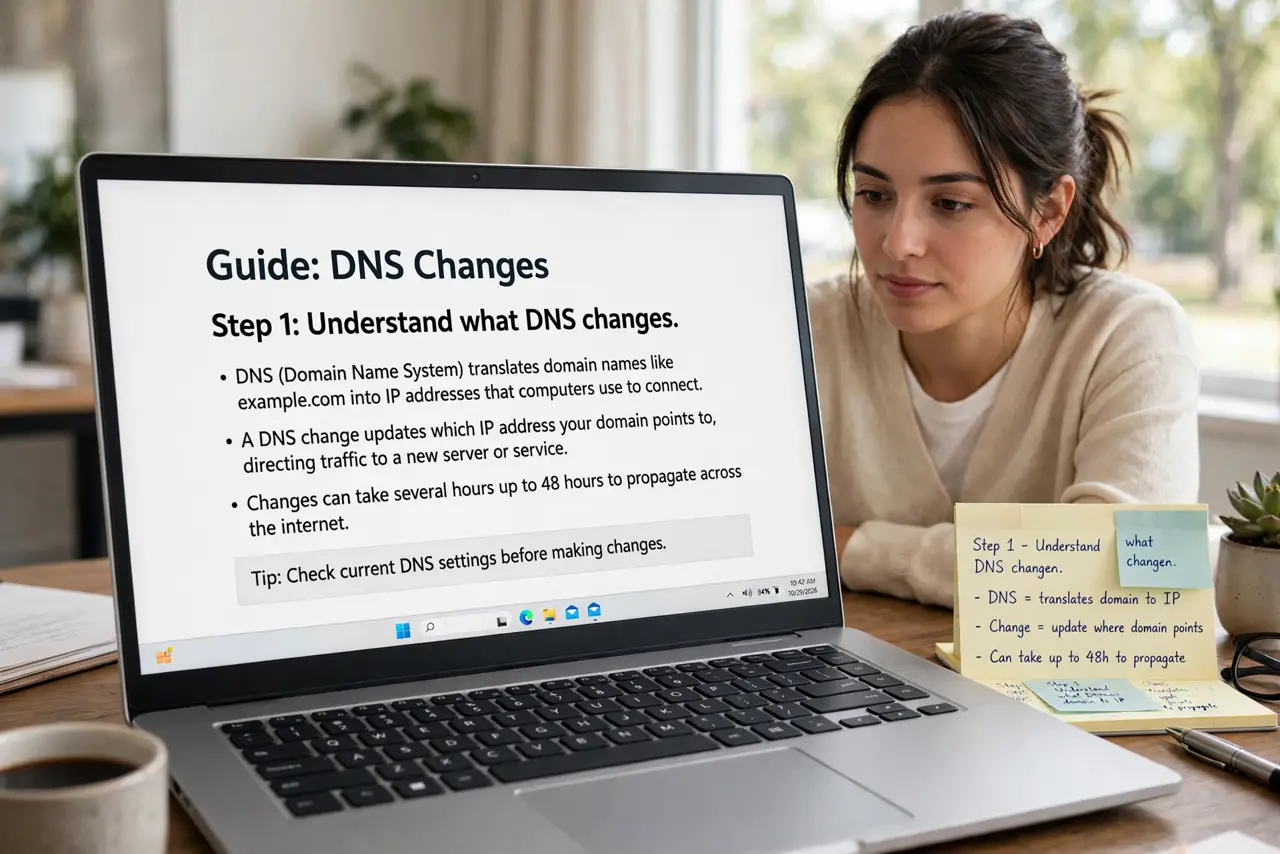
- Understand what DNS changes. DNS only affects the initial name lookup — the fraction of a second before a new site starts loading. It cannot make downloads or streams faster.
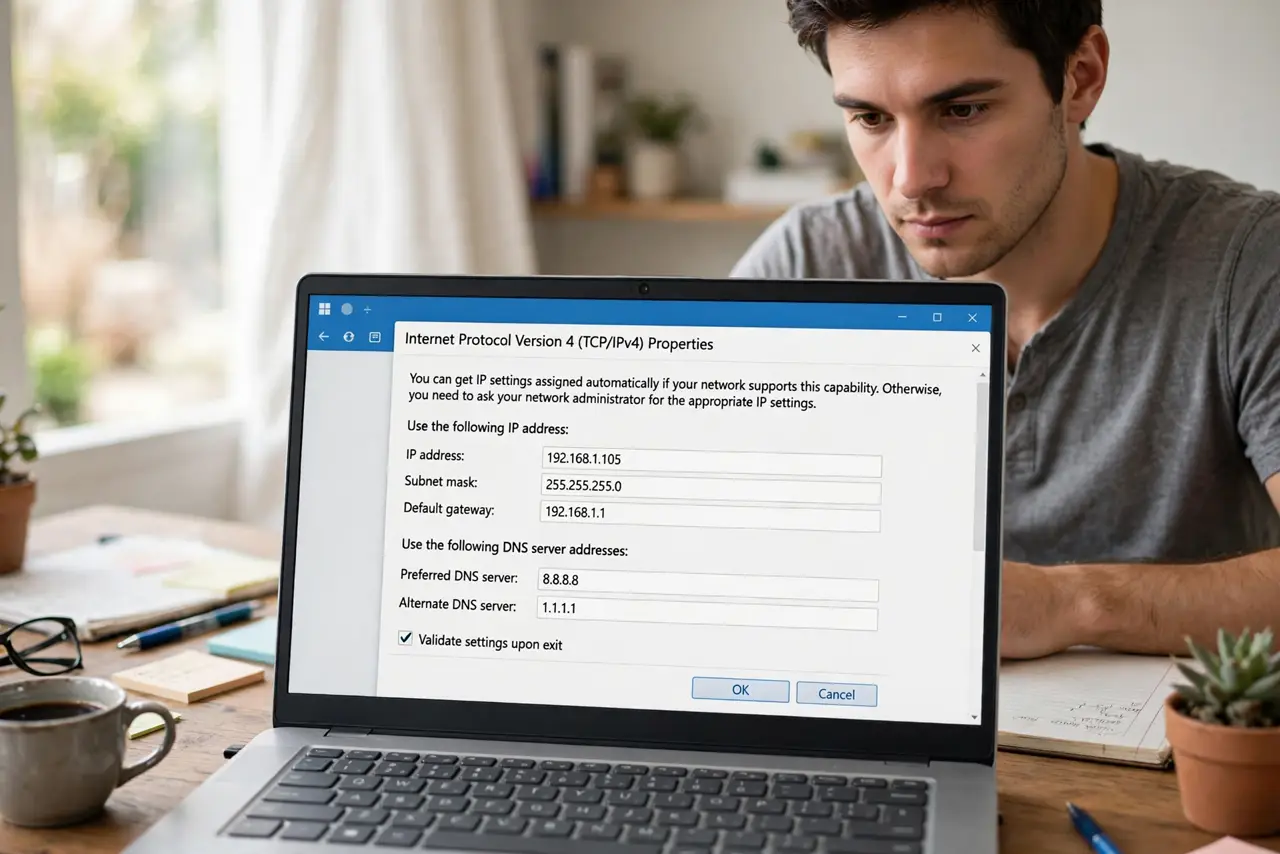
- Try it on one device first. Change DNS in the device's network settings and browse normally for a day. Device-level testing beats committing the whole house immediately.
- Pick a reputable provider. Use a major public DNS with a published privacy policy — see DNS privacy. Obscure 'fast DNS' lists from forums are not worth the risk.
- Decide: device or router. Device-level is safer to test; router-level covers the whole house at once, including gadgets — see router vs device for the tradeoffs.
- Measure, don't vibe. Time a few fresh site loads before and after. DNS wins are real but small — if you cannot measure it, it was not the bottleneck.
- Keep the old numbers written down. Screenshot or note the original DNS before changing. Reverting takes ten seconds when you have the numbers; it is archaeology when you do not.
What NOT to do
- Do not expect a speed miracle. DNS trims lookup milliseconds — it will not turn 50 Mbps into 500.
- Do not use a random DNS from a forum list. Your DNS sees every site you visit — trust matters more than claimed speed.
- Do not change DNS to 'unblock' sites illegally. Geo-evasion violates terms of service and sometimes law — this guide is about performance.
- Do not forget the change exists. Months later, a weird resolution problem might be your forgotten custom DNS — check there first.
Frequently asked questions
Will changing DNS make Netflix faster?
No — streams use long-lived connections where DNS barely matters. DNS helps the first click to new sites, not sustained transfers.
Is public DNS safer than my ISP's?
Often more private, since big providers publish no-logging policies — but you are trading which company sees your lookups, not eliminating it.
Why did some sites break after I changed DNS?
A mistyped address or a DNS with aggressive filtering. Revert to automatic and the breakage vanishes — then retry carefully.