DSL? Plain Basics
DSL is internet over old telephone lines — the technology that refuses to die. It is slow by modern standards, but in rural areas it may be the only wired option. DSL speed depends entirely on your distance from the phone exchange: close means decent, far means painful. Here is the plain explanation, including when to keep it and when to escape it.
TL;DR / Quick Fix
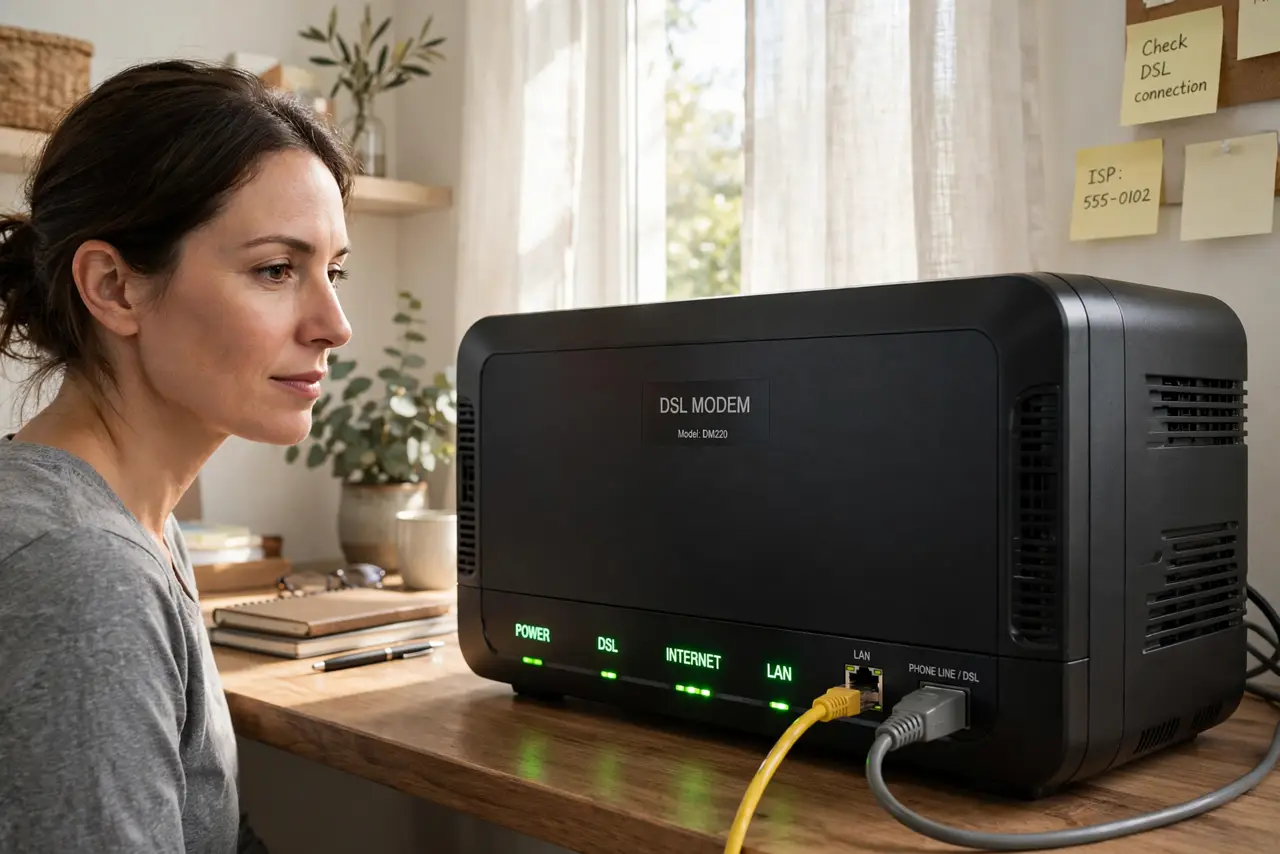
Quick fix: DSL runs internet over telephone copper lines — speeds drop the farther you are from the exchange. Check for line noise and make sure every phone socket has a microfilter. Reboot the modem. If speeds never reach what you pay for, the line length is the limit.
Follow these steps
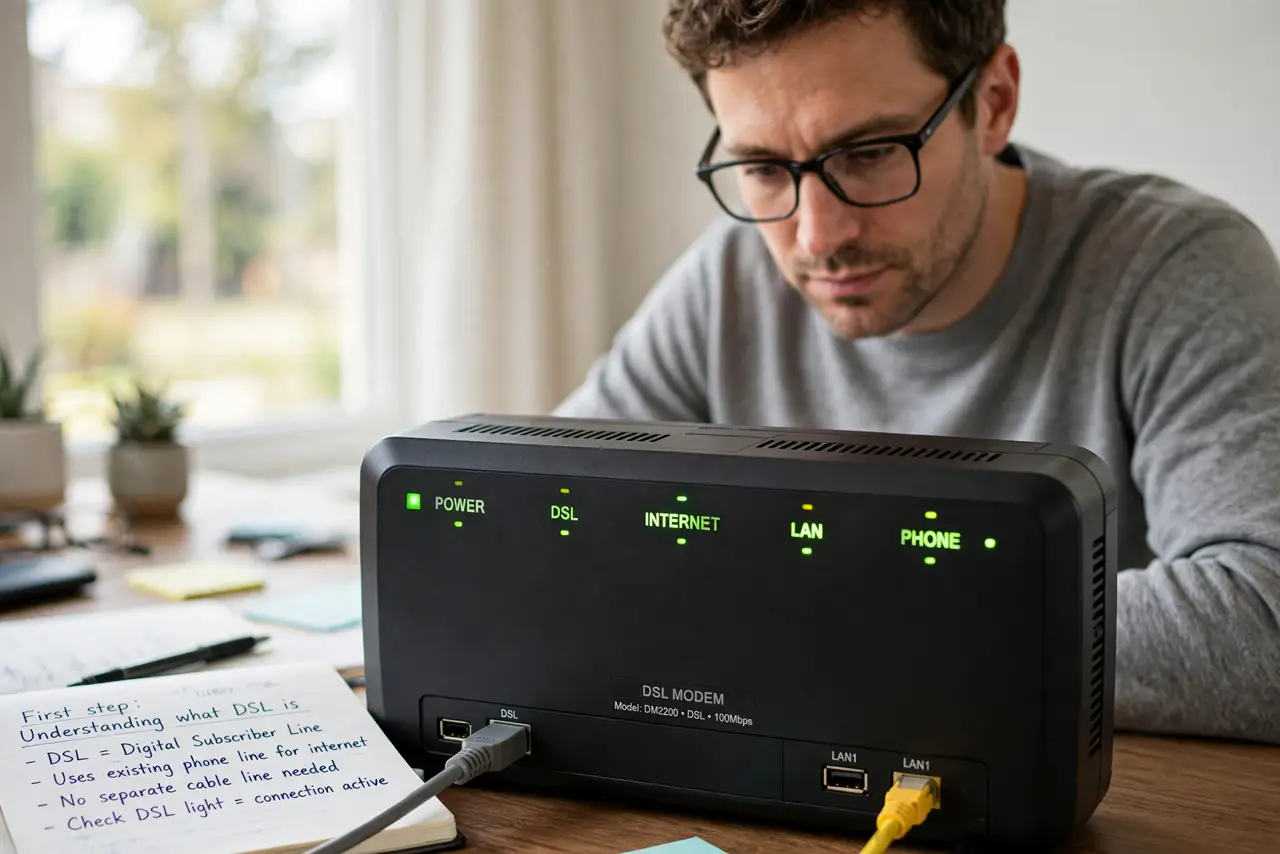
- Understand what DSL is. DSL squeezes internet through the same copper wires as landline phones. It was brilliant in 2005; today it is the slowest wired option, typically 10 to 50 Mbps. See the fuller DSL explanation for the variants.
- Know distance is everything. Signal weakens with wire length. Within a kilometer of the exchange, DSL can be decent; beyond three kilometers it crawls. Your address, not your plan, sets the ceiling.
- Fit microfilters on every socket. Every phone socket needs a DSL microfilter, or phones inject noise into the internet signal. A missing filter is the classic cause of dropouts whenever the phone rings — check for line noise symptoms.
- Check the phone line for noise. Pick up the landline and listen for crackling or hissing. Noise on voice means noise on data — report it to the phone company, since line faults are their fix, not yours.
- Reboot and test wired. Power-cycle the modem, then test with a wired connection before blaming DSL itself. Wi-Fi problems masquerade as DSL problems constantly.
- Know when to move on. If the line cannot deliver what you pay for, no tweak fixes physics. Fixed wireless, 4G/5G home internet, and satellite all beat bad DSL now — price them before renewing a DSL contract.
What NOT to do
- Do not pay for speed the line cannot deliver. If 50 Mbps never arrives, downgrade the plan or switch technology — do not keep paying for fantasy.
- Do not skip microfilters. One unfiltered phone socket can corrupt the whole connection.
- Do not judge DSL by Wi-Fi tests. Test wired at the modem first — half of all 'slow DSL' is really bad Wi-Fi.
- Do not renew a DSL contract without shopping. Wireless alternatives have improved enormously; loyalty to copper is rarely rewarded.
Frequently asked questions
Is DSL still usable in 2026?
For email, browsing, and one HD stream, yes. For 4K, gaming, or working from home with video calls, it struggles — know your needs.
Why does my DSL drop when the phone rings?
A missing or faulty microfilter on that socket. Fit one on every phone point and the dropouts stop.
Can I make DSL faster?
Only marginally: filters, short internal wiring, and a good modem help. The distance to the exchange is fixed — that is the real limit.