Ethernet Cable Categories? Explained
Cat5e, Cat6, Cat6a, Cat8 — the cable aisle reads like alphabet soup, and the price spread suggests the letters matter enormously. For a home network they matter less than the marketing implies, but picking wrong can still cap a gigabit plan at 100 Mbps. Here is what each category actually guarantees and which one to buy.
TL;DR / Quick Fix
Quick fix: for nearly every home, Cat5e or Cat6 is the right buy — both handle gigabit easily. Read the printed jacket: it literally says the category. Avoid ancient Cat5 (no 'e') — it caps at 100 Mbps — and skip pricey Cat8 unless you are wiring a data center.
Follow these steps
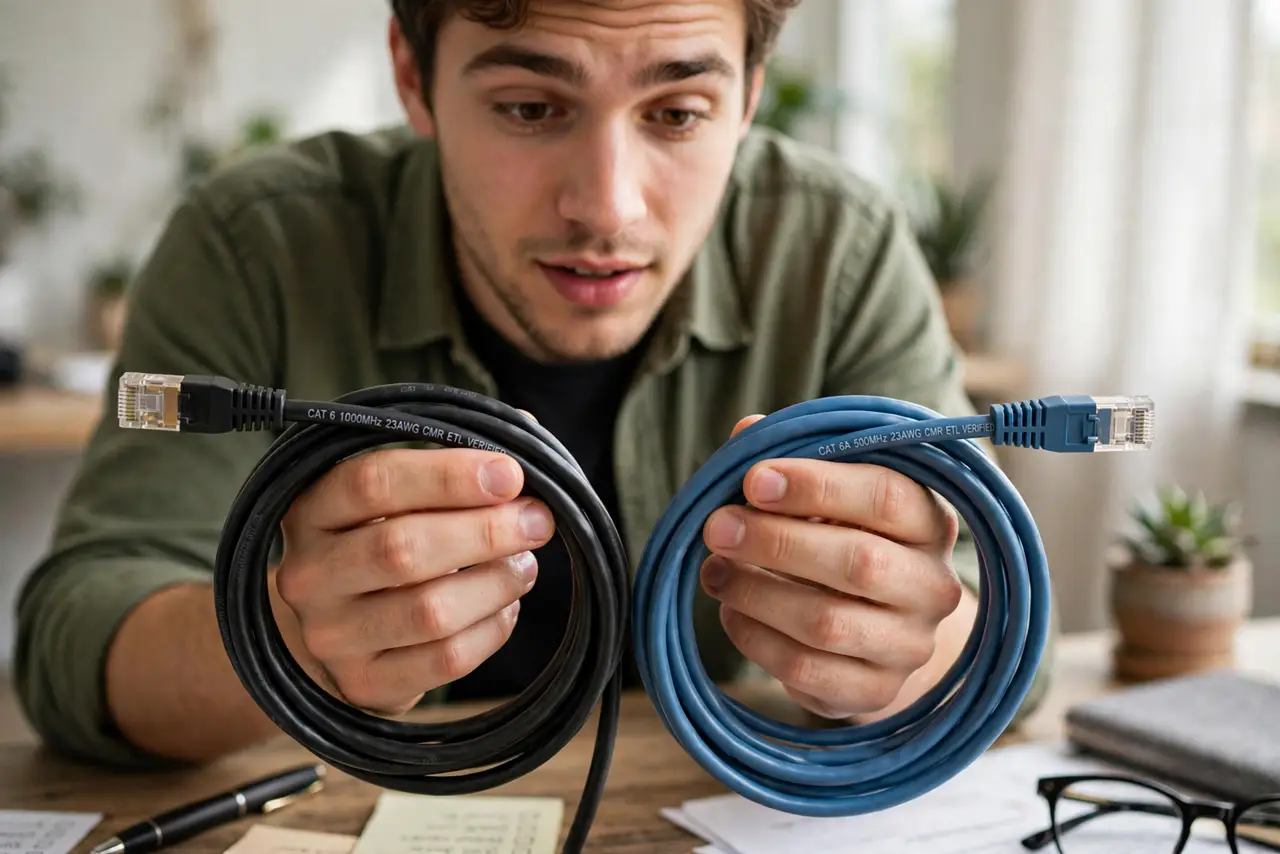
- Read the jacket, not the listing. The category is printed on the cable itself — 'CAT5E' or 'CAT6'. That print is the truth; online titles lie more often.
- Know the practical tiers. Cat5 (no e): 100 Mbps — retire it. Cat5e: 1 Gbps to 100 m — fine for gigabit. Cat6: 1 Gbps easily, 10 Gbps on short runs. Cat6a and up: overkill for homes.
- Match the cable to the plan. Gigabit plan? Cat5e is enough, Cat6 is comfortable headroom. Paying for 2 Gbps+ from the provider? Then Cat6 or better on the modem-to-router run matters.
- Respect the length limit. Ethernet runs max out around 100 meters (328 feet) — see length limits. Beyond that, speed and reliability fall off regardless of category.
- Replace suspect cables when debugging. A kinked or chewed cable negotiates down silently. When wired is oddly slow, swapping the cable is the cheapest test there is.
- Do not overthink the rest. Shielding, gold plating, and 'audiophile' Ethernet are marketing. A plain, honestly-labeled Cat6 from a reputable brand beats a fancy mystery cable.

What NOT to do
- Do not buy Cat8 for a home network. You are paying data-center prices for headroom you will never use.
- Do not trust a cable with no printed category. Unlabeled cables are where the 100 Mbps surprises hide.
- Do not run Ethernet alongside power lines. Parallel power cables induce interference — cross them at right angles instead.
- Do not yank cables by the cord. A stretched or kinked cable fails intermittently, which is the hardest kind of failure to diagnose.
Frequently asked questions
Is Cat6 faster than Cat5e for gigabit?
No — both deliver a full gigabit. Cat6's advantage is headroom for faster standards and better crosstalk resistance, not speed you can feel today.
Can a cable really slow my internet?
Yes. A damaged or Cat5 cable between modem and router caps everything behind it — the classic hidden bottleneck.
What about flat Ethernet cables?
They work for short, gentle runs but are more fragile and worse-shielded. For in-wall or long runs, use round cable.