Fixed Wireless Internet? Explained
No cable to your house, no fiber on your street — but a small antenna on your roof can still bring broadband from a tower miles away. That is fixed wireless: a stationary radio link, not phone-style mobile data. It fills the gap where wires do not reach. Here is how it works and what to expect from it.
TL;DR / Quick Fix
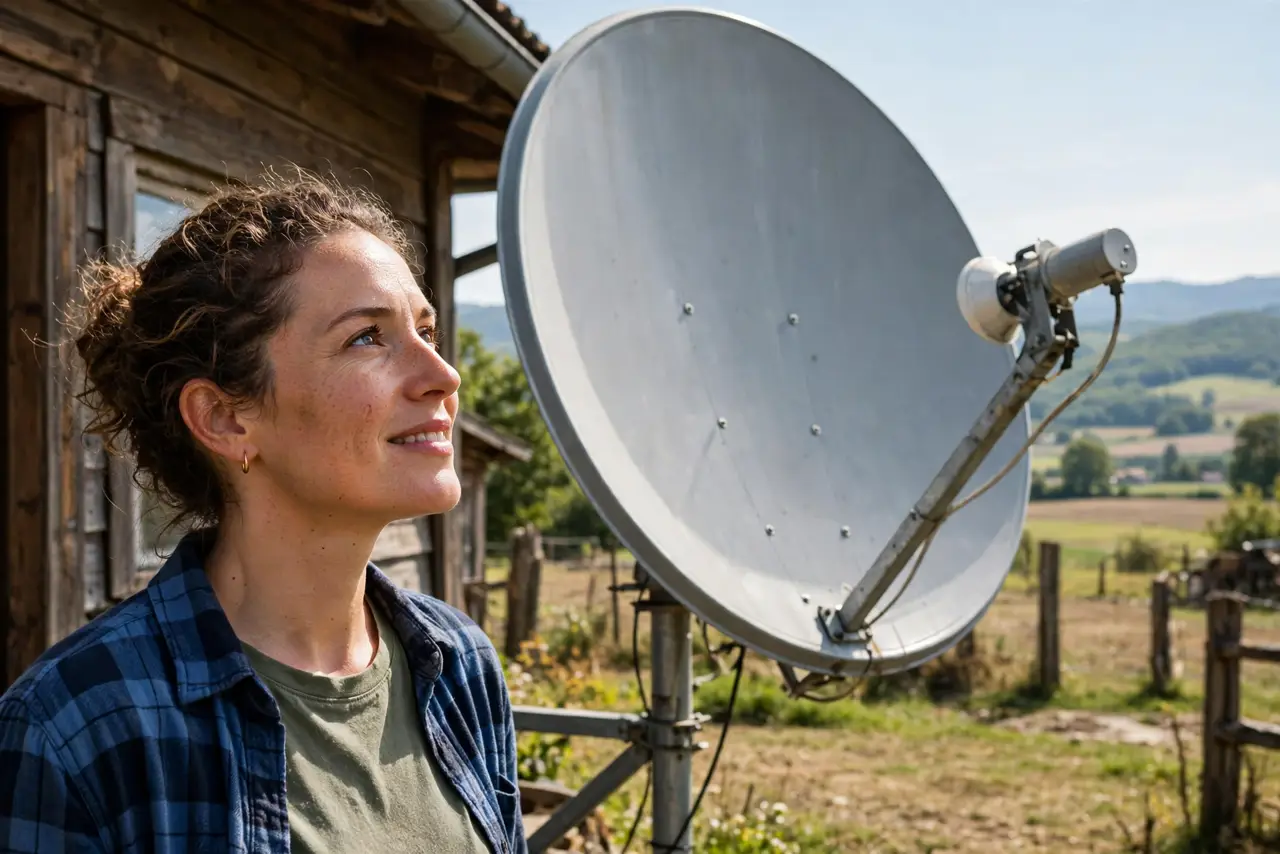
Quick fix: fixed wireless beams internet from a nearby tower to an antenna on your home — it needs clear line-of-sight. Speeds beat satellite on latency, but trees, hills, and storms affect it. A solid rural option when cable and fiber are absent; compare 5G home internet too.
Follow these steps
- Understand the tower link. A small outdoor antenna locks onto the provider's tower. Unlike mobile data, it never moves — the fixed aim allows a stronger, more stable connection.
- Check line-of-sight first. Trees growing into the signal path are the number one degrader. If the provider's survey says the signal is marginal, believe them.
- Expect weather sensitivity. Heavy rain and wet snow attenuate the signal. Brief slowdowns in storms are normal; total loss in every drizzle is a misaligned antenna — call for a re-aim.
- Mind the data caps. Many fixed-wireless plans cap monthly data or deprioritize heavy users. Check the fine print before cutting the cord on everything else — see carrier throttling for how caps behave.
- Place the indoor router well. The antenna feeds your router; from there normal placement rules apply. Do not blame the tower for what is actually bad indoor Wi-Fi.
- Keep the antenna's view clear. Trim branches, do not stack things against it, and after big storms check it has not shifted. A degree of misalignment costs real speed.
What NOT to do
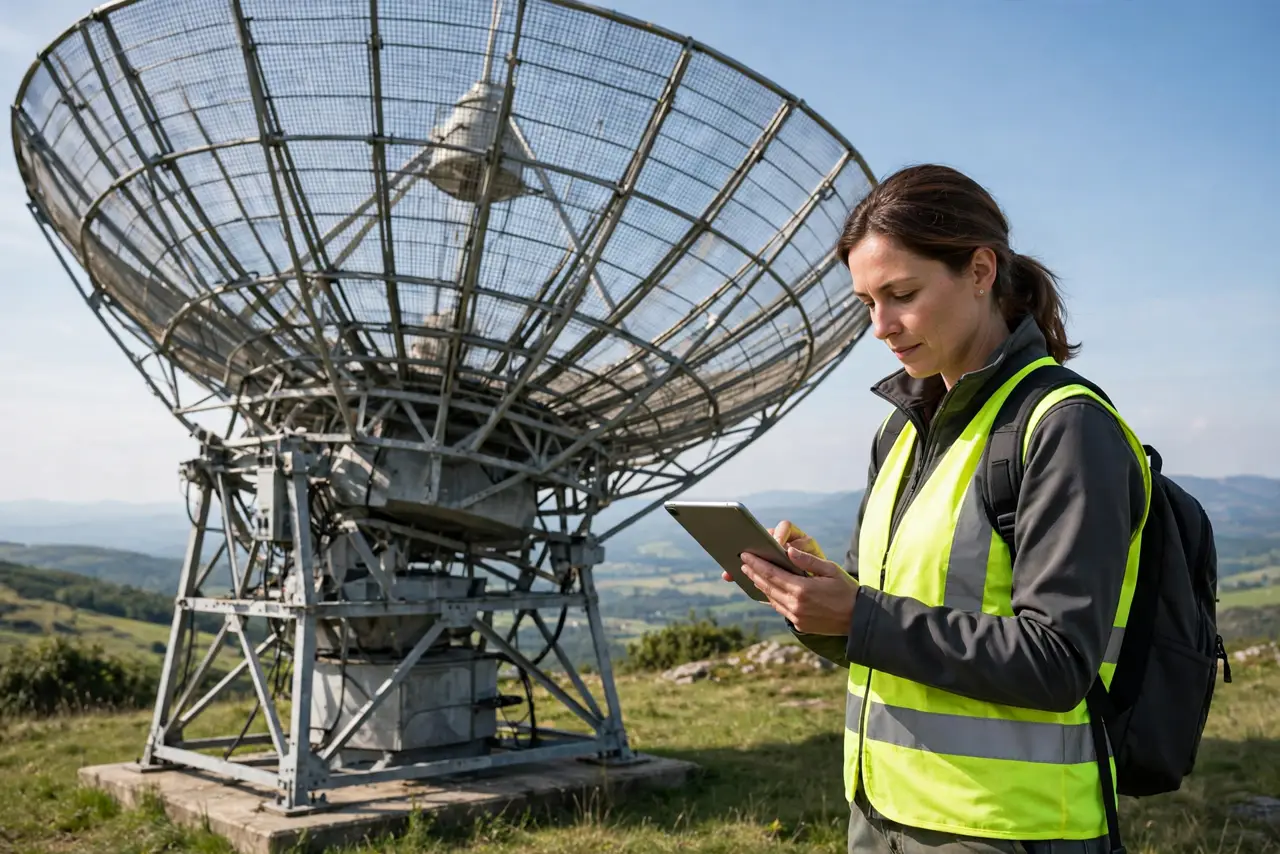
- Do not mount the antenna yourself unless the provider allows it. Aiming needs their signal meter — eyeballing it wastes an afternoon.
- Do not assume it is the same as phone hotspot data. Fixed wireless is engineered as home broadband; phone tethering is a backup with phone-plan limits.
- Do not ignore the contract's data cap. Fixed wireless caps bite harder than they look — one 4K household can hit them.
- Do not plant fast-growing trees in the signal path. Today's clear view becomes next year's dead zone.
Frequently asked questions
Is fixed wireless good for gaming?
Better than satellite, worse than cable or fiber. Latency is decent when the signal is clean — competitive gaming is playable, not ideal.
How is it different from 5G home internet?
5G home uses cellular networks and a plug-in gateway; fixed wireless uses a dedicated tower link and a roof antenna. Both are wireless last-miles with similar tradeoffs.
Will trees really block it?
Dense wet foliage absolutely can, especially at higher frequencies. This is the technology's fundamental weakness — respect the survey.