How Often Reboot the Router?
'Have you tried turning it off and on again' is a cliché because it works — but should you reboot the router weekly as preventive medicine, or only when something breaks? The answer is refreshingly boring: modern routers rarely need scheduled reboots, and ritual restarts mostly waste your time. Here is the evidence-based schedule.
TL;DR / Quick Fix
Quick fix: reboot the router when the internet misbehaves — slow, dropping, or dead — not on a calendar schedule. A reboot clears stuck states and takes two minutes. If you are rebooting weekly to keep things working, the router is dying or overheating.
Follow these steps
- Reboot on symptoms, not on schedule. Slow speeds, dropped connections, devices that will not connect — those merit a reboot. A working router gains nothing from a weekly restart.
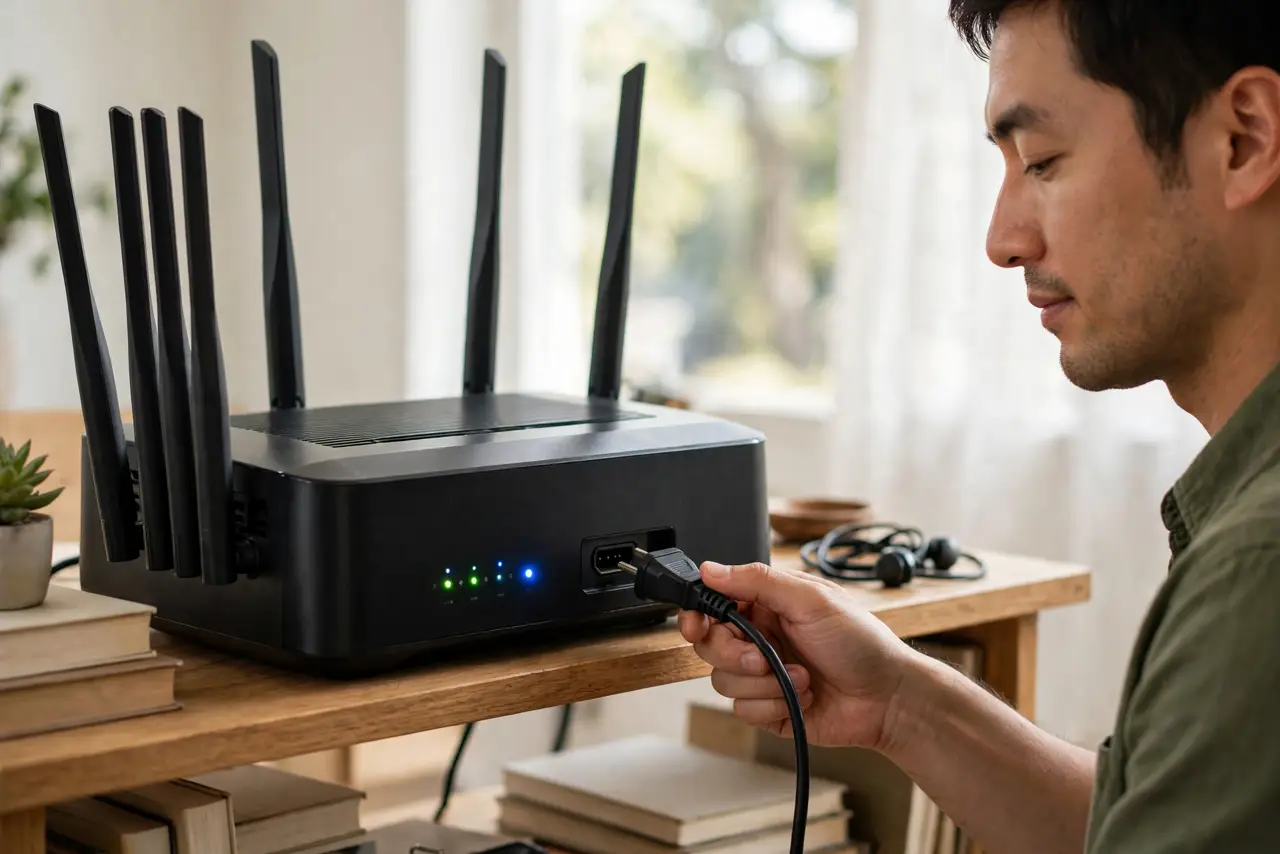
- Do it properly. Unplug the power for a full 30 seconds (or use the router's restart button), then wait two minutes for a full boot. Rushing the power cycle is the classic ineffective reboot.
- Reboot the chain in order. Modem/ONT first, then router, then mesh nodes — each fully booted before the next starts. Wrong order causes half the 'reboot didn't help' complaints.
- Track the frequency. Rebooting monthly is normal-ish. Weekly means something is wrong: overheating, failing hardware, or a firmware bug worth investigating.
- Update firmware instead of rebooting ritually. Many 'needs weekly reboots' routers are fixed by a firmware update that patches the underlying memory leak.
- Replace, don't ritualize. If reboots are the only thing keeping it alive, budget for a new router. Your time has value too.
What NOT to do
- Do not reboot daily 'to keep it fast.' A healthy router does not slow down between reboots — you are treating a problem you do not have.
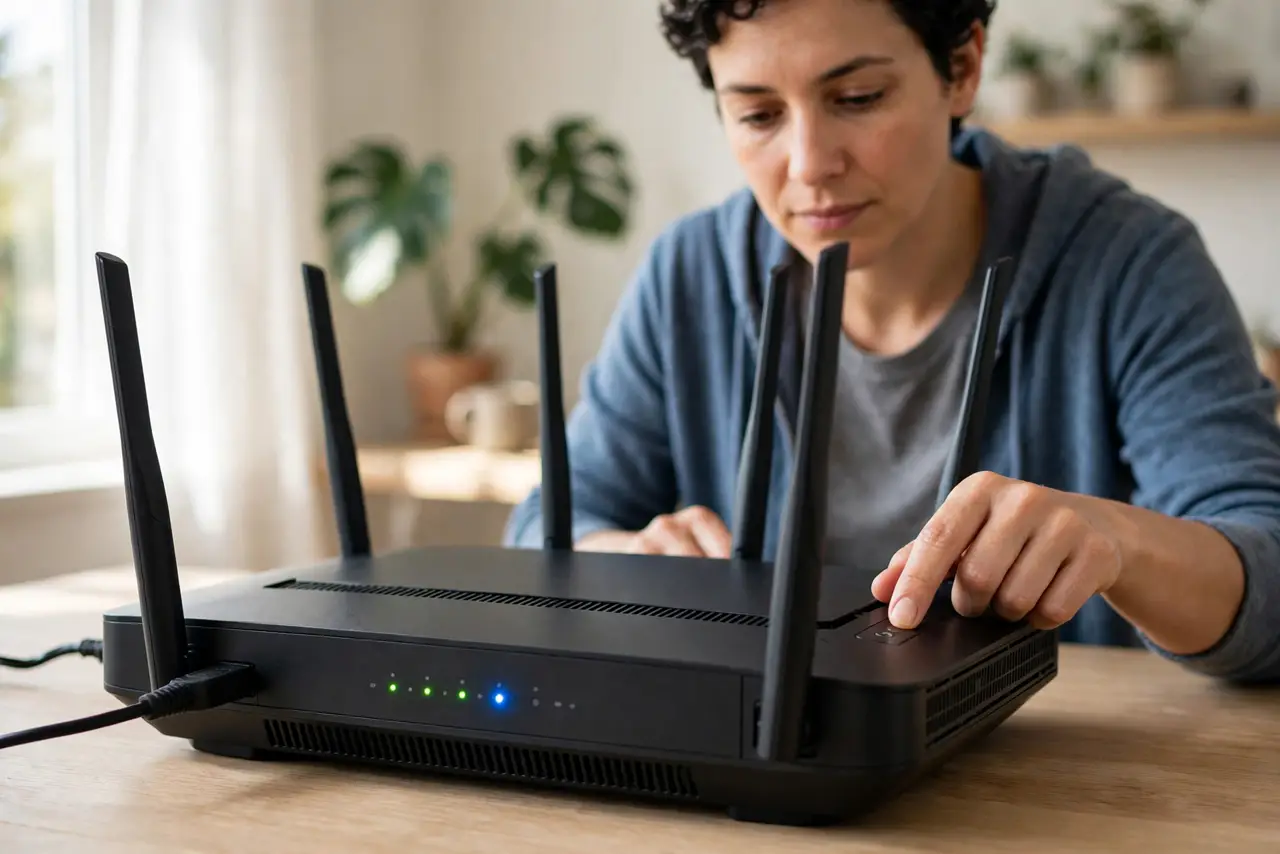
- Do not confuse reboot with reset. Reboot = power cycle, settings kept. Reset = factory wipe, everything lost. Never reset when you mean reboot.
- Do not reboot during a firmware update. Interrupting an update can brick the router — if the lights are flashing oddly, wait.
- Do not automate reboots with a smart plug on a dying router. You are masking hardware failure with a timer — fix the root cause.
Frequently asked questions
Will rebooting make my internet faster?
Only if something was stuck. A healthy connection reboots to exactly the same speed — the reboot fixes faults, not physics.
How long should I leave it unplugged?
Thirty seconds minimum. Capacitors need time to drain; a two-second unplug is barely a reboot.
Should I reboot the modem too?
If the problem is the internet connection itself (not just Wi-Fi), yes — modem first, then router.