Latency vs Speed? What Matters
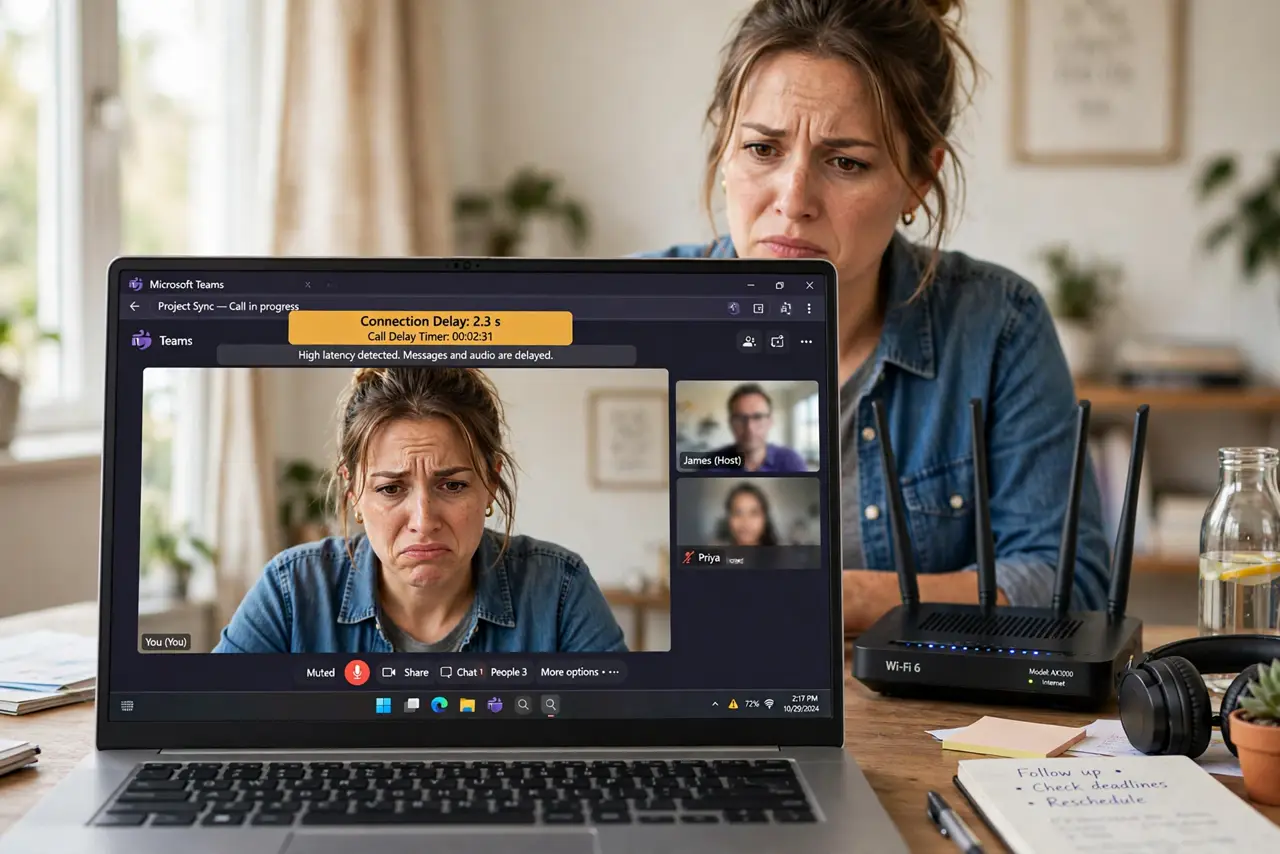
Your speed test says 500 Mbps but video calls still stutter and games still lag. That is because speed tests measure bandwidth — how much data moves — while calls and games care about latency: how fast each bit gets there and back. They are different problems with different fixes. This guide explains which one is hurting you.
TL;DR / Quick Fix
Quick fix: speed (bandwidth) decides how much downloads at once; latency (ping) decides how responsive everything feels. Stuttering calls and laggy games are latency problems, not speed problems. Test ping separately, and fix latency with a wired connection before buying more speed.
Follow these steps
- Learn the difference. Bandwidth is the width of the pipe — how much data per second. Latency is the length of the pipe — how long one packet takes to travel. A huge pipe still feels slow if every packet takes a detour.
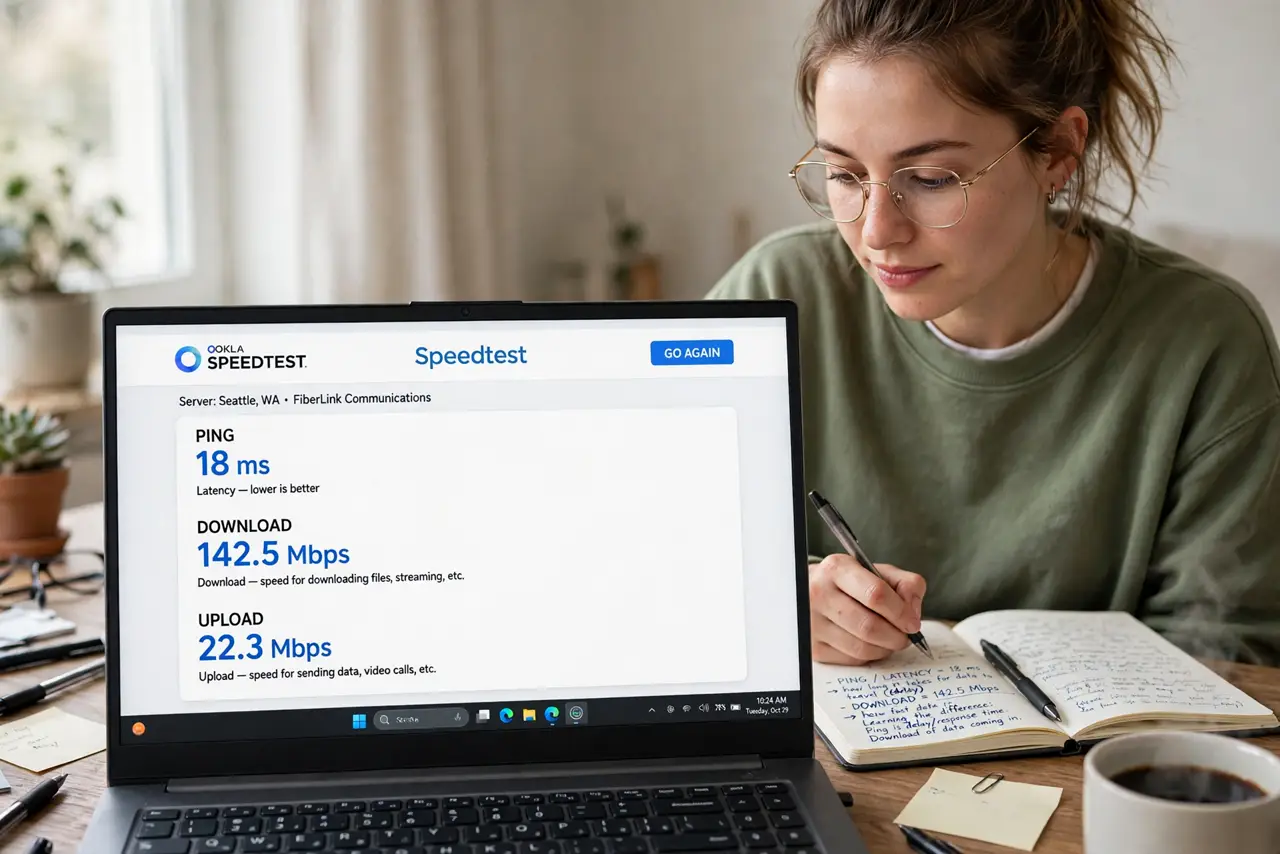
- Test latency, not just speed. Run a speed test and note the ping number, or compare test sites properly. Under 30ms is great, 30-80ms is fine for most things, and over 100ms is where calls and games start suffering.
- Know which activities care. Video calls, online gaming, and remote desktop live or die on latency. Downloads, streaming, and browsing mostly care about bandwidth — which is why Netflix is fine while Zoom stutters.
- Plug in with ethernet first. Wi-Fi adds latency from interference and retransmissions. A cable is the single biggest latency fix available — test wired to learn whether Wi-Fi is your problem.
- Compare connection types honestly. Fiber typically has the lowest latency; the fiber vs cable breakdown shows why cable's shared lines add delay. If low ping matters to you, the connection type matters more than the speed tier.
- Do not buy speed to fix lag. Upgrading from 200 to 500 Mbps will not fix a 120ms ping — latency comes from distance, routing, and connection type, not bandwidth. Spend the money on a better connection type, not a bigger number.
What NOT to do
- Do not judge your connection by the download number alone. The big Mbps figure on the bill says nothing about responsiveness.
- Do not test latency over Wi-Fi and blame the ISP. Test wired first — your own Wi-Fi is the most common latency source.
- Do not expect satellite or fixed-wireless to game like fiber. Physics sets a floor on their latency that no plan upgrade removes.
- Do not run latency tests during a big download. Saturated bandwidth inflates ping — test idle for the true number.
Frequently asked questions
What is a good ping for gaming?
Under 50ms is good, under 30ms is excellent. Above 100ms you will feel the delay; above 200ms most fast games become unplayable.
Why is my ping fine but my call still stutters?
Jitter — variation in latency — matters as much as the average. Steady 60ms beats jumping between 20 and 150ms. Wired connections fix jitter first.
Can a VPN improve latency?
Rarely — VPNs usually add latency. The exception is when your ISP routes badly and the VPN takes a shorter path, which does happen but is not the norm.