Old Router Bottlenecks Gigabit? Check
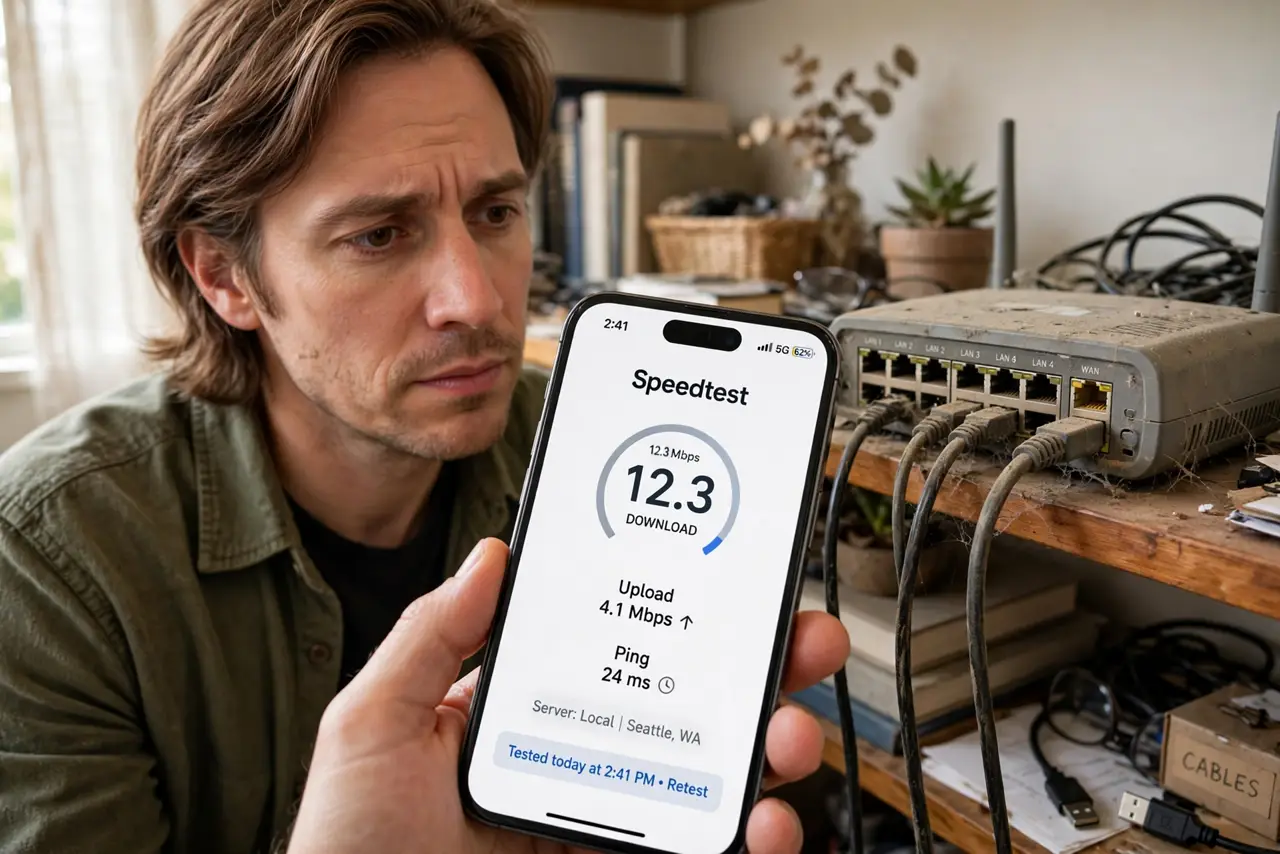
You pay for gigabit, but speed tests never break 100 Mbps — even wired, right next to the router. Before blaming the provider, look at the box doing the routing: an old router with 100 Mbps ports or an ancient Wi-Fi standard caps everything behind it, no matter what the plan promises. Here is how to check in five minutes.
TL;DR / Quick Fix
Quick fix: check the router's Ethernet ports — '10/100' means a 100 Mbps ceiling; you need '10/100/1000' for gigabit. Also check its Wi-Fi standard: anything older than Wi-Fi 5 will not deliver gigabit wirelessly. If either is the bottleneck, the fix is a new router.
Follow these steps
- Read the port labels. Look at the Ethernet ports: '10/100' means a 100 Mbps ceiling per port. You need '10/100/1000' or 'Gigabit' for the full plan speed to pass through.
- Check the Wi-Fi standard. Log into the router or read its model sticker. 802.11n (Wi-Fi 4) tops out far below gigabit in practice; you want 802.11ac (Wi-Fi 5) or newer.
- Test wired, directly, with nothing else running. Plug one laptop straight into the router, close everything, and test. If wired caps at ~95 Mbps, the router's ports or processor are the wall.
- Check the cable too. A damaged or ancient cable between modem and router can negotiate down to 100 Mbps. Swap in a known-good Cat5e or better — see cable categories.
- Look at the router's CPU age. Even with gigabit ports, a 2012-era processor cannot route gigabit under load. If the router is a decade old, its brain — not just its ports — is the limit.
- Decide: upgrade or repurpose. A new Wi-Fi 6 router is the fix. The old one need not die — see reuse it as an access point.

What NOT to do
- Do not pay for a faster plan to fix a router bottleneck. The plan was never the limit — the box was.
- Do not buy the most expensive router blindly. A solid mid-range Wi-Fi 6 router delivers gigabit for most homes; flagship features mostly benefit huge device counts.
- Do not throw the old router away immediately. As an access point it can extend coverage — e-waste helps nobody.
- Do not forget the modem. On cable plans the modem can bottleneck too — confirm it is rated for your speed tier.
Frequently asked questions
How do I know my router's real speed limit?
Wired test straight into the router with everything else quiet. That number is the truth — Wi-Fi tests add too many variables.
Will a new router really give me gigabit over Wi-Fi?
Close to the router on Wi-Fi 6, yes — real-world 600-900 Mbps is typical. Across the house on 2.4 GHz, no.
Is my ISP's free router the bottleneck?
Often. See is the ISP router good enough — provider boxes are built to a price, not a performance target.