ONT Lights? What They Mean
If you have fiber internet, there is a small box on your wall — the ONT, or optical network terminal — translating light signals into internet. When the internet dies, its little lights are the first diagnostic clue: some mean all is well, some mean the fiber line itself is down. Learning to read them saves you an hour on hold with support.
TL;DR / Quick Fix
Quick fix: the ONT is the fiber box on your wall — its lights diagnose outages. Solid green power and PON lights mean the fiber line is fine; a red LOS light means the signal is lost and you should call your provider. Note the light pattern before calling support.
Follow these steps
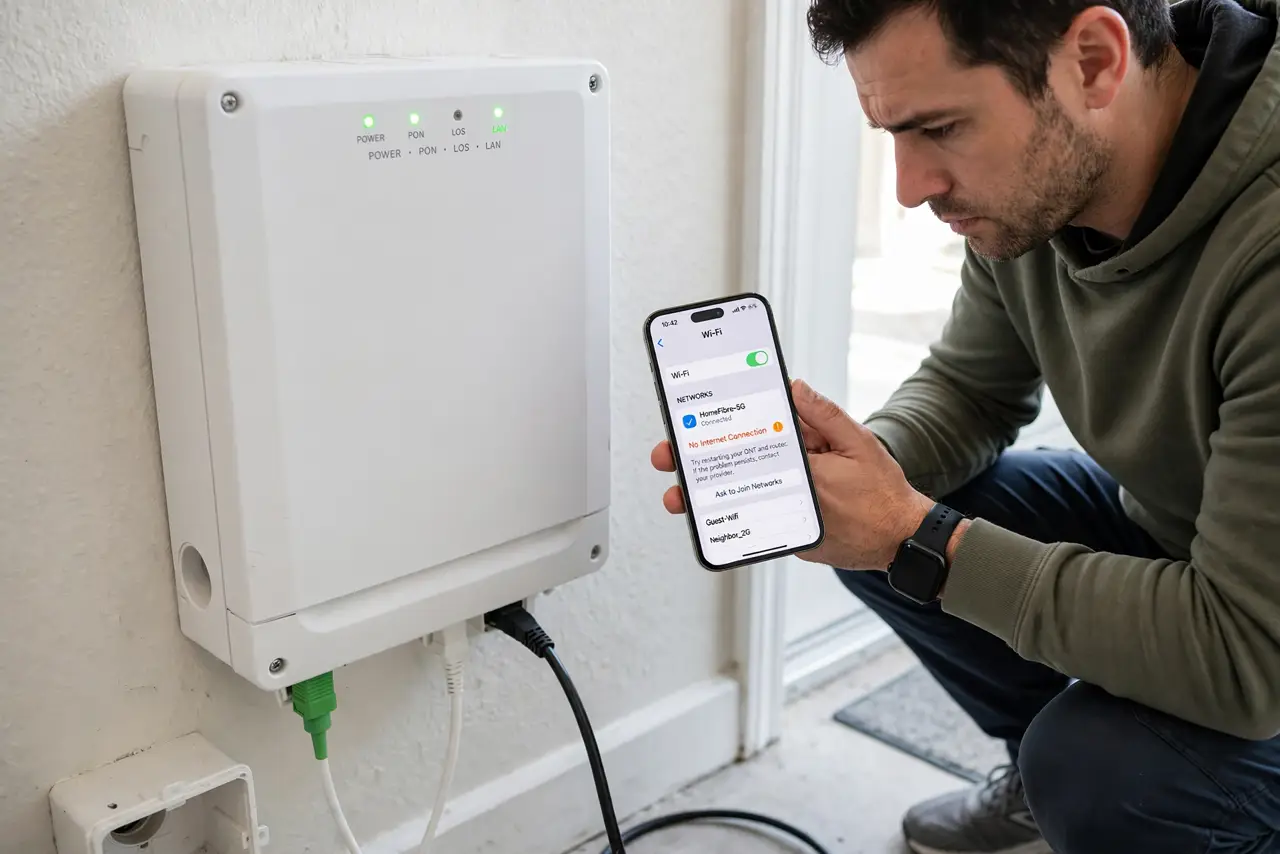
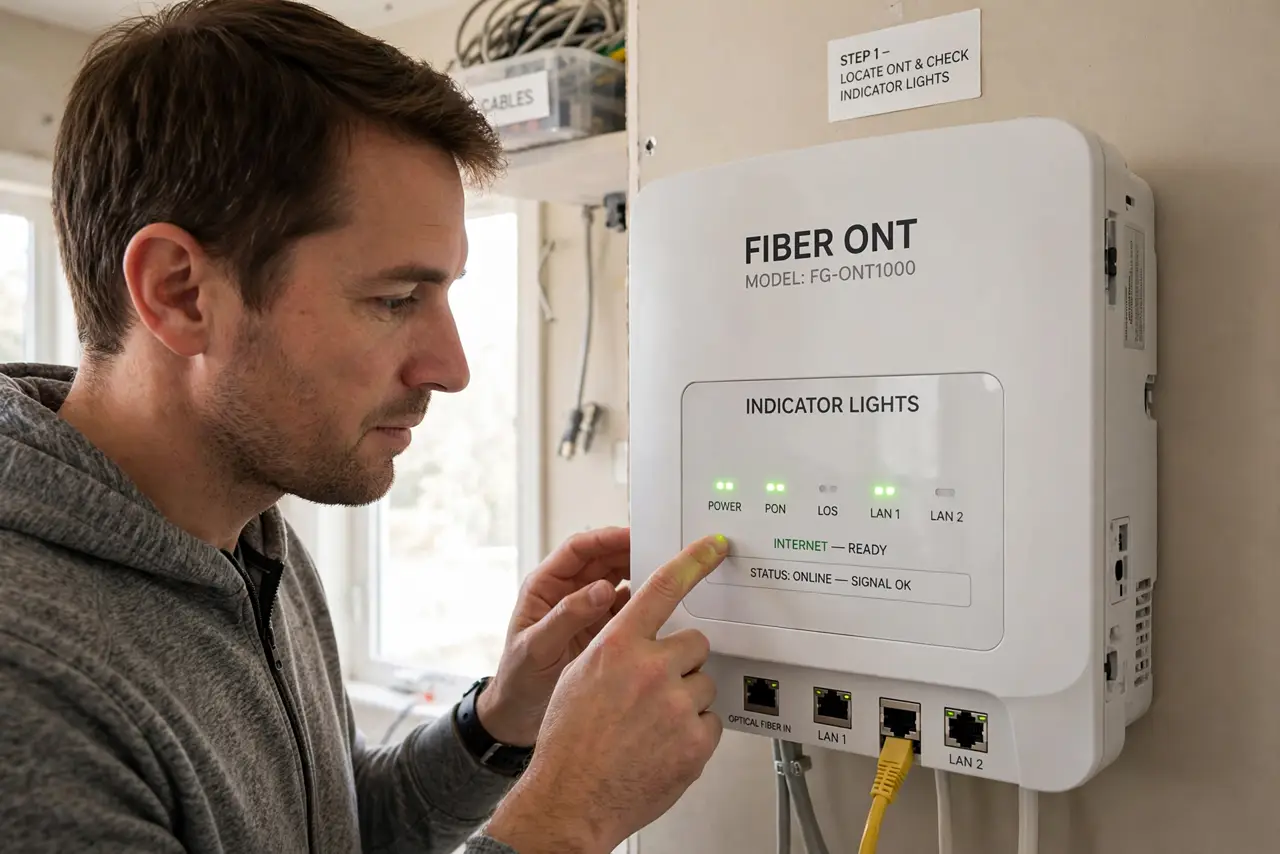
- Find your ONT and learn its lights. The ONT is usually a small white or black box where the fiber enters your home. Common lights: Power, PON (fiber link), LOS (loss of signal), and LAN (connection to your router).
- Read a healthy ONT. Power solid green, PON solid green, LOS off, LAN blinking with activity — that is a working fiber connection. If the internet is still down, the problem is your router or Wi-Fi, not the fiber.
- Read a red LOS light. LOS lit red means the fiber signal is not reaching your home — a cut line, a disconnected cable, or a provider outage. Check that the thin fiber cable is firmly seated, then call your provider; no home reboot fixes a dead fiber signal.
- Check the fiber cable gently. The thin cable into the ONT is fragile glass — make sure it is plugged in and not bent sharply or crushed by furniture. Never yank it; a kinked fiber needs a technician.
- Power-cycle the ONT correctly. Unplug the ONT's power for 30 seconds, then plug it back in and wait two minutes for the lights to settle. Unlike a cable modem, the ONT rarely benefits from repeated reboots — once is enough.
- Report the light pattern to support. When you call, say exactly which lights are on, off, or red. That one sentence tells the technician whether to send a line crew or walk you through router steps.
What NOT to do
- Do not bend or kink the fiber cable. It is glass — sharp bends break the signal permanently.
- Do not unplug the fiber connector repeatedly. The ends are delicate and pick up dirt; seat it once and leave it.
- Do not reboot the ONT five times hoping for a different result. One clean power cycle is the test; after that, call support.
- Do not open the ONT box. There is nothing user-serviceable inside, and tampering can violate your provider agreement.
Frequently asked questions
What does PON blinking mean?
A blinking PON light usually means the ONT is trying to register with the provider's network. If it never goes solid, call your provider — the line or the ONT may need attention.
ONT vs modem — what is the difference?
An ONT converts fiber light signals to Ethernet; a modem converts cable or DSL signals. Fiber homes have an ONT, cable homes have a modem — different boxes, similar job.
Can I replace my ONT myself?
No — the ONT is provider equipment, registered to your line. If it is faulty, your provider replaces it, usually free.