Powerline Adapters? Basics
Your router is downstairs, your office is upstairs, and Wi-Fi barely reaches — but you can't run an Ethernet cable through the walls. Powerline adapters solve this by sending network data through your home's electrical wiring: plug one near the router, one near your device, and you get a wired-like connection with no new cables.
TL;DR / Quick Fix
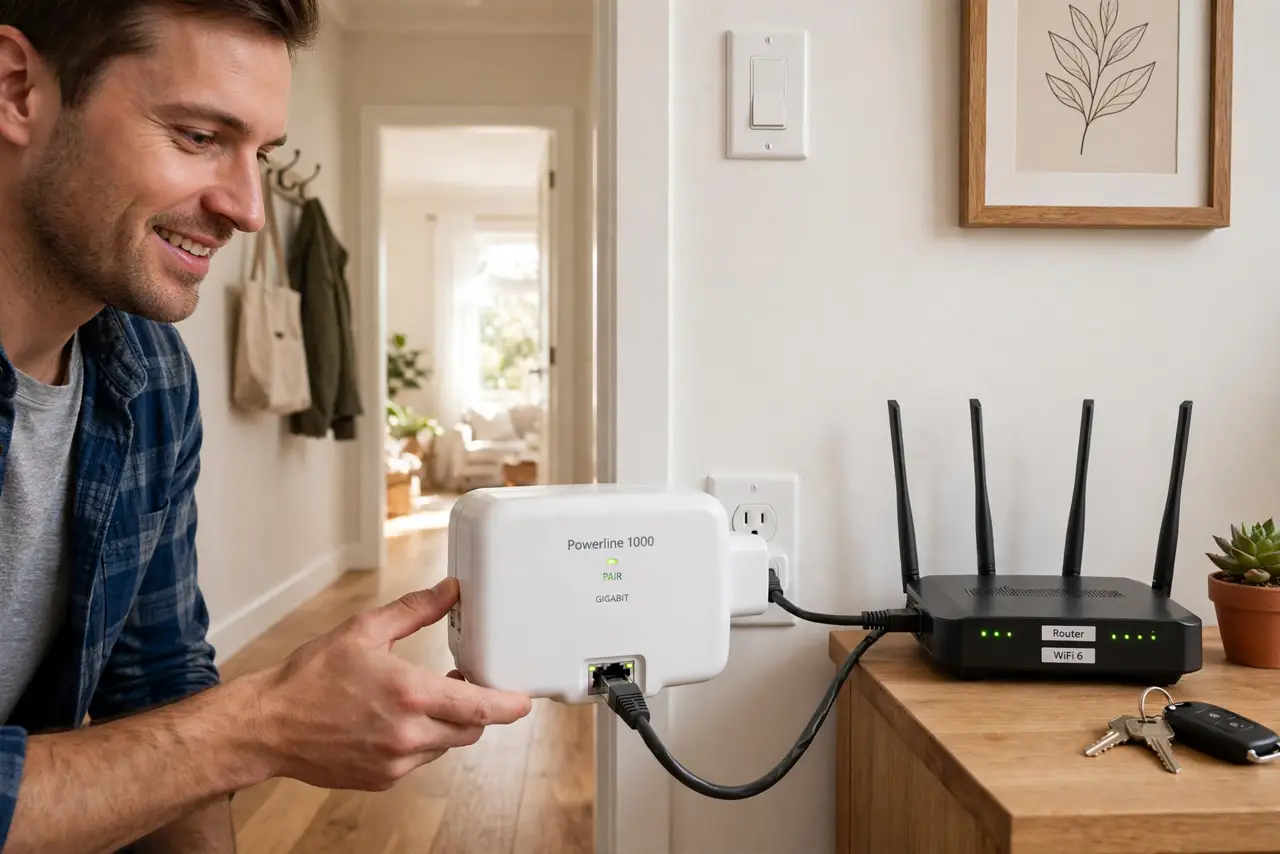
Quick fix: plug one adapter near your router (Ethernet in), one near your device (Ethernet out), and pair them with the button. You get a stable wired-style link through your electrical wiring. They work best on the same electrical circuit — speeds vary with your home's wiring quality.
Follow these steps
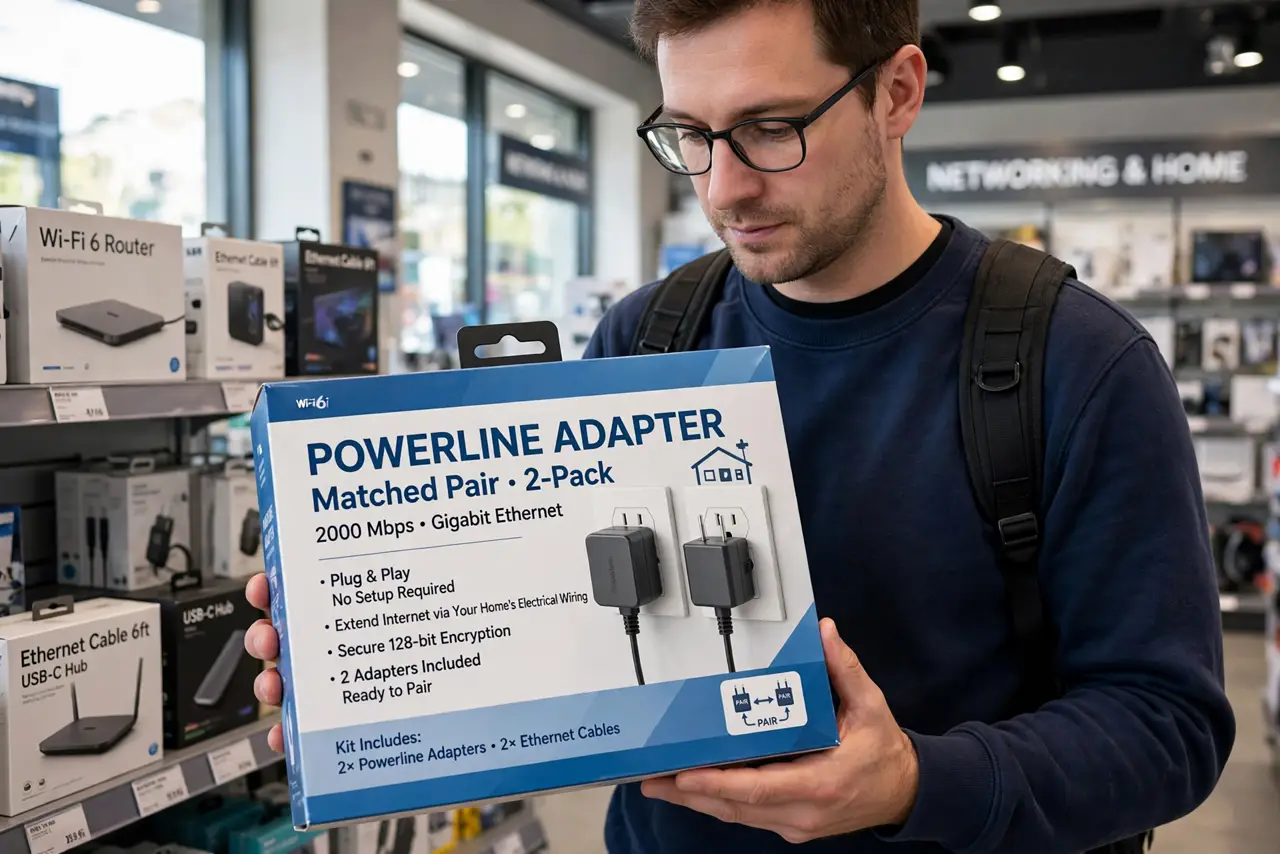
- Buy a matched pair. Powerline adapters come in pairs (or add singles later) and work best as a matched set. Don't mix very old and new standards — the link runs at the speed of the slowest adapter.
- Plug directly into wall outlets. No power strips, no surge protectors, no extension cords — plug both adapters straight into the wall. Filters in strips block the signal and can cut speeds dramatically.
- Connect and pair. Run Ethernet from your router to the first adapter, and from the second adapter to your device. Press the pair button on both — they find each other through the wiring in under a minute.
- Keep them on the same circuit. Adapters on the same electrical circuit perform best. Crossing circuit breakers still works but usually slower — test the actual location before committing.
- Test the real speed. Run a speed test through the adapter and compare with Wi-Fi in the same spot. If powerline wins clearly, keep it; if it's worse, see slow adapter fixes before giving up.
- Secure the link. Most adapters encrypt the powerline link with a button-press pairing, but check the manual — an unsecured adapter could theoretically leak to a neighbor on shared wiring in apartments.
What NOT to do
- Do not plug adapters into power strips. This is the number one performance killer — surge protection and filtering eat the signal.
- Do not expect the advertised speed. The big number on the box is a lab figure; real homes get a fraction. Judge by your tested speed, not the box.
- Do not use powerline for competitive gaming if you can avoid it. Latency is better than bad Wi-Fi but worse than real Ethernet — fine for streaming, marginal for esports.
- Do not assume they work across separate buildings. Different meters or buildings usually break the link entirely — they're a same-home solution.
Frequently asked questions
Powerline vs mesh Wi-Fi — which is better?
Powerline gives a wired endpoint with consistent latency; mesh gives better whole-home wireless coverage. For one distant desk, powerline often wins; for phones roaming the house, mesh wins — see the head-to-head.
Why does my adapter keep dropping?
Usually interference from appliances on the same circuit or a strip in the path. Move it to a direct wall outlet away from big motors, and see drop fixes.
Do they work in old houses?
Often yes, but old or unusual wiring lowers speeds. There's no way to know without testing — buy from a retailer with a good return policy and test in your actual outlets.