Starlink vs 5G? Basics
You are beyond cable's reach and down to two options: a satellite dish on the roof or a 5G box in the window. Starlink and 5G home internet both serve the rural and underserved, but they work nothing alike — different gear, different weaknesses, different bills. Picking wrong means overpaying for years. Here is the honest comparison.
TL;DR / Quick Fix
Quick fix: choose 5G home internet if you have a strong 5G signal — it is cheaper, simpler, and needs no dish. Choose Starlink if cell signal is weak or congested but you have clear sky. Test your phone's 5G speed at home first; that preview is surprisingly predictive.
Follow these steps
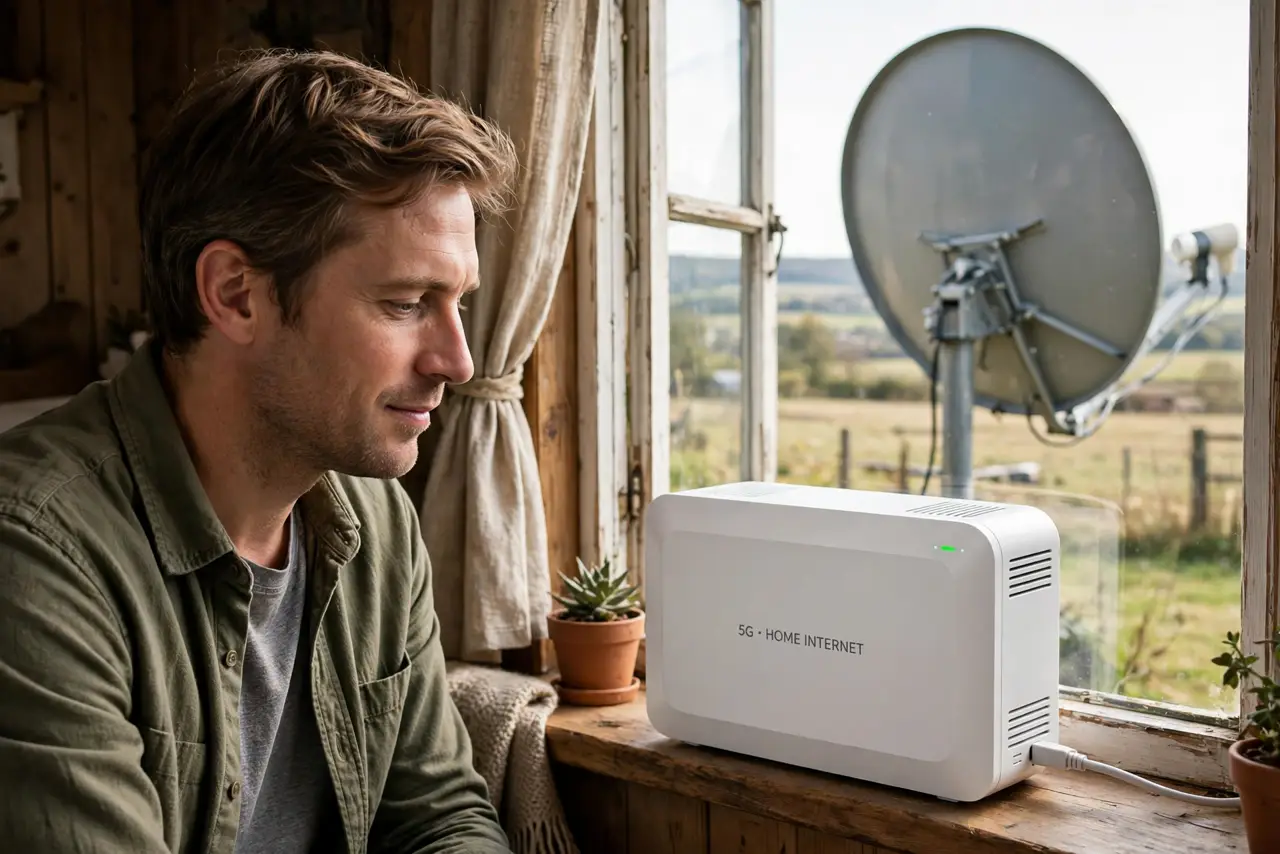
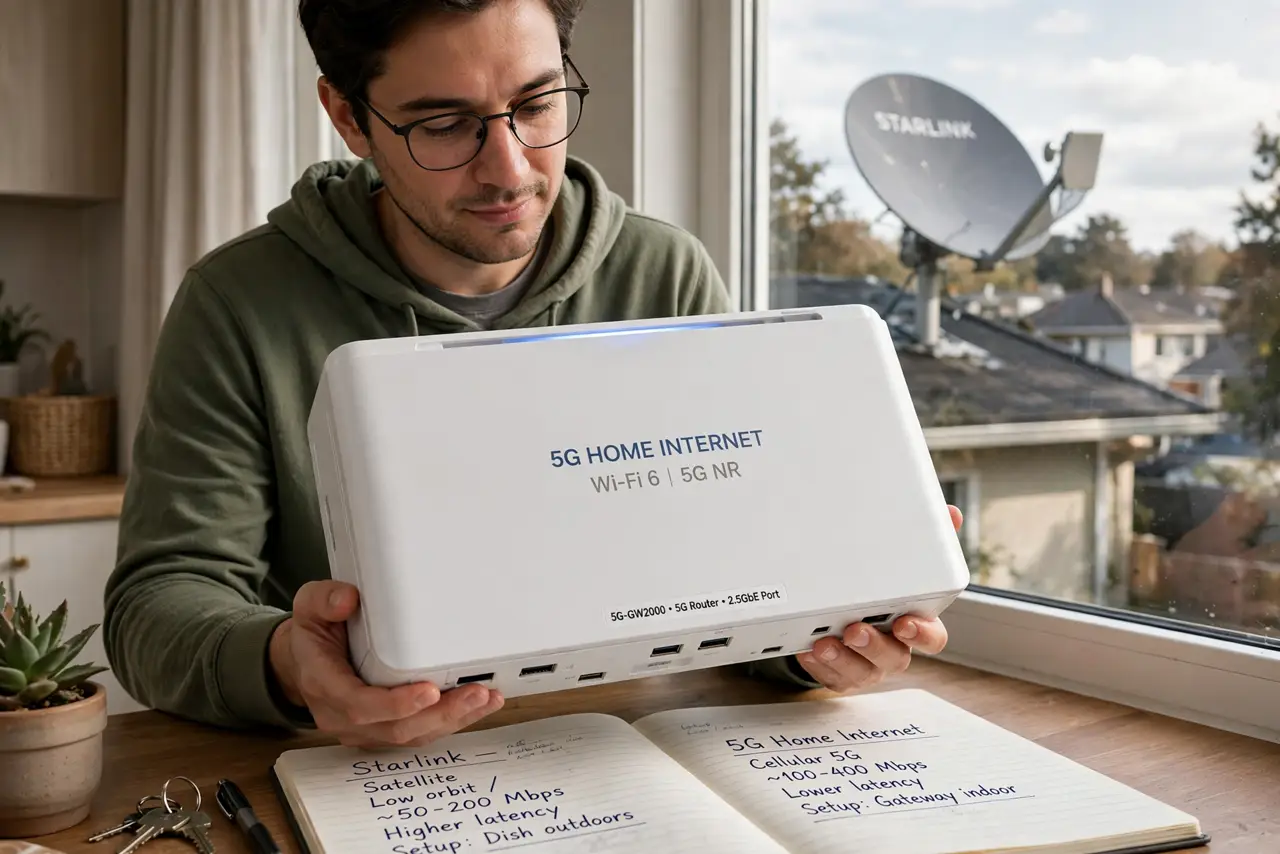
- Understand the two technologies. Starlink beams internet from low-orbit satellites to a dish you install. 5G home internet is a cellular router using the same mobile network as phones. One needs sky; the other needs cell towers.
- Test your cell signal first. Run speed tests on your phone around the house at different times of day. Strong, consistent 5G (100+ Mbps) means 5G home internet will likely serve you well — see how carriers handle data prioritization before signing up.
- Compare the real costs. 5G home internet usually has no hardware cost beyond the gateway (often free or rented) and a flat monthly fee. Starlink charges significant upfront hardware plus a higher monthly fee — do the two-year math, not the first-month math.
- Weigh weather vs congestion. Starlink degrades in heavy rain and needs clear sky; 5G degrades with tower congestion at peak hours. Which bothers you more depends on your location — ask neighbors what they experience.
- Consider latency for your uses. 5G typically delivers 20–40 ms latency; Starlink 25–50 ms. Both handle video calls and streaming; neither matches fiber for competitive gaming. For the Starlink details, see our Starlink basics guide.
- Check contracts and trial periods. 5G home internet often has no contract and a trial window; Starlink has a return window for the hardware. Use the trial aggressively — test at peak evening hours, not just at noon.
What NOT to do
- Do not choose on advertised speeds alone. 'Up to' numbers are fantasy — real-world tests at your address, at 8 PM, are the truth.
- Do not mount a Starlink dish before testing 5G. The cheaper, simpler option deserves its trial first.
- Do not ignore data prioritization on 5G. Some 5G home plans deprioritize after heavy use — fine for browsing, painful for a household of streamers.
- Do not sign a long contract without a trial. Both technologies vary wildly by location — the trial period is your only honest preview.
Frequently asked questions
Can I use both as backup for each other?
Yes, and rural workers sometimes do — a dual-WAN router can fail over between them. It doubles the bill, so reserve this for income-dependent connectivity.
Which is better for streaming 4K?
Both handle it when healthy — 4K needs about 25 Mbps sustained. Pick based on which is more consistent at your location during evening hours.
Does 5G home internet work in a power outage?
The gateway needs power like any router, but a small UPS keeps it alive — and unlike Starlink's dish, there is nothing on the roof to worry about.