Too Many Devices Slow Wi-Fi? Fix It
Ten years ago your Wi-Fi served two laptops. Now it serves phones, tablets, TVs, doorbells, speakers, watches, bulbs, and the fridge — and everything feels slower. Every device shares your router's attention, and old routers were never designed for a crowd. Here is how to tell if device count is your problem and what actually helps.
TL;DR / Quick Fix
Quick fix: yes — every connected device shares your router's attention, and dozens of phones, TVs, and smart gadgets can overwhelm an old router. Reboot the router, move heavy users to 5 GHz or ethernet, and update its firmware. If slowdowns persist, upgrade to a modern router.
Follow these steps
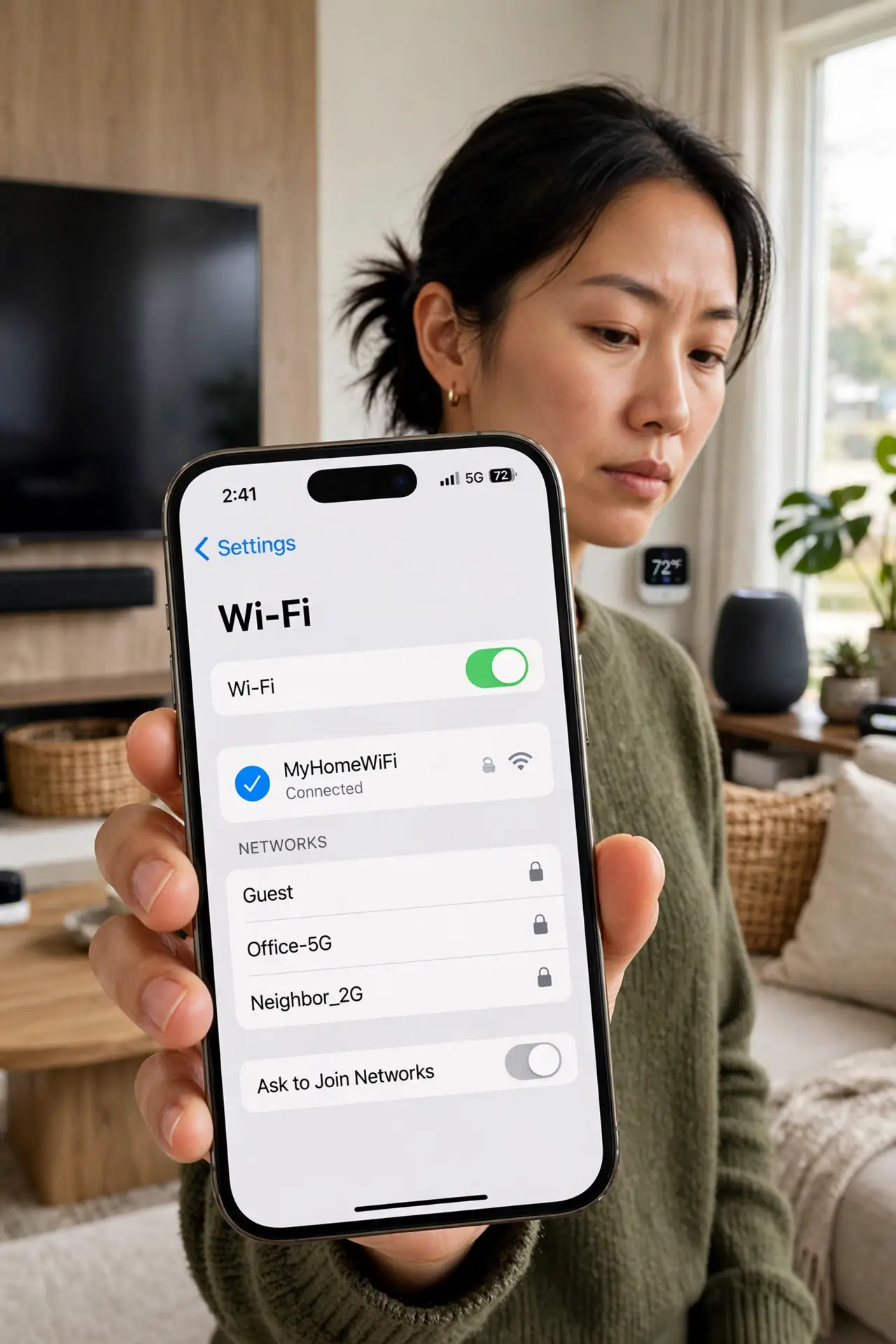
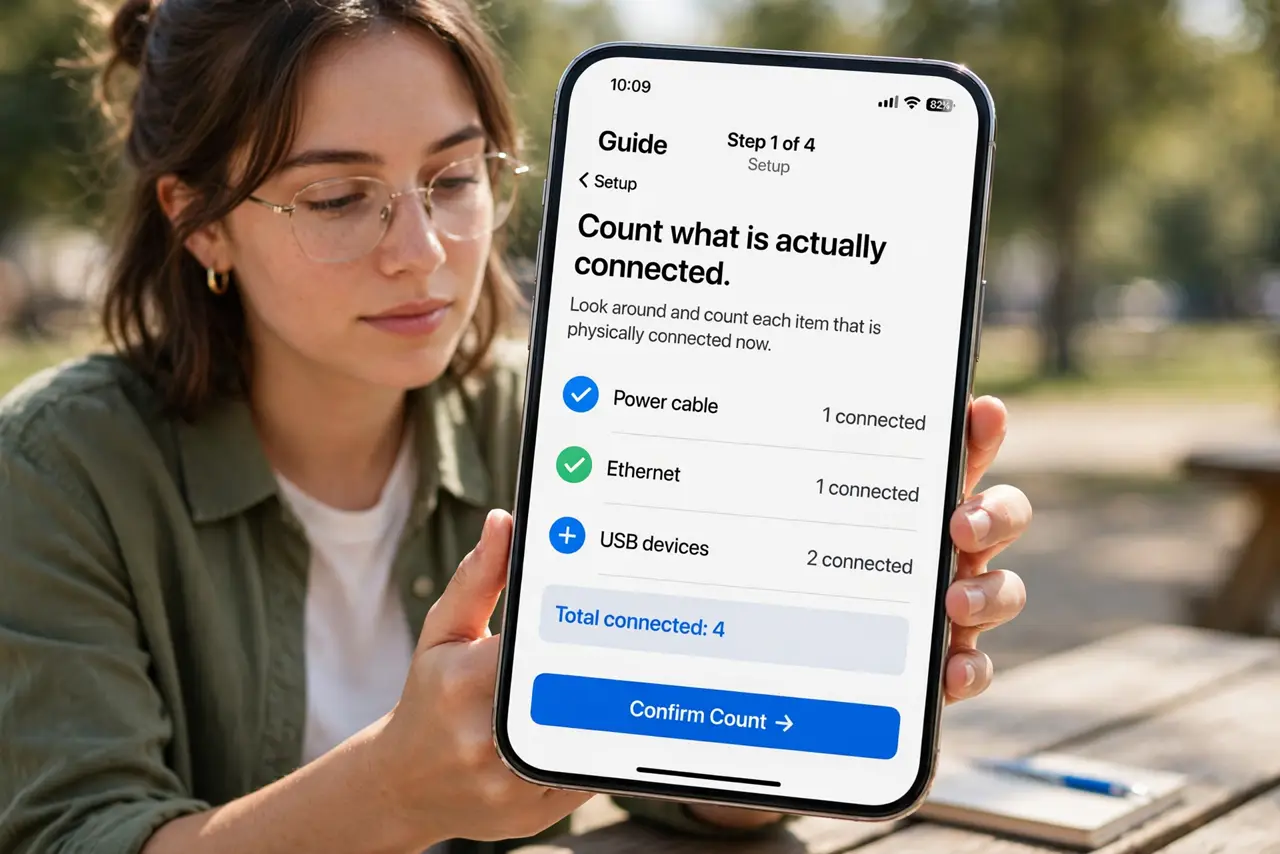
- Count what is actually connected. Open your router's app and look at the device list — most people are shocked. Twenty to forty devices is normal in a modern home; old routers start wheezing well before that.
- Know idle devices still chatter. A 'sleeping' smart speaker or camera still pings the network regularly. Dozens of idle devices create background noise that steals airtime from active ones.
- Move heavy users off Wi-Fi or to 5 GHz. TVs and consoles on ethernet, laptops on 5 GHz — every heavy user you move frees the crowded 2.4 GHz band for the little smart gadgets that can only use it.
- Reboot on a schedule. A weekly router reboot clears the memory leaks and stale connections that accumulate with many devices.
- Update the router firmware. Makers improve device-handling with updates. An old firmware on a crowded network is leaving performance on the table.
- Upgrade the router if the crowd stays slow. Modern routers handle many simultaneous devices far better than 2015-era ones. If the device count keeps growing, the router is the bottleneck — not your plan.
What NOT to do
- Do not blame your internet plan first. Device congestion happens inside your home — a faster plan does not give your router more attention to share.
- Do not connect everything to 2.4 GHz 'for range.' That band is the crowded one; spread devices across bands.
- Do not ignore the router's device list. Unknown devices on it could be a neighbor — check who is on your Wi-Fi before blaming the crowd.
- Do not buy a mesh system before trying placement and bands. Mesh helps coverage, not a router overwhelmed by device count — though modern mesh routers handle crowds well too.
Frequently asked questions
How many devices is too many for a router?
There is no fixed number — it depends on the router's age and how active the devices are. Forty quiet sensors are easier than ten streaming TVs.
Do smart home gadgets slow down my laptop?
Indirectly, yes — they share the router's attention and the Wi-Fi airtime. Moving your laptop to 5 GHz or ethernet isolates it from the chatter.
Will a new router really help?
If yours is five-plus years old and the house is full of devices, yes — modern routers are built for exactly this crowd.