TV Keeps Buffering?
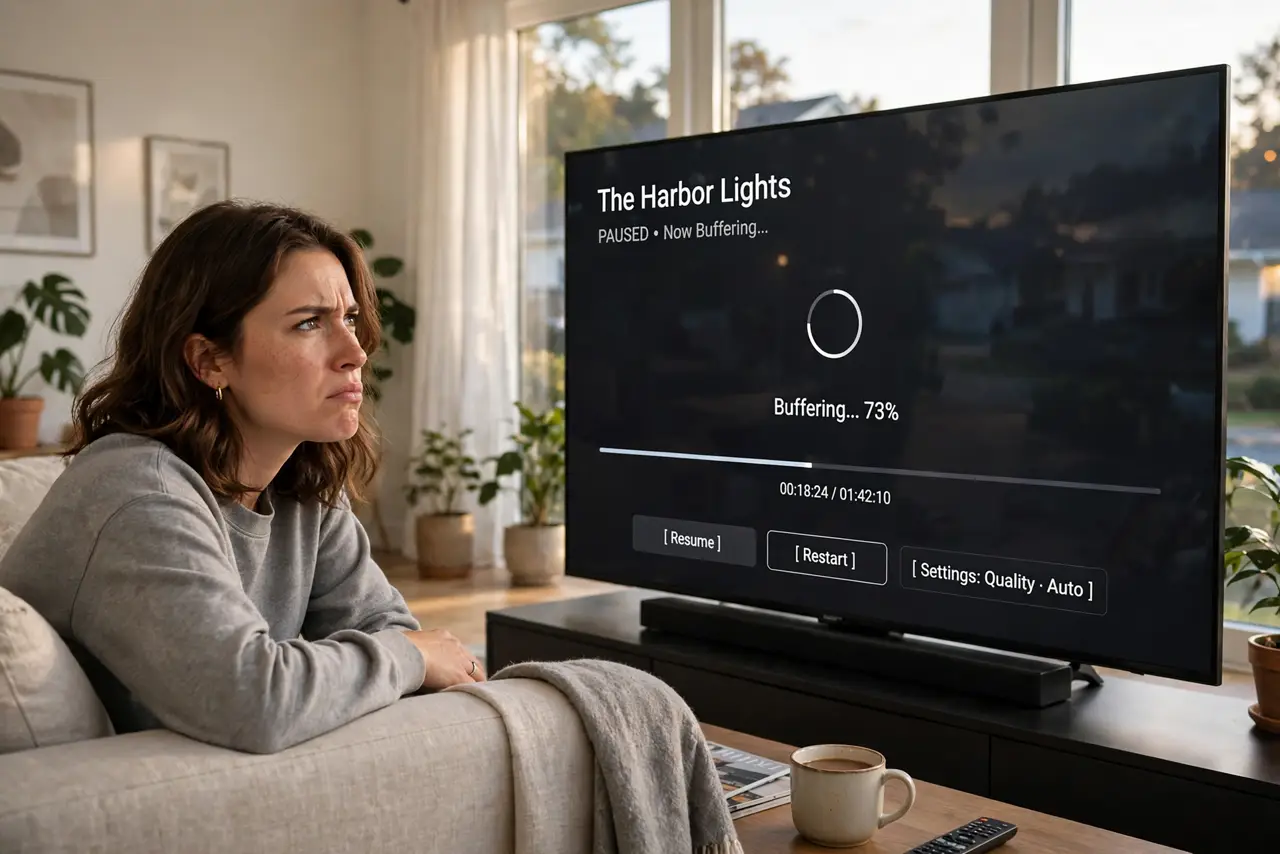
Movie night, climax scene, spinning wheel — your smart TV buffers while your phone on the same Wi-Fi streams fine. TVs are often the weakest link in the home network: worse Wi-Fi chips, bad placement, and outdated apps. The good news is the fixes are simple and mostly free.
TL;DR / Quick Fix
Quick fix: restart the TV and your router, move the router closer or plug the TV in with Ethernet, and lower the streaming quality one notch. TVs have weaker Wi-Fi than phones — a wired connection or better router placement fixes most buffering for good.
Follow these steps
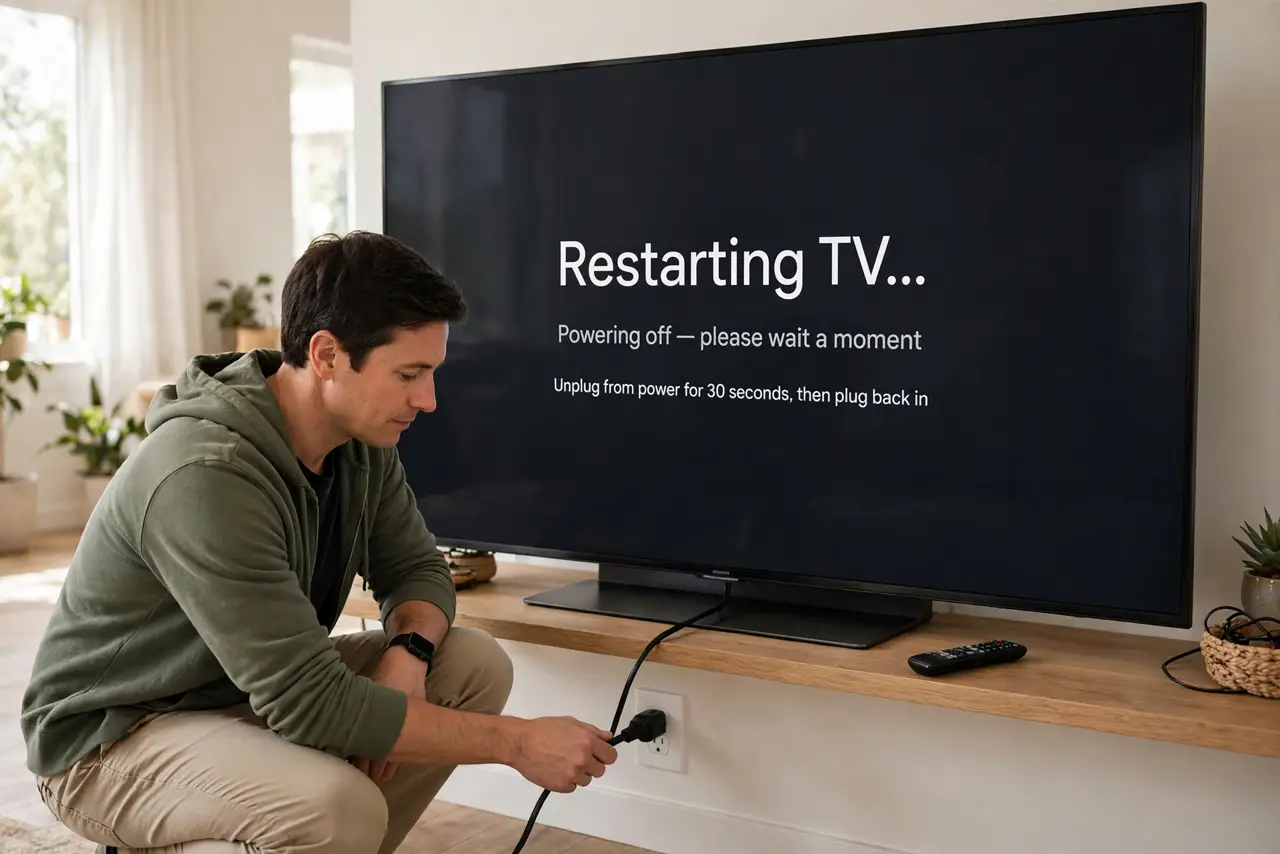
- Restart the TV properly. Don't just put it to sleep — unplug it for 30 seconds or hold the power button for a full restart. TV apps leak memory over weeks; a real reboot clears it. See the smart-TV reboot guide for your brand.
- Restart the router too. Unplug the router for 30 seconds, then plug it back in and wait two minutes. This clears stale connections that silently degrade streaming — it's the oldest fix because it works.
- Wire the TV with Ethernet. TVs have mediocre Wi-Fi radios. One Ethernet cable — or a powerline adapter if the router is far — gives the TV a stable link and ends most buffering permanently.
- Check whether it's just nighttime. If buffering only happens in the evening, your neighborhood's shared bandwidth is the cause, not your gear. See night-only buffering — a wired TV still helps by grabbing its full share.
- Lower the quality one step. Dropping from 4K to 1080p cuts bandwidth needs by more than half, and the difference is small on most viewing distances. In the app's settings, cap the quality instead of leaving it on Auto.
- Update the TV's apps and firmware. Old streaming apps buffer more — bugs get fixed. Check the TV's app store and system update menu; an update often fixes mysterious buffering overnight.
What NOT to do
- Do not pay for faster internet before fixing the TV's connection. If your phone streams fine, your plan is fine — the TV's weak link is the problem, not your bandwidth.
- Do not hide the router behind the TV. The TV's electronics interfere with Wi-Fi, and it's the worst possible neighbor for a router — see router placement.
- Do not run a VPN on the TV for streaming. VPNs add latency and often trigger buffering plus region blocks — turn it off for the TV.
- Do not ignore one bad app. If Netflix buffers but YouTube doesn't, reinstall that app — a corrupt app install buffers while the network is perfectly fine.
Frequently asked questions
Why does my phone stream fine but the TV buffers?
TVs use cheaper, weaker Wi-Fi chips than phones, and they're often farther from the router behind furniture. The network is fine — the TV's connection is the weak link, which is why Ethernet helps so much.
Will a new router fix TV buffering?
Maybe, but wire the TV first — it's cheaper and more effective. A new router helps if everything buffers; if it's only the TV, the TV's connection is the issue.
Is buffering the app's fault or mine?
Test two different apps: if both buffer, it's your connection; if only one does, reinstall that app. Also check Netflix-specific buffering for service-side issues.