VPN Disconnects Without Warning? Stay Protected
A VPN can drop silently when a network changes, a device sleeps, or a server fails. If you keep browsing without noticing, your traffic travels unprotected. The fix is to notice drops fast, and to block traffic until the VPN returns.
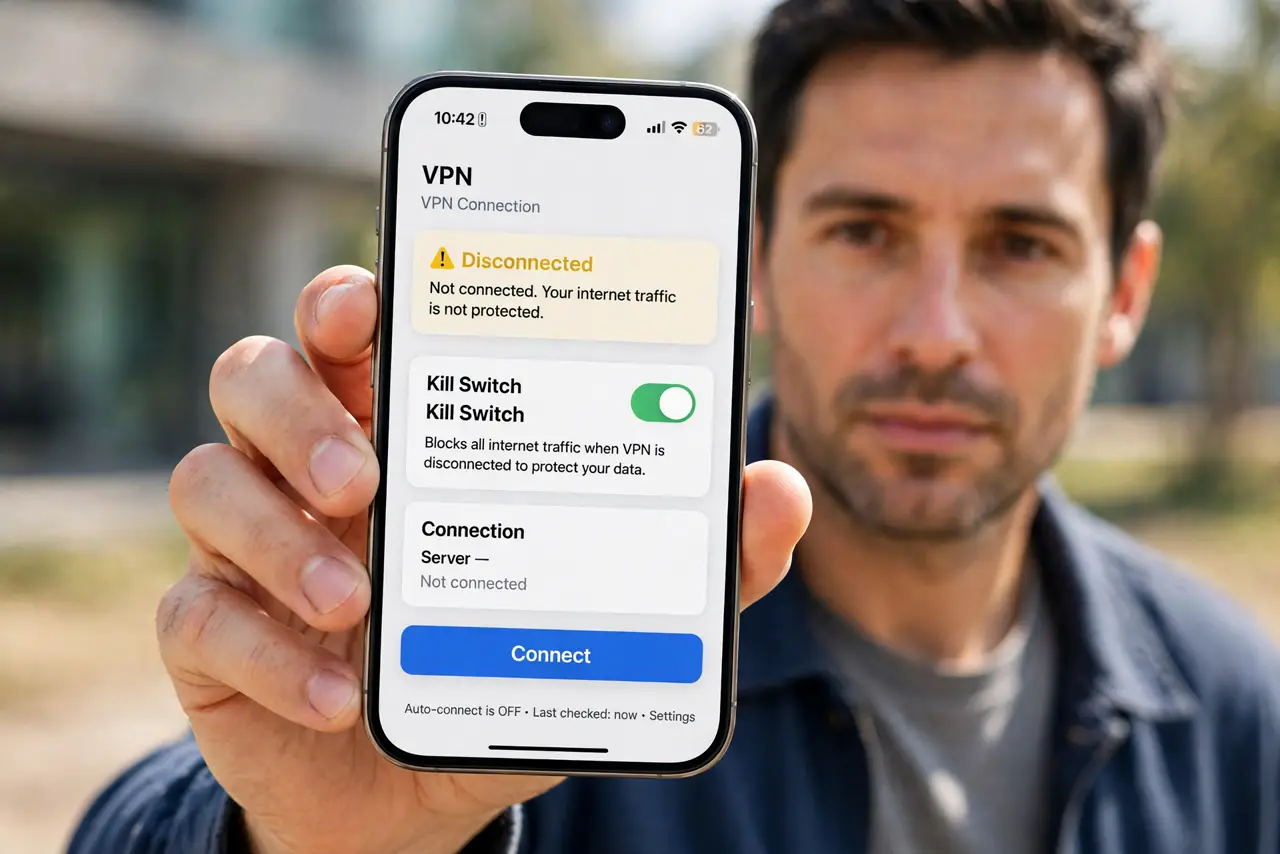
TL;DR / Quick Fix
Quick fix: check the VPN status icon before sensitive work, turn on the kill switch and auto-reconnect if your VPN offers them, and reconnect before opening banking or work sites. If the drop repeats, try another server. Check status before sensitive work.
Follow these steps
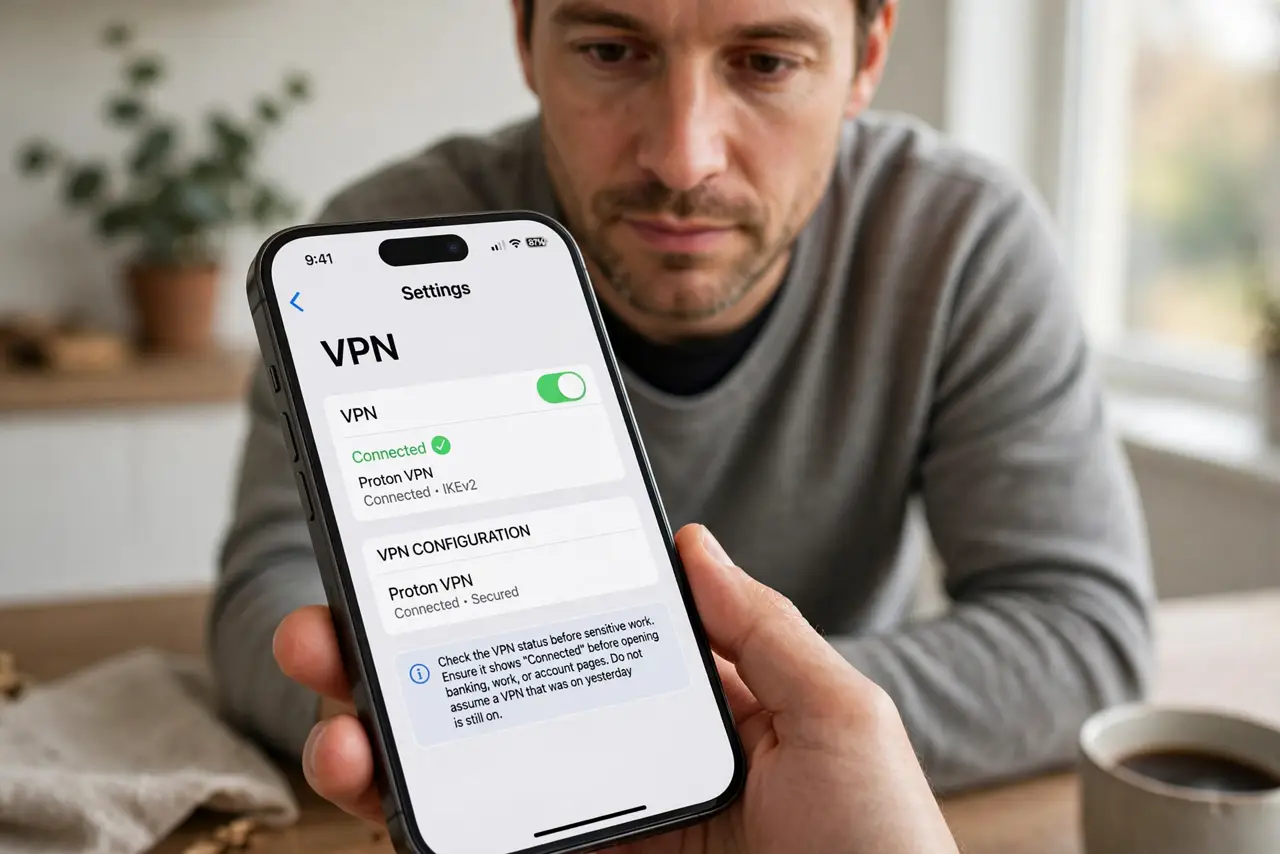
- Check the VPN status before sensitive work. Look for the VPN icon or status in the app before opening banking, work, or account pages. Do not assume a VPN that was on yesterday is still on.
- Turn on the kill switch. In VPN settings, turn on the kill switch if offered. It blocks internet traffic when the VPN drops, so nothing leaks while you are unprotected.
- Turn on auto-reconnect. Turn on auto-connect or auto-reconnect, so the VPN restores itself after sleep, network changes, or a dropped server, without you remembering each time.
- Reconnect before continuing. If you notice a drop, stop sensitive browsing, reconnect the VPN, and confirm the status icon shows connected before continuing.
- Try another server if drops repeat. If one server drops often, switch to a different server in the same region. A single overloaded server is a common cause of repeated drops.
- Update the VPN app. Update the VPN app and your device software. Drops are sometimes fixed in newer versions, especially after operating system updates.
What NOT to do
- Do not keep browsing sensitive sites after noticing a VPN drop, hoping it reconnects on its own. Stop, reconnect, and confirm first.
- Do not turn the kill switch off for convenience. It is the feature that makes a silent drop safe instead of risky.
- Do not switch VPN providers mid-task without checking the new app settings. A new app without a kill switch is less protection, not more.
- Do not ignore repeated drops. A VPN that drops constantly is not protecting you reliably, and needs a server or app change.
Frequently asked questions
How do I know the VPN dropped?
Check the VPN app status and its icon. A missing icon, a disconnected label, or a changed location in the app all signal a drop.
What does a kill switch actually do?
It blocks all internet traffic while the VPN is down, so apps cannot send data unprotected. Traffic resumes only when the VPN reconnects.
Should I use a VPN on trusted home Wi-Fi?
A VPN still hides traffic from your internet provider and local network observers. Use it whenever the content deserves privacy, not only on public networks.