Rethink the Action Button
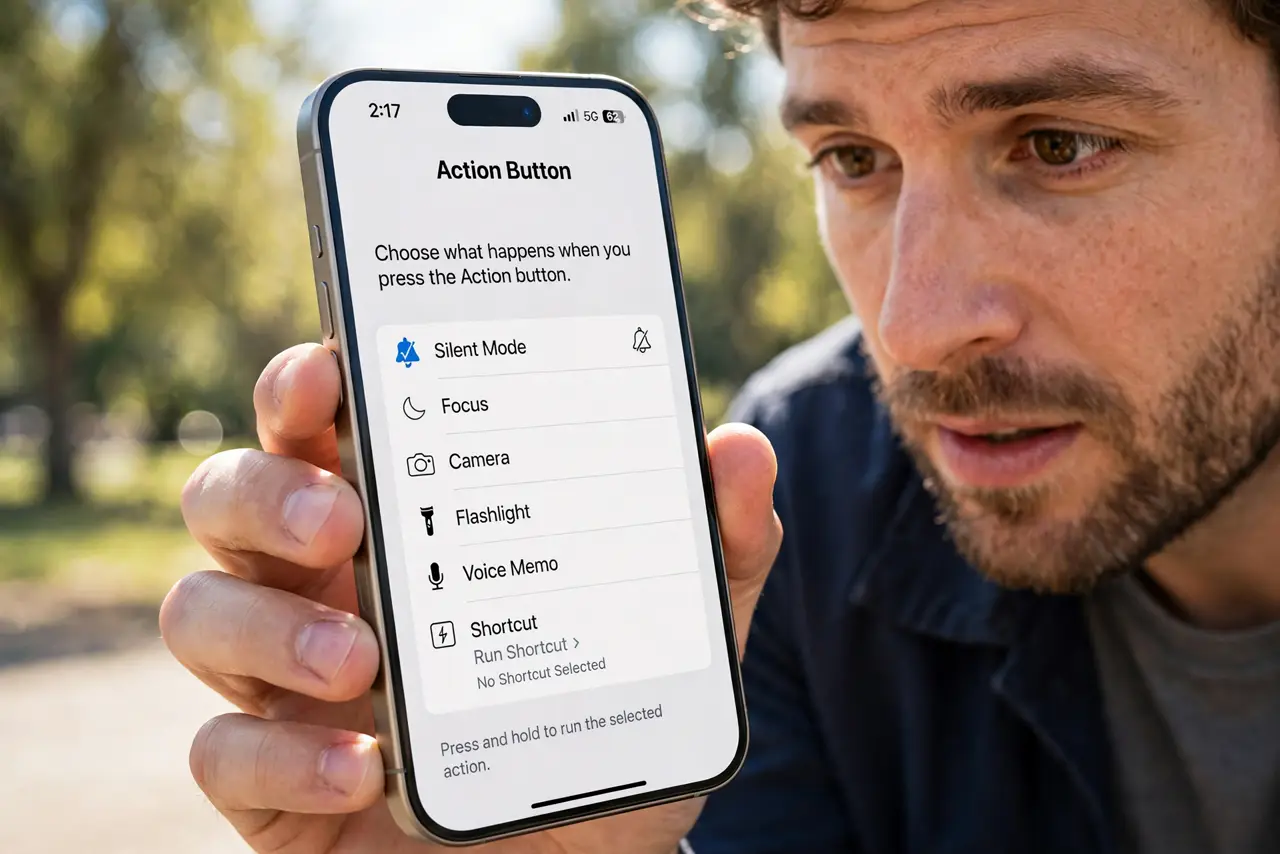
Your iPhone has a button you press maybe twice a year — the Action button replaced the mute switch, and most people leave it on silent mode forever. But it can launch the camera, toggle the flashlight, start a voice memo, or run any shortcut. Assign it the thing you reach for most, and a forgotten button becomes your fastest shortcut.
TL;DR / Quick Fix
Quick fix: open Settings, then Action Button, and swipe through the options — camera, flashlight, voice memo, focus mode, or any shortcut. Pick the action you use most often. Test it with a long press. Change it anytime; nothing is permanent and nothing gets deleted.
Follow these steps
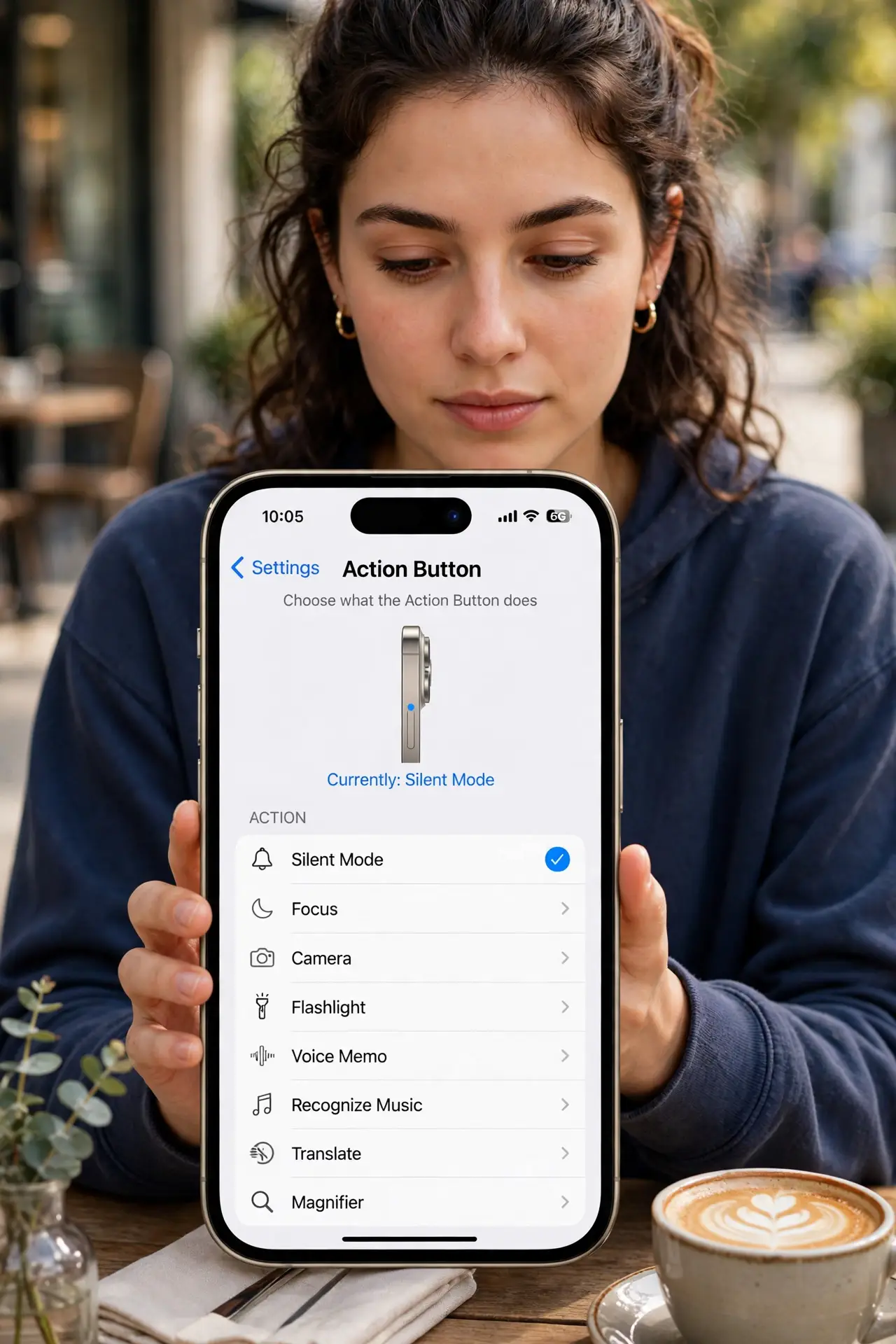
- Open the Action button settings. Go to Settings, then Action Button. The screen shows each option with a preview — swipe sideways through them. This is the only place the button is configured, so everything happens here.
- Match it to your most-used action. Camera for parents, flashlight for night walkers, voice memo for thinkers, Shazam for music lovers. The best choice is the thing you currently unlock the phone to do — that is the friction you are removing.
- Try the Shortcut option. Choosing Shortcut lets the button run any shortcut you have built — start a workout, log water, text your partner you are on the way. This is where the button goes from handy to personal.
- Learn the press pattern. It is a press-and-hold, not a click — hold until you feel the haptic tap. A quick click does nothing, which is deliberate so pocket presses do not fire it.
- Remember silent mode moved. With the button reassigned, silent mode lives in Control Center or a Focus mode. Set that up before you need silence in a meeting — do not discover it mid-call.
- Revisit the choice monthly. Your most-used action changes with seasons and routines. If you have not pressed the button in weeks, the assignment is wrong — pick the new winner.
What NOT to do
- Do not leave it on the default if you never use it. An unassigned-feeling button is a wasted shortcut sitting under your finger.
- Do not assign a destructive shortcut. The button is easy to hold accidentally — keep it to launching and toggling, not deleting or sending.
- Do not forget the haptic confirmation. Hold until you feel the tap; releasing early is why people think the button is broken.
- Do not expect a double-press option. It is one action per hold — if you need two, build a shortcut that asks which one.
Frequently asked questions
Can the Action button do different things per press?
Not natively — one action per hold. But a shortcut can show a menu of actions, which is effectively multiple buttons in one.
Does it work with the phone locked?
Yes, that is the point. Camera, flashlight, and most shortcuts fire from the lock screen without unlocking.
I reassigned it and miss the mute switch. Now what?
Add silent mode to Control Center for one-swipe access, or tie it to a Focus mode that silences automatically on a schedule.