Customize the Action Button
That extra button above the volume keys replaced the old mute switch — and it can do far more than silence your phone. The Action Button can launch the camera, toggle the flashlight, start a voice memo, run a shortcut, and more. Most people never change it from the default. Two minutes in Settings turns it into your most-used button.
TL;DR / Quick Fix
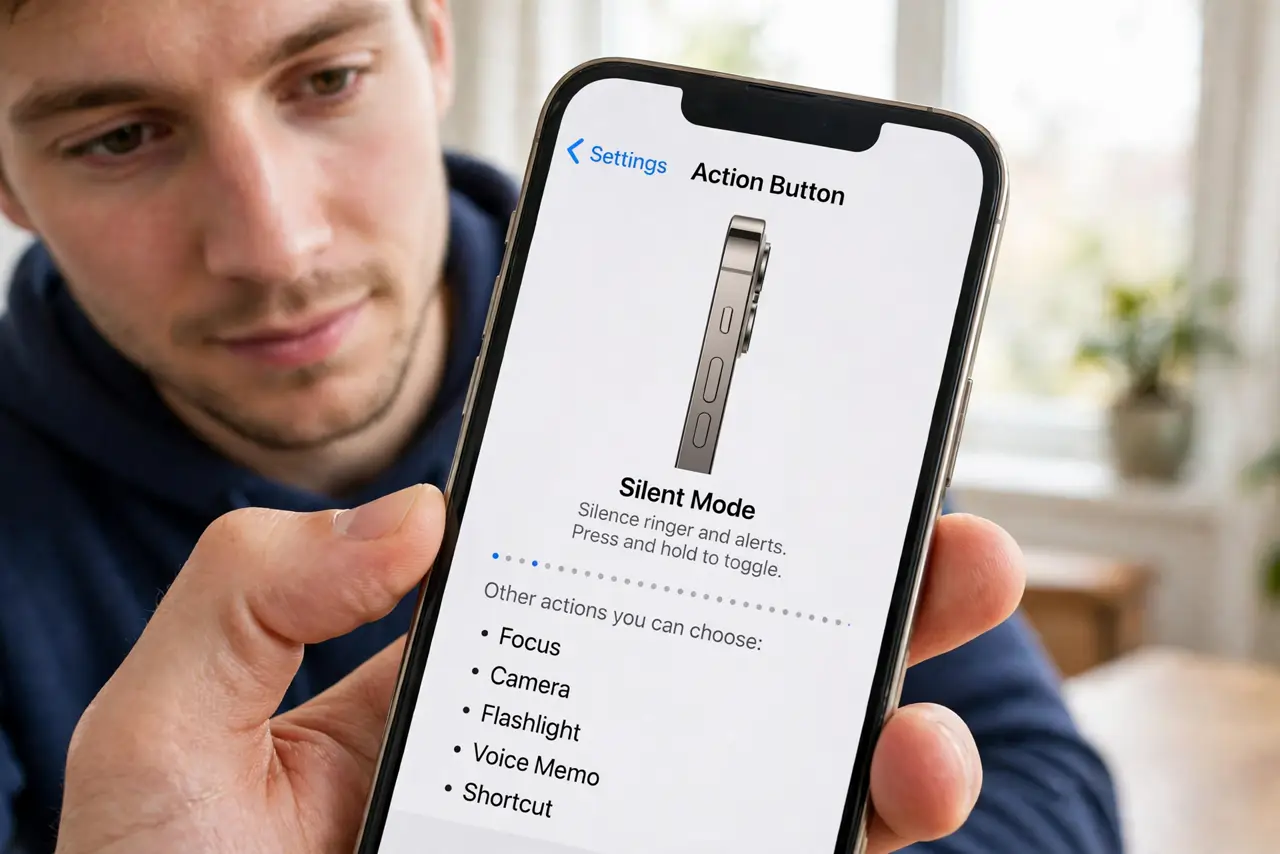
Quick fix: open Settings, go to Action Button, and swipe through the options — Silent, Focus, Camera, Flashlight, Voice Memo, Translate, Magnifier, Shortcut, and more. Pick the one you will actually use daily. Press and hold the button to trigger it; a single press only shows a hint.
Follow these steps
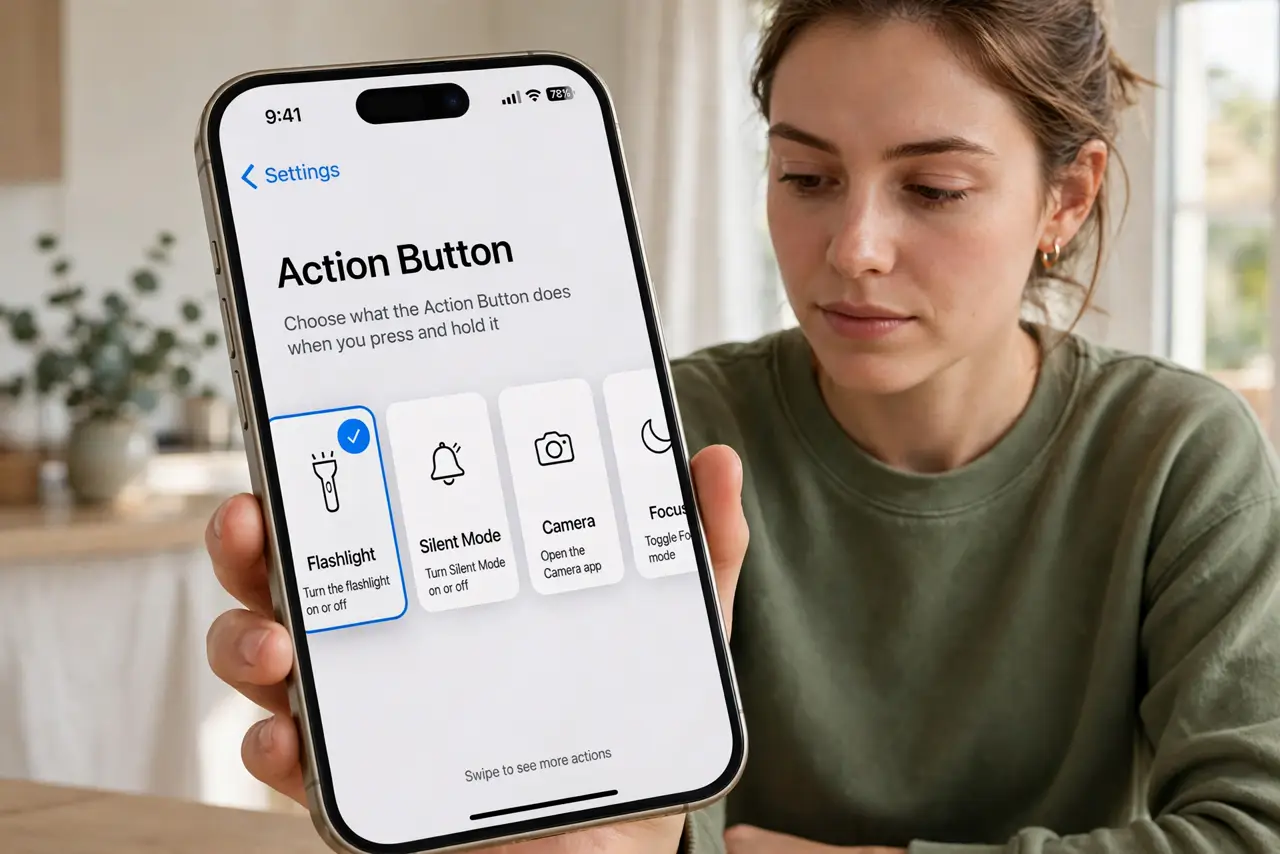
- Open the Action Button settings. Go to Settings and tap Action Button. You will see a swipeable carousel of everything the button can do, with a live preview of each.
- Swipe through the options. The choices include Silent mode, a Focus mode, Camera, Flashlight, Voice Memo, Translate, Magnifier, Accessibility features, and Shortcuts. Swipe slowly — each shows what a press will do.
- Pick what you will use daily. Choose the action that saves you the most fiddling. Camera and Flashlight are the popular picks; Shortcuts unlocks anything, from opening a specific playlist to logging water.
- Learn the press-and-hold. A quick press only shows a banner hint. Press and HOLD until you feel the haptic buzz — that is the actual trigger. This trips up everyone at first.
- Try the Shortcuts option. Assign a Shortcut and the button can do nearly anything: start a workout, text your ETA, open your parking app. Build the shortcut first in the Shortcuts app, then select it here.
- Fix wrong-button behavior. If it triggers the wrong thing, reopen Settings and check what is selected — accidental changes happen. The wrong action fixer covers deeper glitches.
What NOT to do
- Do not tap it expecting action. The button needs a deliberate press-and-hold; taps only preview.
- Do not assign Silent if you silence from Control Center anyway. Pick something you cannot already do in one swipe.
- Do not forget the button is still physical. A tight case can make it hard to press — check case fit if it feels dead.
- Do not assume one press equals one function forever. Software updates occasionally add new options worth revisiting.
Frequently asked questions
Can the Action Button do two different things?
Not natively — one button, one action. But a Shortcut assigned to it can show a menu of choices, which is effectively multiple actions.
Why does nothing happen when I press it?
You are probably tapping instead of holding. Press and hold until the haptic feedback; if still nothing, check the assignment in Settings.
Which iPhones have the Action Button?
iPhone 15 Pro models and later, plus newer standard models. Older iPhones have the classic mute switch instead.