AirDrop Contacts Only Blocks a Real Friend
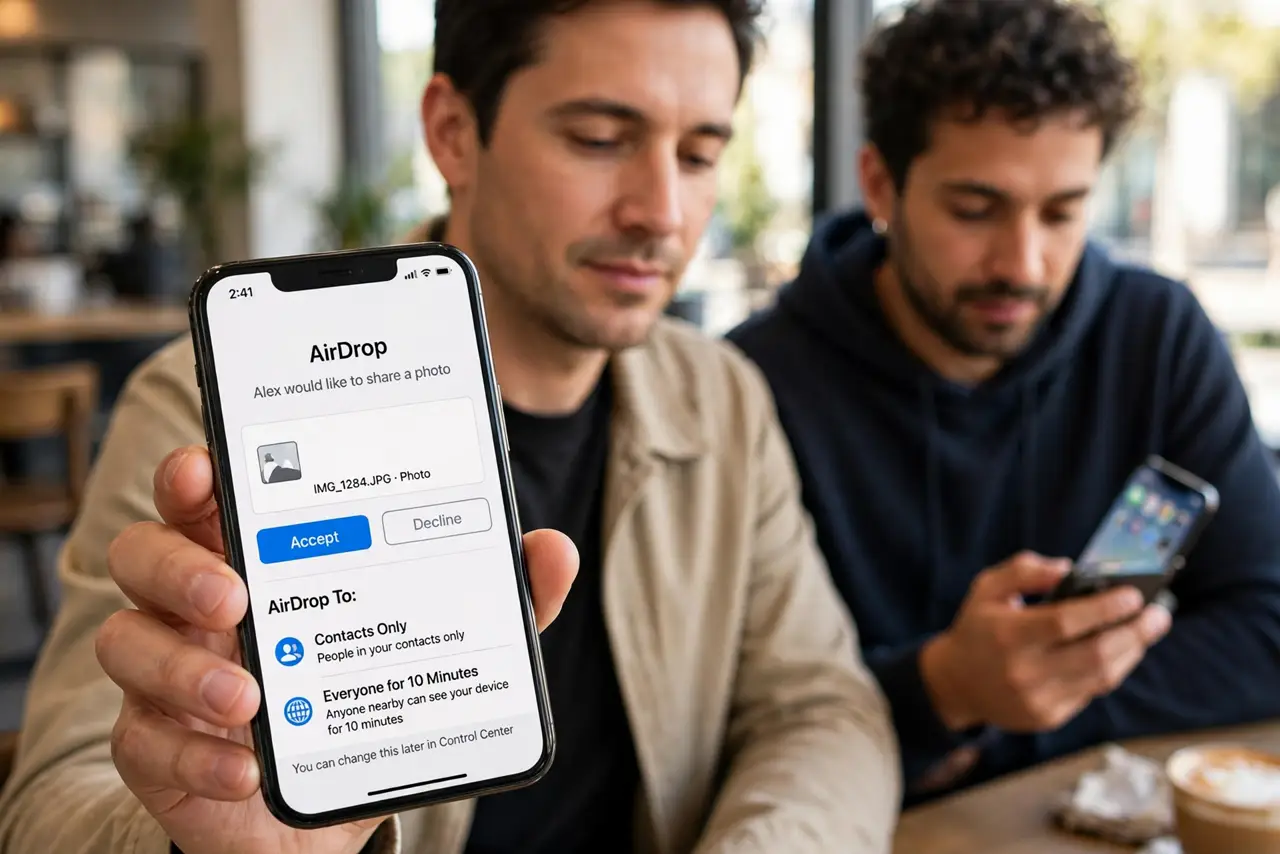
AirDrop set to Contacts Only refuses a real friend, because their contact details do not match what your iPhone expects. The contact card, not the friend, is usually the mismatch.
TL;DR / Quick Fix
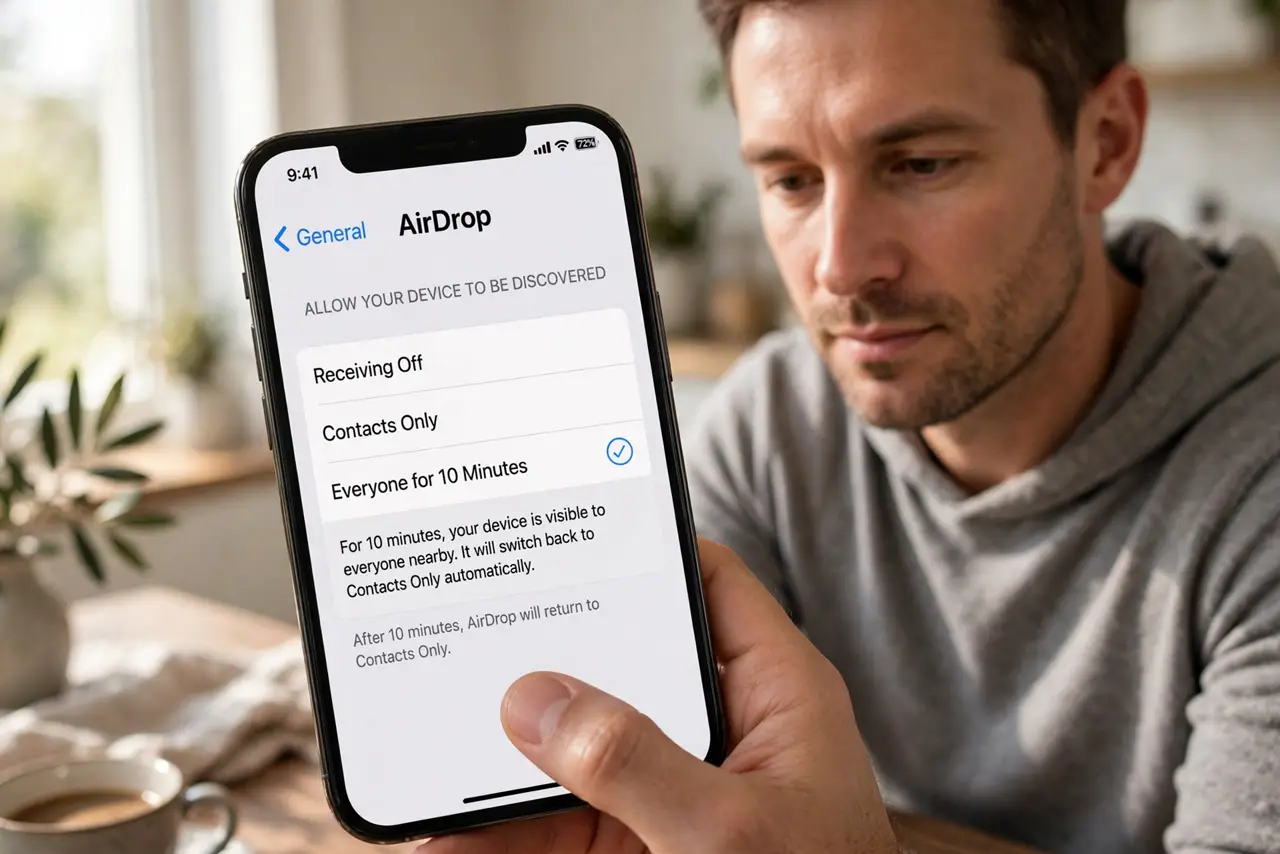
Quick fix: open Settings, then General, then AirDrop, and switch receiving to Everyone for 10 Minutes for this one share. Then check that your friend's contact card holds the number or email they use for AirDrop and switch back to Contacts Only afterwards.
Follow these steps
- Switch to Everyone for 10 Minutes. Open Settings, then General, then AirDrop, and choose Everyone for 10 Minutes. This lets the share go through now, and it returns to Contacts Only on its own afterwards.
- Check your friend's contact card. Open Contacts and find your friend. Their card must hold the phone number or email address tied to their Apple ID, or Contacts Only cannot recognize them.
- Check your friend's Apple ID details. Ask your friend to check which number and email their Apple ID uses. If they changed numbers recently, their contact card may still show the old one.
- Confirm both devices are close and awake. Hold the iPhones near each other with screens awake and Bluetooth and Wi-Fi on. Contacts Only still needs the devices to discover each other before it checks contacts.
- Send from the share sheet after the switch. With Everyone for 10 Minutes on, share from the share sheet and pick your friend's device. If the device still does not appear, restart Bluetooth on both iPhones and try again.
- Switch back to Contacts Only afterwards. Once the share finishes, return AirDrop receiving to Contacts Only. Leaving it on Everyone invites shares from strangers nearby long after your friend leaves.
What NOT to do
- Do not leave AirDrop on Everyone permanently. The 10-minute option exists so one share does not open you to strangers all day.
- Do not delete and recreate your friend's contact in a hurry. Fix the number or email on the card first, since a fresh card with the same wrong details fails the same way.
- Do not assume the friend is blocked. Contacts Only is a matching rule, not a block list, and a mismatched card explains most refusals.
- Do not share sensitive files while on Everyone in a crowd. Wait until you are somewhere private, or use a cable or message instead for sensitive files.
Frequently asked questions
Why does Contacts Only block a real friend?
Because their contact card lacks the number or email tied to their Apple ID, so your iPhone cannot recognize them as a contact.
Is Everyone for 10 Minutes safe?
For one share, yes, since it returns to Contacts Only on its own. Switch it back sooner if you finish early.
What if the device still does not appear?
Check that both iPhones are close, awake, and have Bluetooth and Wi-Fi on, then restart Bluetooth on both.