Airplane Mode? Basics
Airplane mode cuts all wireless radios — cellular, Wi-Fi, Bluetooth — with one tap, which is why airlines ask for it. But it is also a surprisingly useful everyday tool: a connectivity reset button, a focus mode, and a battery saver in one. Most confusion comes from what stays on and how to turn pieces back on individually.
TL;DR / Quick Fix
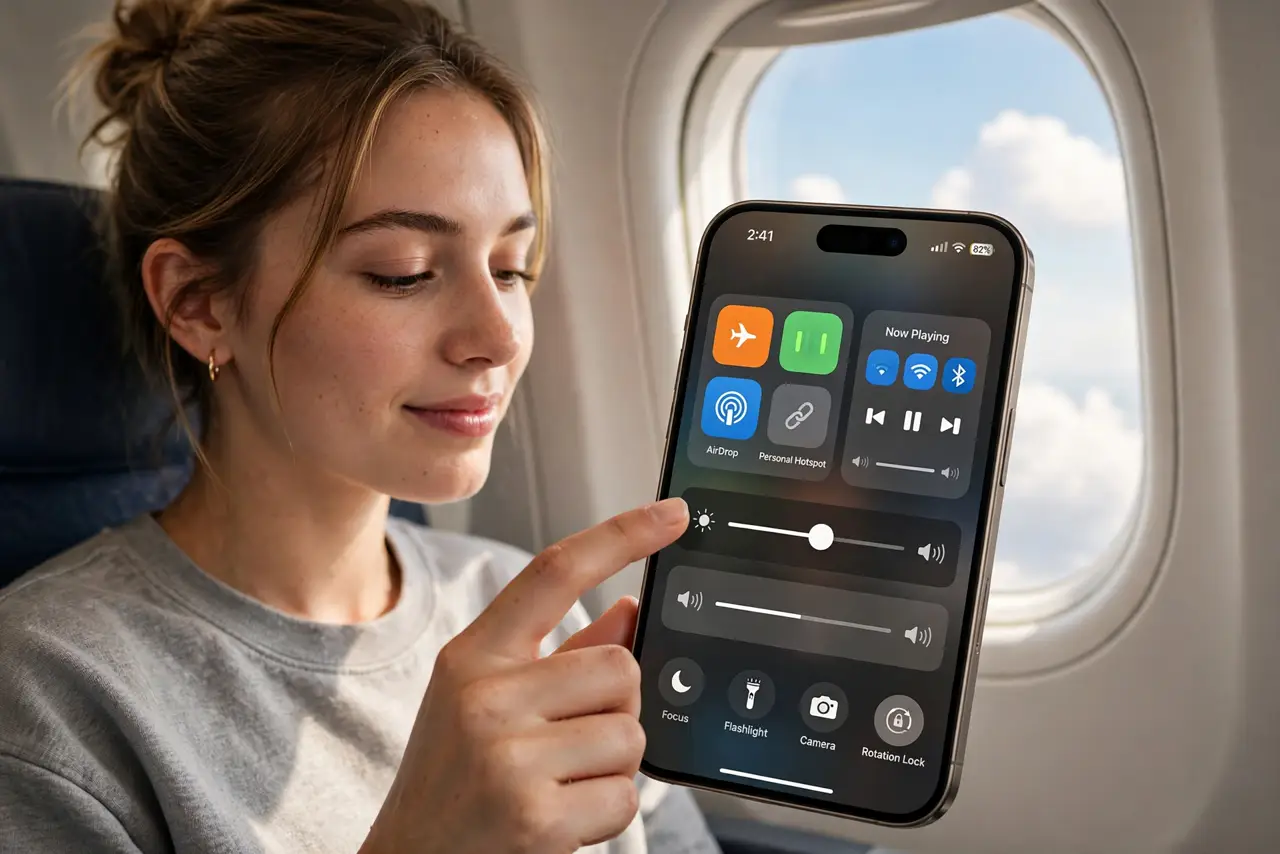
Quick fix: airplane mode switches off cellular, Wi-Fi, and Bluetooth at once — tap the airplane icon in Control Center. You can re-enable Wi-Fi and Bluetooth individually while staying in airplane mode. It is also the fastest fix for flaky connections: toggle on, wait ten seconds, toggle off.
Follow these steps
- Turn it on the fast way. Swipe into Control Center and tap the airplane icon — orange means on. Settings, then the Airplane Mode toggle, does the same thing for people who prefer menus.
- Re-enable Wi-Fi and Bluetooth individually. Airplane mode remembers: you can switch Wi-Fi and Bluetooth back on while the airplane icon stays lit. Airlines permit this — it is how in-flight Wi-Fi works.
- Use it as a connection reset. Flaky data, stuck on 3G, calls failing? Toggle airplane mode on, count to ten, toggle off. The phone re-registers on the network fresh — this fixes a remarkable share of mobile weirdness.
- Know what still works. Alarms, downloaded music, offline maps, and the camera all work fine. Anything needing a live connection — messages, browsing, streaming — waits until radios return.
- Use it for focus and battery. An evening in airplane mode is the cheapest focus tool there is: no pings, and the battery barely drains overnight. Downloaded content keeps you entertained.
- Watch for the stuck-on case. If the toggle will not turn off or the phone shows no service after, restart the phone. A persistently stuck airplane mode usually needs a network settings reset, not a repair shop.
What NOT to do
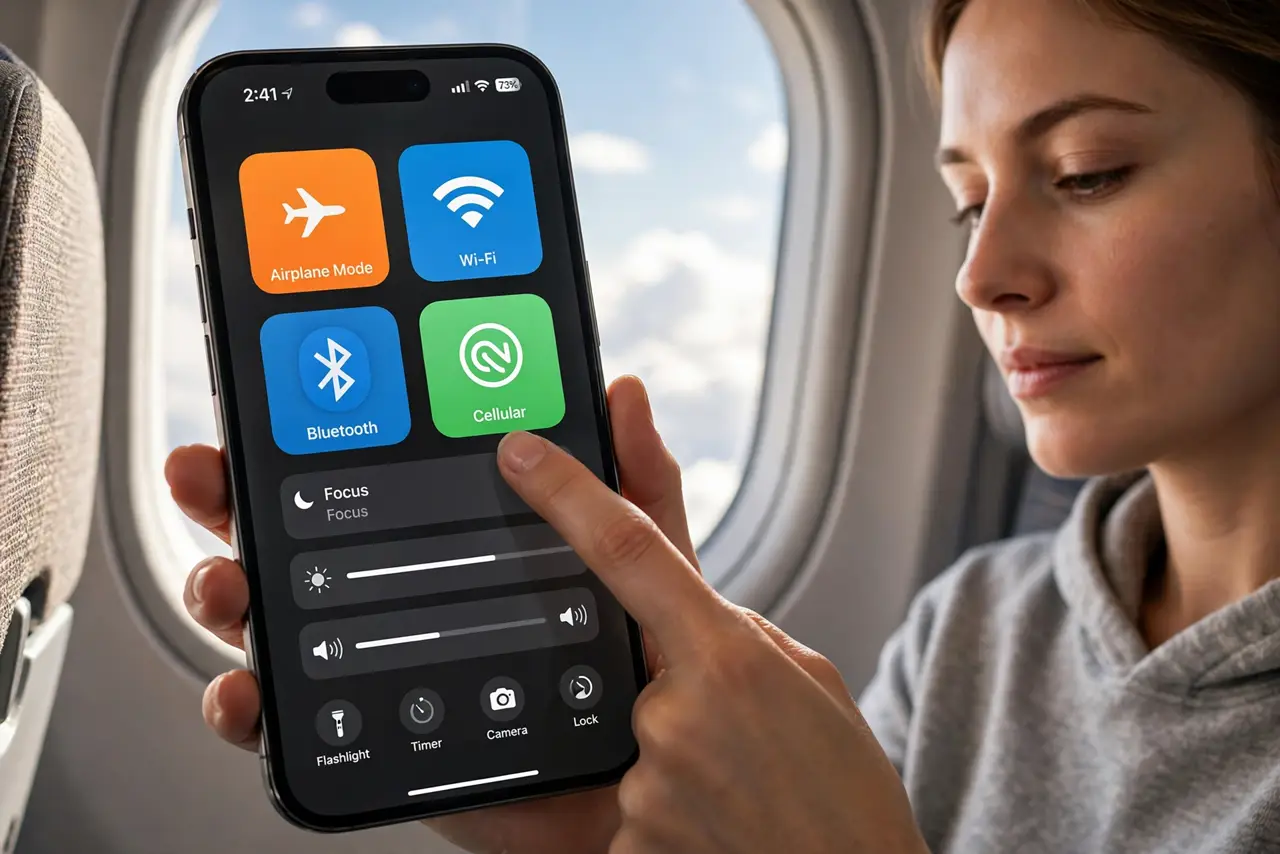
- Do not panic when Wi-Fi drops with airplane mode. That is the default — just turn Wi-Fi back on individually while staying in airplane mode.
- Do not use it as a substitute for turning the phone off. Crew instructions to power down fully are different — follow them.
- Do not assume messages sent in airplane mode. They queue unsent — check for delivery after reconnecting.
- Do not toggle it rapidly in frustration. Give the phone ten full seconds off before re-enabling, or the reset does not complete.
Frequently asked questions
Does airplane mode save battery?
Yes, noticeably — the cellular radio is a major drain. Overnight in airplane mode, most phones lose only a percent or two.
Can I still use Wi-Fi in airplane mode?
Yes — turn Wi-Fi back on manually after enabling airplane mode. The two settings are independent once you manage them separately.
Why is my phone stuck in airplane mode?
Usually a software glitch fixed by a restart. If it persists, reset network settings — that resolves nearly all stuck cases.