iPhone Alarm Does Not Sound? Fix It
Your alarm never went off and you overslept. An alarm that does not sound usually has a small cause: it was off, it had no sound, volume was down, or the phone restarted overnight. Work through the list before blaming the phone, and check alarms that do not sound on other devices for the same pattern.
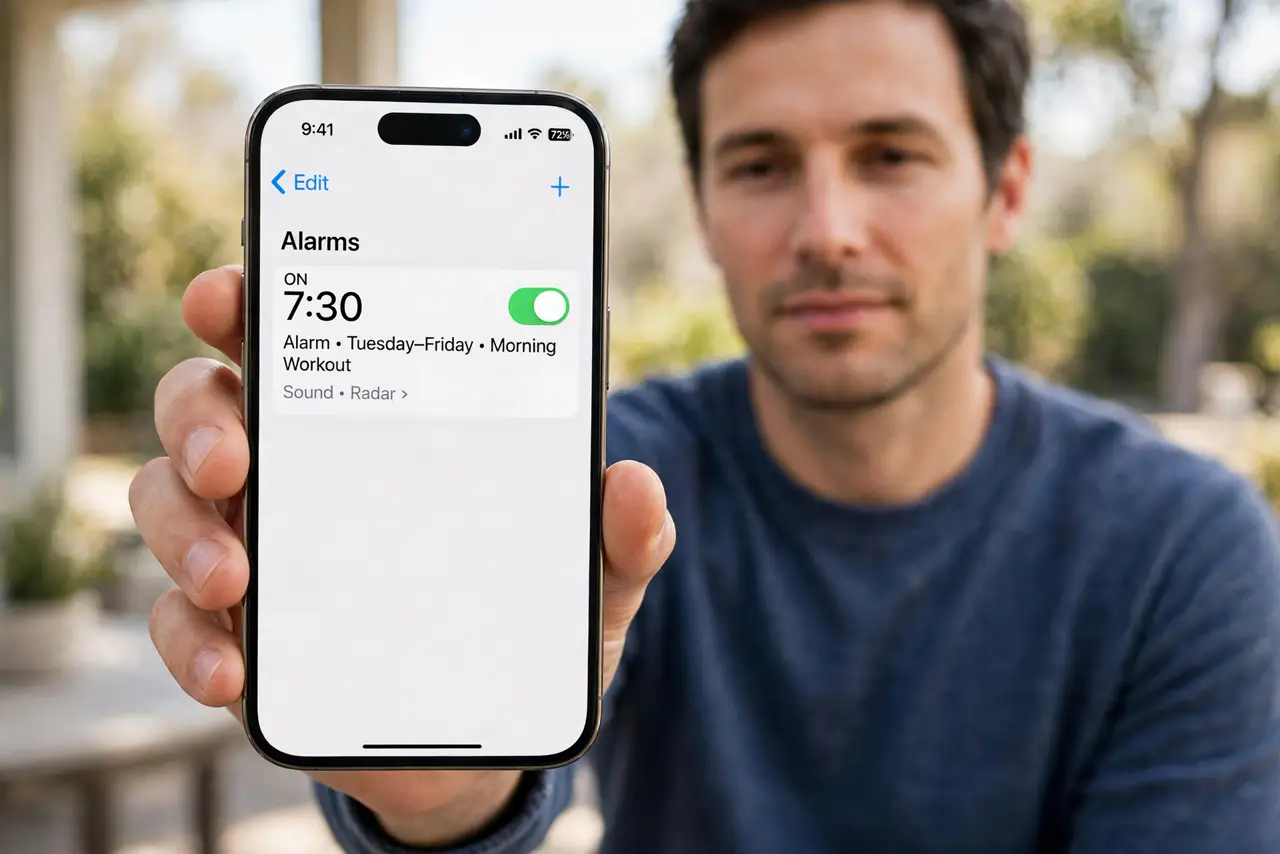
TL;DR / Quick Fix
Quick fix: confirm the alarm is on with a sound, turn ringer volume up, check Focus and Sleep schedules, test an alarm two minutes ahead, and restart the phone. If it still fails, note exactly when it happens, since that pattern reveals the real cause.
Follow these steps
- Confirm the alarm is on and has a sound. Open Clock, then Alarms, and check the toggle is on and Sound is set to a real tone, not None. An alarm with no sound only vibrates.
- Turn the ringer volume up. Use the volume buttons or Settings, then Sounds and Haptics, to raise Ringer and Alerts volume. Media volume does not control alarms, so check the ringer specifically.
- Check Focus and Sleep schedules. Open Settings, then Focus, and check for a schedule that changed overnight behavior. Then check Health, then Sleep, for a Sleep schedule that may have replaced your alarm.
- Check whether the phone restarted overnight. If the phone updated or restarted overnight, an alarm may have been missed or reset. Check Settings, then General, then Software Update, for an overnight update.
- Test an alarm two minutes ahead. Set a new alarm for two minutes from now with a loud tone, and wait for it. A live test proves the speaker, volume, and settings all work together.
- Restart the phone and retest. Restart the iPhone and test the alarm again. A stuck audio or clock state after an update sometimes needs a restart to clear.
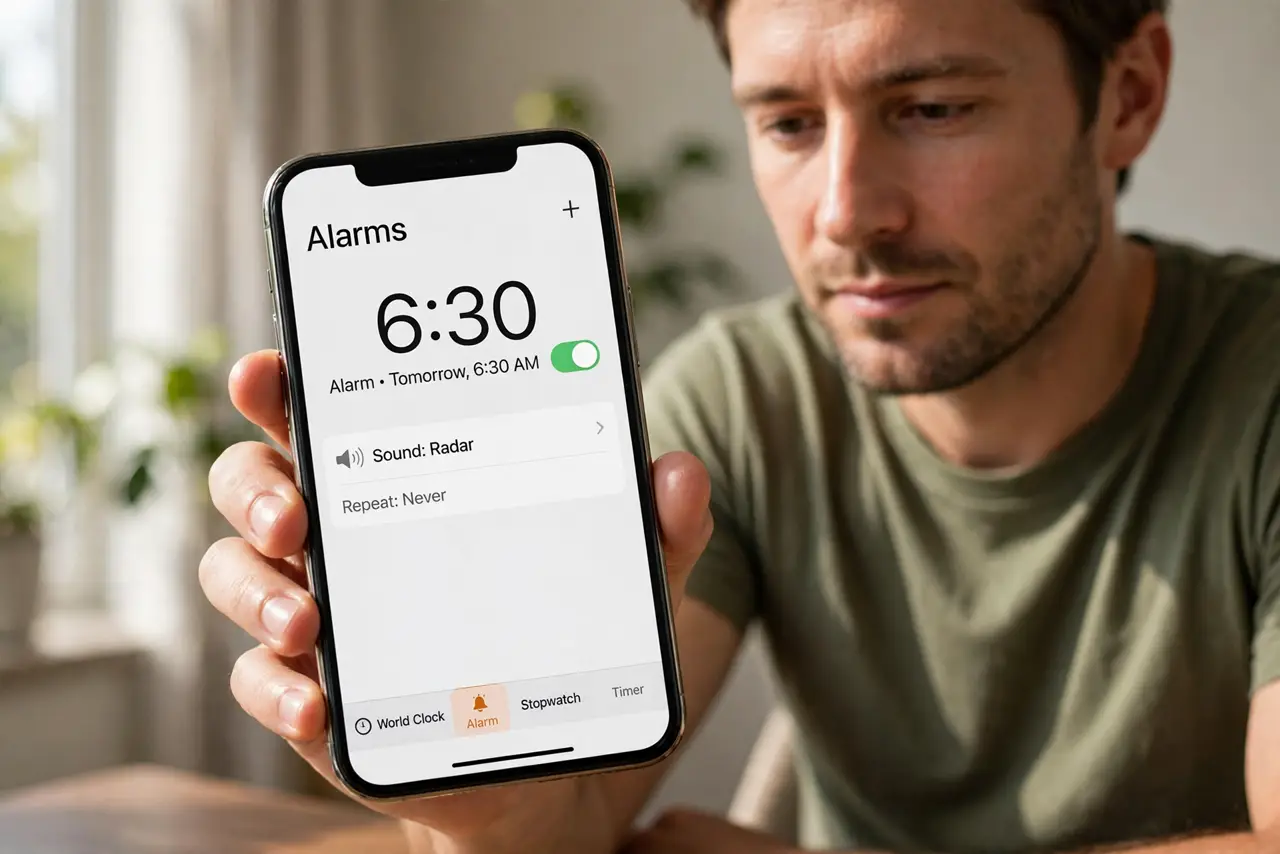
What NOT to do
- Do not set the alarm sound to None. Vibration alone is easy to sleep through, especially on a bed or sofa.
- Do not rely on a phone that died overnight. Plug the phone in at night, so a flat battery cannot silence the alarm.
- Do not delete all alarms and start over as a first step. Check sound, volume, and Focus first, since those fix most cases.
- Do not ignore a speaker that fails for calls too. If no sound plays anywhere, the speaker may need repair, not just an alarm fix.
Frequently asked questions
Why did my alarm vibrate but not sound?
Because Sound was set to None, or ringer volume was at minimum. Choose a tone and raise ringer volume.
Can an update silence my alarm?
An overnight restart or update can disrupt alarms. Check for updates and test the alarm afterwards.
Should I use a backup alarm?
Yes, for anything critical. A second alarm five minutes later protects against one failure.