Automations Worth Setting
Automations sound exciting until you build five nobody needs. The ones worth setting are the boring daily routines — bedtime silence, low-battery mode, the morning briefing — that fire on their own and save you taps every single day. Steal these proven examples instead of inventing from scratch. Learn the Shortcuts basics first, then try NFC triggers.
TL;DR / Quick Fix
Quick fix: the automations worth setting are the boring daily ones — silence at bedtime, low-power mode at 20 percent, a morning briefing text. Build them in the Shortcuts app's Automation tab in minutes. Start with one, feel the relief, then automate the next annoyance.
Follow these steps
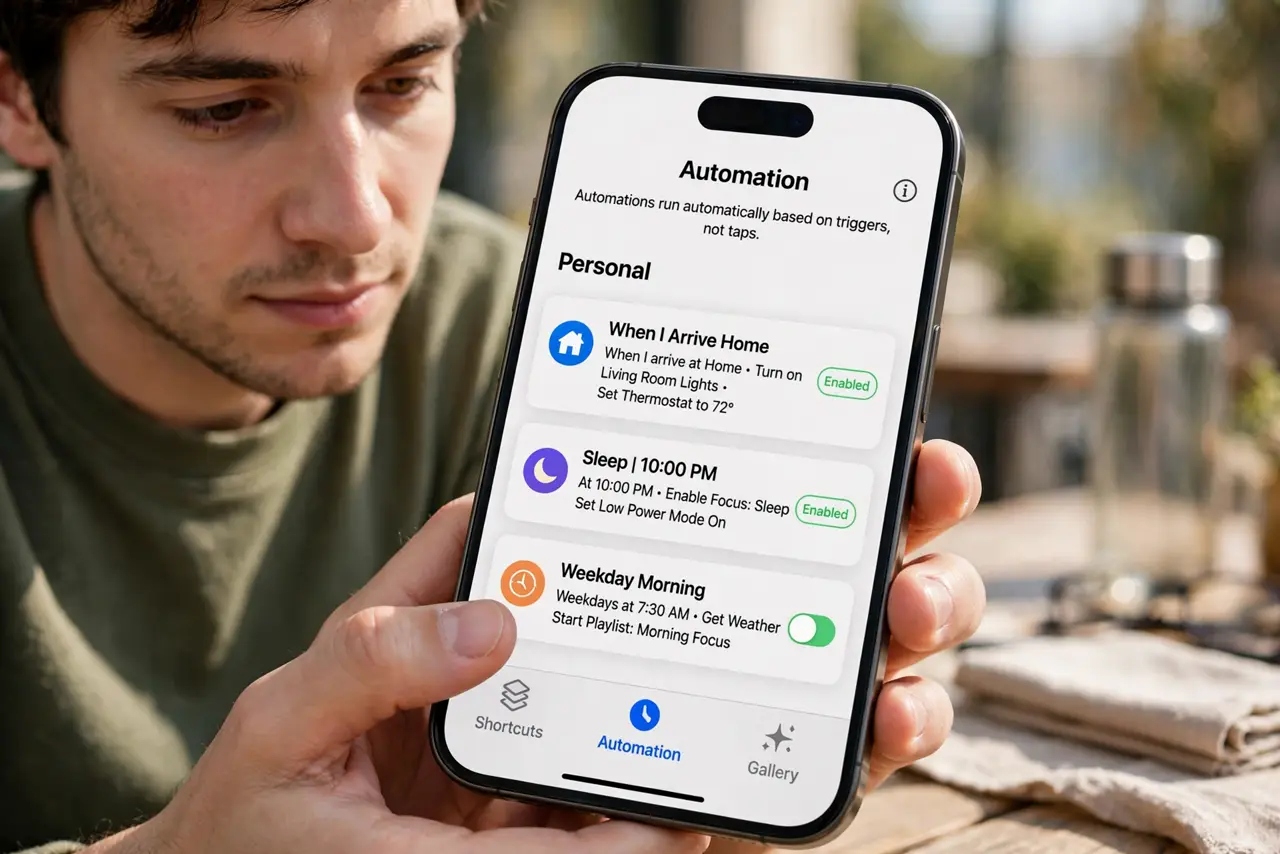
- Open the Automation tab. In the Shortcuts app, tap Automation at the bottom. This is separate from shortcuts — automations run on triggers, not taps.
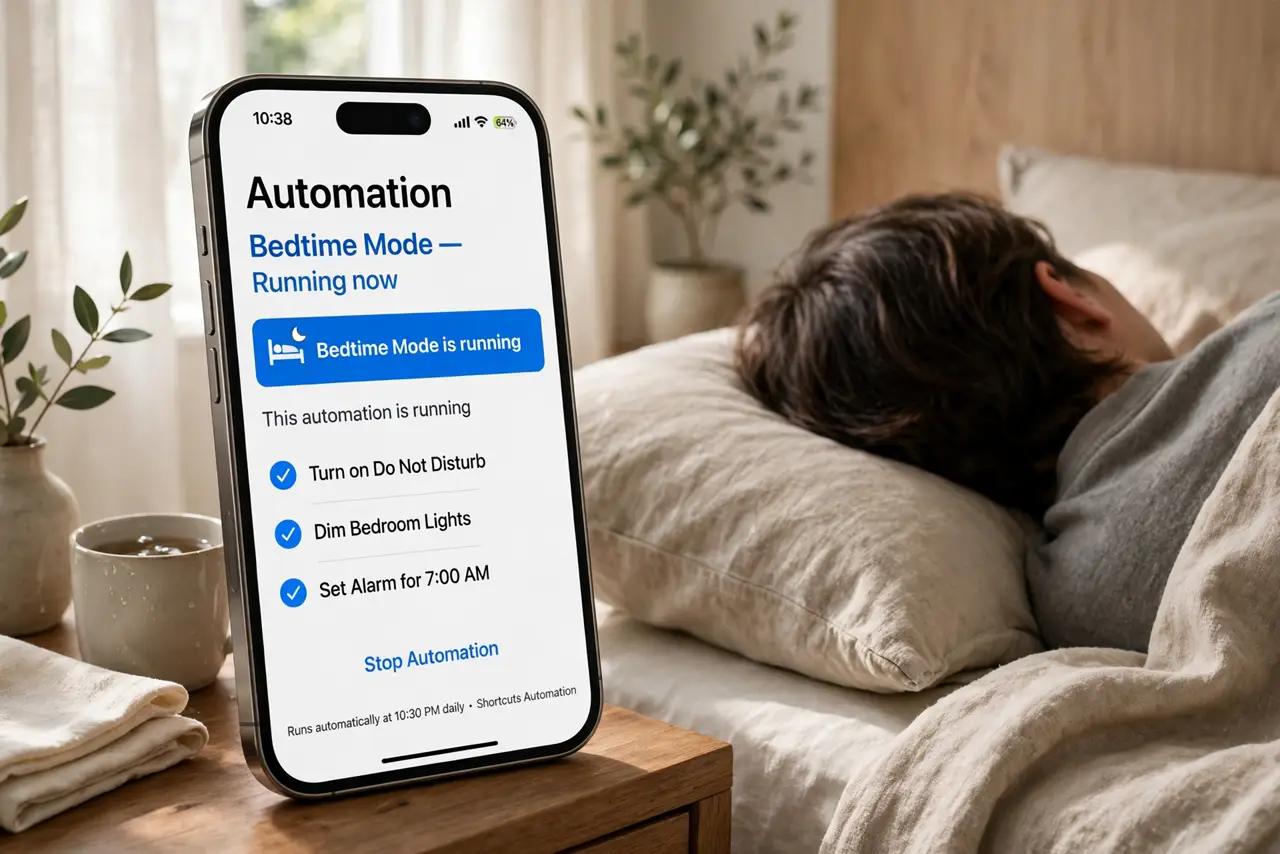
- Set bedtime silence. Create a time-based automation that enables Do Not Disturb or Sleep Focus at your bedtime. Your mornings get quieter starting tonight.
- Set low-battery mode. Create a battery-level automation that turns on Low Power Mode at 20 percent. Your phone manages itself before you even notice.
- Build a morning briefing. A time automation that reads your calendar and weather aloud, or texts it to you. One trigger replaces five morning app-opens.
- Automate the commute. A CarPlay or location trigger that opens maps, starts your playlist, and texts your arrival time. The drive starts itself.
- Add one NFC trigger. Stick a cheap NFC tag by the door: tap to start a leaving-home routine. See NFC automations for the setup.
What NOT to do
- Do not automate everything at once. One reliable automation beats five flaky ones you stop trusting.
- Do not create automations you will not notice. If it fires silently and changes nothing you feel, it was not worth building.
- Do not forget to test each trigger. A bedtime automation that fires at noon is worse than none at all.
- Do not grant location to every automation. Only location-triggered ones need it — the rest should stay location-free.
Frequently asked questions
Which automation should I build first?
Bedtime Do Not Disturb. It is simple, reliable, and you feel the benefit the very first night.
Can automations run without asking?
Many can run automatically; some still ask for confirmation first. iOS tells you which during setup.
Do automations work on Android?
Android has its own automation tools with the same idea — routines that fire on time, location, or events.