More Back Tap Actions
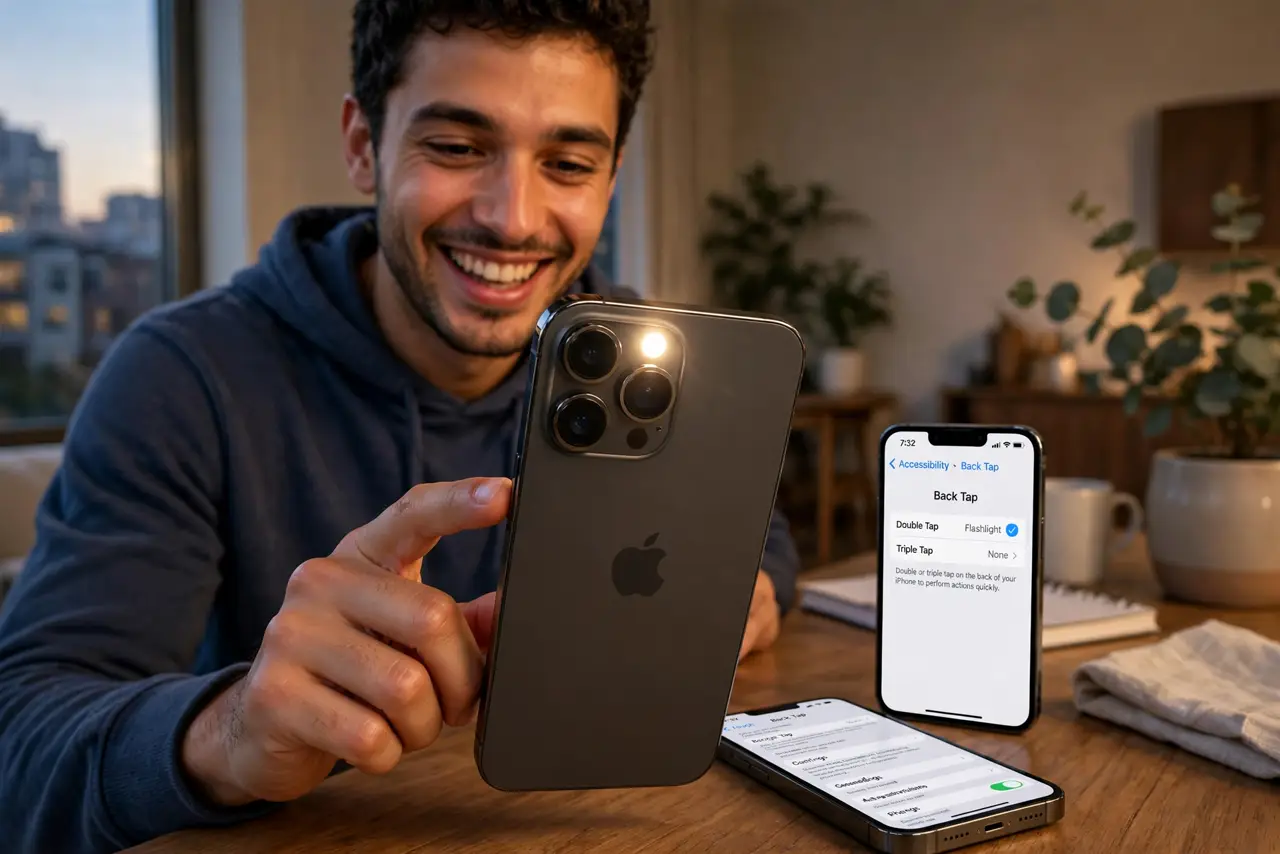
You set up Back Tap for screenshots and never touched it again — but double-tap and triple-tap can each trigger anything: flashlight, camera, Shortcuts, accessibility features. Back Tap is two free buttons hiding on the back of your phone. Here is the full menu.
TL;DR / Quick Fix
Quick fix: go to Settings, Accessibility, Touch, Back Tap, and assign actions to Double Tap and Triple Tap — flashlight, camera, screenshot, or any Shortcut. Pick daily-use actions; the back of the phone is prime real estate. If taps misfire, add a case or adjust your grip.
Follow these steps
- Open Back Tap settings. Go to Settings, Accessibility, Touch, Back Tap. Two slots: Double Tap and Triple Tap.
- Assign Double Tap. Pick your most-used action — flashlight is the classic. Double-tap the back and it fires.
- Assign Triple Tap. Give the second slot another daily action: camera, screenshot, or Shazam. Two taps, two tools.
- Try Shortcuts. Back Tap can run any Shortcut — your automations gain a physical trigger. This is where it gets powerful.
- Tame accidental triggers. If it fires in your pocket, use a case or choose less trigger-happy actions. The accidental trigger guide covers the fixes.
- Pair with the screenshot action. Screenshot-on-tap is the gateway — the screenshot setup shows it. The full action list is the destination.

What NOT to do
- Do not assign destructive actions. Back Tap misfires — keep it to harmless toggles, not delete or send.
- Do not expect it with thick cases. Very thick or metal cases can block the tap detection — test yours.
- Do not forget it needs the screen on. Back Tap sleeps with the display — wake the phone first.
- Do not confuse it with triple-click. Tapping the back is Back Tap; triple-clicking the side button is the Accessibility Shortcut.
Frequently asked questions
Why does Back Tap trigger by accident?
Pocket taps and table sets. A case dampens it, or pick actions where misfires do not matter.
Can Back Tap open apps?
Yes, via Shortcuts — assign a Shortcut that opens any app. Indirect but fully working.
Does it drain the battery?
Negligibly. The accelerometer sips power — you will not notice.