Check Battery Health
Your phone used to last all day and now it begs for the charger by dinner — is it the battery or just a greedy app? Both iPhone and Android report battery health directly: maximum capacity, and on newer phones, cycle count. Two minutes in settings tells you whether to change habits or change the battery.
TL;DR / Quick Fix
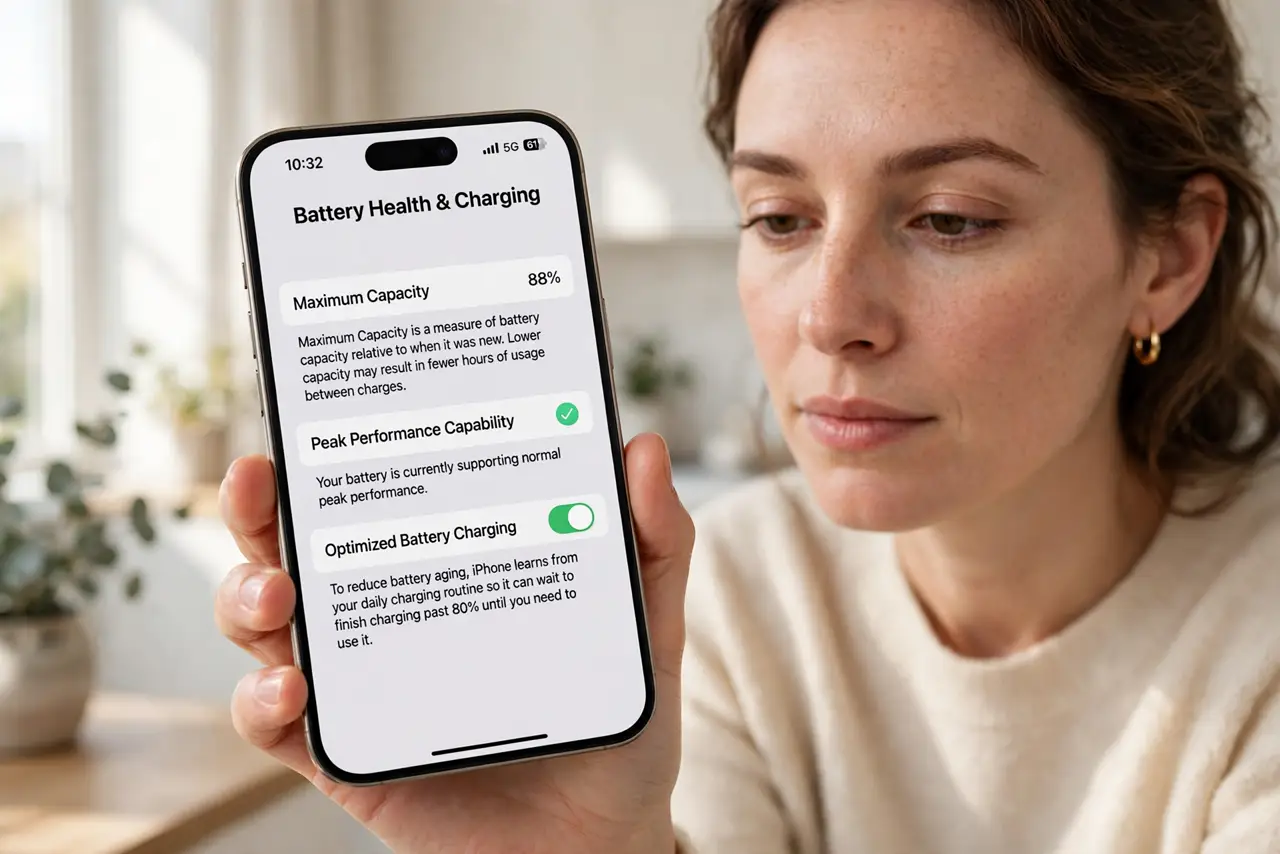
Quick fix: on iPhone open Settings, Battery, then Battery Health to see maximum capacity — under 80% means replacement time. On Android check Settings, Battery, Battery health where supported. Rule out rogue apps first; a healthy battery with a runaway app looks identical to a dying one.
Follow these steps
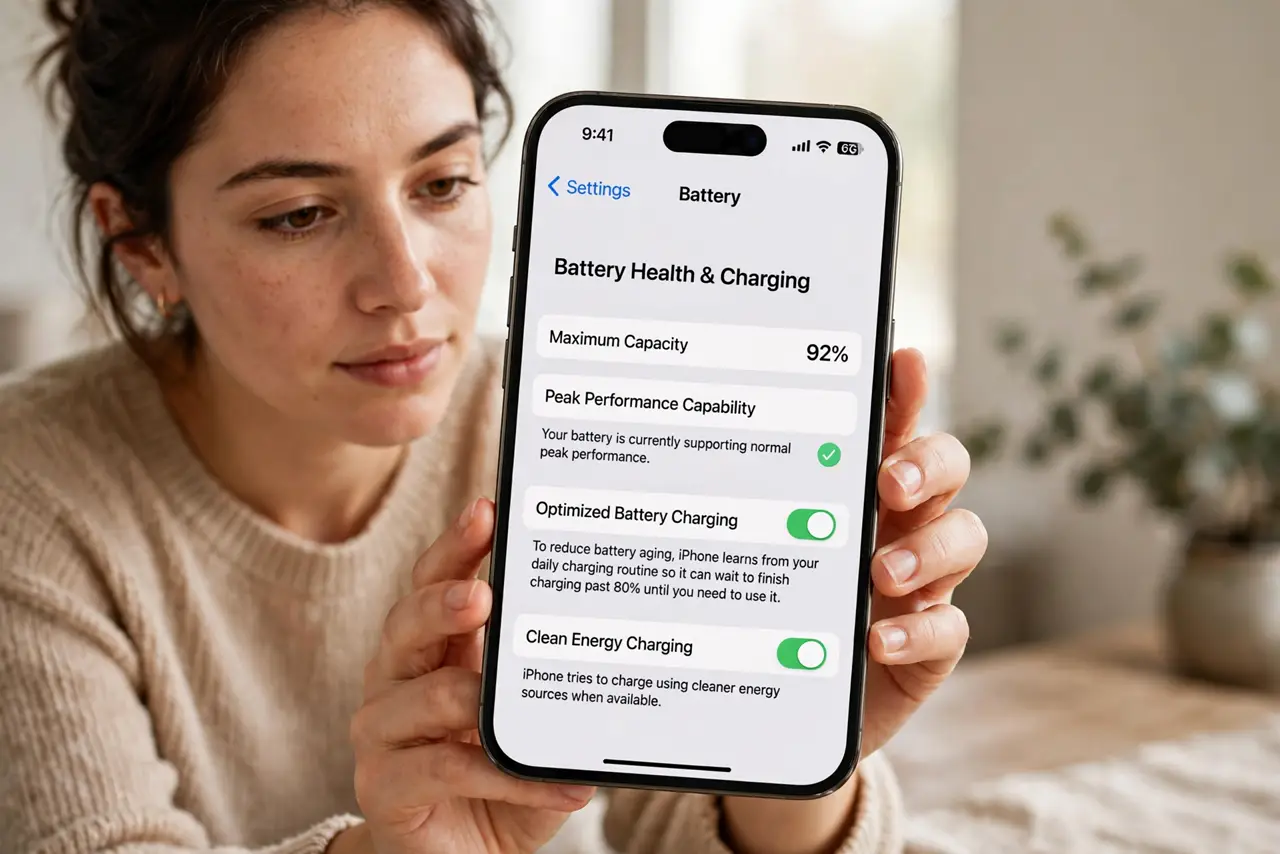
- Find the battery health screen. iPhone: Settings, Battery, Battery Health and Charging. Android: Settings, Battery — the health location varies by maker, but the number is there on modern phones.
- Read maximum capacity. 100% is new; 80% is Apples replacement threshold. A phone at 76% will die fast no matter what you quit — see the fast-dropping pattern for when capacity falls suddenly.
- Check the cycle count. Newer phones show charge cycles — 500 is roughly where noticeable degradation begins. High cycles plus low capacity is a clear replacement signal.
- Rule out software first. A runaway app drains even a healthy battery. Check battery usage by app before blaming chemistry — the usage screen names the hog.
- Compare with a normal day. Track one typical day: screen time versus drain. Abnormal drain with light use points to hardware; heavy use with proportional drain is just physics.
- Decide: habits or battery. Above 85% with bad drain — fix habits and apps. Below 80% — book the replacement; no setting restores lost chemistry.
What NOT to do
- Do not replace the battery over one bad day. A single heavy-use day is not degradation — watch the trend.
- Do not trust third-party battery apps blindly. The built-in health screen is the authoritative number.
- Do not ignore sudden drops. Capacity falling off a cliff can mean a failing cell — service it rather than nursing it.
- Do not pay for a battery on a phone you will replace in months. Match the repair to the phones remaining life.
Frequently asked questions
What is a good battery health percentage?
Above 85% is healthy; 80 to 85% is aging but usable; under 80% deserves a replacement.
Does fast charging hurt battery health?
Slightly more heat, slightly more wear — but modern management keeps it modest. Heat matters more than speed.
Will Apple replace at 79%?
Under AppleCare or warranty with sub-80% health, usually yes. Out of warranty, it is a paid but worthwhile repair.