iPhone Battery Health Drops Fast? What to Do
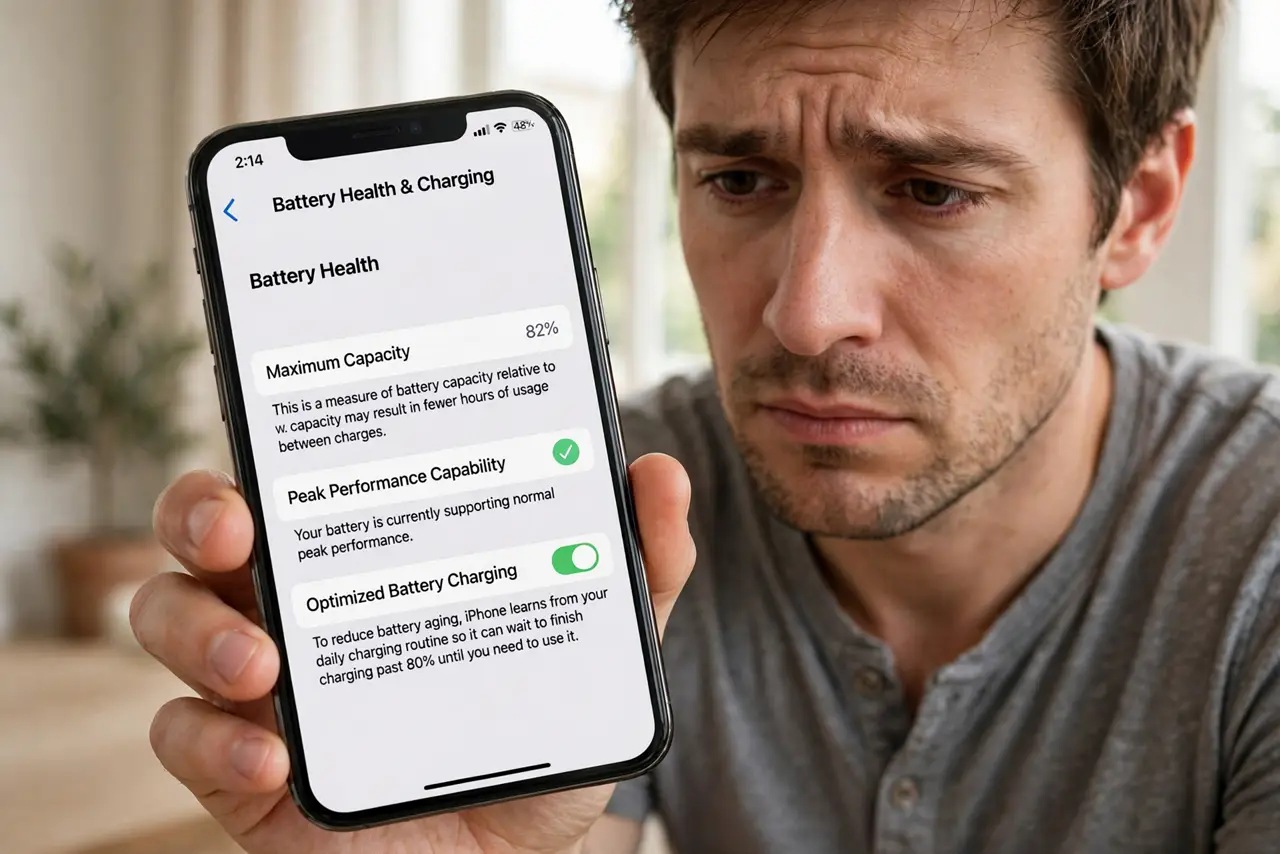
Seeing your battery health percentage slide down month after month is unsettling. Some drop is normal chemistry, but heat, constant full charges, and heavy gaming speed it up. This guide explains what is normal, what you can change, and when a battery that drains overnight points to a different problem.
TL;DR / Quick Fix
Quick fix: keep the phone cool, avoid charging to 100 percent every night, and turn on optimized charging. Heavy heat and constant full charges age batteries fastest. A few percent per year is normal; a sudden big drop means heat damage or a failing battery that needs a professional check.
Follow these steps
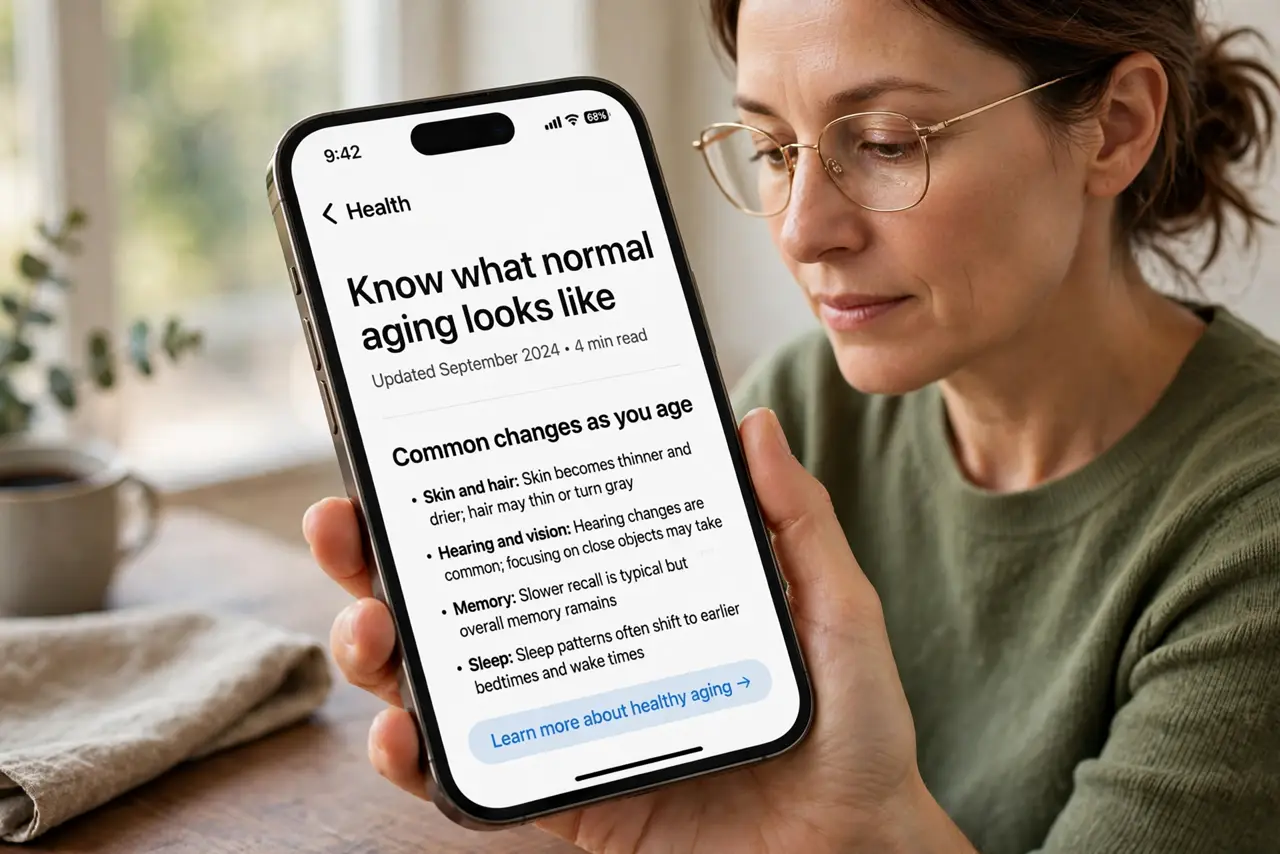
- Know what normal aging looks like. Lithium batteries lose capacity gradually — roughly a few percent per year under normal use. A slow, steady decline is chemistry, not a defect.
- Keep heat away from the phone. Heat is the top battery ager. Do not leave the phone in a hot car or charge it under a pillow — an overheating phone degrades far faster than a cool one.
- Turn on optimized charging. On iPhone, enable Optimized Battery Charging so the phone holds at 80 percent overnight and finishes before you wake. On Android, use the adaptive charging option if your phone offers it.
- Avoid draining to zero regularly. Deep discharges stress the battery. Recharge when you hit 20 to 30 percent rather than running the phone until it dies.
- Check which apps burn the most power. Look at the battery usage screen. One misbehaving app doing background work can mimic fast battery aging — fix the app before blaming the battery.
- Get a professional check for sudden drops. If health plunged suddenly or the phone shuts off early, take it to the manufacturer or a reputable repair shop. A swollen or failing battery is not a DIY job.
What NOT to do
- Do not freeze the phone to 'save' the battery. Extreme cold damages lithium cells and can shut the phone down.
- Do not drain to zero and recharge fully every day on purpose. That old advice was for nickel batteries, not modern lithium ones.
- Do not install battery 'calibration' apps from unknown sources. They cannot fix chemistry and often carry malware.
- Do not ignore a swelling battery. If the screen lifts or the case bulges, stop using the phone and get professional help — see the battery swelling guide.
Frequently asked questions
How fast should battery health drop?
A few percent per year is typical. Losing ten percent in a few months usually points to heat or very heavy use.
Does charging overnight ruin the battery?
Modern phones manage it well with optimized charging on. It is the heat and the constant 100 percent that age it, not the overnight hours themselves.
When should I replace the battery?
When the phone dies unexpectedly, shuts off in the cold, or health is low enough that you cannot get through the day — a professional replacement is cheaper than a new phone.