Block a Caller
The same number calls every day at lunch — a robocall, an ex, a persistent salesperson. Blocking the caller on iPhone takes ten seconds and ends it: their calls go straight to voicemail, their texts vanish into a filtered list. This guide blocks from recent calls, messages, and contacts, plus the nuclear option of silencing all unknown callers. For reading the voicemails they leave behind, use voicemail transcription.
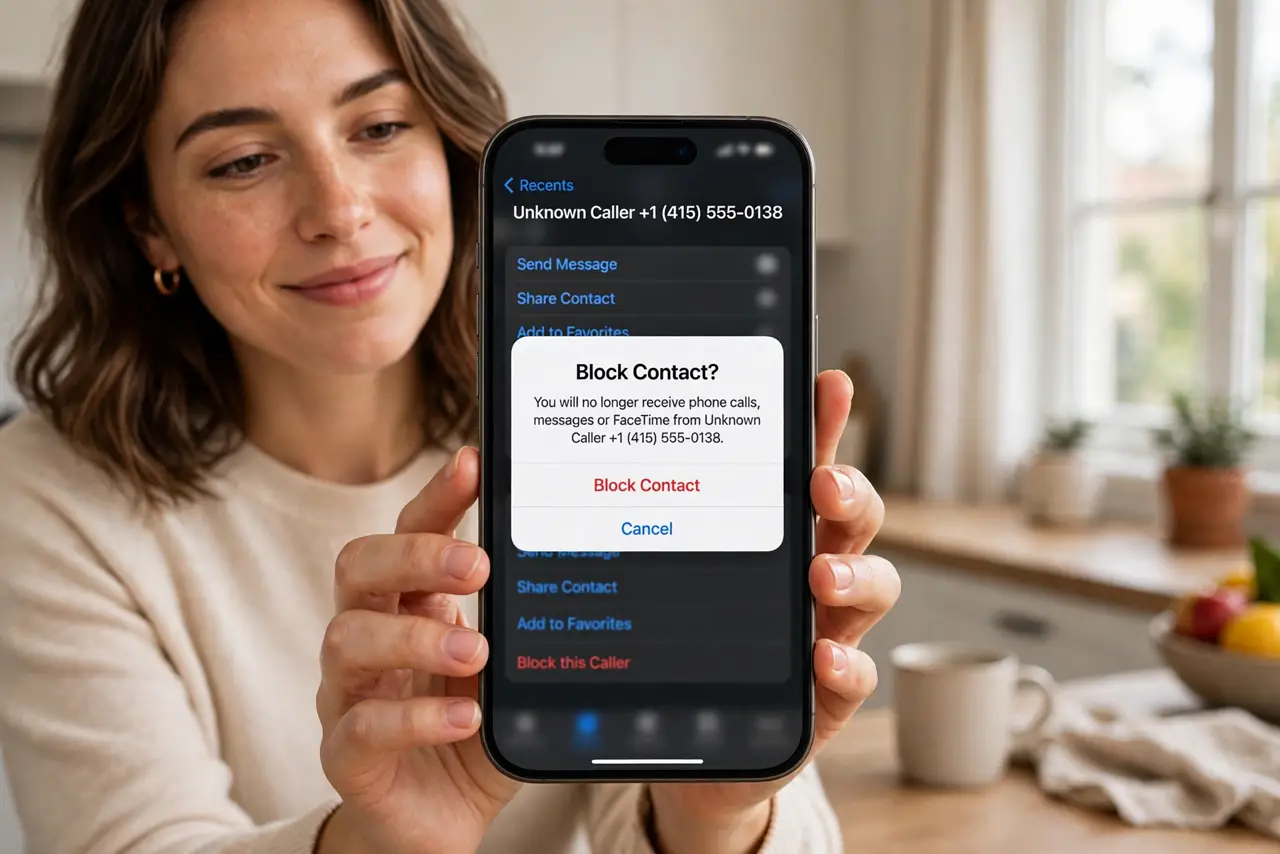
TL;DR / Quick Fix
Quick fix: in the Phone app, tap the info icon next to the number in Recents and choose Block this Caller — done in ten seconds. Blocked callers go to voicemail silently. For the robocall flood, turn on Silence Unknown Callers so strangers never ring at all.
Follow these steps
- Block from Recents. Open the Phone app, go to Recents, tap the info icon beside the number, scroll down, and tap Block this Caller. Confirm — the number is blocked immediately.
- Block from Messages. Open the conversation, tap the number or name at the top, tap info, and choose Block this Caller. Spam texts stop arriving, not just calling.
- Block from Contacts. Open the contact and tap Block this Caller at the bottom. Useful for cutting off someone already in your address book.
- Silence unknown callers. In Settings, then Phone, turn on Silence Unknown Callers. Numbers not in your contacts go straight to voicemail — the single best robocall defense.
- Manage the blocked list. Settings, then Phone, then Blocked Contacts shows everyone blocked. Unblock just as easily — blocking is reversible, not permanent.
- Report the spam. For robocalls and scams, report to your carrier and the FTC. Blocking protects you; reporting protects everyone.
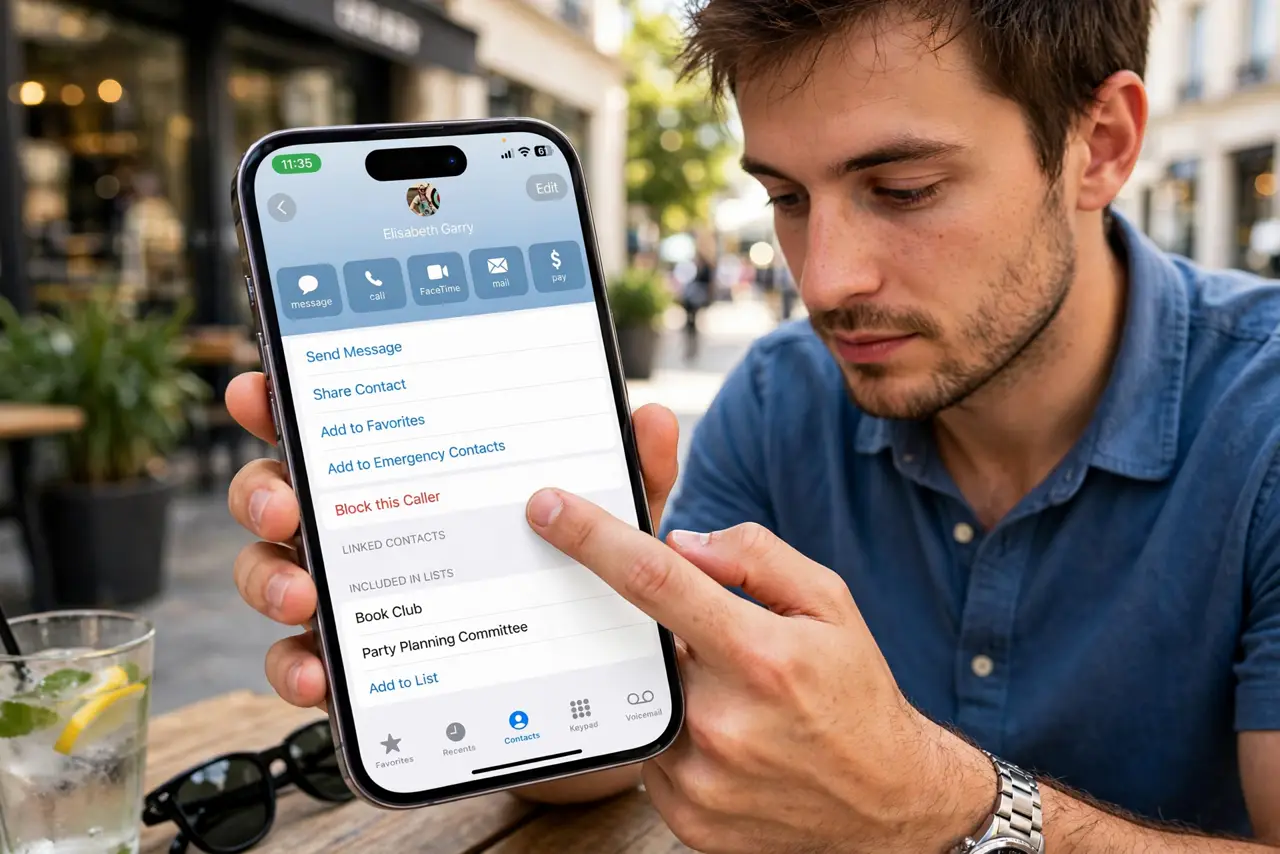
What NOT to do
- Do not expect blocking to stop determined scammers. They rotate numbers constantly — Silence Unknown Callers handles the flood better.
- Do not block and assume texts vanish. Blocked texts go to a filtered list you can still check — nothing is truly deleted on arrival.
- Do not forget voicemail still records them. Blocked callers can leave voicemails; check occasionally or the box fills.
- Do not use blocking for emergencies you might need. Blocked numbers cannot reach you even in a crisis — unblock if circumstances change.
Frequently asked questions
Does the blocked caller know?
No notification is sent. Their calls go to voicemail and texts appear sent — they may eventually guess, but the phone tells them nothing.
Can a blocked number still text me?
The texts are filtered, not delivered to your inbox. You can review them under blocked messages if needed.
Will Silence Unknown Callers block my doctor?
If the number is not in your contacts, yes, it goes to voicemail. Add important numbers — doctor, school, pharmacy — to contacts first.