Block a Number? Basics
Spam calls, a persistent ex, a robocaller that will not quit — blocking a number stops it cold. On iPhone it takes three taps from the recent calls list, and blocked numbers go straight to voicemail without ringing. Blocking is per-device though, and determined spammers rotate numbers. Here is how to block, unblock, and go further.
TL;DR / Quick Fix
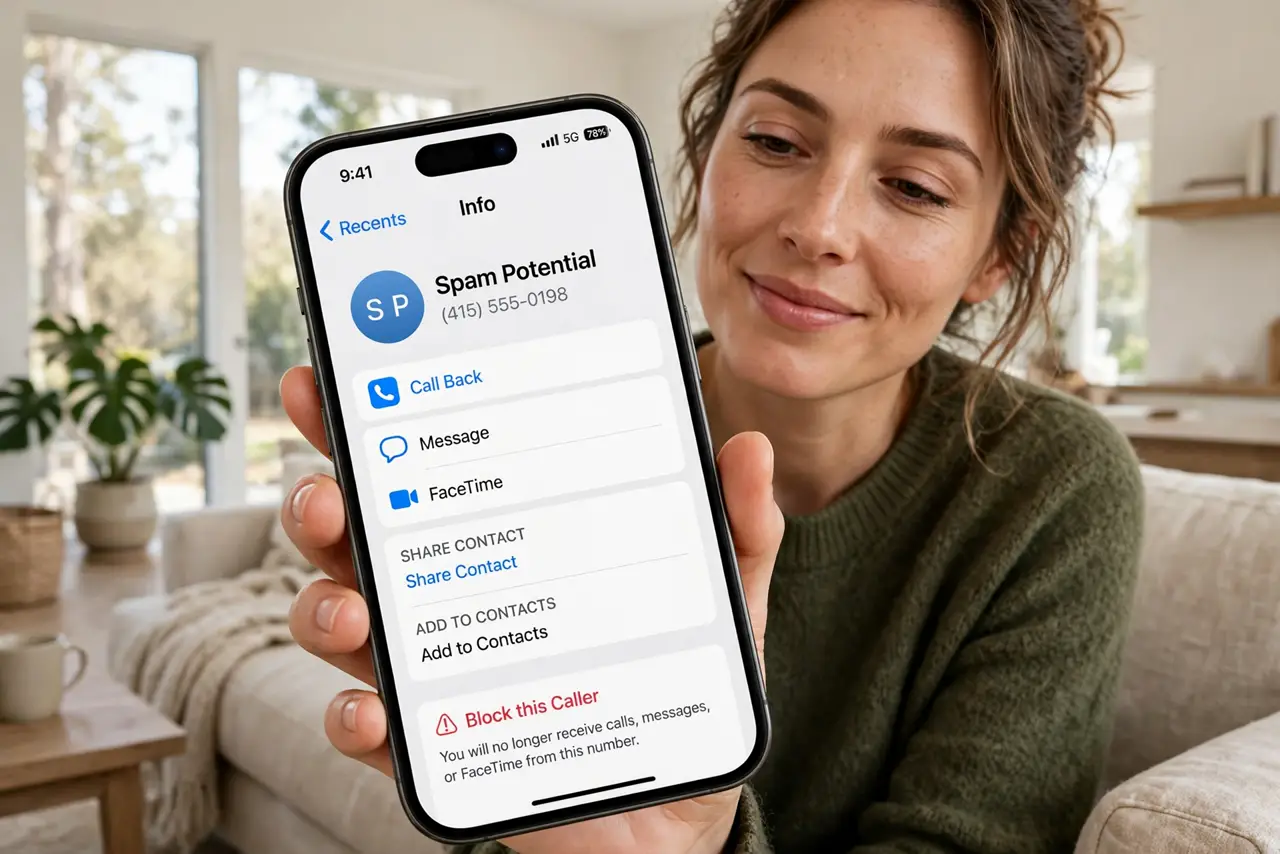
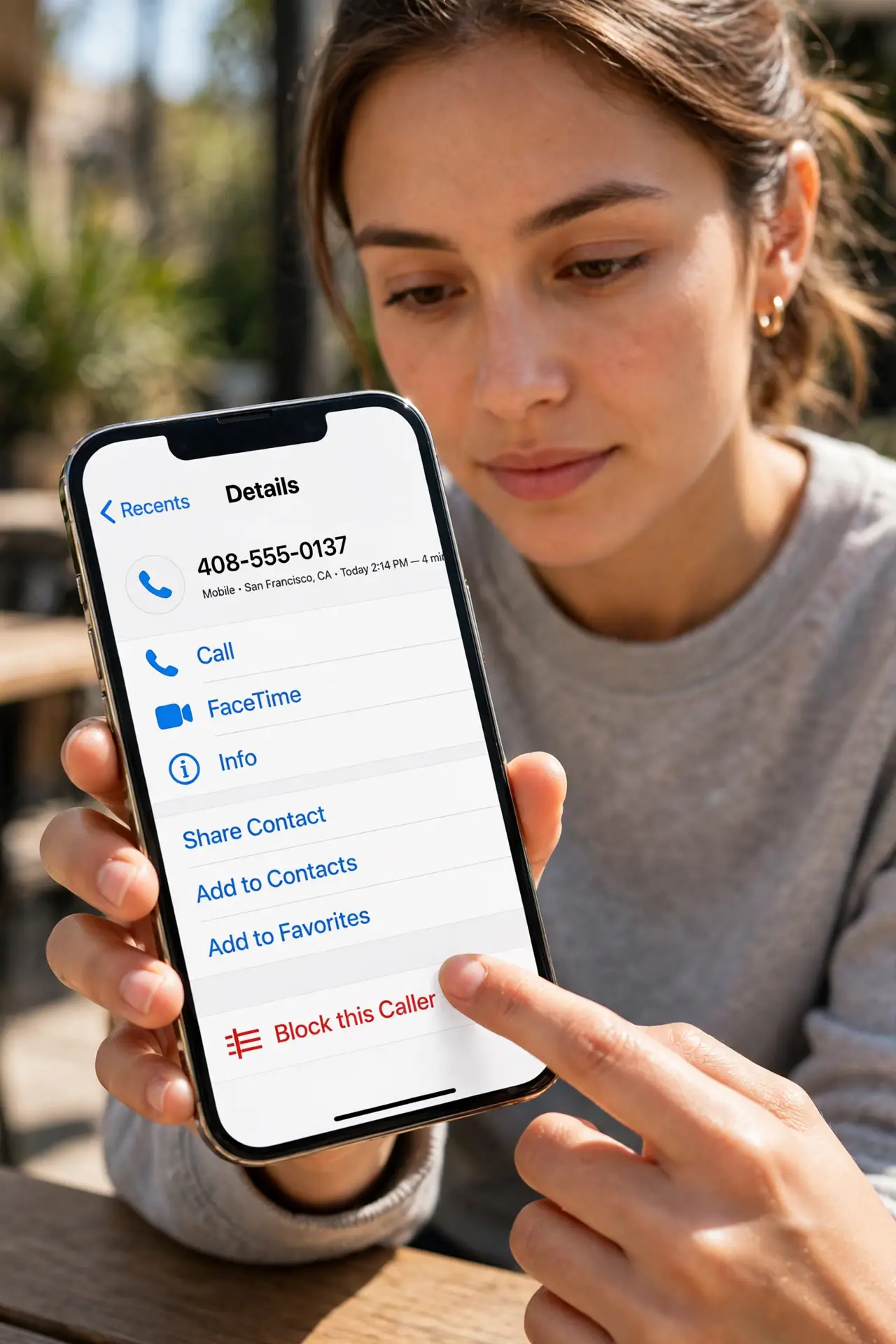
Quick fix: on iPhone open the Phone app, tap Recents, tap the info icon next to the number, scroll down, and tap Block this Caller. On Android open the Phone app, tap the number, and choose Block. Blocked callers go to voicemail silently. For spam waves, enable Silence Unknown Callers.
Follow these steps
- Block from recent calls on iPhone. Open the Phone app, tap Recents, then the small 'i' next to the number. Scroll to the bottom and tap Block this Caller, then confirm. The number can no longer call, text, or FaceTime you.
- Block on Android. Open the Phone app, tap Recents, tap the number or the three dots, and choose Block or Block number. Steps vary slightly by brand, but every Android phone has it in the call log.
- Understand what blocking does. Blocked numbers go straight to voicemail and their texts never arrive — you are not notified at all. The caller hears normal ringing then voicemail, so they may not realize they are blocked.
- Unblock when needed. On iPhone: Settings, Phone, Blocked Contacts, swipe to unblock. On Android: Phone app settings, Blocked numbers. Unblocking restores normal calling both ways.
- Enable Silence Unknown Callers. For spam waves, iPhone's Settings, Phone, Silence Unknown Callers sends all unknown numbers to voicemail quietly. Legit callers leave messages; robots usually do not. Android has similar spam filtering — see auto spam blocking for the Android version.
- Check blocked voicemails occasionally. Blocked callers can still leave voicemails, which collect in a separate Blocked Messages folder. Glance at it monthly in case something legitimate landed there — like the blocked voicemail folder explains.
What NOT to do
- Do not expect blocking to stop all spam. Spammers rotate numbers constantly — blocking is whack-a-mole without spam filtering on top.
- Do not block without checking first. A blocked doctor's office or delivery driver causes real missed connections.
- Do not assume blocking is mutual. They can still reach you from any other number, email, or messaging app.
- Do not forget texts are blocked too. Blocking stops calls, FaceTime, and messages from that number all at once.
Frequently asked questions
Does the blocked person know they are blocked?
Not directly — their calls go to voicemail as if you did not answer. Repeated straight-to-voicemail is a hint, but there is no notification.
Can a blocked number still text me?
No. Texts from blocked numbers never arrive. On iPhone they vanish silently; they do not even appear in a spam folder.
I blocked a number but still get calls — why?
Spammers spoof and rotate numbers, so each new number needs blocking. Enable Silence Unknown Callers or your carrier's spam filter for the real fix.