Call Forwarding? Basics
Call forwarding sends your incoming calls to another number — handy when you switch phones, travel, or want work calls on your personal line. On iPhone it is one toggle in Settings, and you can forward all calls or only the ones you do not answer. The catch: your carrier must support it, and some plans charge for forwarded minutes. Here is how to set it up safely.
TL;DR / Quick Fix
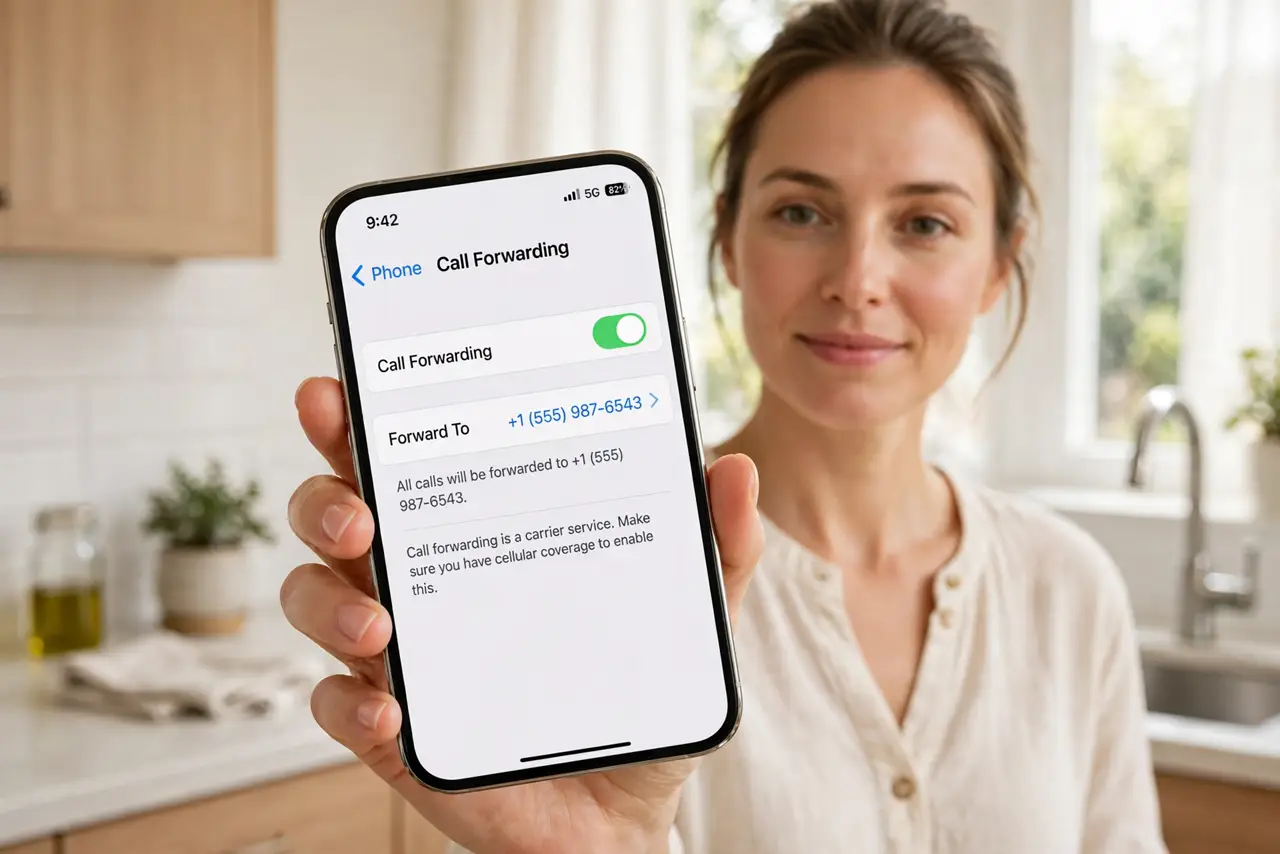
Quick fix: on iPhone open Settings, Phone, Call Forwarding, turn it on, and enter the number. On Android open the Phone app, Settings, Call forwarding, and set your rules. Test it by calling yourself from another phone. Turn it off the same way when done.
Follow these steps
- Find the setting on iPhone. Open Settings, tap Phone, then Call Forwarding. Toggle it on and enter the number you want calls to go to. A small phone-with-arrow icon appears in the status bar while forwarding is active.
- Find the setting on Android. Open the Phone app, tap the menu, then Settings, then Supplementary services or Calling accounts, then Call forwarding. Android lets you set different rules: always forward, when busy, when unanswered, or when unreachable.
- Choose when calls forward. Forwarding everything is simplest, but conditional forwarding is smarter: only when you do not answer, for example. That way your main phone still rings first and the backup only catches misses.
- Test it before relying on it. Call your number from another phone and confirm the target phone rings. Untested forwarding is how people miss important calls for days — a one-minute test prevents it. If it turns itself on, check carrier settings.
- Know the costs. Forwarded calls often count as outgoing minutes on your plan, and international forwarding can be expensive. Check with your carrier before forwarding to a number in another country.
- Turn it off when done. Forwarding left on silently reroutes calls forever. When you no longer need it, return to the same setting and switch it off — and confirm the status-bar icon disappears.
What NOT to do
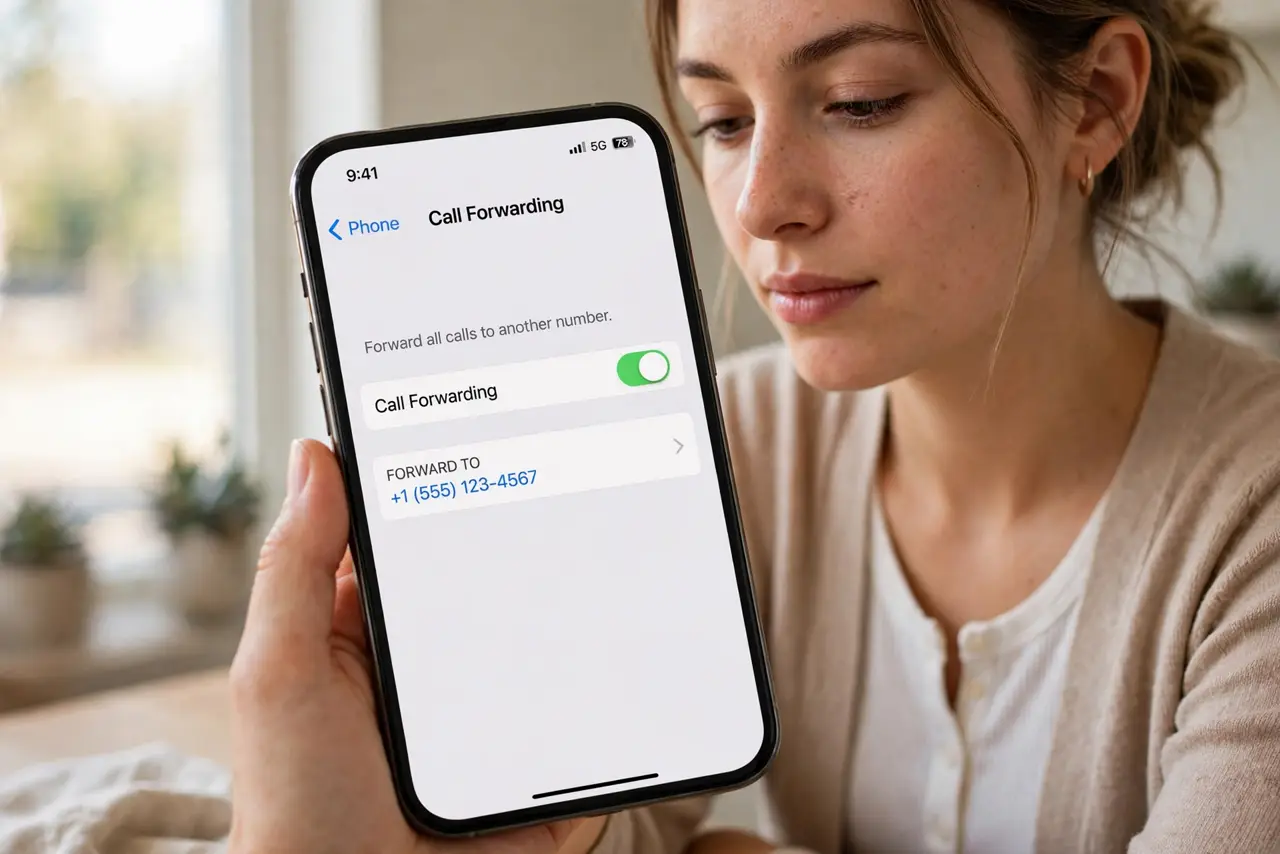
- Do not forward to a number you do not control. Calls — including verification codes — go there, which is a real security risk.
- Do not forward internationally without checking rates. Forwarded international minutes can cost far more than a normal call.
- Do not forget to turn it off. Stale forwarding is the classic reason people 'never got the call' weeks later.
- Do not use forwarding for two-factor codes. SMS codes often fail to forward reliably — keep those on the real device.
Frequently asked questions
Will the caller know the call was forwarded?
No. Forwarding is invisible to the caller — they just hear normal ringing. Only you see the forwarding icon on your phone.
Does call forwarding work when my phone is off?
Yes, if set to forward when unreachable or always. The carrier reroutes the call on its network, so your phone does not need to be on.
Why is call forwarding not working?
Your carrier may not support it on your plan, or it needs enabling on their side first. Call them if the toggle will not stick.