Call Waiting? Basics
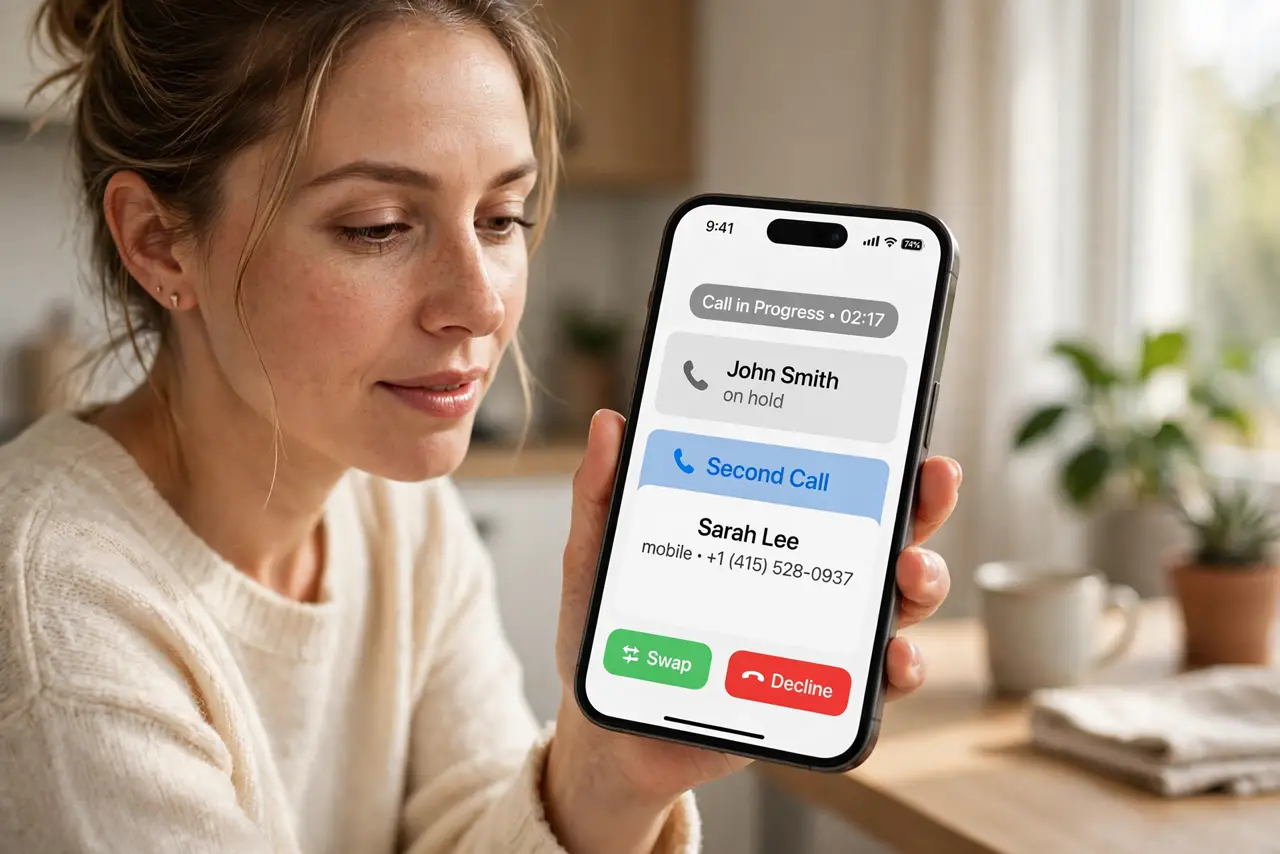
You are on a call and another one comes in — do you hear a beep, or does the caller just get voicemail? That is call waiting, a carrier feature that alerts you to a second incoming call while you are already talking. It is usually on by default, but carrier settings and phone settings can both disable it silently. Here is how to check and fix it.
TL;DR / Quick Fix
Quick fix: call waiting beeps when a second call arrives while you are on the phone. Check it under Settings > Phone > Call Waiting on iPhone, and confirm your carrier enabled the feature. If second calls go straight to voicemail, the setting or the carrier is the culprit.
Follow these steps
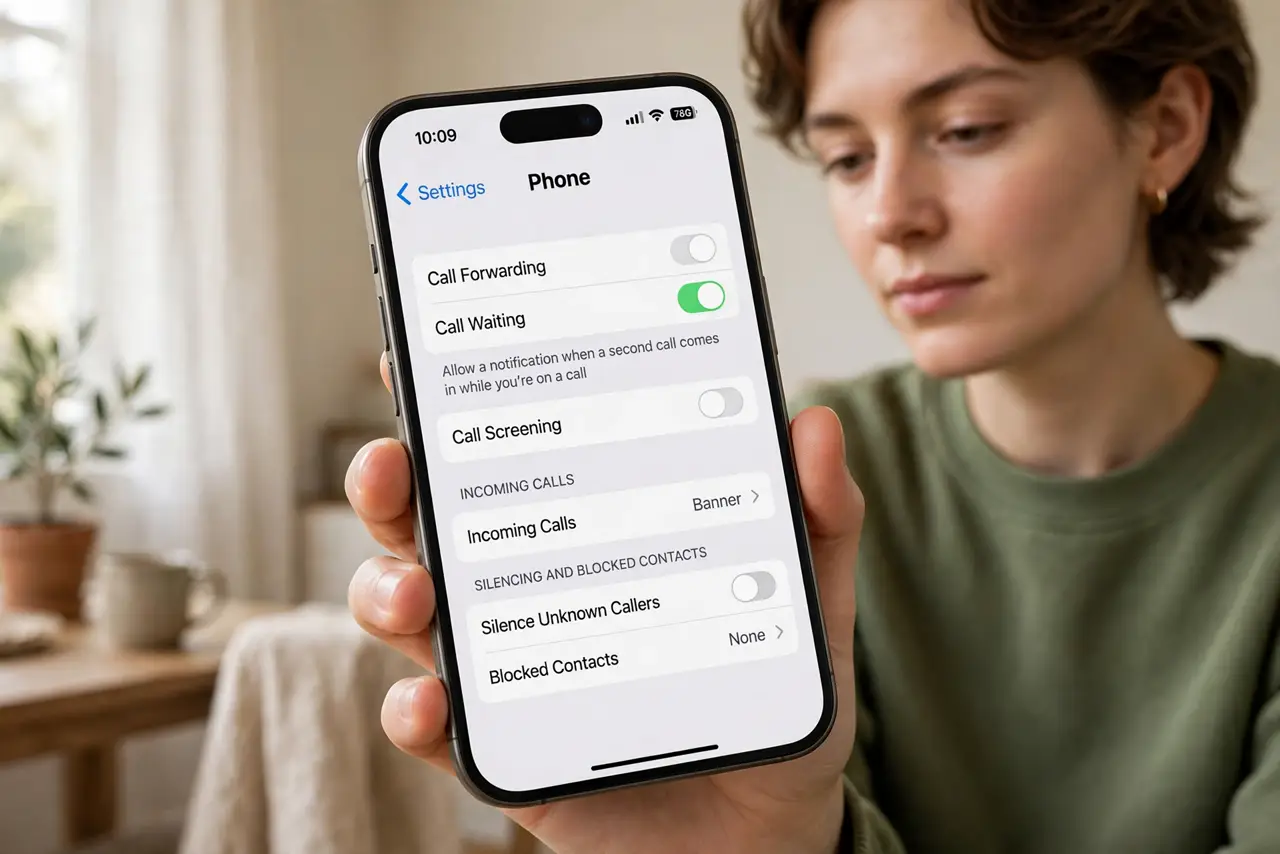
- Find the setting on iPhone. Go to Settings > Phone > Call Waiting and make sure it is on. If the toggle is missing entirely, your carrier controls it — contact them rather than hunting through settings.
- Find the setting on Android. Open the Phone app, tap the menu, go to Settings > Calls or Supplementary services, and look for Call Waiting. Exact wording varies by maker, but it is always near the calling options.
- Confirm with your carrier. Call waiting is a network feature — the phone setting only works if your carrier provides it. Most plans include it free, but some prepaid or business lines have it disabled. One quick call or chat with support settles it.
- Learn the in-call controls. When the second call beeps in, you can hold the first and answer, swap between calls, or merge them into a conference. Practice the buttons once so you are not fumbling during a real call.
- Test it with a friend. Have someone call you while you are on another call. If the second call goes to voicemail instead of beeping in, the feature is off somewhere — phone setting or carrier.
- Check Do Not Disturb. If call waiting worked and suddenly stopped, check that Do Not Disturb or a Focus mode is not silencing the second call. Focus modes can send the interrupting call straight to voicemail.
What NOT to do
- Do not assume the carrier enabled it. The phone toggle does nothing if the network feature is off — verify with your carrier.
- Do not confuse call waiting with call forwarding. Waiting alerts you mid-call; forwarding sends calls elsewhere when you do not answer — different settings, different fixes.
- Do not merge calls with strangers. The merge button creates a conference — only use it when you actually want both parties together.
- Do not ignore repeated missed second calls. If it worked before and stopped, a carrier update or Focus mode changed something — check both.
Frequently asked questions
Why do second calls go straight to voicemail?
Call waiting is off — either the phone toggle or the carrier feature. Check the setting first, then ask your carrier to confirm it is provisioned on your line.
Does call waiting cost extra?
On virtually all modern plans it is included free. Very old or basic prepaid plans are the only usual exception.
Can I turn off the beep but keep the alert?
Not really — the beep is the alert. You can decline the second call to voicemail if you do not want to be interrupted.