Turn On Camera Grid Lines
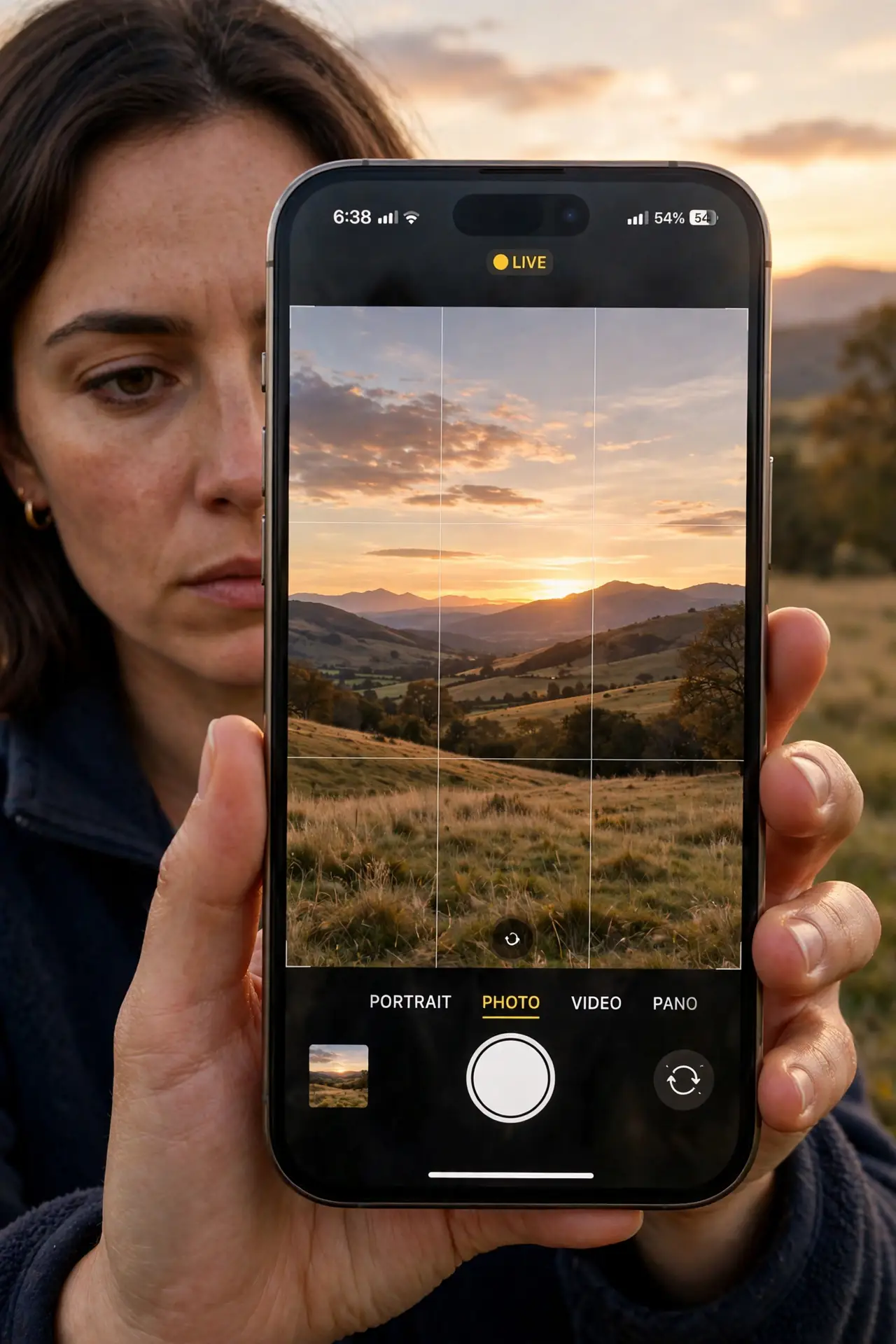
Your photos feel slightly off but you cannot say why — usually the horizon tilts or the subject floats dead center. The camera's grid lines fix both: a rule-of-thirds overlay that trains your eye every time you shoot. One toggle in Settings, and every future photo gets better composition for free.
TL;DR / Quick Fix
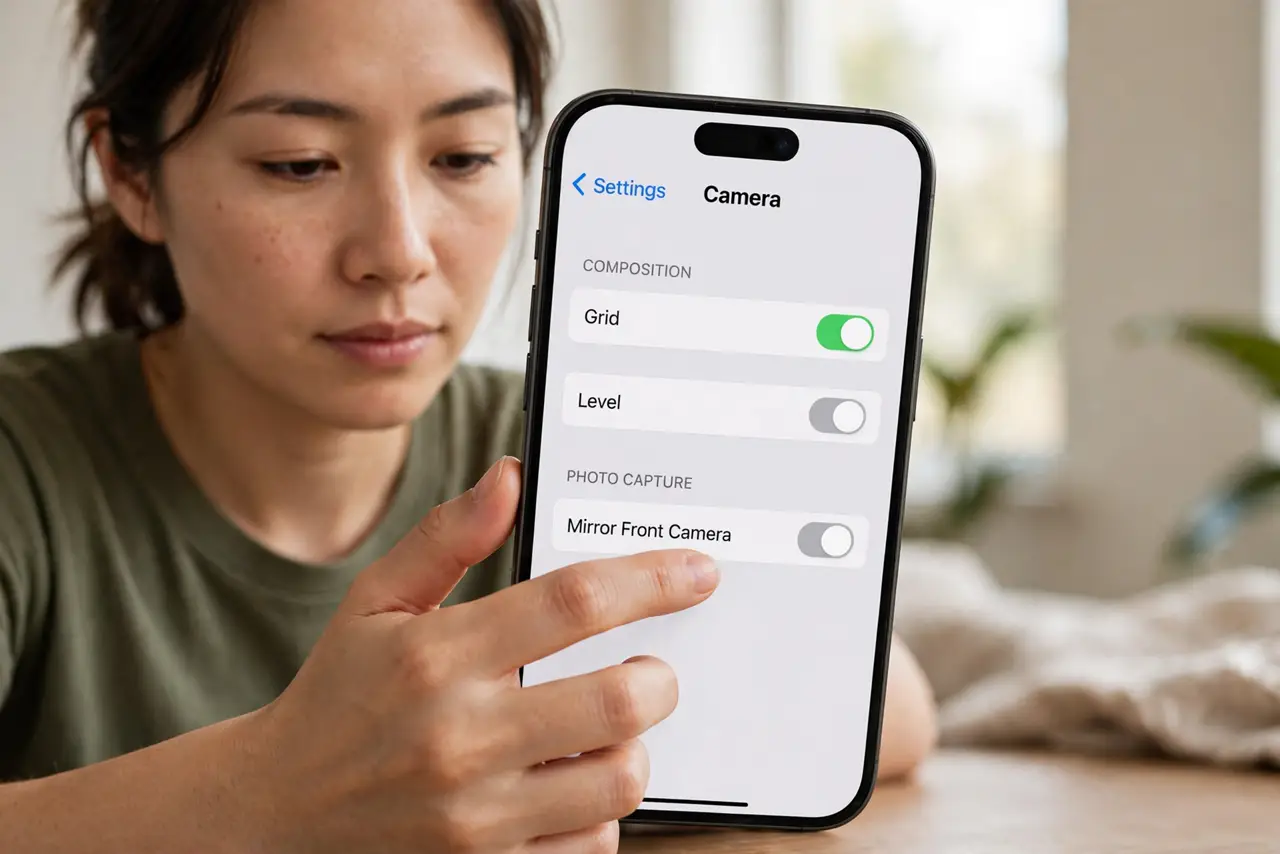
Quick fix: open Settings > Camera > Composition and turn on Grid. The rule-of-thirds overlay appears in the viewfinder — place horizons on the lines and subjects on the intersections. It never shows in the final photo. Pair it with the Level for perfectly straight horizons every time.
Follow these steps
- Turn on the grid. Open Settings > Camera > Composition and switch Grid on. The overlay appears immediately in the viewfinder.
- Use the intersections. Place your subject where the lines cross — not dead center. Eyes land on intersections first; that is the whole trick.
- Park horizons on the lines. Put the horizon on the upper or lower third line, never the middle. Instant landscape upgrade.
- Trust that it never shows in photos. The grid is a viewfinder aid only. Your saved photos are clean — no lines, ever.
- Pair it with the Level. Grid plus Level is the full straight-photo kit: composition from the grid, true horizontal from the level.
- Turn it off if it distracts. Some shooters find the overlay busy. Toggle it off the same way — composition habits you built will linger.
What NOT to do
- Do not expect the grid to appear in saved photos. It is physically impossible — it is a viewfinder overlay only.
- Do not center every subject out of habit. The grid's job is breaking the dead-center reflex — use the intersections.
- Do not confuse grid lines with the level. The grid aids composition; the level guarantees straightness.
- Do not leave it off because 'pros don't need it'. Pros use grids constantly — viewfinders have had them for decades.
Frequently asked questions
Will grid lines show up in my photos?
Never. They exist only in the viewfinder while you compose. The saved image is clean.
What's the rule of thirds?
Divide the frame into thirds both ways; place key elements on the lines or intersections. It beats centering for most scenes.
Does the grid work in video too?
Yes — the overlay shows in video mode as well, which is where straight horizons matter most.