Best CarPlay Apps
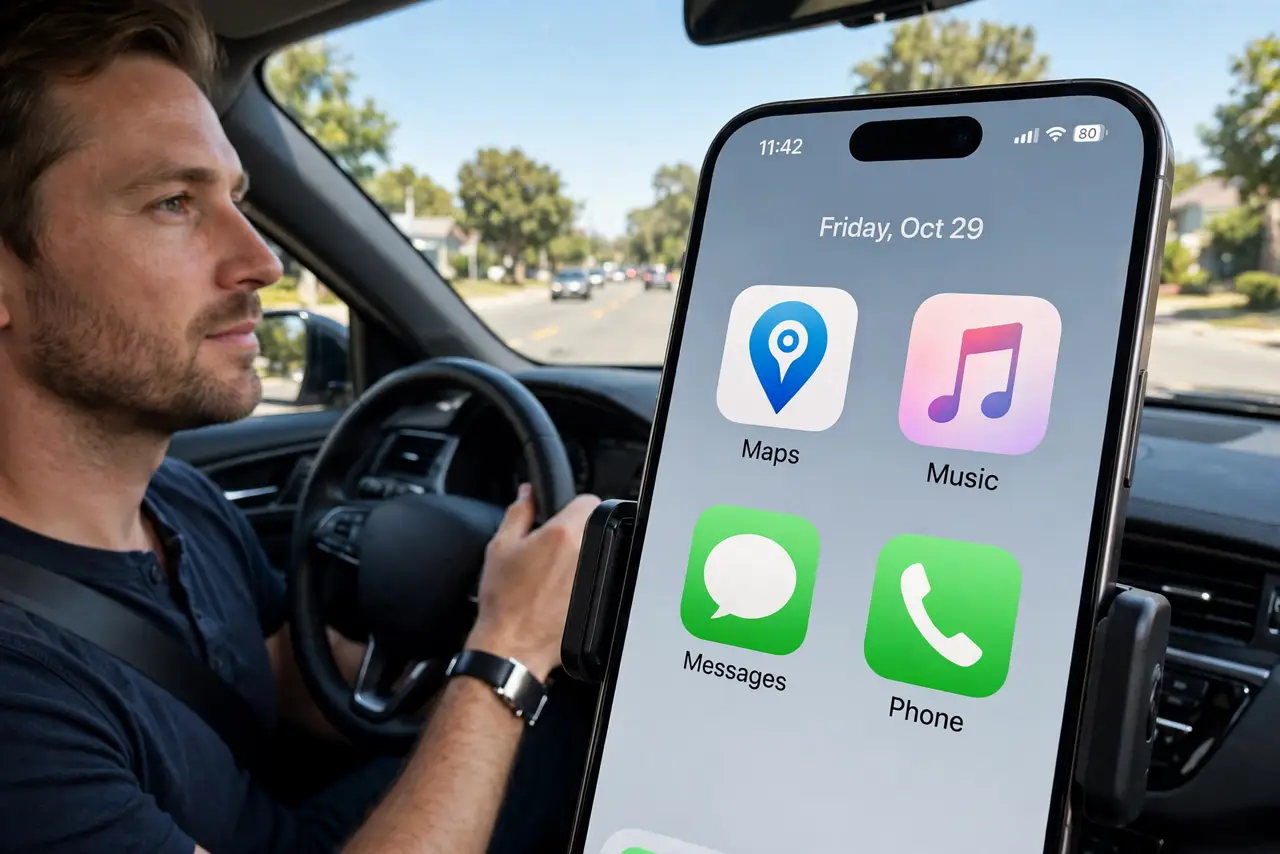
CarPlay with a cluttered dashboard is worse than no CarPlay — you fumble through icons at 60 mph. The best CarPlay setup is ruthlessly simple: navigation, music, messages, and nothing else competing for your thumb. Here is which apps earn a spot and how to arrange them for actual driving.
TL;DR / Quick Fix
Quick fix: the best CarPlay apps are the ones you already use — Maps or Waze for navigation, your music app, Messages, and a podcasts app. Add them in iPhone Settings, General, CarPlay, then Customize. Remove the rest to keep the dashboard clean. Fewer icons means less fumbling while driving.
Follow these steps
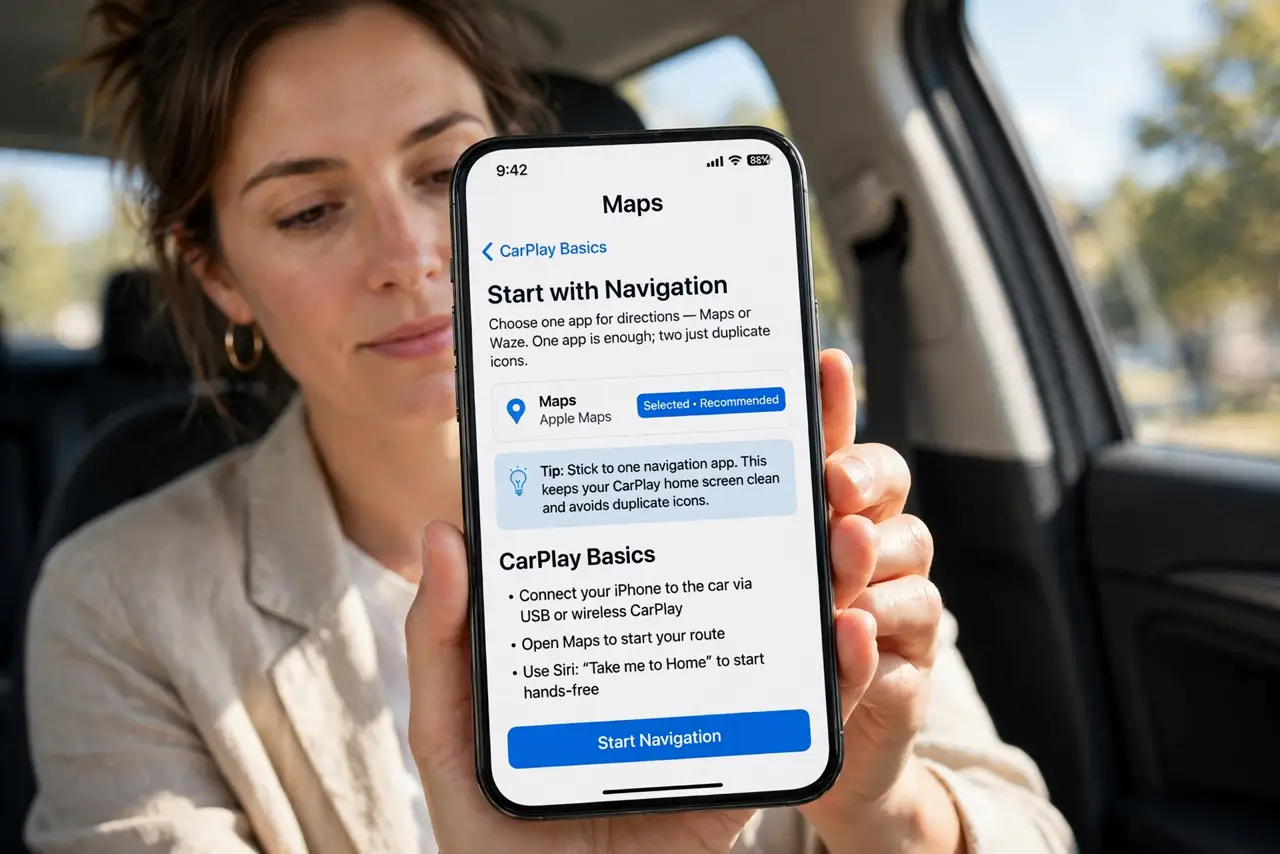
- Start with navigation. Maps or Waze — whichever you trust. One navigation app is enough; two just duplicate icons. Learn the CarPlay basics if you have never set it up at all.
- Add your music and podcasts. Spotify, Apple Music, Overcast, whatever you actually listen to. Audio apps are the second pillar of a good CarPlay setup.
- Keep Messages for Siri replies. Messages on CarPlay is read aloud and dictated — you never touch the screen. It is the safe way to stay reachable.
- Remove everything else. In Settings, General, CarPlay, choose your car and tap Customize. Drag off the apps you never use in the car — calendar widgets and rarely opened apps just add clutter.
- Arrange by thumb reach. Put navigation and music on the first page, top row. The apps you tap while driving belong where your hand naturally lands.
- Go wireless if your car allows. Cutting the cable makes every trip smoother — see the wireless CarPlay guide for pairing it.
What NOT to do
- Do not fill every page with apps. A crowded CarPlay dashboard is a distraction — fewer icons is a safety feature.
- Do not install random third-party CarPlay apps. Stick to apps you know; sketchy apps on the dashboard are a privacy and stability risk.
- Do not tap through menus while driving. Set up the layout parked — everything you need mid-drive should be one tap or a Siri request.
- Do not forget Do Not Disturb While Driving. It silences the noise so the apps you kept can do their job.
Frequently asked questions
What is the single most useful CarPlay app?
Navigation — Maps or Waze. Everything else is comfort; navigation is the reason CarPlay exists.
Can I use Google Maps on CarPlay?
Yes — Google Maps and Waze both support CarPlay. Install them on the iPhone and they appear in the Customize list.
Why do some apps not appear?
The developer has to add CarPlay support. If your favorite app lacks it, that is on the developer, not your phone.