Cap Charging at 80%
Charging to 100% every night quietly ages your battery — full charges plus heat are what wear lithium cells down. Newer iPhones let you cap charging at 80%, and Android phones have their own versions. You trade a fifth of daily range for years of battery health. For most people, that trade wins.
TL;DR / Quick Fix
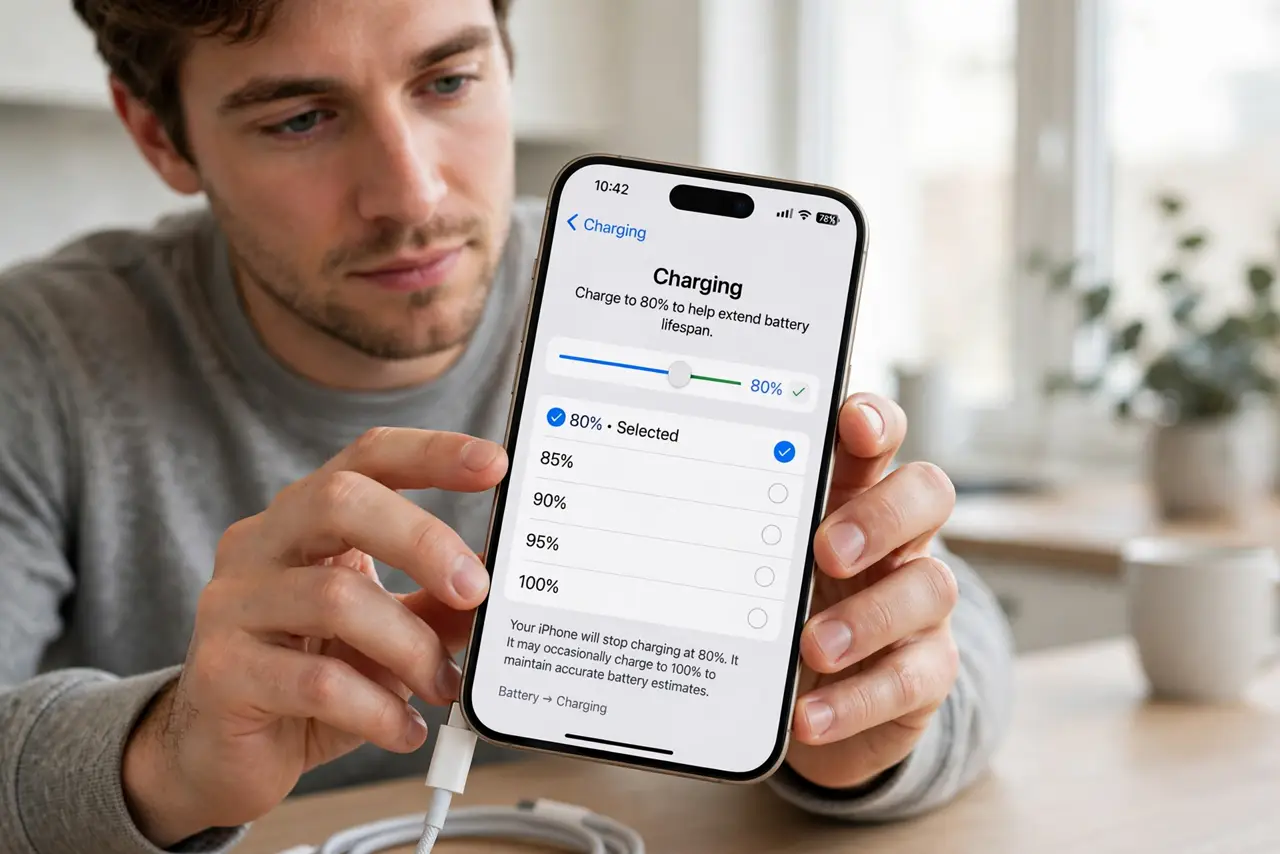
Quick fix: on iPhone open Settings, Battery, Charging, and set the limit to 80%. On Android look under Battery settings for a charging limit or protect-battery toggle. Leave it on permanently and charge to 100% only on travel days — the habit adds real years to the battery.
Follow these steps
- Find the charging settings. iPhone: Settings, Battery, then Charging. The limit option sits there on supported models — iPhone 15 and later have the full menu.
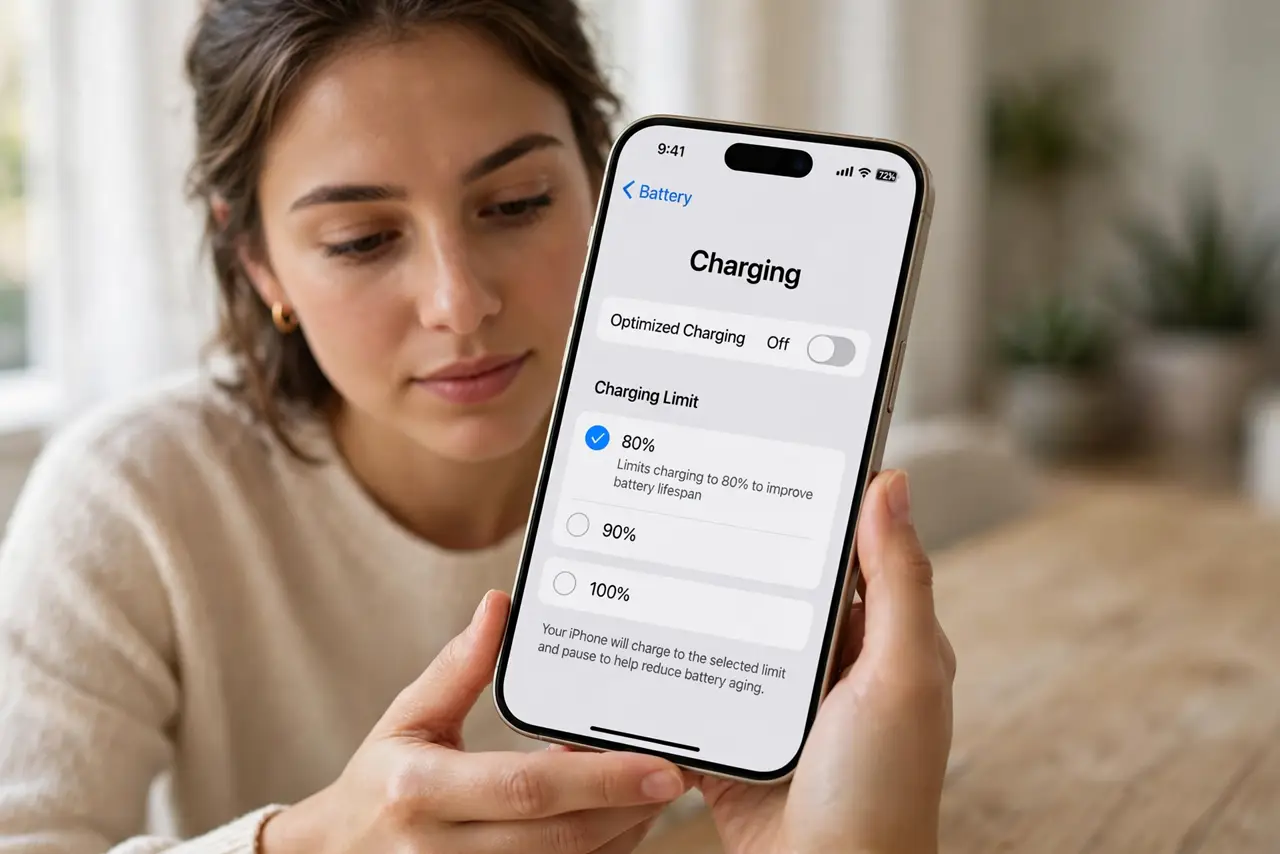
- Set the 80% cap. Choose the 80% limit. The phone simply stops there — no learning period, no guessing. The optimized charging cousin learns your routine instead, if you prefer adaptive.
- Find it on Android. Samsung calls it Protect battery; Pixels have Adaptive charging. The path varies, but the setting exists on most modern Androids — dig in Battery settings.
- Leave it on permanently. Set and forget. The 20% you never use costs nothing day to day — most people end the day well above empty even capped.
- Override for travel days. Long day ahead? Flip to 100% for one charge. The feature is a default, not a lock — use the full battery when you actually need it.
- Watch the long game. After a year, capped batteries hold noticeably more capacity. That is the payoff — invisible daily, obvious yearly.
What NOT to do
- Do not turn it off because 80% feels low. The range anxiety fades in a week; the battery benefit compounds for years.
- Do not charge to 100% daily and cap occasionally. Consistency is the mechanism — the cap works by being always on.
- Do not expect miracles on an old battery. The cap slows aging; it does not reverse capacity already lost.
- Do not confuse the cap with optimized charging. The cap is a hard stop; optimized learns and finishes before you wake — both help.
Frequently asked questions
Will 80% be enough for my day?
For most people, yes — the average phone ends the day far from empty. Heavy users can still top up midday.
Does the cap affect performance?
No — it only limits the charge level. Speed, features, and everything else are identical.
What about wireless charging?
The cap applies regardless of charger type. Wireless heat still matters, so keep the phone cool.