Crash Detection Alerts When Nothing Crashed
Crash Detection can mistake a hard fall, a roller coaster, or a dropped phone for a car crash. The alert is doing its job cautiously — but you can answer it fast and reduce repeat false alarms.
TL;DR / Quick Fix
Quick fix: when the alert appears, tap I am OK right away so no emergency call starts. Then check that the iPhone is not loose in a bag during rough activities, and review the setting only if false alerts repeat.
Follow these steps
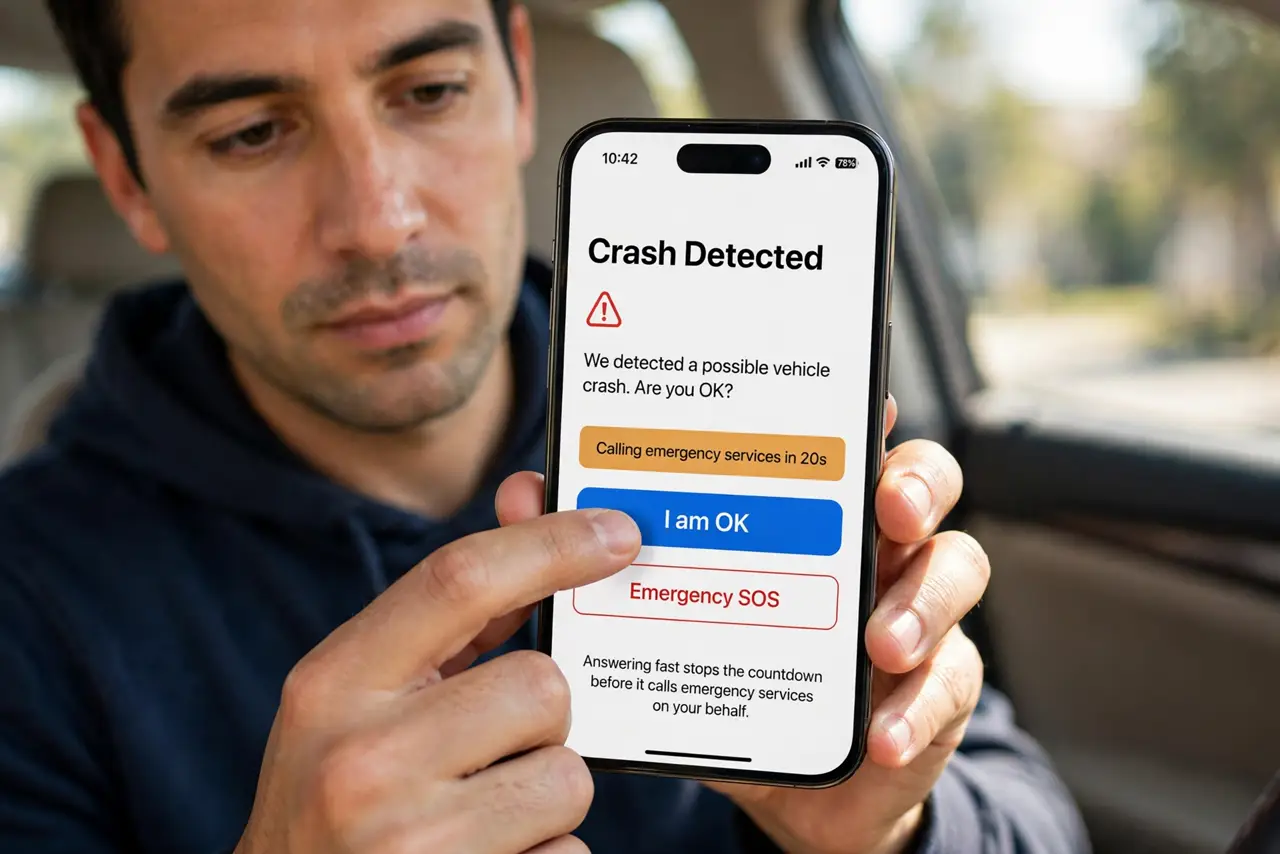
- Answer the alert immediately. When the Crash Detection screen appears, tap I am OK if you are unhurt. Answering fast stops the countdown before it calls emergency services on your behalf.
- Stay on the line if a call already started. If the countdown finished and a call began, stay and explain that no crash happened. Hanging up can trigger a callback, just like an accidental SOS call.
- Keep the iPhone secure during rough activity. Put the iPhone in a snug pocket or armband during skiing, rides, or contact sports. A loose phone bouncing in a bag looks more like a crash to its sensors.
- Check for a damaged case or mount. A damaged case or a loose car mount lets the iPhone jolt harder than it should. Replace the mount or case so normal bumps stop reading as impacts.
- Review the setting if false alerts repeat. Open Settings, then Emergency SOS, and review Crash Detection. If false alerts happen often in one activity, turning it off for that activity is a judgment call — weigh the safety trade-off first.
- Tell emergency contacts about false alerts. Let your emergency contacts know a false alert happened and that you are fine. A quick message prevents worry when they see an automated alert.
What NOT to do
- Do not turn off Crash Detection over a single false alert. One mistaken alert is the price of a feature that can call for help when you cannot.
- Do not ignore a Crash Detection alert. Always answer it, because a real crash alert deserves the same response and you may not know which kind it is at first.
- Do not leave the iPhone loose in a bag on rough rides. The sensors read motion, so a bouncing phone invites false alerts that a snug pocket avoids.
- Do not test Crash Detection by dropping the iPhone. A deliberate drop risks a broken phone and a wasted emergency call for no useful information.
Frequently asked questions
Why did Crash Detection trigger without a crash?
Because hard falls, rough rides, and sharp jolts can resemble crash forces to the iPhone's motion sensors.
What happens if I do nothing?
After a countdown, the iPhone calls emergency services and alerts your emergency contacts, so answer the alert promptly.
Should I turn it off if it misfires once?
No. Keep it on and secure the iPhone better during rough activity, unless false alerts repeat often.
What to read next
- iPhone Health Steps Stop Counting? Fix It
- Find My Shows an Old Location? Fix It