How Crash Detection Works
Modern phones can tell when you have been in a severe car crash — and call for help if you cannot. Crash Detection uses motion sensors, microphones, and barometers to recognize a collision, then starts a countdown before calling emergency services. Knowing how it works means trusting it on the road and silencing it on the roller coaster.
TL;DR / Quick Fix
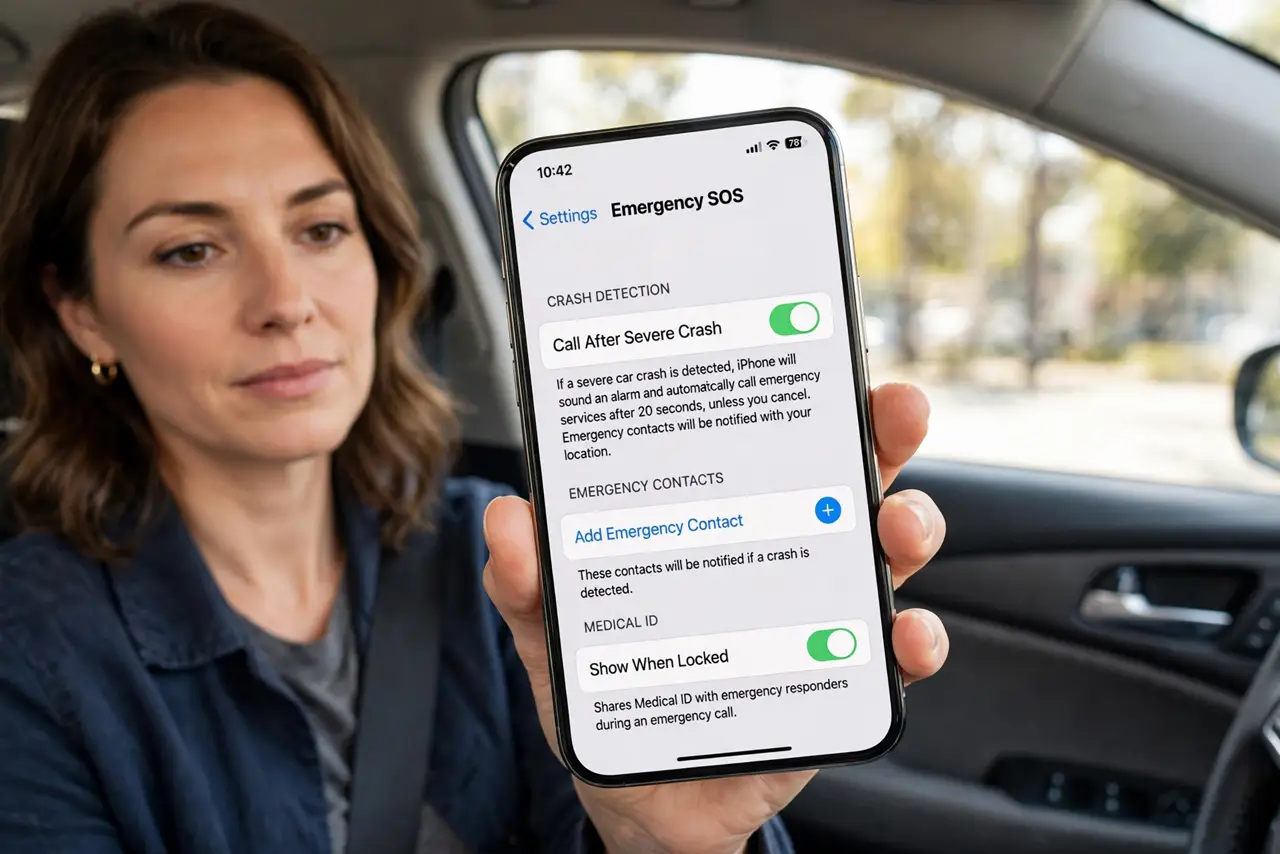
Quick fix: Crash Detection senses severe car crashes using motion, sound, and pressure sensors, then calls emergency services after a countdown you can cancel. It is on by default on supported iPhones — check it in Settings, Emergency SOS. Add emergency contacts so someone you know is notified too.
Follow these steps
- Confirm your phone supports it. Crash Detection needs recent iPhone models with the right sensors. Check Settings, Emergency SOS — if Crash Detection appears there, you have it.
- Leave it enabled. It is on by default, and there is rarely a reason to turn it off. Disabling it removes a safety net you will not miss until the one moment it matters.
- Understand the countdown. After a detected crash, the phone sounds an alarm and shows a countdown. If you are okay, swipe to cancel — if you do nothing, it calls emergency services and texts your location to emergency contacts.
- Add emergency contacts. The call helps you; the texts help your people. Set contacts in the Health app Medical ID so the sensor decision ends with someone you love being notified.
- Know the false-alarm triggers. Roller coasters, ski falls, and rough off-roading can fool the sensors. These false alerts are the price of sensitivity — cancel the countdown and carry on.
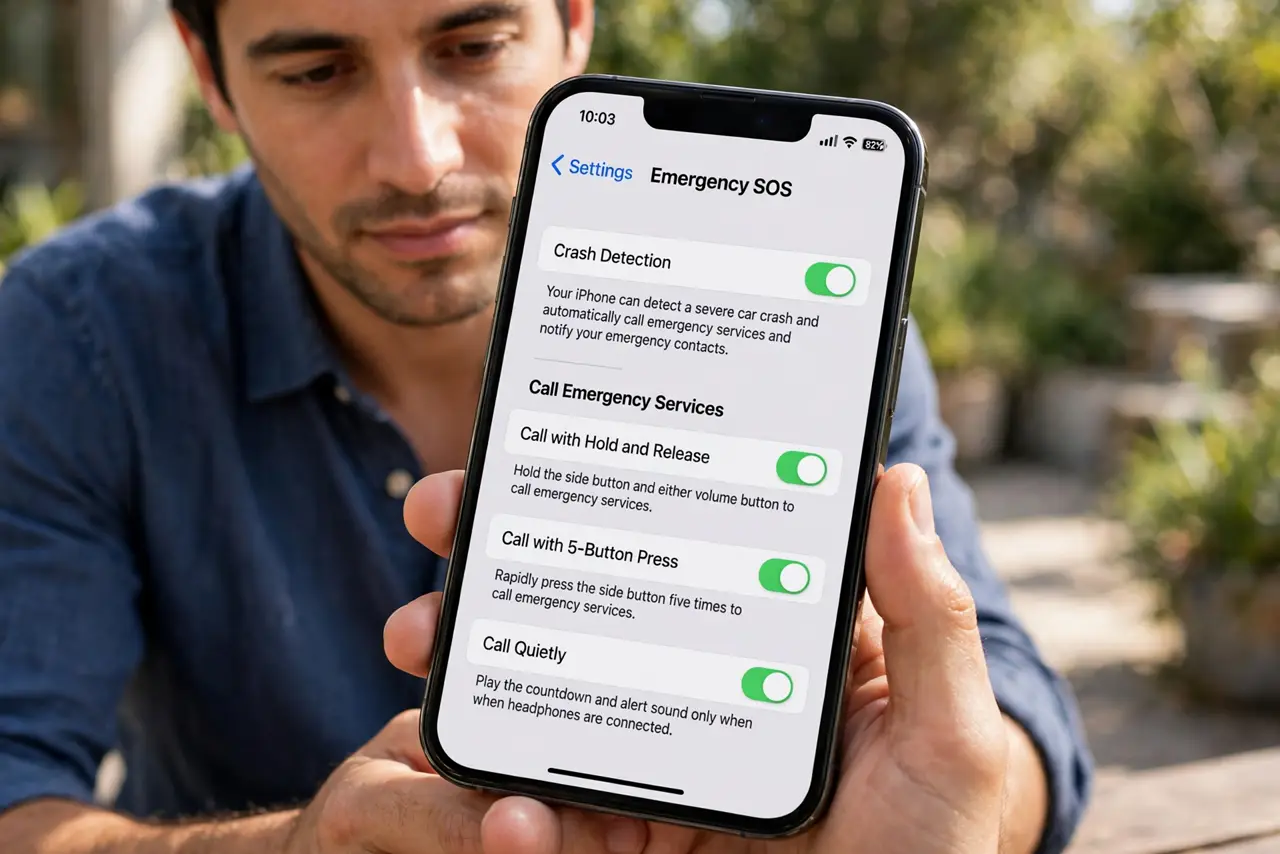
- Pair it with manual SOS. Crash Detection is automatic; Emergency SOS is manual. Know both: automatic for when you cannot act, manual for everything else.
What NOT to do
- Do not turn Crash Detection off to avoid false alarms. Canceling a countdown takes seconds; missing a real crash call is permanent.
- Do not rely on it as your only road safety. It calls for help — it does not prevent crashes.
- Do not test it by staging a crash. There is no safe test; trust the countdown-cancel drill instead.
- Do not assume it works on every phone. Older iPhones and many Androids lack the sensor array — check your model.
Frequently asked questions
Will it call emergency services if I drop my phone?
No — drops do not match the crash signature of deceleration, sound, and pressure change together. It takes a real collision profile to trigger.
Does it work without cell signal?
It needs a connection to place the call. On newer iPhones it can also reach emergency services via satellite where supported.
Can I see a history of detections?
No public log exists — the feature acts in the moment. If it triggered falsely, you will know from the alarm and countdown.