Set Up Emergency SOS
If you hike, run, or drive alone, your phone can call for help even when you cannot dial. Both iPhone and Android have an Emergency SOS feature: a button combination that calls local emergency services and texts your emergency contacts with your location. Setting it up takes two minutes — and it only works if you configure it before you need it.
TL;DR / Quick Fix
Quick fix: Emergency SOS calls emergency services and shares your location with emergency contacts using a few button presses. Set it up now: iPhone in Settings, Emergency SOS; Android in Settings, Safety and emergency. Add your contacts and a Medical ID today, before you ever need them.
Follow these steps
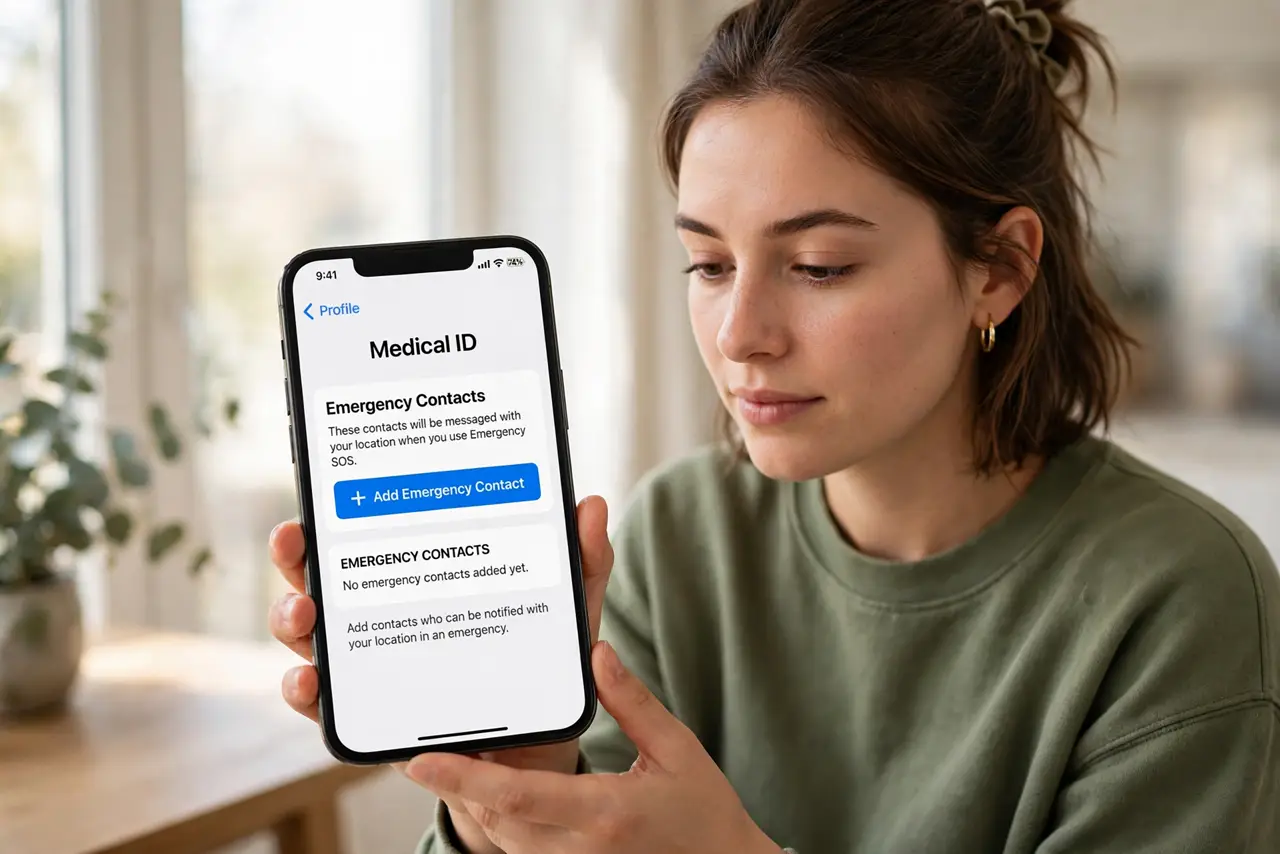
- Add emergency contacts first. On iPhone, open the Health app, tap your profile, then Medical ID to add contacts. On Android, open Settings, Safety and emergency, then Emergency contacts. These are the people SOS texts with your location.
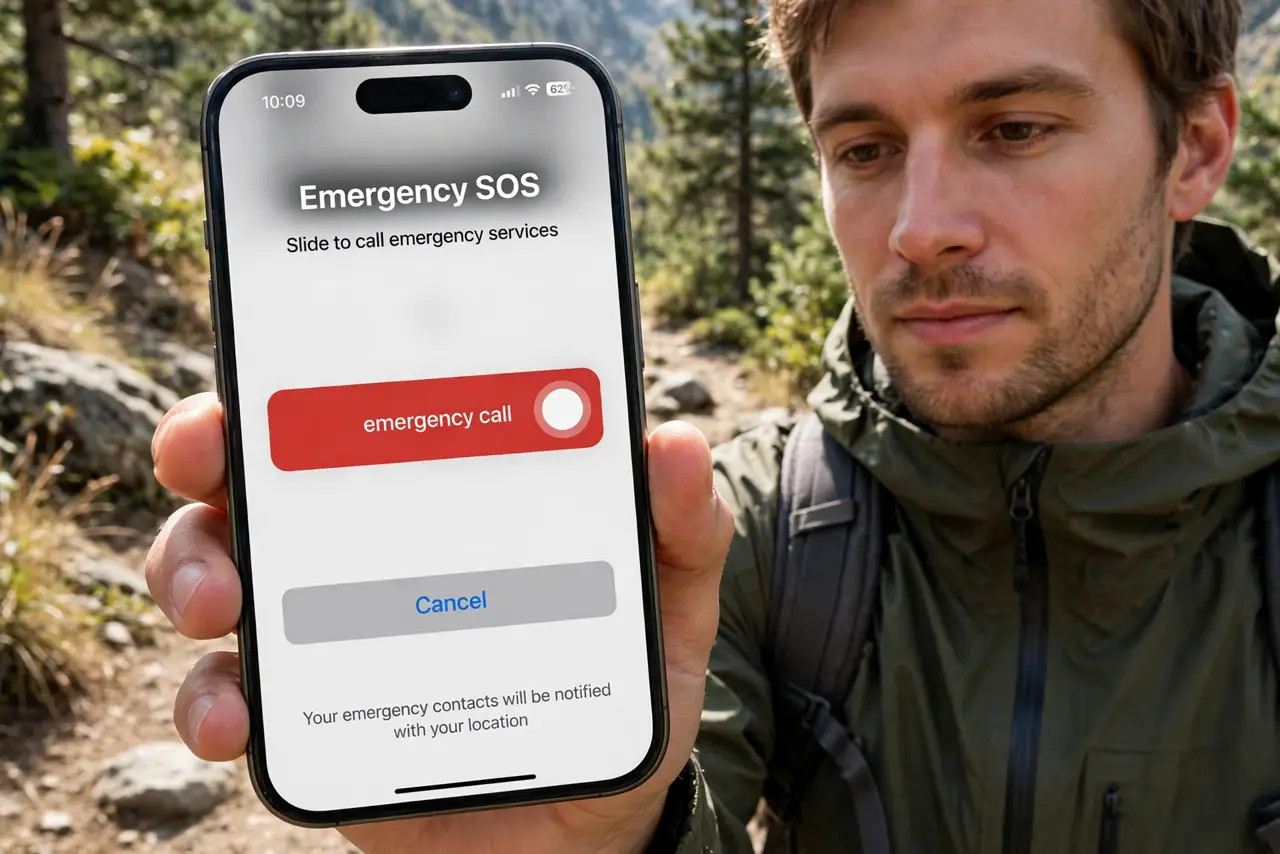
- Turn on Emergency SOS on iPhone. Go to Settings, then Emergency SOS. Enable Call with Hold and Release or Call with 5 Button Presses — either way, holding the side button with a volume button starts the countdown.
- Turn it on on Android. Open Settings, then Safety and emergency. Enable Emergency SOS and pick the gesture — usually pressing the power button five times. This is the Android version of the same feature.
- Choose whether it plays a warning sound. Both systems can sound an alarm during the countdown. Keep it on — the countdown gives you a few seconds to cancel an accidental trigger.
- Fill in your Medical ID too. On iPhone, the Health app Medical ID shows allergies and conditions to first responders from your lock screen. Pair it with SOS using the Medical ID setup steps — the two features are designed to work together.
- Test the countdown, then cancel. Trigger SOS until the countdown appears, then cancel before it calls. You will learn the gesture and the cancel step without bothering emergency services. Never place a test call.
What NOT to do
- Do not trigger a real test call to emergency services. Practice only to the countdown screen, then cancel.
- Do not skip adding emergency contacts. Without them, SOS calls for help but nobody you know is notified.
- Do not assume it works with no signal. SOS needs cellular or Wi-Fi calling — in true dead zones, consider a satellite messenger.
- Do not let kids play with the button combo. Teach them what it does instead — false calls waste responders time.
Frequently asked questions
Will Emergency SOS call for help by accident?
It can if the buttons are pressed in a pocket. The countdown screen and warning sound exist for exactly this — cancel within the countdown and no call is placed.
Does it share my location automatically?
Yes, with your emergency contacts after the call — and dispatchers get location through the normal emergency call system.
Is it different from crash detection?
Yes. SOS is manual — you trigger it. Crash detection fires automatically after a severe car crash; see how crash detection works to understand both.