Cycle Tracking? Basics
Apple's Health app includes cycle tracking for periods, symptoms, and fertility windows, but it hides under Browse and the predictions confuse people when they are wrong. The feature is straightforward once set up: log what happens, and the predictions improve over a few cycles. This guide covers setup, logging, and privacy.
TL;DR / Quick Fix
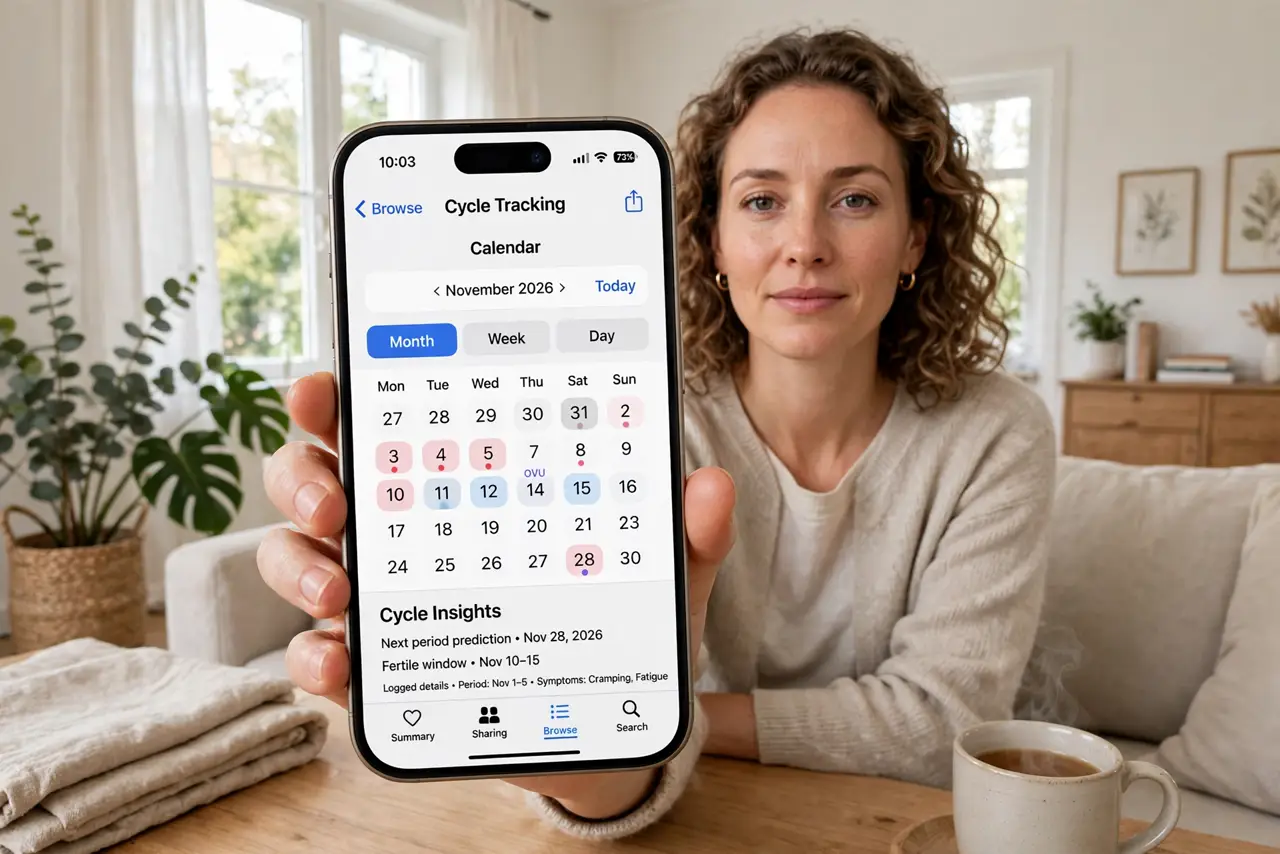
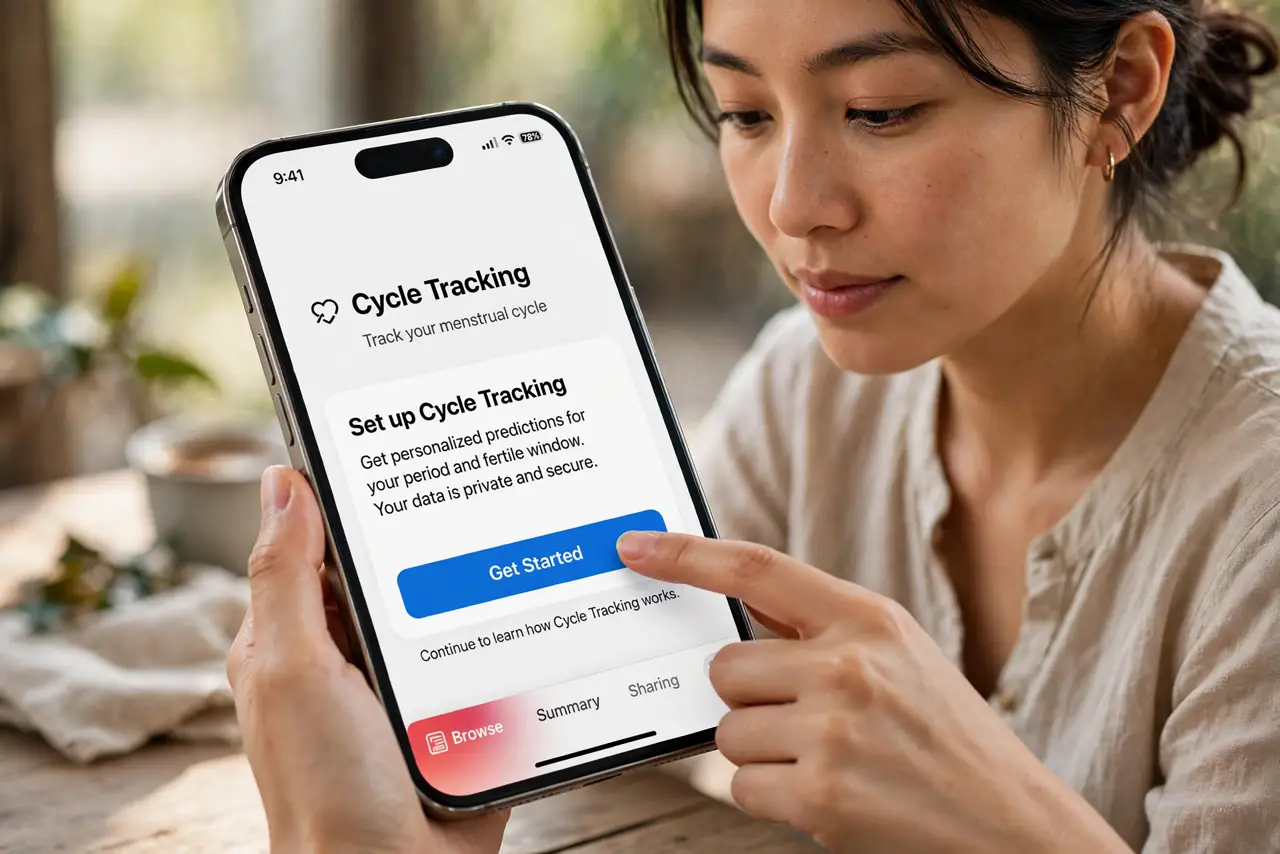
Quick fix: open the Health app, tap Browse, then Cycle Tracking, and tap Get Started. Log your period days each month — predictions sharpen after three logged cycles. Turn on fertile window predictions only if you want them. Review privacy settings so you know exactly where this sensitive data lives.
Follow these steps
- Set it up in Health. Open Health, tap Browse, then Cycle Tracking, and follow the setup. Enter your typical cycle length if you know it — the app refines the estimate as you log real data.
- Log consistently. Record period days, flow level, and symptoms as they happen. Three consistent cycles is the magic number — predictions before that are rough guesses.
- Understand the predictions. Period and fertile window forecasts are estimates from your history, not guarantees. Stress, travel, and illness shift cycles; the app adjusts as new data arrives.
- Review privacy settings. Cycle data is encrypted on your device and in iCloud. Check Health's privacy settings and sharing — know exactly who, if anyone, can see it before you log a thing.
- Use it for doctor visits. Export or show the history at appointments. A logged record of cycle length and symptoms beats memory for any gynecological conversation.
- Turn off predictions you do not want. Fertile window and period predictions can each be toggled. If the notifications stress you out, keep the logging and silence the forecasts.
What NOT to do
- Do not treat predictions as medical advice. The app estimates from patterns — it cannot diagnose anything or replace a doctor.
- Do not share the phone casually with tracking visible. This is sensitive health data — keep it behind your lock screen like the rest of Health.
- Do not log sporadically and trust the forecast. Garbage in, garbage out — irregular logging produces unreliable predictions.
- Do not panic over one late prediction. Cycles vary naturally; a single outlier is normal, not a malfunction.
Frequently asked questions
How accurate are the predictions?
Reasonably good after three or more consistently logged cycles. They estimate from your history — life events still cause surprises.
Is my cycle data private?
It is encrypted on-device and in iCloud, and Apple states it is not used for advertising. Review sharing settings to be sure.
Can Android track cycles too?
Yes — Google Fit and many dedicated apps offer cycle tracking with similar logging and prediction features.