Driving Focus Auto-Reply Never Sends
Driving Focus silences notifications, but the auto-reply that should tell people you are driving never arrives. The reply setting, the allowed contacts, or the activation mode is usually the missing piece.
TL;DR / Quick Fix
Quick fix: open Settings, then Focus, then Driving, and confirm Auto-Reply is on with a message set. Then set Auto-Reply To to the group you want, and test it from a friend's phone and test the reply with a friend before your next drive.
Follow these steps
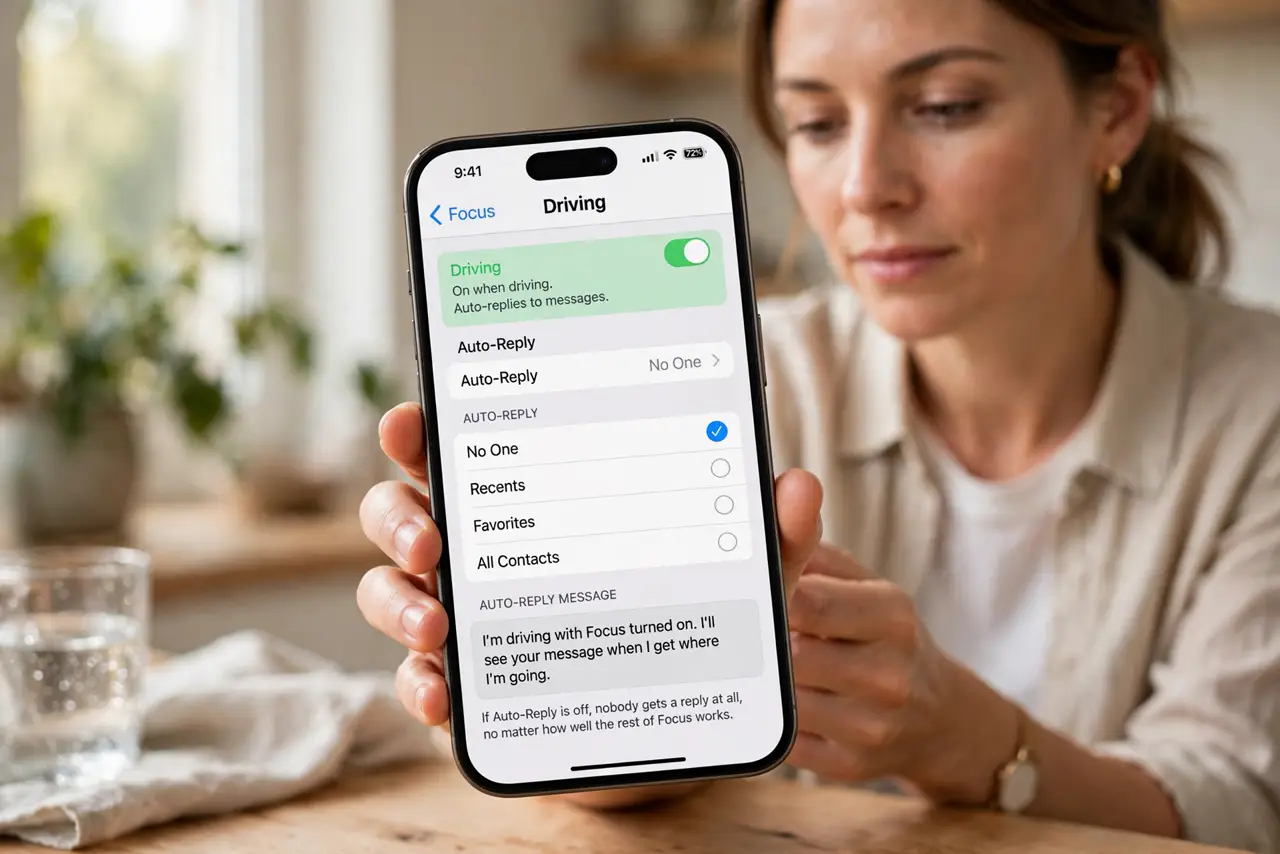
- Turn on Auto-Reply in Driving Focus. Open Settings, then Focus, then Driving, and look for Auto-Reply. If it is off, nobody gets a reply at all, no matter how well the rest of Focus works.
- Write an auto-reply message. In the same Driving pane, set the Auto-Reply message text. An empty message means there is nothing to send, so write a short note saying you are driving and will reply later.
- Set who receives the reply. Choose Auto-Reply To and pick Recents, Favorites, or All Contacts. If it is set to a group that excludes the sender, that sender simply never gets a reply.
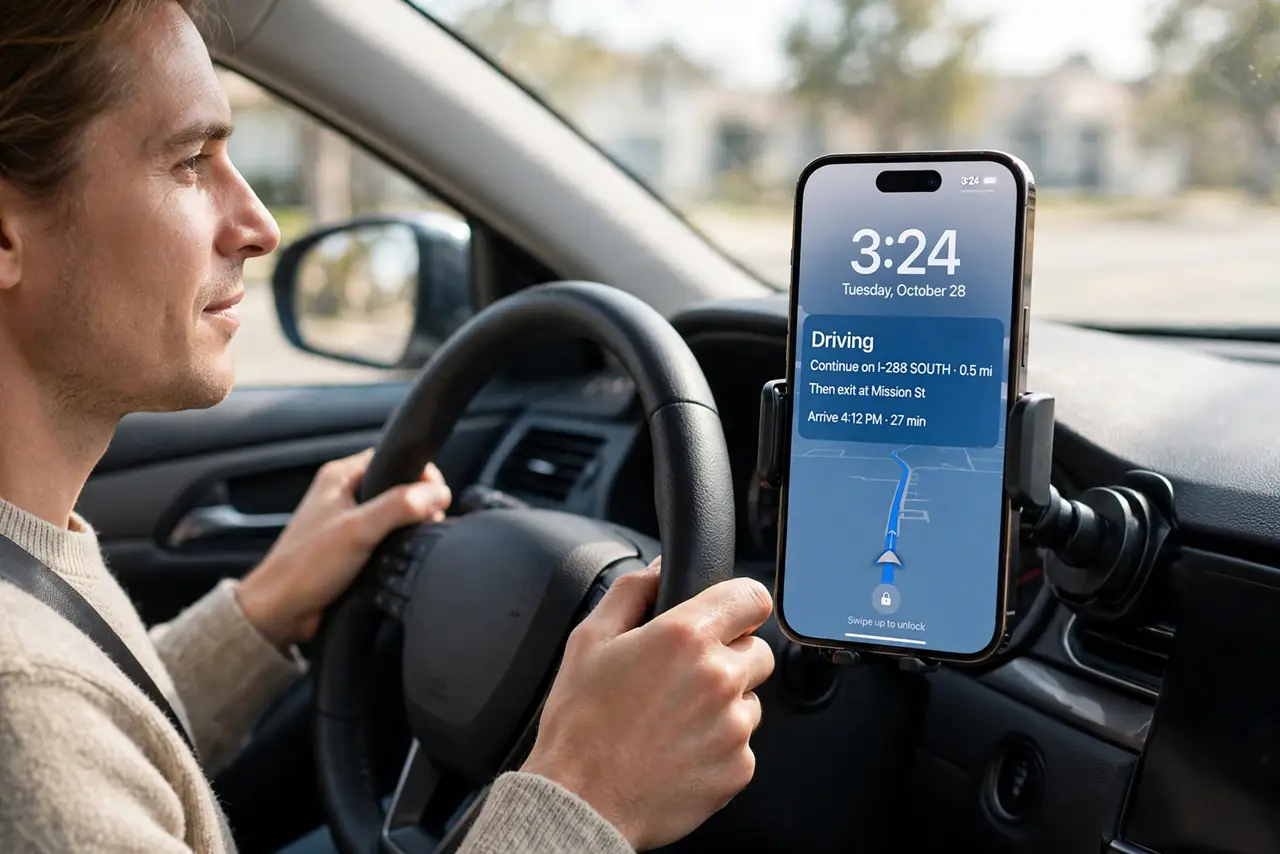
- Check how Driving Focus activates. Review the activation setting: automatically, when connected to car Bluetooth, or manually. If Driving never turns on, its auto-reply cannot send either.
- Test with a friend's message. Ask a friend in your chosen reply group to text you while Driving Focus is on. Their phone should receive your auto-reply within a short time if the setup is right.
- Check the sender is not blocked or silenced elsewhere. Confirm the sender is not blocked and that their messages arrive normally outside Driving Focus. A blocked sender gets no reply from any setting, not just Driving.
What NOT to do
- Do not assume Driving Focus replies to everyone. The Auto-Reply To group decides who hears back, and senders outside it get silence by design.
- Do not test auto-reply while actually driving. Park first, turn Driving Focus on by hand, and let a friend send the test message.
- Do not turn off Driving Focus because replies fail. Fix the auto-reply setting instead, so you keep the safety silence and gain the reply.
- Do not set the reply to All Contacts without thinking. A reply to every sender can share your driving status more widely than you intended.
Frequently asked questions
Why does Driving Focus silence but never reply?
Because Auto-Reply is off, the message is empty, or the sender sits outside the chosen Auto-Reply To group.
Who should receive driving auto-replies?
Usually Favorites or Recents, so close contacts hear back while strangers do not learn you are driving.
Does Driving have to be on for replies to send?
Yes. Auto-reply only sends while Driving Focus is active, so check how it activates.