Can't Find Duplicate Photo Merge? Fix It
Your iPhone should offer to merge duplicate photos, but the Duplicates album is nowhere to be found. The feature needs updated software and a finished photo analysis. This guide makes the album appear and merges safely.
TL;DR / Quick Fix
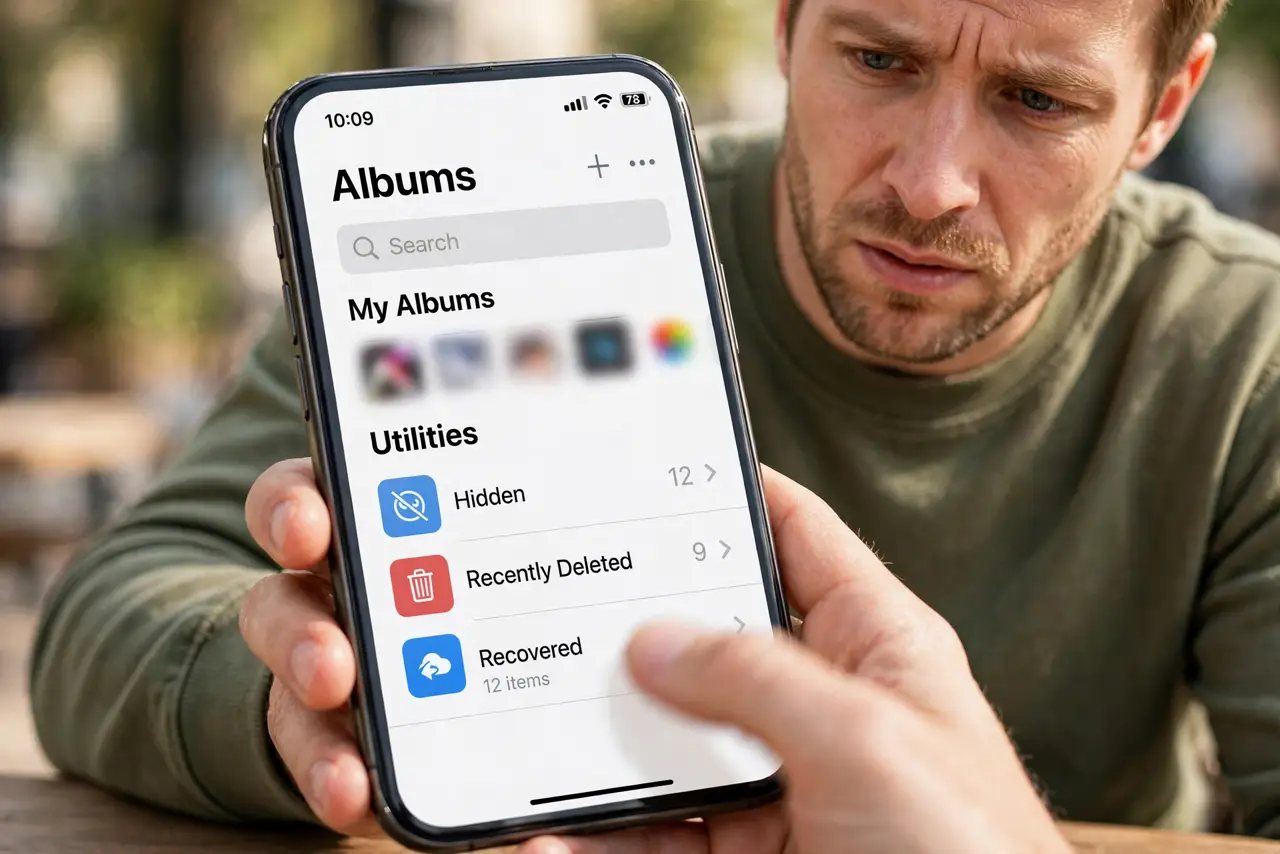
Quick fix: update iOS to the latest version, then open Photos, go to Albums, scroll to Utilities, and look for Duplicates. If it is missing, leave the phone locked and charging overnight undisturbed so photo analysis finishes, then check again.
Follow these steps
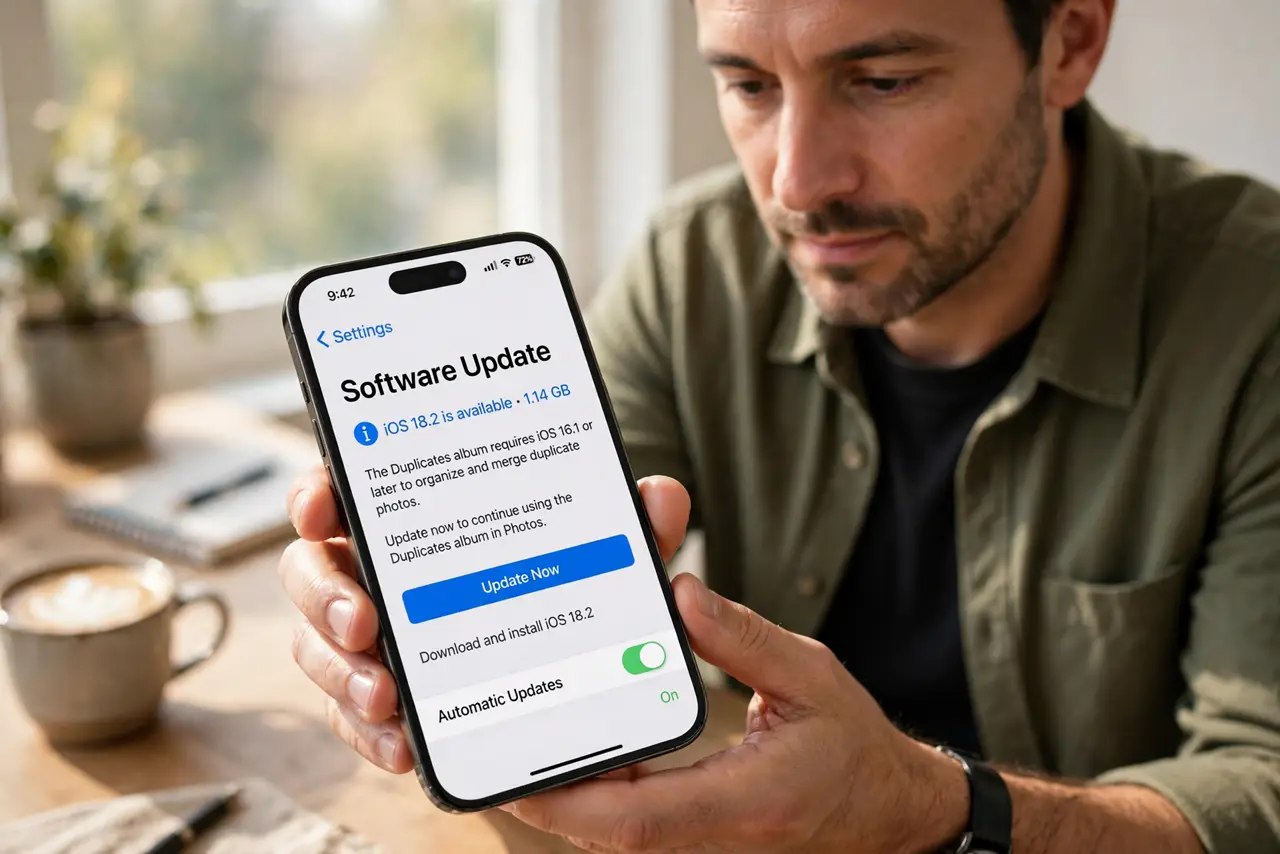
- Update iOS first. The Duplicates album needs a recent iOS version. Install the latest update; older versions simply lack the feature entirely.
- Look in the right place. Open Photos, tap Albums, and scroll all the way to Utilities. The album appears only when duplicates exist, so no album can mean no duplicates.
- Let photo analysis finish. The iPhone detects duplicates during idle locked time. Leave it charging overnight on Wi-Fi and check again in the morning.
- Understand what counts as duplicate. iOS merges exact and near-exact duplicates: same shot, different size or format. Artistic near-copies are left alone deliberately.
- Merge instead of manual deleting. Tap Merge on a duplicate set. Merging keeps the best copy and combines metadata, which beats deleting by hand.
- Compare with Mac duplicates. If doubles came from a computer import, the Mac duplicates fix handles that side. Clean both ends so sync does not restore them.
What NOT to do
- Do not delete both copies manually. Merging preserves the best version and its metadata; manual deletion risks keeping the worse one.
- Do not expect it to find everything. The detector is conservative; near-duplicates with different edits may never appear.
- Do not merge while analysis runs. Let the overnight scan finish first, or sets appear half-built.
- Do not assume missing means broken. No Duplicates album usually means no detected duplicates, which is good news.
Frequently asked questions
Where is the Duplicates album?
In Photos under Albums, inside the Utilities section at the bottom. It only appears when duplicates are detected.
Why is Duplicates missing after the update?
Photo analysis needs idle locked time to scan. One charging night usually makes it appear.
Is merging duplicates safe?
Yes. Merge keeps the highest-quality copy and combines captions, keywords, and favorites.