Face ID Fails When You Wear Sunglasses
Face ID works barefaced, then fails the moment sunglasses go on. Dark lenses block the infrared pattern Face ID reads, and some frames change your face shape enough to confuse it.
TL;DR / Quick Fix
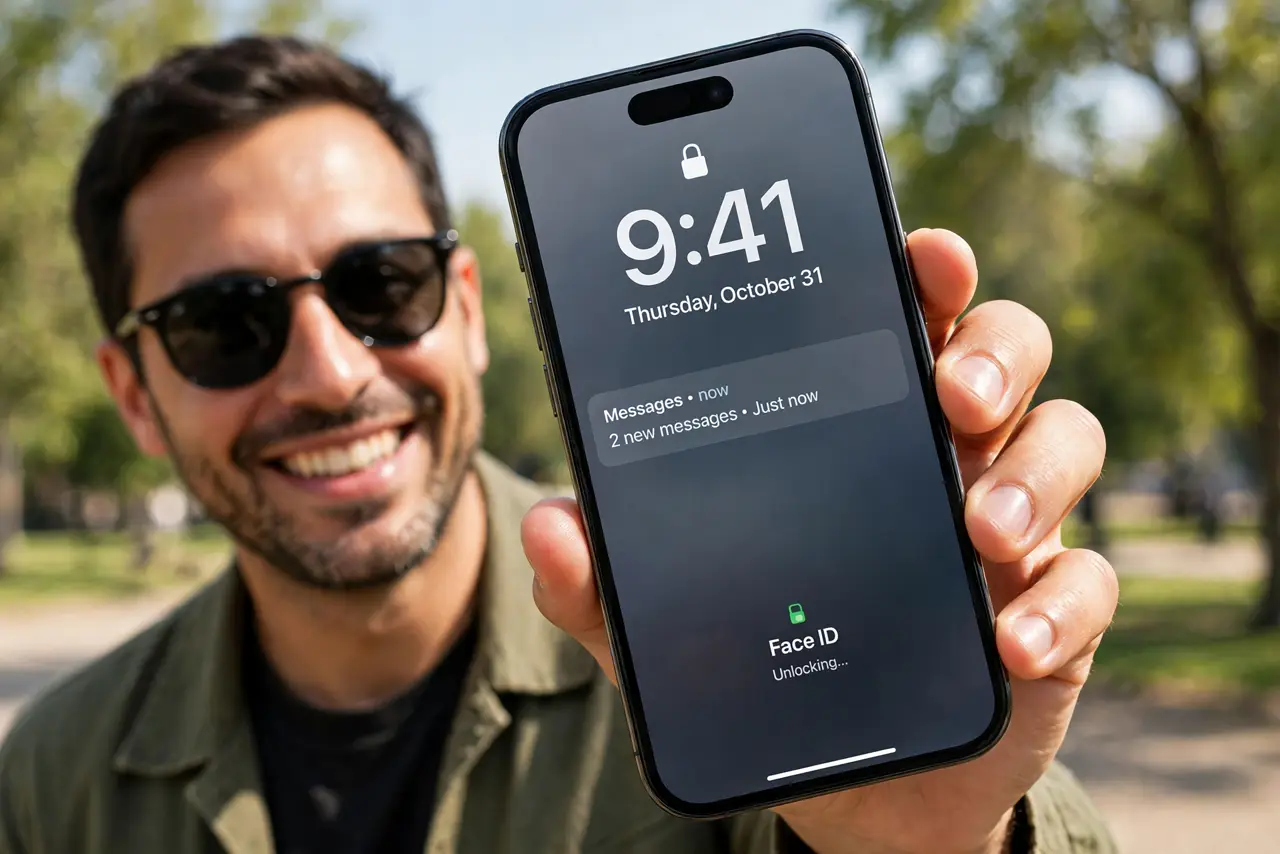
Quick fix: lift the sunglasses briefly for Face ID, or add an alternate appearance while wearing them if they are your daily pair. Then check that attention features are not making the check stricter and use the passcode when glasses must stay on.
Follow these steps
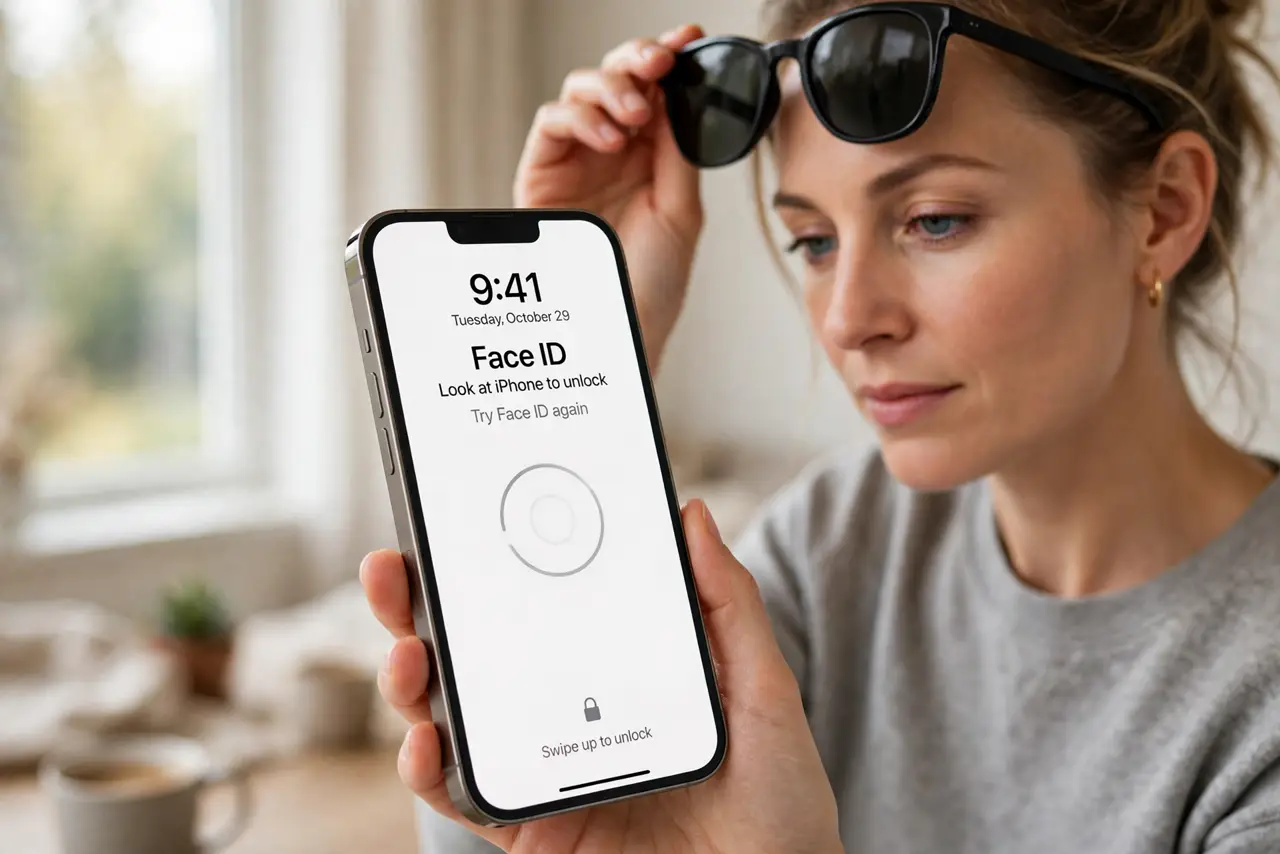
- Lift the glasses for a test unlock. Lift the sunglasses and try Face ID again. If it works without them, the lenses — not Face ID itself — are blocking the scan.
- Add an alternate appearance with glasses. Open Settings, then Face ID and Passcode, and set up an Alternate Appearance while wearing your usual sunglasses. Face ID then learns your face with those glasses on.
- Check the attention setting. In Face ID settings, review Require Attention for Face ID. Turning it off can help with dark lenses, but it also weakens security, so weigh that trade-off before changing it.
- Clean the lenses and the camera area. Wipe the sunglasses lenses and the iPhone front camera area. Smudges on either side scatter the infrared pattern and make an already hard scan fail.
- Try thinner or lighter lenses. If one pair always fails, try a lighter pair. Very dark or mirrored lenses block more infrared light, while lighter lenses let more of the pattern through.
- Use the passcode when glasses must stay on. When sunglasses cannot come off, enter the passcode instead of fighting Face ID. A passcode unlock is the designed fallback, not a failure of the phone.
What NOT to do
- Do not turn off Face ID over sunglasses trouble. An alternate appearance or a passcode fallback keeps Face ID for the many times you are barefaced.
- Do not disable attention features casually. They exist so Face ID needs your eyes on the phone, and turning them off weakens that protection.
- Do not buy new sunglasses just for Face ID. Try an alternate appearance first, since Face ID can learn your face with your existing pair.
- Do not keep retrying Face ID with dark lenses in bright sun. Repeated failures can lock you to passcode-only for a time, so lift the glasses or use the passcode.
Frequently asked questions
Why do sunglasses break Face ID?
Because dark lenses block the infrared pattern Face ID reads, and thick frames change the face shape it expects.
Can Face ID learn my face with sunglasses?
Yes. Set up an Alternate Appearance while wearing your usual pair, and Face ID learns that look.
Is turning off attention checks safe?
It makes unlocking easier with glasses, but it weakens security, so keep it on unless you accept that trade-off.
What to read next
- Face ID Fails in Low Light? Fix It
- iPhone Passcode Rejected Once? Fix It