Invite Android to FaceTime
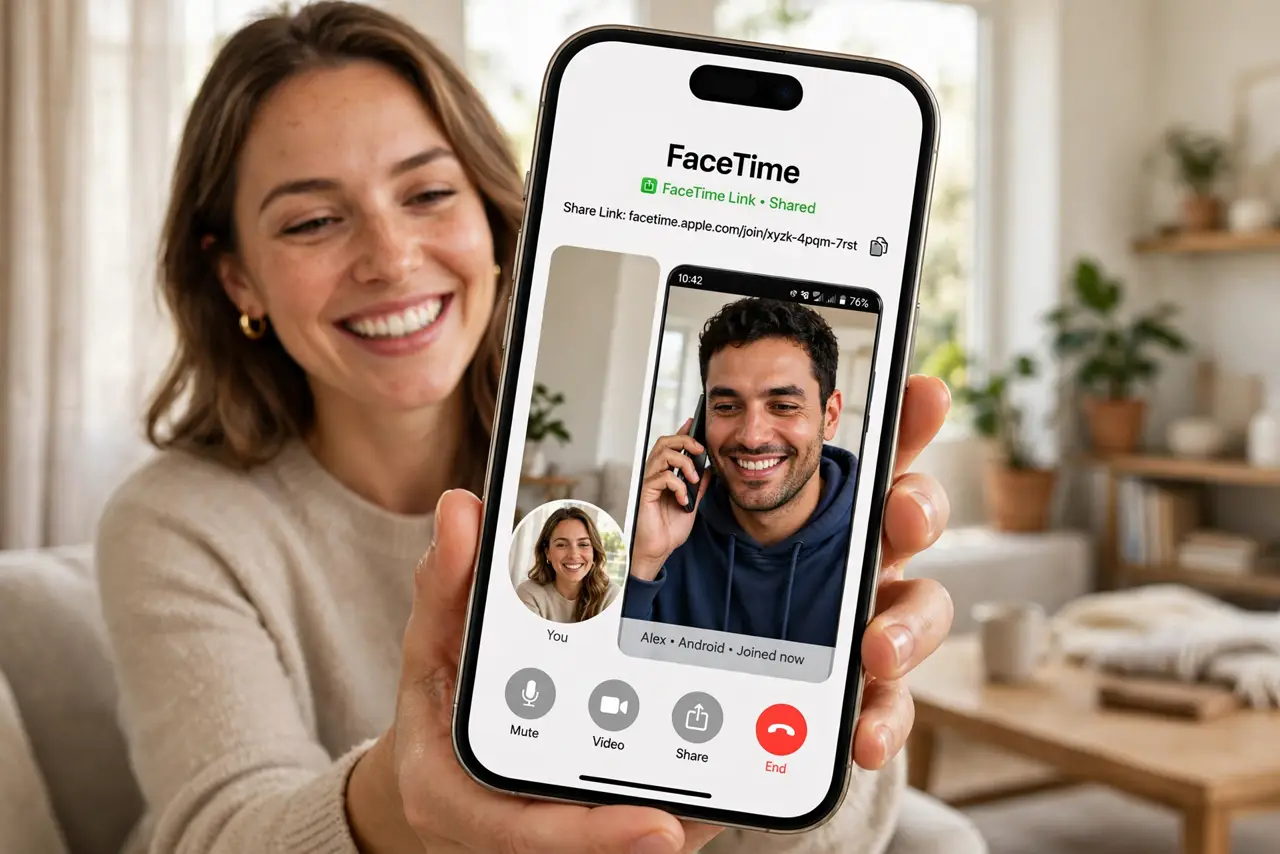
Half the family is on Android, so FaceTime felt off-limits — until Apple added FaceTime links. You create a link on your iPhone, send it to anyone, and they join from a browser on Android or Windows with no Apple account needed. It is not the full FaceTime experience, but for video calls across the platform divide it works. This guide creates links, shares them well, and sets expectations. For watching things together on the call, add SharePlay.
TL;DR / Quick Fix
Quick fix: open FaceTime, tap Create Link, and send it to anyone — Android and Windows users join from their browser with no Apple account. Name the link so guests know what it is. Video and audio work fully; screen sharing and effects stay Apple-only.
Follow these steps
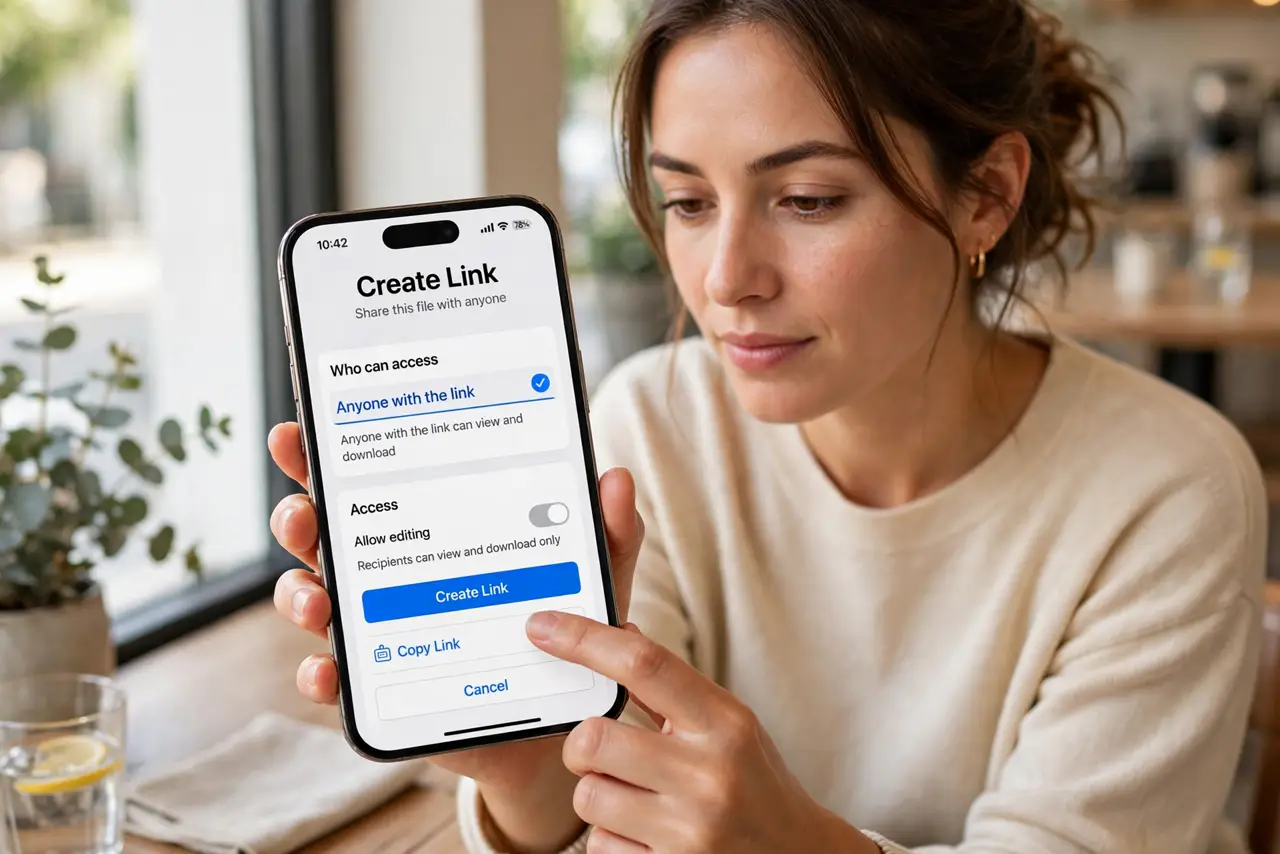
- Create the link. Open FaceTime on your iPhone and tap Create Link at the top. Give it a clear name — 'Sunday family call' beats 'FaceTime Link' for confused relatives.
- Share it your usual way. Send the link through Messages, WhatsApp, or email. Anyone with the link can join; it is not tied to contacts, so share it only with the intended people.
- Tell guests what to expect. Android and Windows guests tap the link, enter their name, and join from the browser — Chrome or Edge work best. No downloads, no accounts.
- Admit guests from the call. As the link creator, you approve each person waiting to join. Keep an eye on the sidebar so nobody waits in the lobby wondering.
- Know the limits. Browser guests get video and audio but not SharePlay, screen sharing, or Apple's camera effects. For a plain video call, that is plenty.
- Reuse links for recurring calls. A link stays valid, so the weekly family call can reuse the same one. Save it in the group chat and skip the setup every week.
What NOT to do
- Do not post the link publicly. Anyone with it can knock on the call — share it privately with the intended guests.
- Do not expect browser guests to get every feature. SharePlay and effects are Apple-device only; set expectations upfront.
- Do not forget to admit people. Guests sit in the lobby until you let them in — watch for the notification.
- Do not use a FaceTime link for sensitive business. It is convenient, not end-to-end hardened like a proper secure meeting tool.
Frequently asked questions
Do Android users need an Apple ID?
No. They join from the browser with just a name — that is the whole point of the link.
Can I schedule a FaceTime link call?
Yes — create the link in advance and add it to a calendar invite. Guests join at the time like any meeting link.
Does it work on a Chromebook?
Yes, through the Chrome browser. Any modern browser on any platform can join as a guest.