Tag Files in the Files App
Your files are scattered across iCloud Drive, Downloads, and On My iPhone — and folders alone are not cutting it. Tags are the Files app's quiet superpower: colored labels that group files across every location, so one tap shows all your tax papers or trip plans wherever they physically live.
TL;DR / Quick Fix
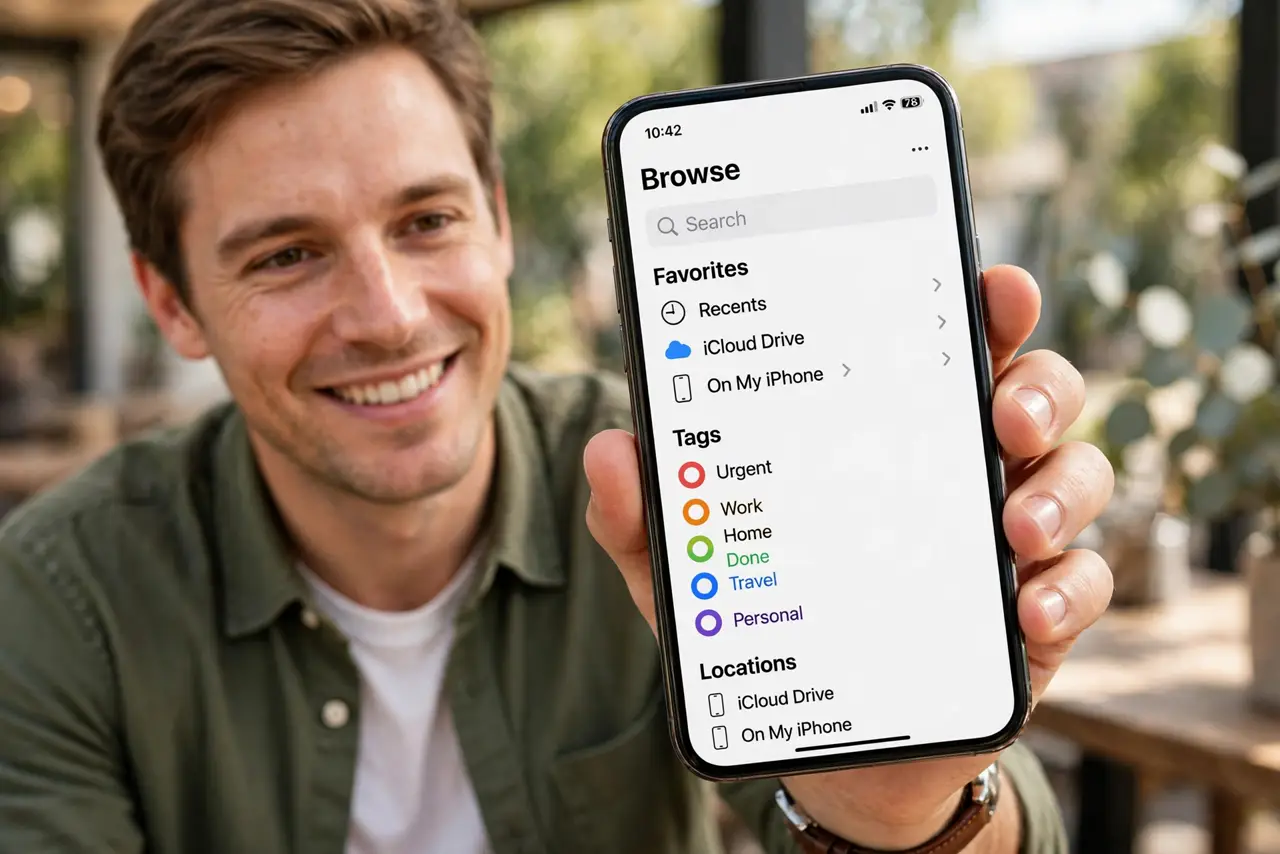
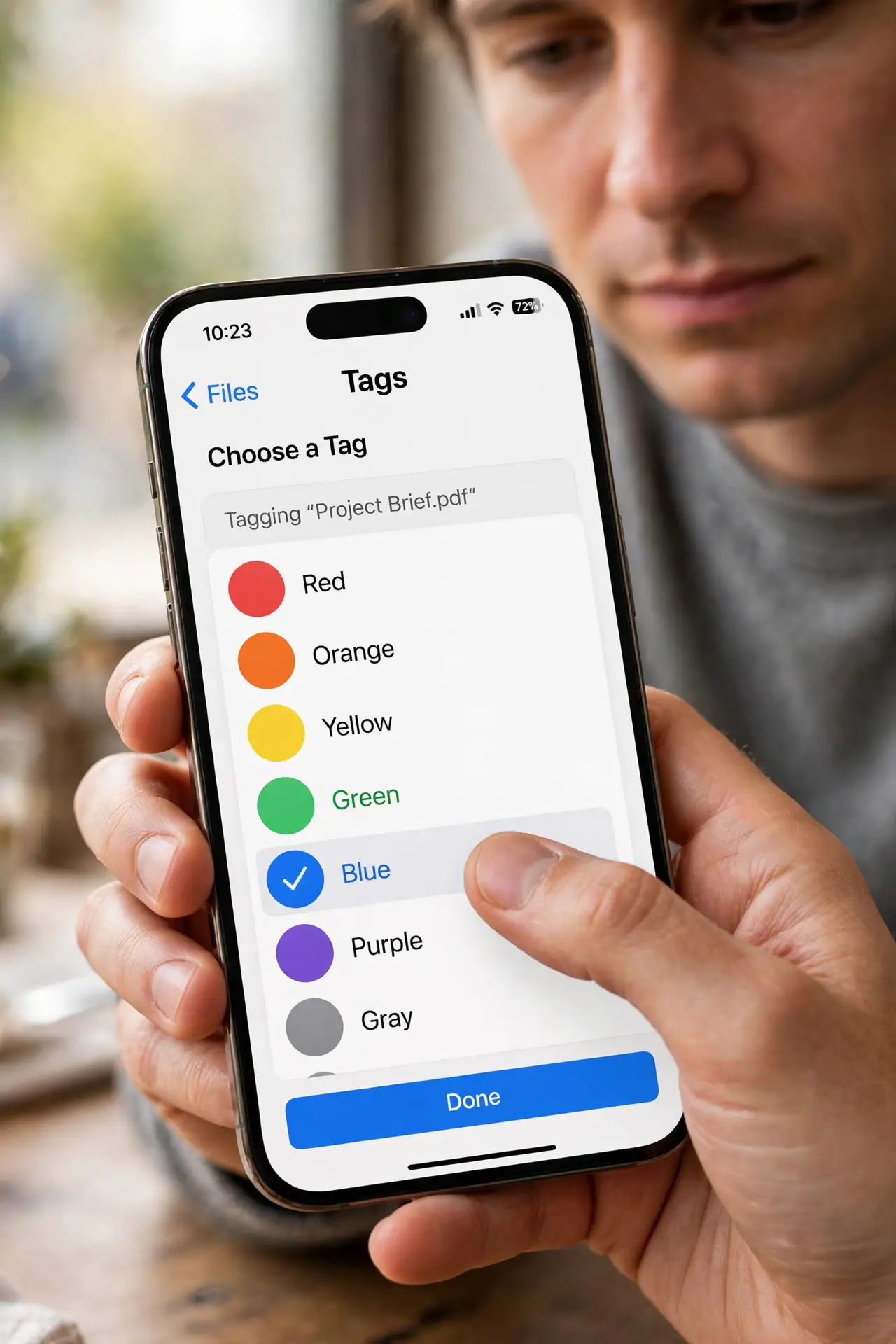
Quick fix: in the Files app, long-press a file, tap Tags, and pick a color — or make a tag. Then tap Browse and pick the tag under Tags to see everything with that label, wherever it lives. Tags sync through iCloud, so they follow you to Mac and iPad.
Follow these steps
- Tag a file in two taps. Long-press the file, tap Tags, and choose a color. One file can carry several tags at once.
- Create your own tag names. Tap Add New Tag and name it for your real life — Taxes 2026, Trip to Miami, House papers. Colors plus names beat colors alone.
- Browse everything by tag. Tap Browse, scroll to Tags, and tap one. Files from every folder and location appear in a single view.
- Rely on iCloud sync. Tags sync across your iPhone, iPad, and Mac through iCloud Drive — tag once, find everywhere.
- Remove a tag without deleting the file. Long-press, Tags, uncheck. The file stays exactly where it was; only the label comes off.
- Combine tags with search. In Browse, search still works inside a tag view — the fastest way to find one receipt among fifty tagged files.
What NOT to do
- Do not tag everything with everything. Five thoughtful tags beat thirty overlapping ones.
- Do not expect tags on files outside iCloud to sync. Tags on On My iPhone files stay on that iPhone.
- Do not confuse tags with folders. A file can live in one folder but wear many tags — use both systems together.
- Do not rename the default color tags blindly. Other Apple apps show the same tags; keep names meaningful everywhere.
Frequently asked questions
Do file tags sync to my Mac?
Yes, through iCloud Drive. Tag on iPhone, see it in the Mac Finder's Tags section — same labels, same files.
Can I tag a whole folder?
Yes — long-press the folder and tap Tags. Everything inside inherits the tag in tag-browsing views.
Why don't I see the Tags section?
Scroll down in the Browse tab. If it is still missing, check that iCloud Drive is enabled in Files settings.