Freeform on iPhone? Basics
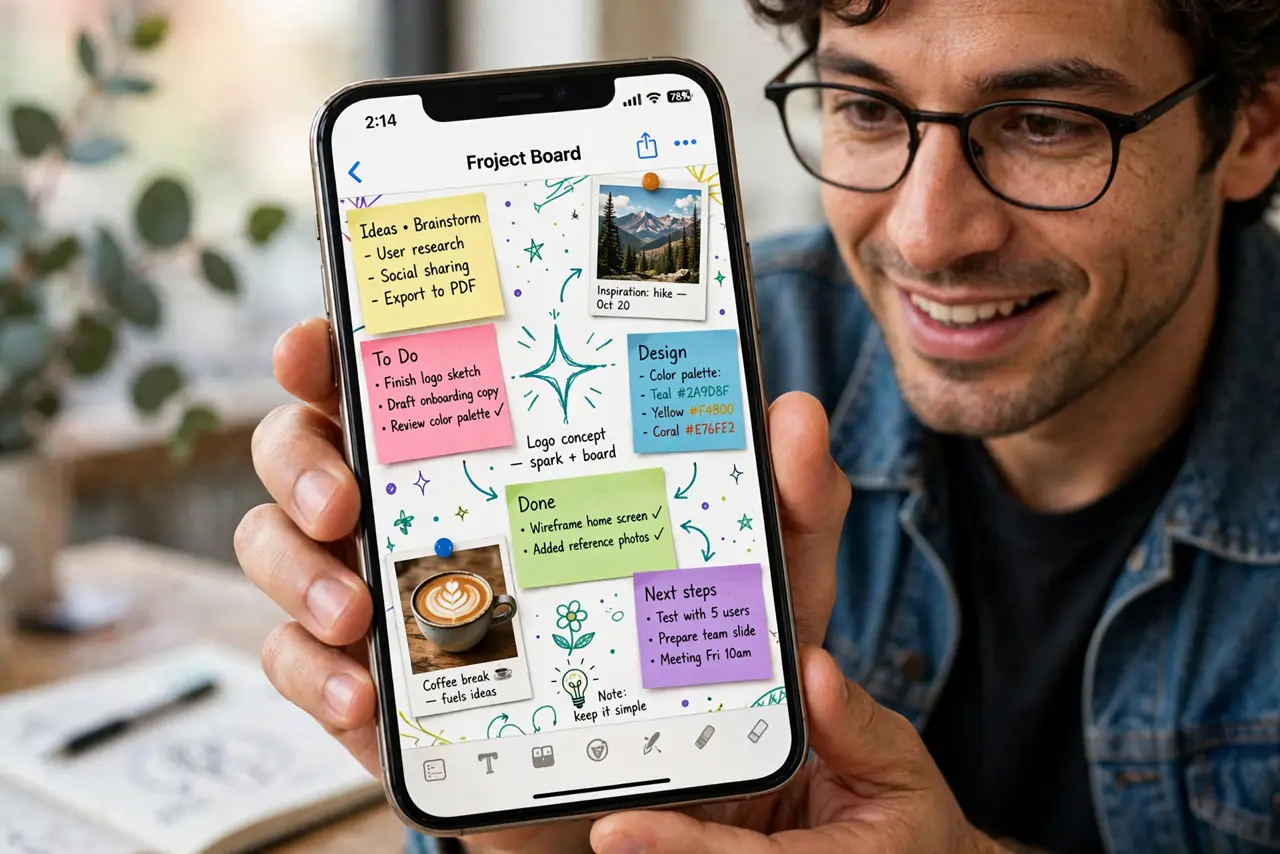
Freeform is Apple's free infinite whiteboard app — a giant canvas where you can drop text, photos, drawings, sticky notes, and links, then pan and zoom around them. It is built into your iPhone, it syncs through iCloud, and it is genuinely useful for brainstorming, planning trips, or mood-boarding a room. Here is what it does and how to start your first board.
TL;DR / Quick Fix
Quick fix: Freeform is Apple's free infinite-canvas whiteboard, built into your iPhone — drop text, photos, drawings, and sticky notes anywhere, then pan and zoom. Boards sync through iCloud to your other Apple devices. Open the app, tap the new-board button, and start dropping ideas.
Follow these steps
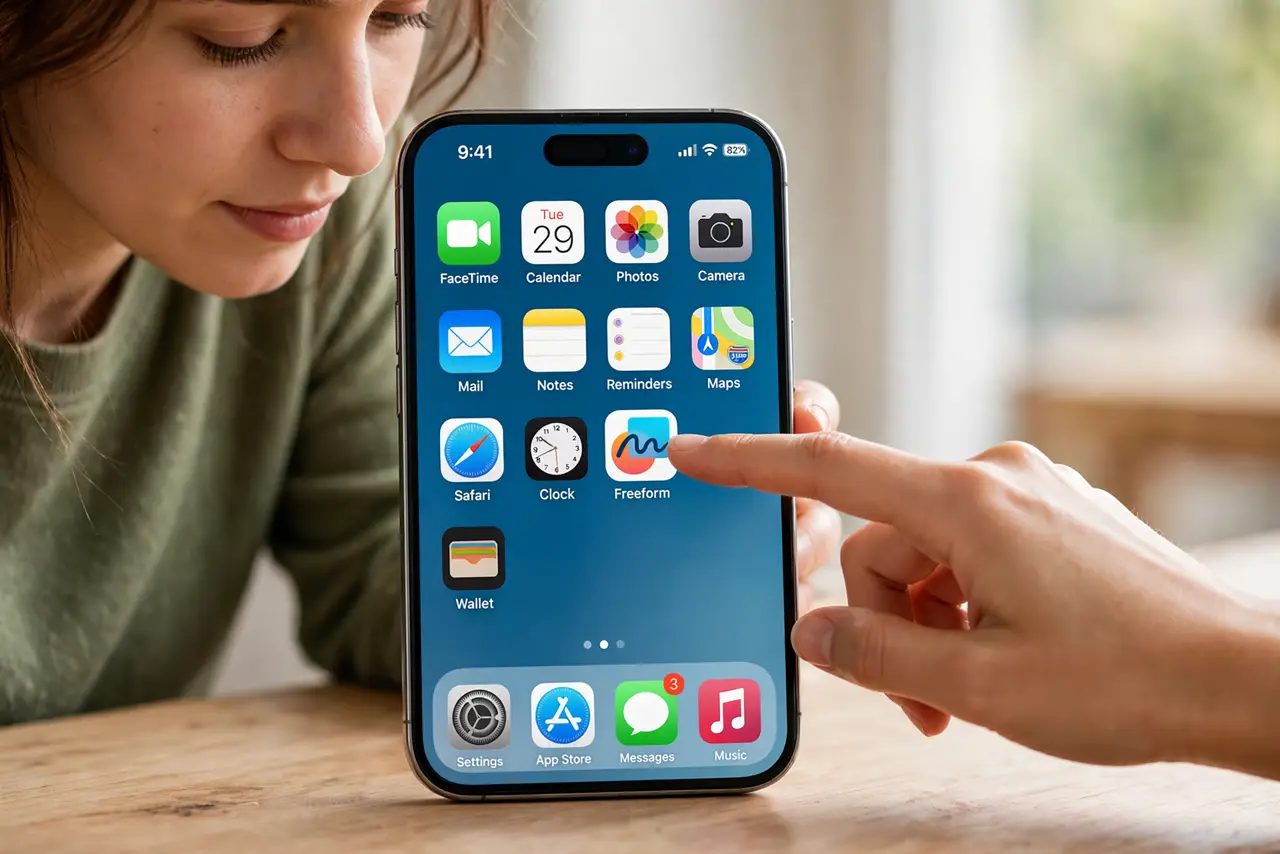
- Find and open Freeform. Look for the app with the scribble icon, or swipe down on the home screen and search 'Freeform'. It comes preinstalled on recent iOS versions — no download needed.
- Start a new board. Tap the new-board button to get a blank infinite canvas. Unlike Notes, there are no pages — you zoom out and keep adding forever in every direction.
- Add your first elements. Use the toolbar to drop in sticky notes, text boxes, shapes, photos, and freehand drawings. Everything is movable: drag items around until the layout makes sense.
- Invite others to collaborate. Tap the share button to invite people — they can add and move things in real time. It is a simple way to plan a trip or brainstorm without a meeting.
- Organize with zoom and sections. Pinch to zoom out for the big picture, zoom in for detail work. Group related items together so a big board stays navigable.
- Keep boards backed up. Boards sync through iCloud when you are signed in. Check that iCloud sync is on for Freeform so a lost or replaced phone does not take your boards with it.
What NOT to do
- Do not treat it as a document editor. Freeform is a spatial canvas — for structured writing, Notes or Pages is the better tool.
- Do not invite collaborators to a board with personal photos. Shared boards are visible to everyone invited — keep private boards private.
- Do not forget iCloud sync. Local-only boards vanish with the phone; sync protects your work.
- Do not zoom in so far you lose the plot. Big boards get disorienting — group items and use the overview zoom regularly.
Frequently asked questions
Is Freeform really free?
Yes — it is included with iOS, iPadOS, and macOS at no cost, with no subscription. You just need an Apple Account for syncing.
What is the difference from Notes?
Notes is linear and document-like; Freeform is a spatial infinite canvas for visual thinking, diagrams, and mood boards. Different tools for different jobs.
Can Android or Windows users join a board?
Collaboration is Apple-ecosystem only — guests need an Apple device. For cross-platform whiteboarding, use a web-based alternative.