iPhone Group Message Splits Apart? Fix It
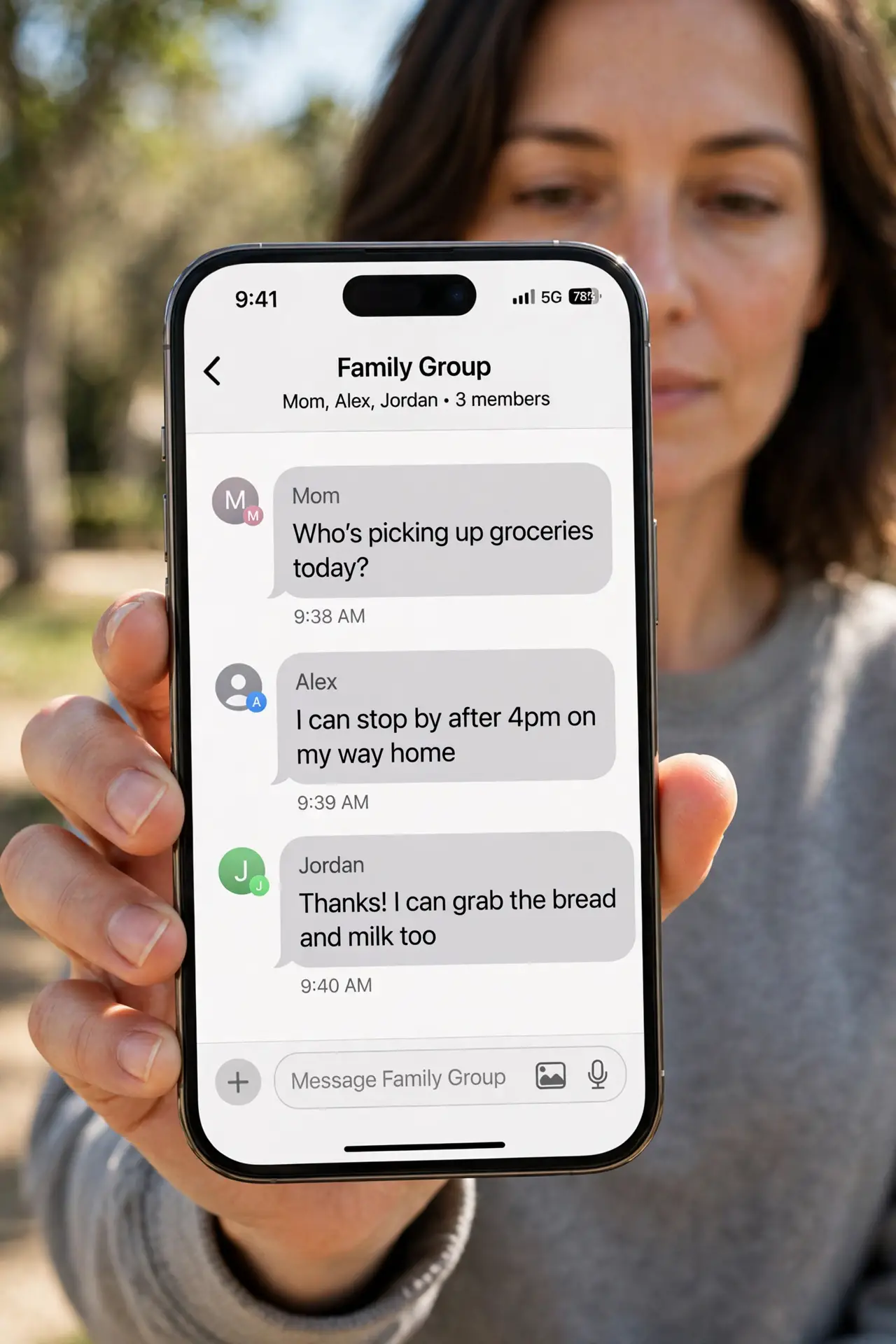
Your group chat breaks into separate one-to-one threads, and replies go missing. Group chats split when iMessage or group messaging is off, or when an Android user joins and the chat falls back to SMS. The blue-versus-green clue is the same one in messages showing green bubbles only, and it points to the same setting.
TL;DR / Quick Fix
Quick fix: turn on iMessage and Group Messaging, confirm all participants, start a fresh group chat if the old one is broken, and accept that mixed groups use SMS. If it still fails, note exactly when it happens, since that pattern reveals the real cause.
Follow these steps
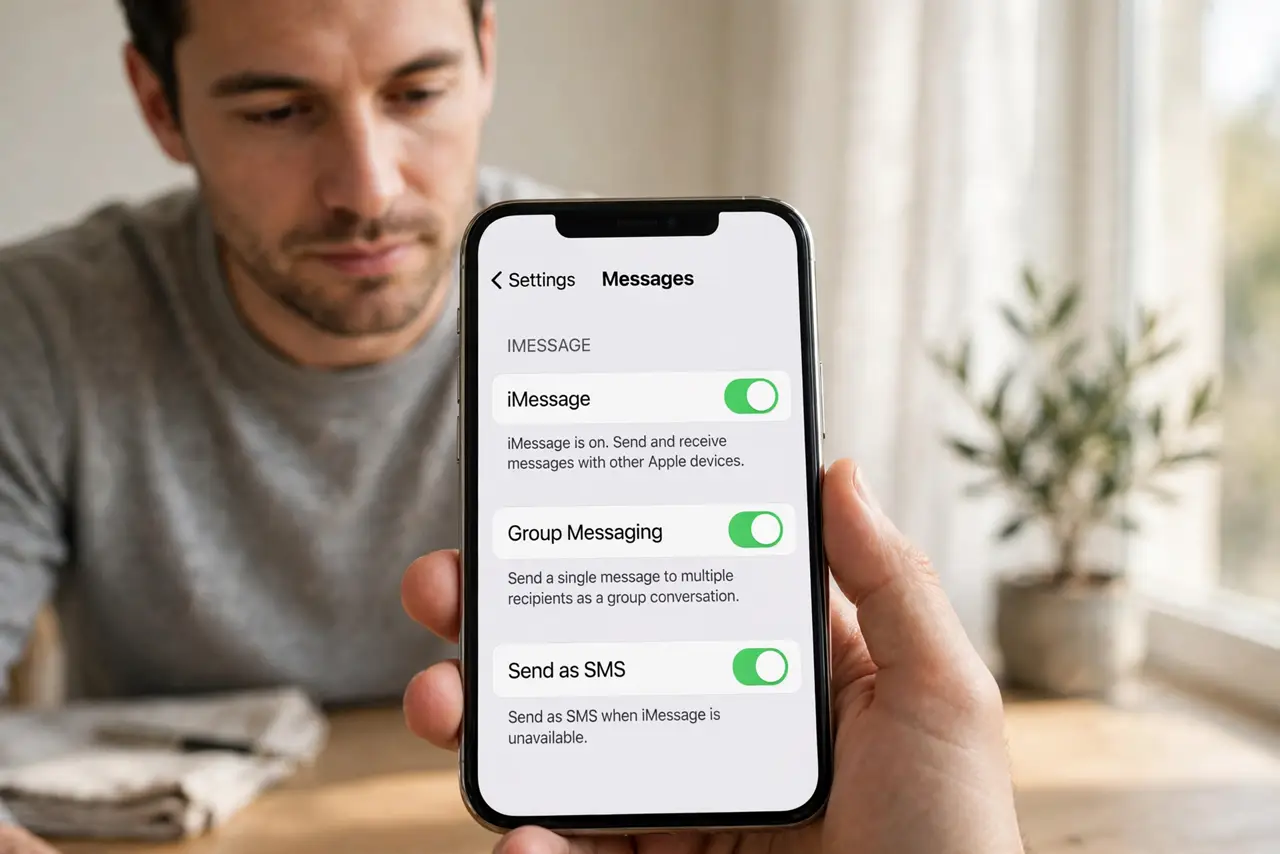
- Turn on iMessage and Group Messaging. Open Settings, then Messages, and make sure both iMessage and Group Messaging are on. Group Messaging is the toggle that keeps group replies together.
- Check who is in the group. Open the group and check participants. If anyone uses Android, the chat uses SMS or MMS, which handles groups less reliably than iMessage.
- Start a fresh group chat. If the old thread is already split, start a new group message with the same people. A broken thread often stays broken, while a fresh one works.
- Ask everyone to reply in the group thread. Ask participants to reply inside the group, not to you directly. A direct reply starts a separate thread that looks like a split.
- Check MMS Messaging is on. In Settings, then Messages, make sure MMS Messaging is on. Mixed groups need MMS to carry group messages, photos, and replies.
- Restart and test with a small group. Restart the phone, then test a group message with two iPhone contacts. If that works, the issue is the mixed group or the old thread, not your phone.
What NOT to do
- Do not keep using a split thread and hoping it heals. A split thread usually stays split, so start fresh instead.
- Do not turn off Group Messaging to simplify things. That forces every group reply into separate threads, which is the problem itself.
- Do not blame one participant for the split. Mixed iPhone and Android groups split for technical reasons, not because someone did something wrong.
- Do not delete the old thread before copying anything important. Photos or details in the split threads are worth saving first.
Frequently asked questions
Why did my group chat split?
Because iMessage or Group Messaging turned off, or an Android user joined and the chat fell back to SMS.
Can a mixed iPhone and Android group stay together?
It can, over MMS, but it is less reliable than an all-iPhone iMessage group.
Will a new group chat fix a split thread?
Usually yes. A fresh thread with the right settings avoids the broken state of the old one.