Use a Hardware Key for 2FA
SMS codes can be intercepted with a SIM swap, and authenticator apps live on a phone that can be lost — a physical security key is the strongest second factor there is. You tap it or plug it in, and phishing becomes nearly impossible. Here's how to adopt keys without locking yourself out.
TL;DR / Quick Fix
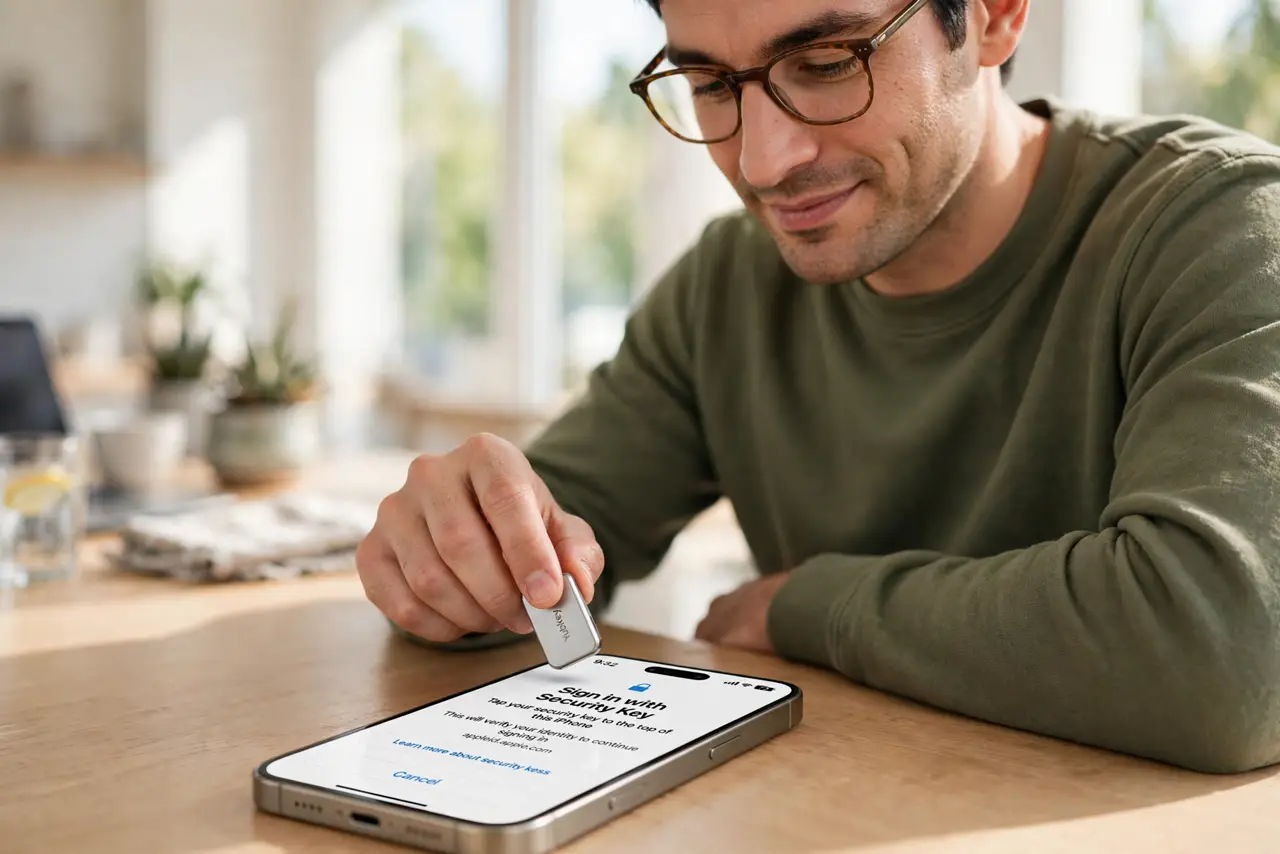
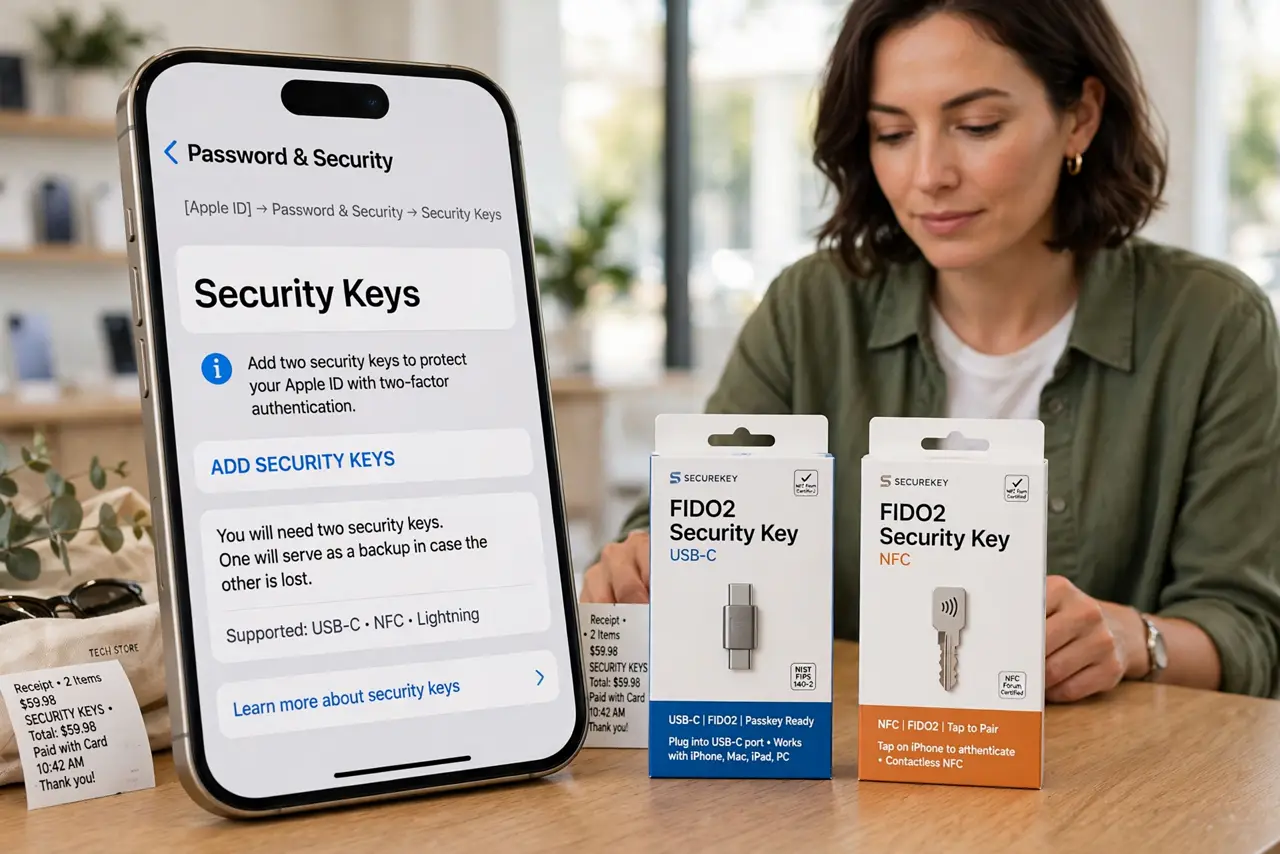
Quick fix: buy two security keys that fit your iPhone — USB-C, Lightning, or NFC — and register both on each important account. Tap or plug the key to sign in instead of waiting for SMS codes. Store the backup key somewhere safe, and keep each service's recovery codes too.
Follow these steps
- Buy TWO keys with the right connector. Get two FIDO2 keys matching your iPhone — USB-C, Lightning, or NFC. Two is the whole strategy: one to use, one as backup. See the key vs authenticator comparison for why keys win.
- Register both on each important account. In each service's security settings, add both keys. Email first, then banking, then everything else that matters — the backup-code habit applies here too.
- Practice signing in with the key. Sign out and back in once per service to confirm the key works. A calm test now beats a panicked discovery at the airport.
- Store the backup key separately. Keep the second key somewhere safe and separate — not in the same bag as the first. A backup in the same pocket as the original is no backup.
- Keep each service's recovery codes. Save the backup codes each service gives you, in your password manager. Keys plus codes means you're covered against every failure mode.
- Know when SMS is still the fallback. Some services still offer SMS as a backup method — understand that a key plus SMS fallback is only as strong as the SMS. Prefer services that let you disable it.
What NOT to do
- Do not register a single key with no backup. One key is a single point of failure — losing it without recovery codes is a lockout saga.
- Do not leave the key plugged in everywhere you go. A key permanently in the laptop is barely better than no key — carry it, use it, pocket it.
- Do not buy before checking service support. Most big services accept keys now, but verify yours do before spending.
- Do not toss recovery codes because 'I have the key.' Keys get lost, break, and go through the wash — codes are the parachute.
Frequently asked questions
Which services accept security keys?
Most major email, social, and banking platforms now do. Check each service's security settings for the security-key option.
NFC or USB-C — which is better for iPhone?
NFC is the most convenient — just tap. USB-C works too and never needs a battery. Either is fine; connector match matters most.
What if I lose both keys?
Recovery codes plus the service's account-recovery flow get you back in — slowly. That's why two keys and saved codes are the standard advice.