Hide Home Screen Pages
Seven home screen pages and you swipe through all of them to find anything — the pages have become the clutter. You can hide entire pages at once: the apps stay installed and searchable, but the swiping marathon ends. Keep the pages you love, shelve the rest. Works hand in hand with the App Library and the page-hiding basics.
TL;DR / Quick Fix
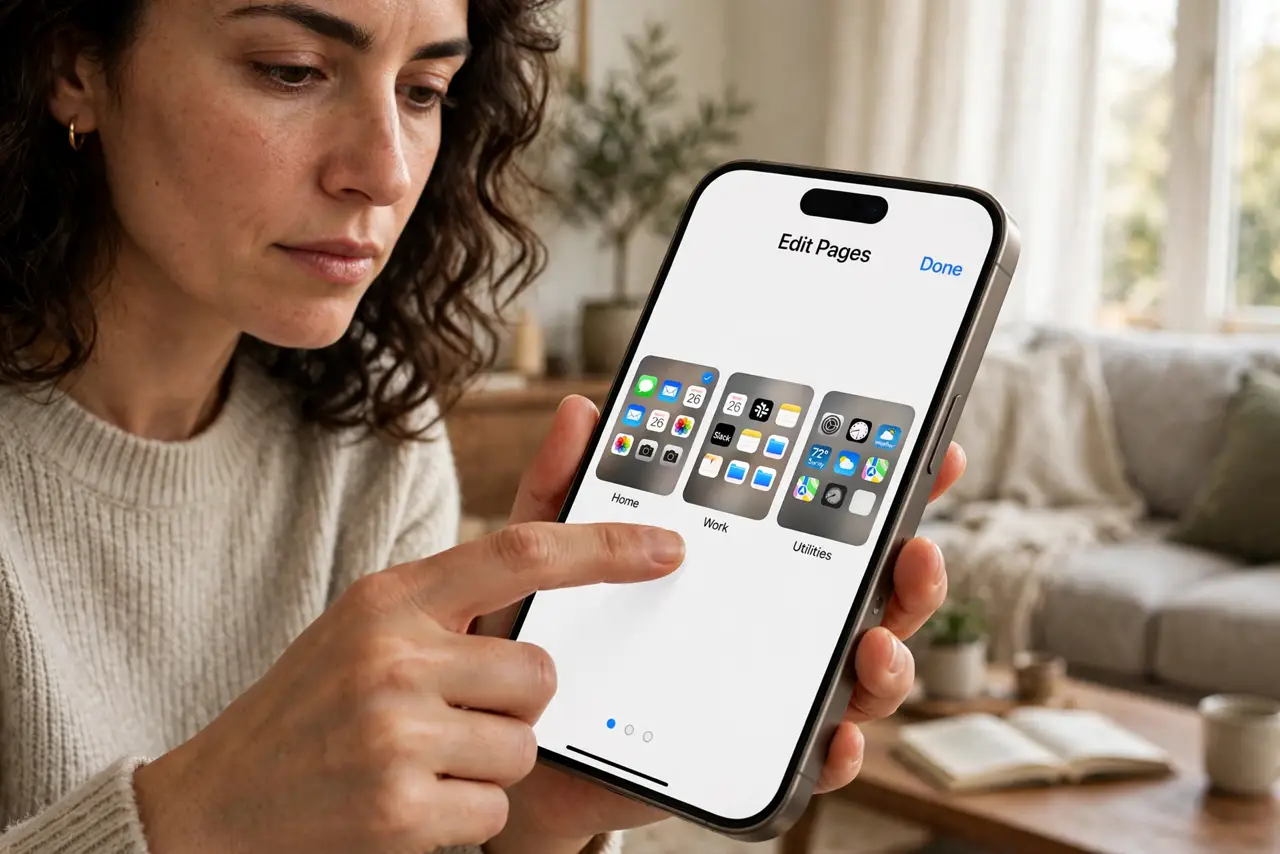
Quick fix: long-press your iPhone wallpaper, tap the page dots, and uncheck the home screen pages you rarely use — the apps stay installed and searchable, just out of sight. Keep one or two pages you love. Fewer pages means less swiping and a calmer phone.
Follow these steps
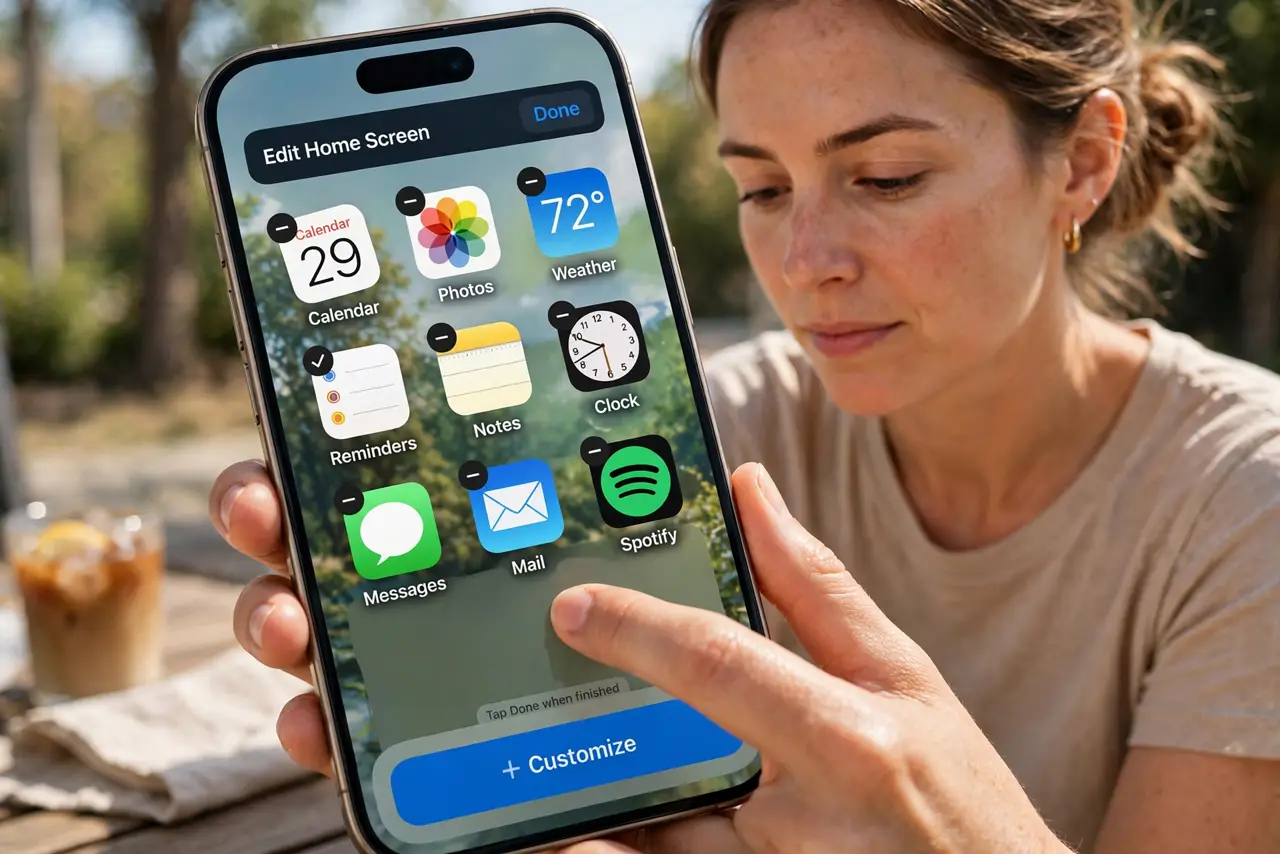
- Enter jiggle mode. Long-press any empty area of the wallpaper until the icons wiggle. This is the editing mode for home screens.
- Tap the page dots. Tap the row of dots above the dock. A screen appears showing thumbnails of all your home screen pages with checkboxes.
- Uncheck the cluttered pages. Untap the checkmarks on pages full of apps you rarely open. The pages hide immediately — nothing is deleted.
- Keep your favorites visible. Leave checked the one or two pages with your daily apps and favorite widgets. These become your whole phone, day to day.
- Find hidden apps via search. Swipe down on any visible page and search for the app by name. Hidden pages' apps open just as fast as before.
- Bring pages back anytime. Reopen the page selector and recheck a page to restore it exactly as it was. Hiding is fully reversible.
What NOT to do
- Do not delete apps to reduce pages. Hiding the page tidies the phone; deleting loses data and requires redownloading.
- Do not hide every page. You need at least one visible page — the phone will not let you hide them all.
- Do not forget where things went. After hiding pages, use search for a week until the new layout becomes habit.
- Do not confuse hiding with organizing. If one visible page is still chaos, arrange it intentionally instead of hiding more.
Frequently asked questions
Are my apps deleted?
No — hiding a page only hides it. Every app remains installed and appears in the App Library and search.
Can I hide pages on Android?
Android launchers vary, but most let you hide apps or pages through their own settings — see the page-hiding basics.
How many pages should I keep?
As few as you can: one great page beats five mediocre ones. Two is the sweet spot for most people.