iPhone Hotspot Keeps Turning Off? Fix It
You turn on Personal Hotspot, walk away for a minute, and it is off again. That is frustrating, but it is often the phone saving battery, not a fault. If you are sharing your iPhone hotspot with a laptop, a few settings decide whether it stays on.
TL;DR / Quick Fix
Quick fix: remember the hotspot turns off when nothing is connected. Keep a device connected and active, turn off Low Power Mode, toggle Personal Hotspot off and on, turn on Maximize Compatibility, and only reset network settings if nothing else works.
Follow these steps
- Know when it turns off by design. An iPhone hotspot disconnects when no device is connected for a short while. That is normal battery saving, not a fault. If it only drops when idle, there may be nothing to fix.
- Keep a device connected and active. Connect your laptop or tablet and keep it using the connection, even lightly. A device that sleeps or disconnects can let the hotspot shut down. Reconnecting usually brings it straight back.
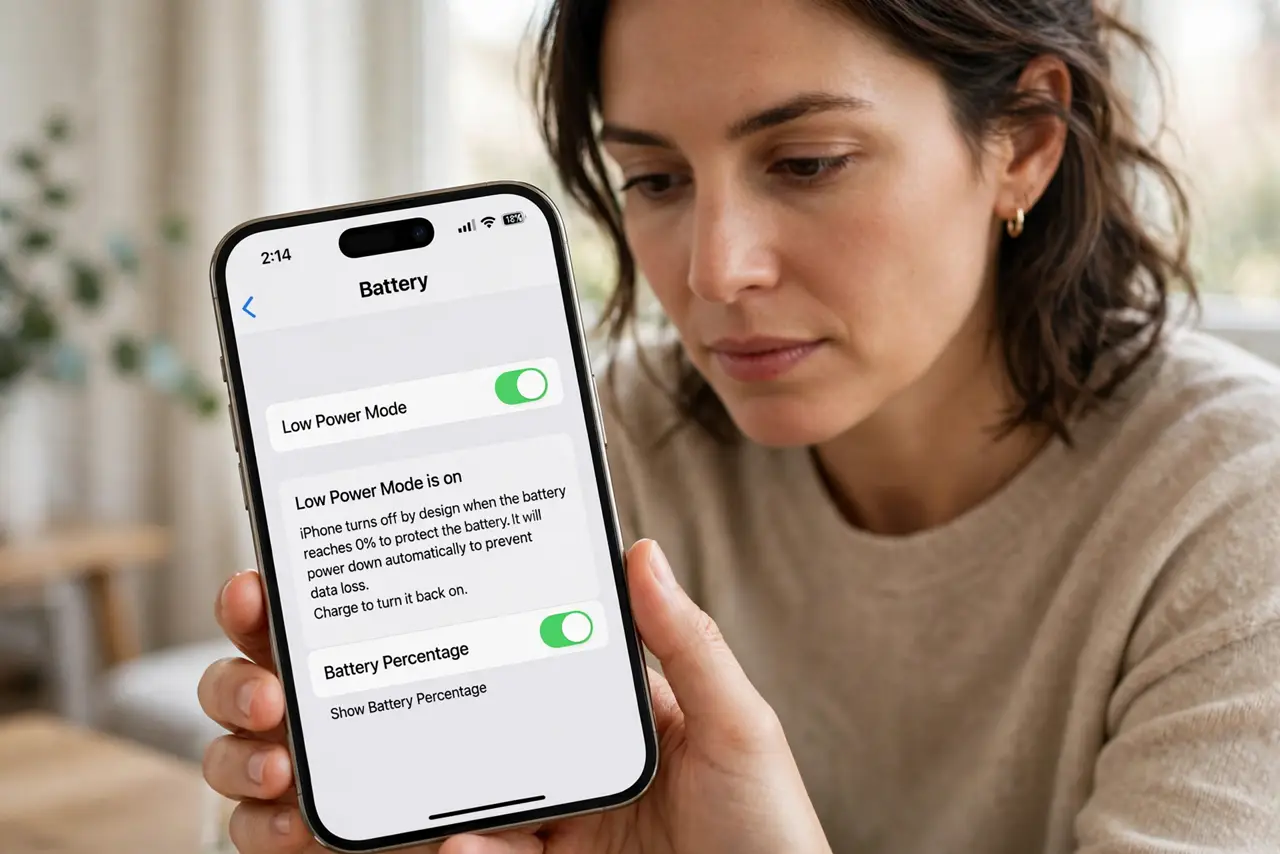
- Turn off Low Power Mode. Open Settings, then Battery, and turn off Low Power Mode. Low Power Mode limits background activity and can make the hotspot less reliable. Test the hotspot with it off before changing anything else.
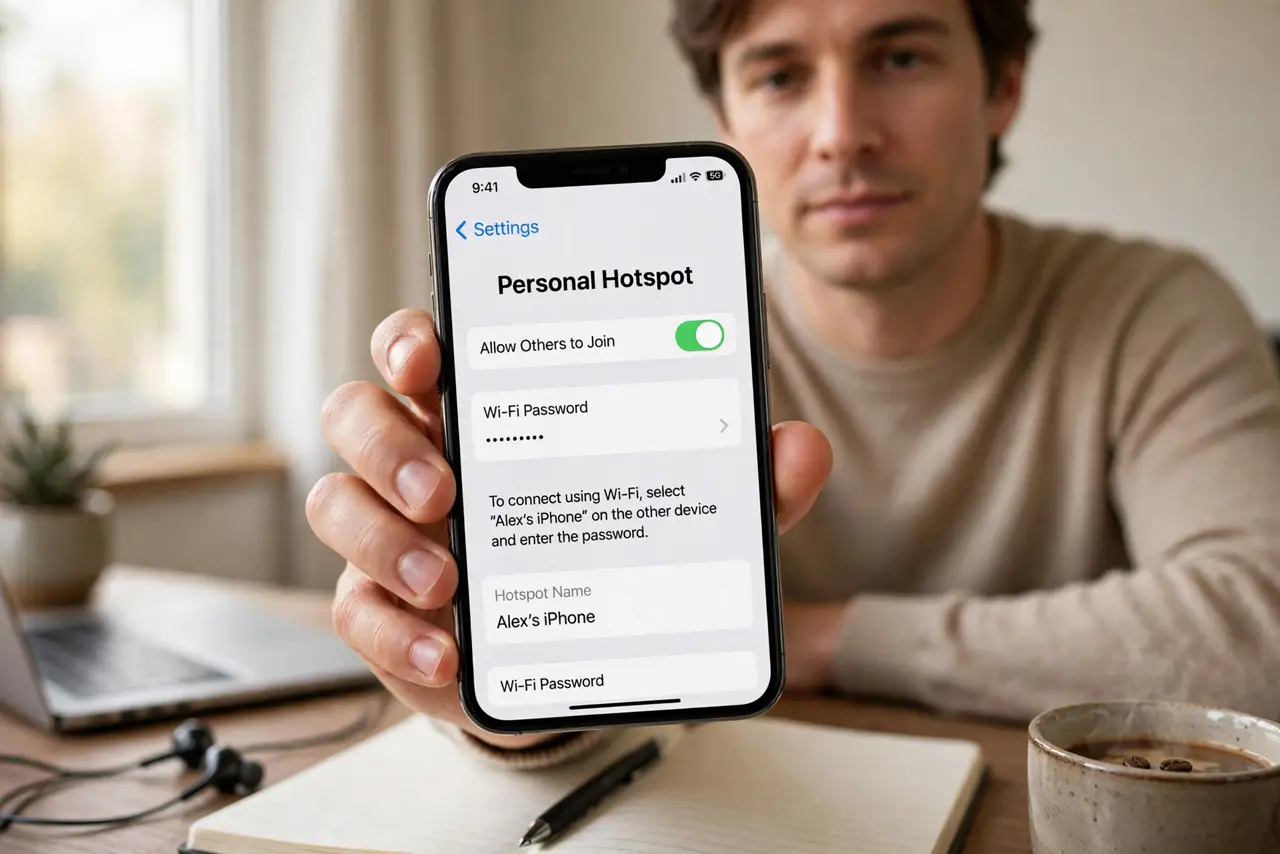
- Toggle Personal Hotspot off and on. Open Settings, then Personal Hotspot, turn off Allow Others to Join, wait ten seconds, and turn it on again. This clears a stuck hotspot state without changing your password or other settings.
- Turn on Maximize Compatibility. In Settings, then Personal Hotspot, turn on Maximize Compatibility. This uses a slower band that more devices can see, which helps older laptops and tablets stay connected.
- Reset network settings as a last resort. If it still drops, open Settings, then General, then Transfer or Reset iPhone, then Reset, then Reset Network Settings. You will need to re-enter saved Wi-Fi passwords afterwards, so use this step last.
What NOT to do
- Do not install a hotspot keeper app. Extra apps cannot change how iOS manages the hotspot, and they can drain battery or show ads.
- Do not reset all settings as a first step. That wipes far more than the network settings and will not fix a normal idle disconnect.
- Do not blame your carrier before testing another device. If a second device also drops, the phone setting is the likely cause.
- Do not leave the hotspot on all day with nothing connected. That drains battery for no benefit, since the phone will shut it down anyway.
Frequently asked questions
Why does my hotspot turn off when nothing is connected?
Because iOS turns it off to save battery. Connect a device and keep it active, and the hotspot stays on.
Does Low Power Mode affect the hotspot?
Yes, it can make the connection less reliable. Turn it off while you test, then decide if you need it on.
Will resetting network settings delete my photos?
No. It removes saved Wi-Fi passwords and network settings only. Photos, apps, and messages stay put.