Play iMessage Games
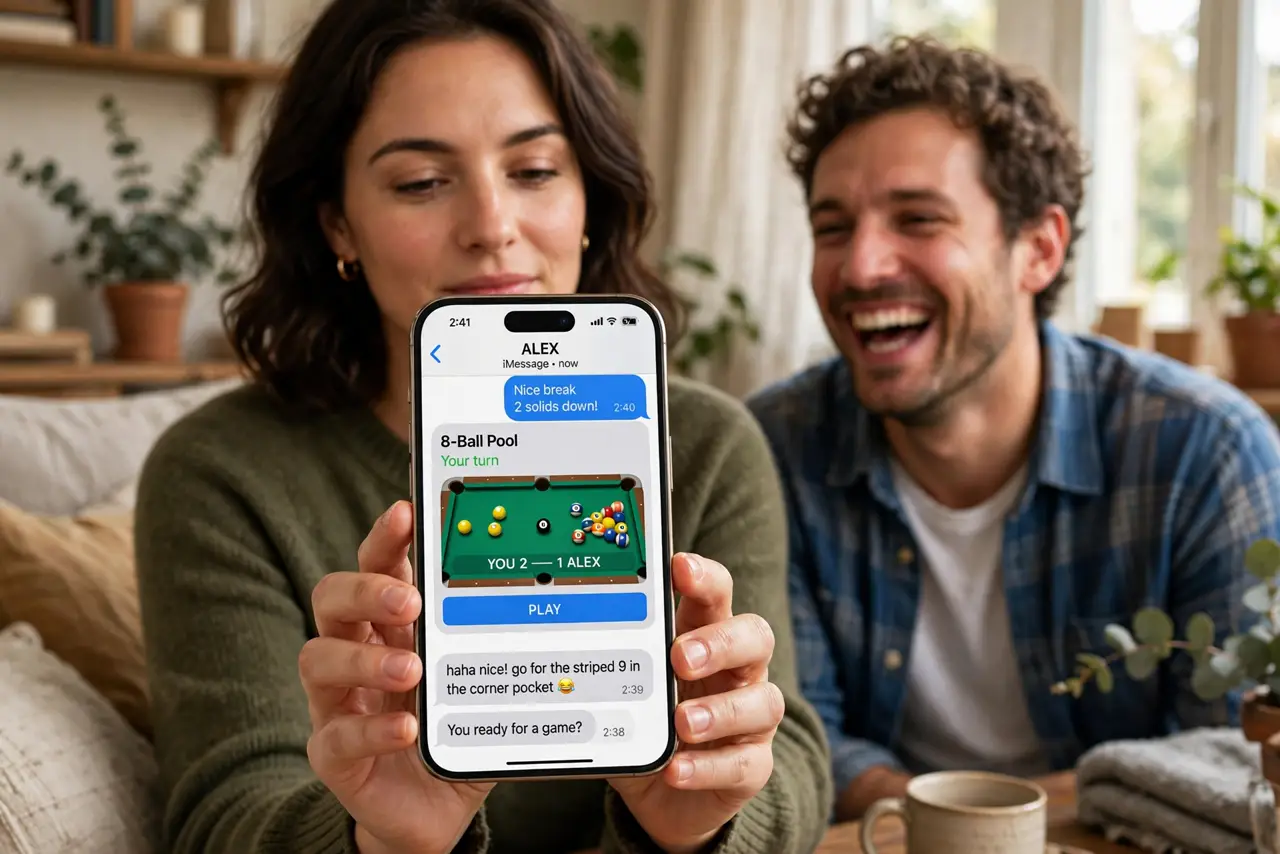
Group chats go quiet when the conversation runs dry, and that is exactly when iMessage games earn their place. Right inside the Messages app you can start a quick round of pool, chess, or trivia without installing anything heavy. Here is where the games live, how to start one, and what to do when a friend cannot see them.
TL;DR / Quick Fix
Quick fix: open a Messages conversation, tap the plus button, choose the App Store mini icon, and pick a game like GamePigeon to start a turn. Games play inside the chat as turns, so nobody needs perfect timing. Both players need iPhones with iMessage turned on.
Follow these steps
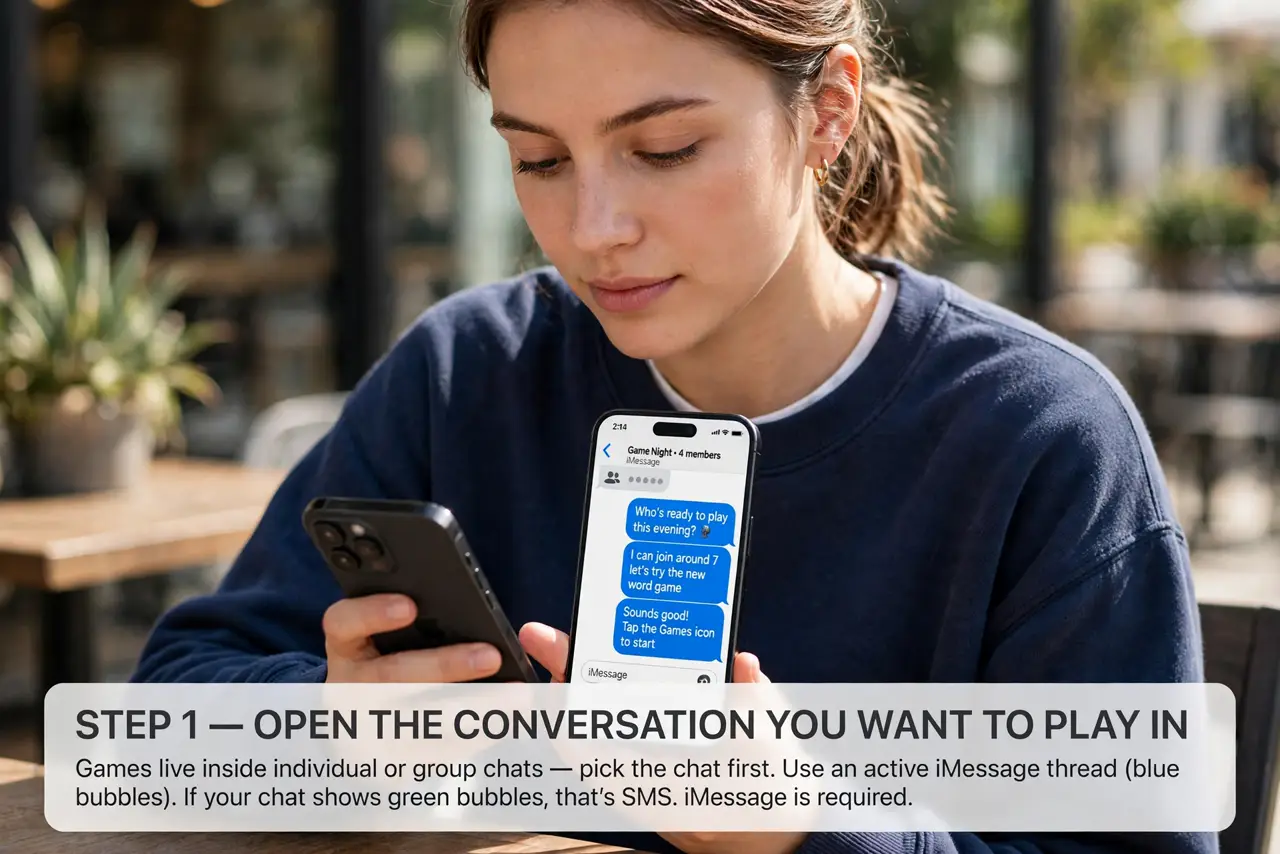
- Open the conversation you want to play in. Games live inside individual or group chats, so pick the chat first. You need an active iMessage thread — the blue bubbles. See the iMessage basics if your chat is showing green SMS bubbles instead.
- Tap the plus and find games. Tap the + button next to the text field, then the App Store icon. Search for a game pack — GamePigeon is the classic free one with pool, darts, and chess — and add it.
- Start a game turn. Open the game from the app drawer in the chat, set up your move, and send it like a message. Your friend gets a notification and taps it to take their turn.
- Play asynchronously. Turns sit in the chat like messages, so nobody has to be online at the same time. Play a move at lunch, your friend answers at dinner — no scheduling needed.
- Try group-chat games. Many game packs support group chats for trivia and word games. One message starts a round everyone can join from their own phone.
- Remove a game you are tired of. Swipe left on the game in the app drawer to delete it from the chat bar. Your conversation history stays untouched.
What NOT to do
- Do not download game packs from random links. Get them through the App Store in Messages — outside links are a classic scam route.
- Do not spam turns at 2 a.m. Every move sends a notification; your friend's Do Not Disturb settings are their business, your manners are yours.
- Do not expect Android friends to play along. iMessage games need iMessage — Android friends see nothing, so pick a cross-platform game for mixed groups.
- Do not grant a game full contacts access. Game packs do not need your address book — deny contact permission if one asks.
Frequently asked questions
Why can't my friend see the game?
They are probably on Android, or their iMessage is off. iMessage games only work iPhone to iPhone with iMessage enabled.
Are iMessage games free?
The popular packs are free with optional extras. You can play full games of pool or chess without paying a cent.
Do games use a lot of data?
No — turns are tiny messages. They use less data than sending a photo.