Your Mail VIP List Gets Too Noisy
You marked a few senders as VIP so their emails stand out — and now they flood your lock screen at all hours. The VIP list is working exactly as designed; it just needs quieter rules.
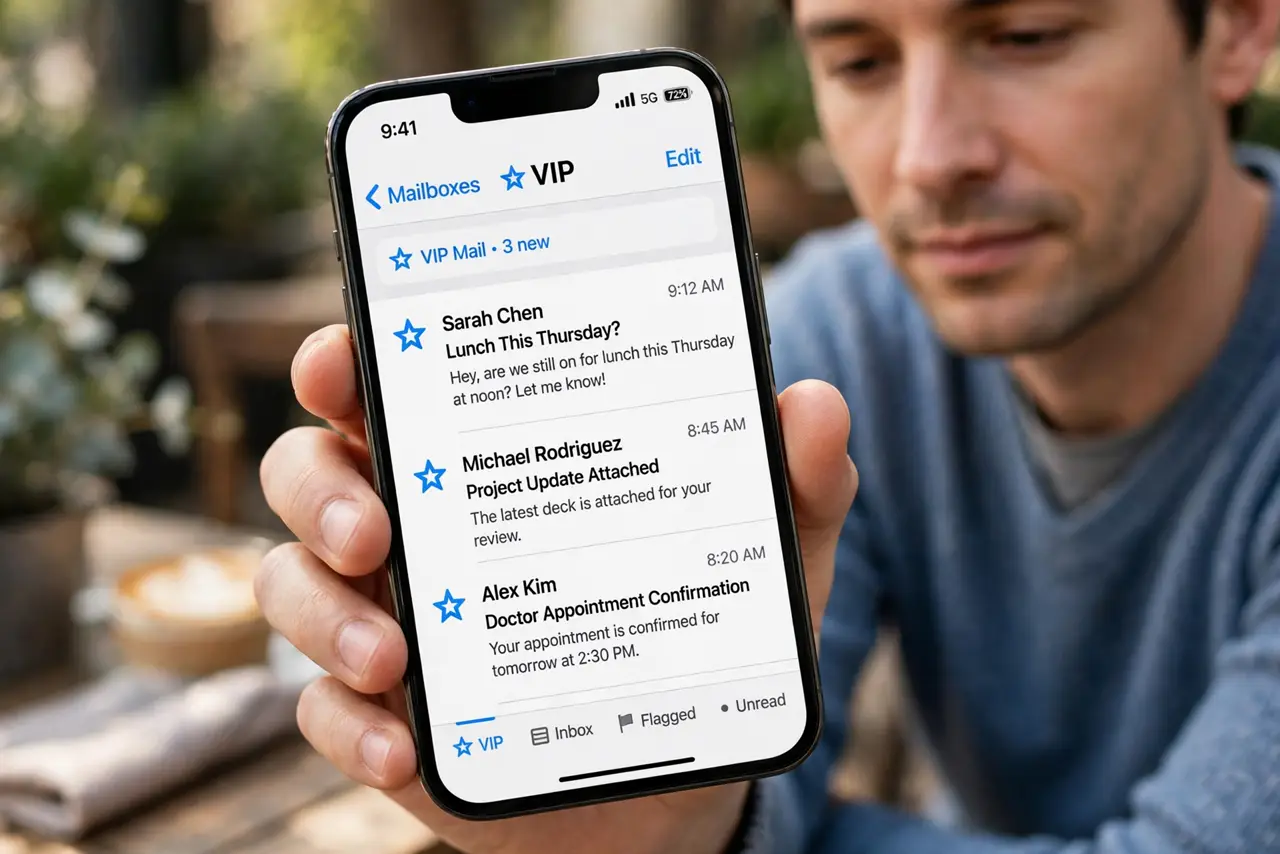
TL;DR / Quick Fix
Quick fix: open the VIP mailbox, remove senders who do not need priority, and keep only true must-answer contacts. Then set VIP alerts to a subtle sound or banner only. For quiet hours, let Do Not Disturb silence everything except genuine emergencies.
Follow these steps
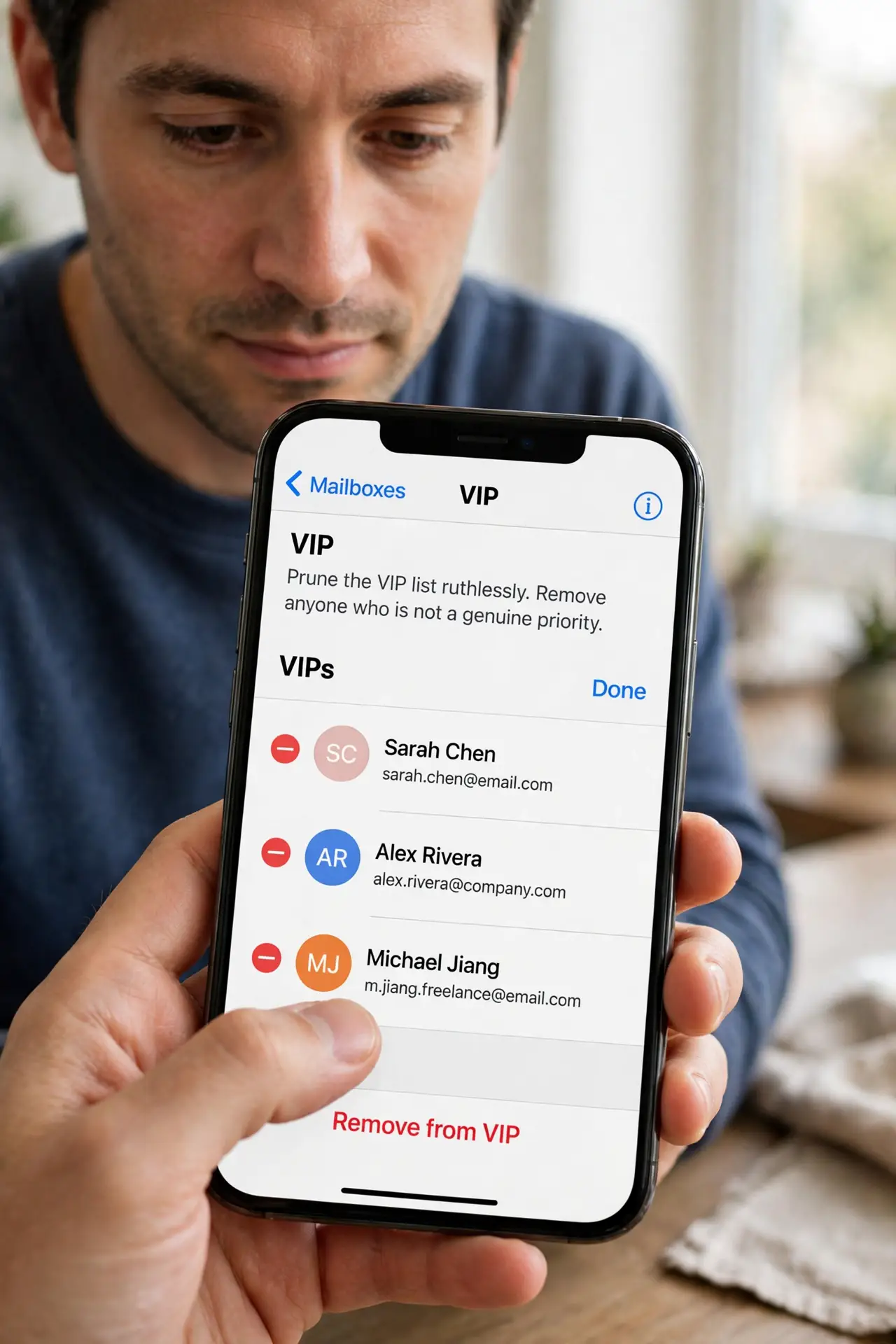
- Prune the VIP list ruthlessly. Open the VIP mailbox, tap the info button, and remove anyone who is not a genuine priority. Most noisy VIP lists grew one casual add at a time.
- Soften the VIP alert style. Open Settings, then Apps, then Mail, then Notifications, then VIP. Choose a quiet tone or banners without sound — priority does not have to mean loud.
- Check which mailbox the alerts come from. VIP alerts can fire per account. If one account's VIPs are the noisy ones, adjust that account's notification settings instead of muting everything.
- Use Do Not Disturb for quiet hours. Schedule Do Not Disturb overnight. VIPs marked as emergency contacts still break through, while routine VIP mail waits quietly for morning.
- Move newsletters off the VIP list. A newsletter you marked VIP once now shouts with every edition. Unsubscribe or remove it from VIP — important people, not interesting mail, belong there.
- Review the list monthly. VIP lists drift. A quick monthly prune keeps the list short, so when a VIP email arrives it still feels important instead of routine.
What NOT to do
- Do not mute the entire Mail app to quiet VIPs. You will miss everything else too — fix the VIP list and its alert style instead.
- Do not add your boss as VIP and then complain about evening pings. The VIP list is a promise of attention; only add people you truly want interrupting you.
- Do not turn off all notifications and rely on badges. A silent badge is easy to miss for hours, which defeats the purpose of VIP.
- Do not confuse VIP with flagged mail. Flags organize; VIPs notify. Moving a noisy sender from VIP to flagged keeps them findable without the noise.
Frequently asked questions
Can I set quiet hours for VIP only?
Not directly, but Do Not Disturb on a schedule quiets VIP alerts overnight while emergency contacts still reach you.
Why do I get VIP alerts for old emails?
A thread with a VIP can re-alert on new replies. Muting that thread stops the repeat alerts without removing the VIP.
How many VIPs is too many?
If you stop noticing VIP alerts, the list is too long. Five or fewer true priorities keeps the signal strong.