Medications in Health? Basics
Your iPhone's Health app can track medications, remind you to take them, and log each dose — but the feature hides under Browse and the setup asks questions people skip. Done right, it is the most reliable pill reminder you will actually keep using, because it lives on the phone you always carry. This guide sets it up properly.
TL;DR / Quick Fix
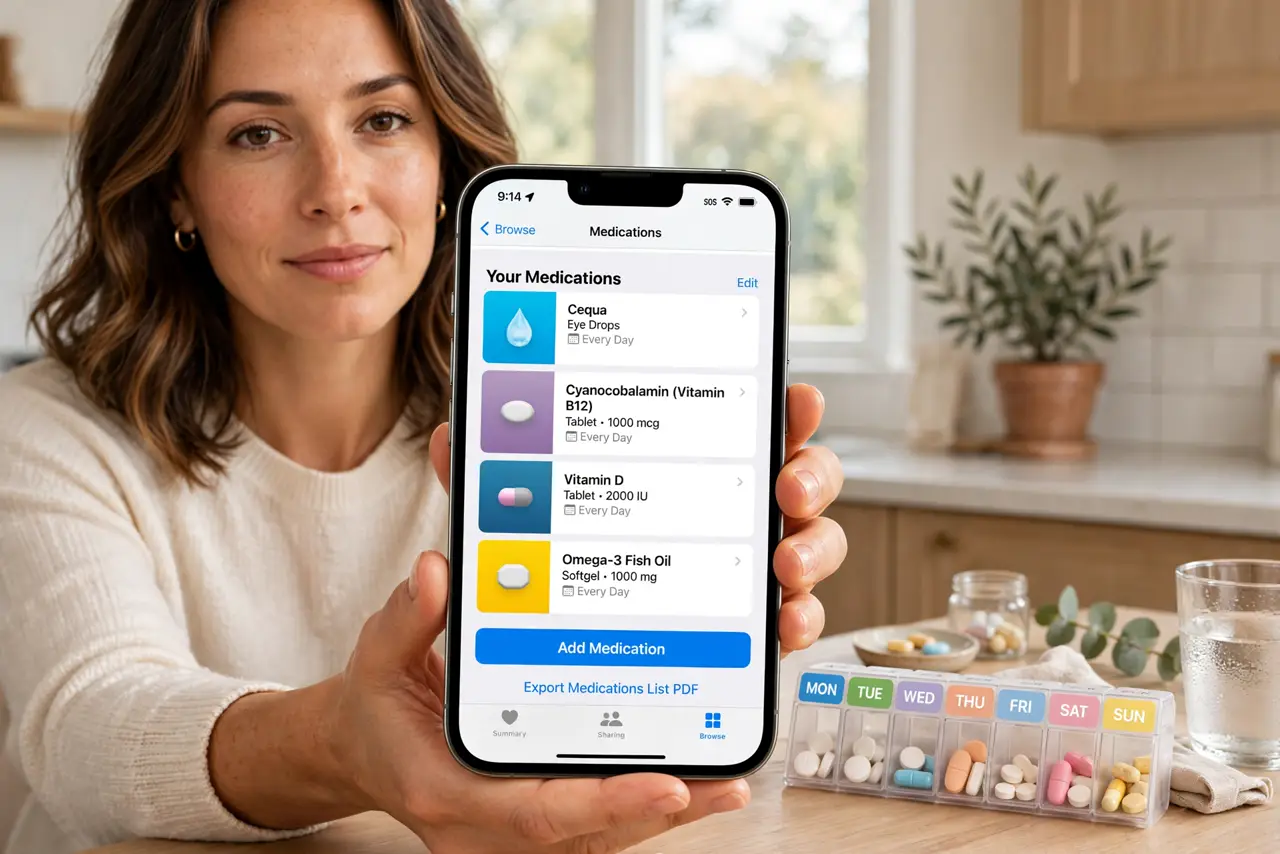
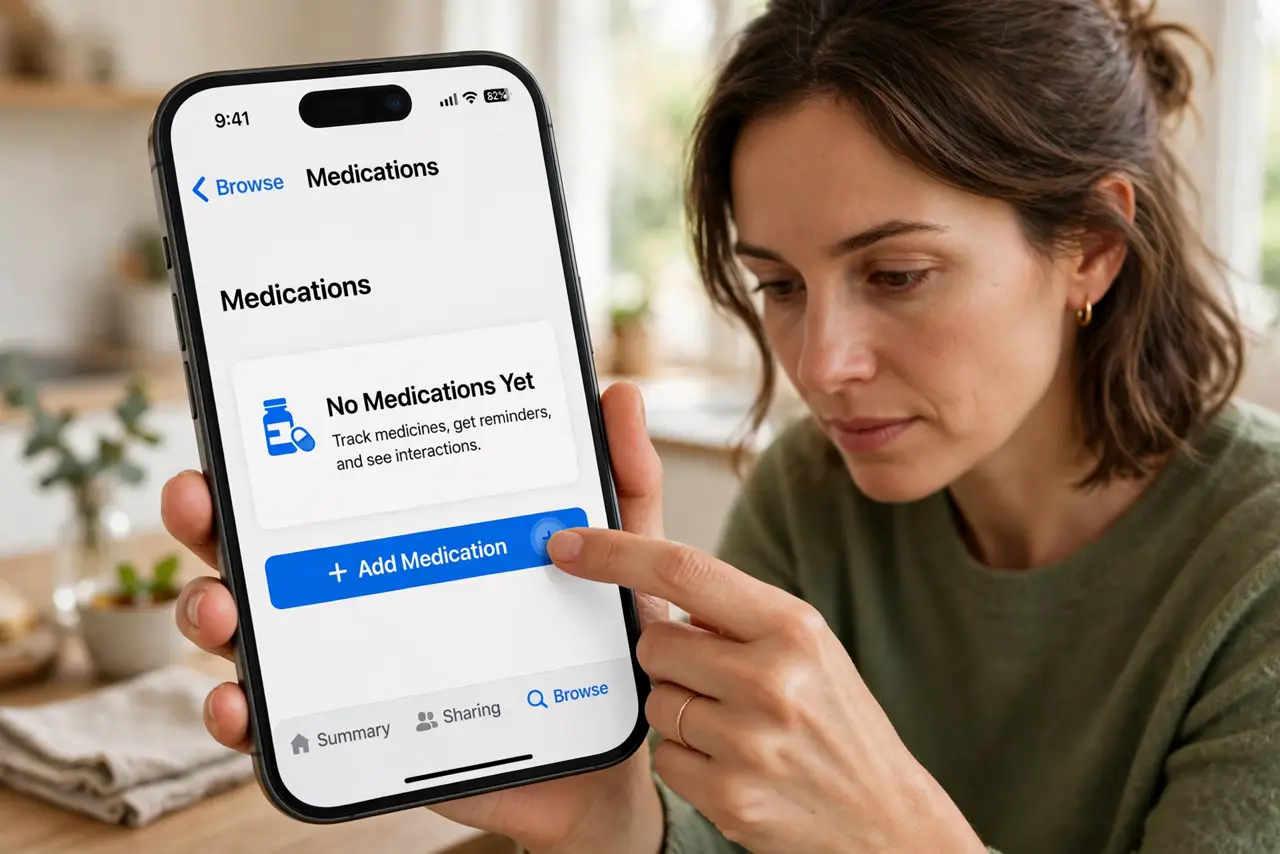
Quick fix: open the Health app, tap Browse, then Medications, and tap Add Medication. Enter the name, strength, and schedule — the phone reminds you at dose times. Log each dose with one tap. Share the list with a family member if someone helps manage your meds.
Follow these steps
- Add each medication. In Health, Browse, Medications, tap Add Medication and type the name — the app recognizes thousands of real drugs and suggests the form and strength. Add the schedule: daily, specific days, or as needed.
- Set reminders you will notice. Choose dose times that match your routine and pick an alert style you cannot sleep through. The reminder appears like any notification — log the dose right from it.
- Log doses consistently. Tap Log when you take it, or mark Skipped or Taken from the reminder. The log builds the history your doctor actually wants to see at checkups.
- Check interactions. The app flags major interactions between your listed medications. This is a helpful heads-up, not medical advice — always confirm with your pharmacist.
- Share with a caregiver. You can share the medication list with a family member through Health sharing. Useful when someone else helps manage doses or needs the list in an emergency.
- Review with your doctor. Bring the logged history to appointments. A complete dose record beats memory every time when a doctor adjusts treatment.
What NOT to do
- Do not rely on memory over the log. 'I think I took it' causes double doses — the one-tap log exists to prevent exactly that.
- Do not treat interaction flags as diagnoses. They are prompts to ask your pharmacist, not reasons to stop a medication.
- Do not skip the schedule setup. A medication without reminders is just a list — the reminders are the whole point.
- Do not share the phone without thinking. The medication list is health data — use Health sharing, not a borrowed unlocked phone.
Frequently asked questions
Is my medication data private?
It is encrypted on your device and in iCloud. Apple states it does not use health data for advertising.
Can Android do this too?
Yes — Google's health apps and many pharmacy apps offer medication reminders and logging with the same basic flow.
What if I miss a dose?
Log it as skipped and follow your doctor's usual guidance for missed doses. The app tracks the pattern so you can discuss it honestly.