NameDrop Shares Your Contact Too Easily
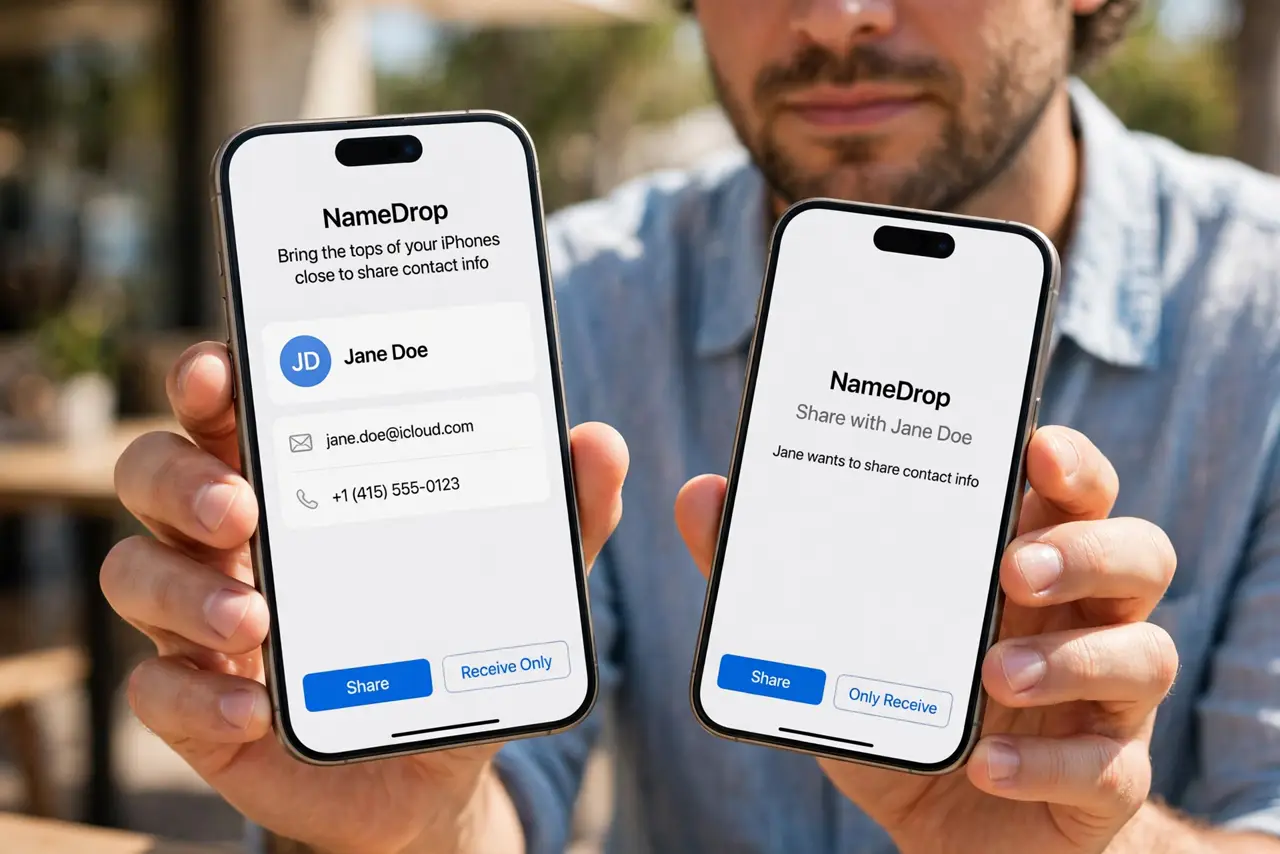
NameDrop can share your contact when two iPhones touch at the top — sometimes before you meant to share anything. You can tighten it so sharing only happens when you clearly choose it.
TL;DR / Quick Fix
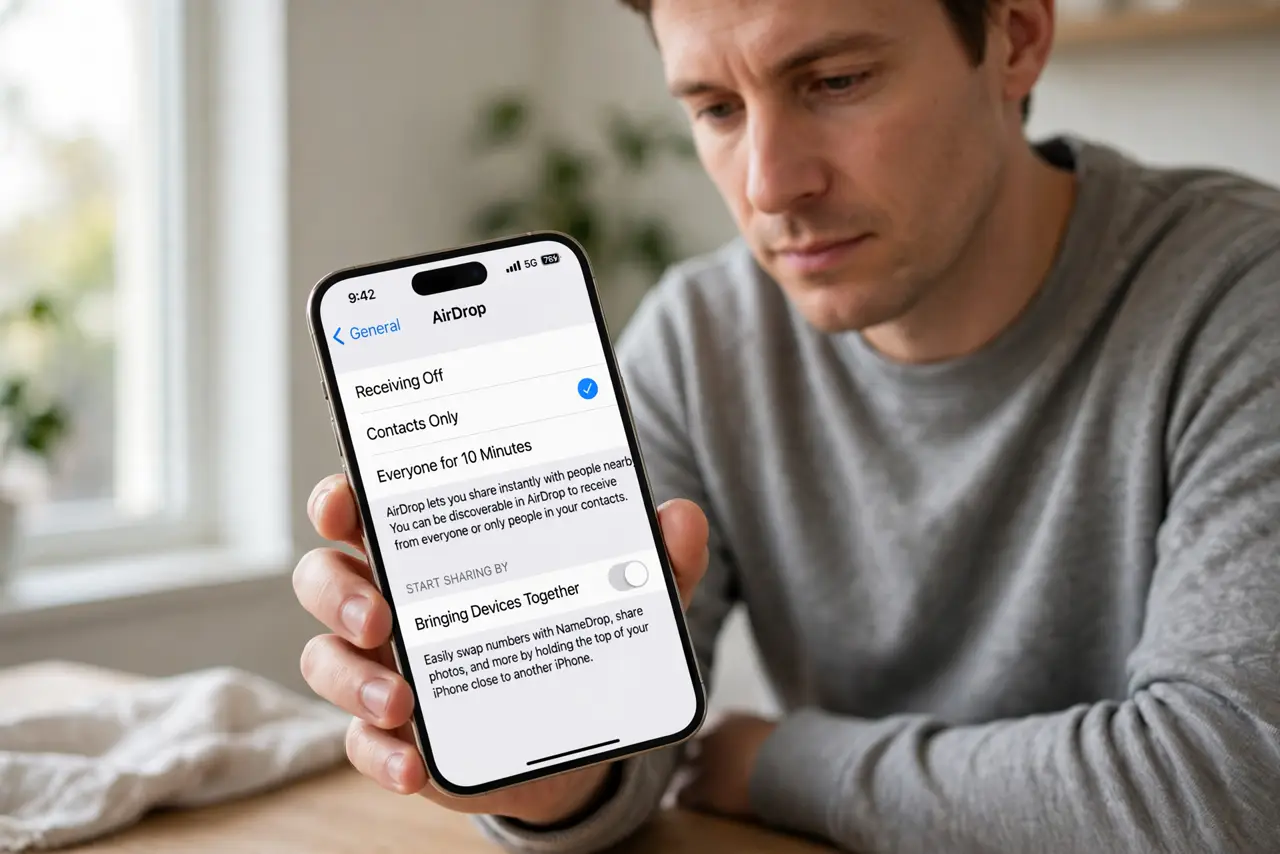
Quick fix: open Settings, then General, then AirDrop, and turn off Bringing Devices Together for NameDrop. After that, sharing only starts when you open the share sheet yourself and share only when you deliberately choose NameDrop from the share sheet yourself.
Follow these steps
- Turn off Bringing Devices Together. Open Settings, then General, then AirDrop, and turn off Bringing Devices Together. This stops contact sharing from starting just because two iPhones touch at the top.
- Choose what your contact card shares. Open Contacts, then your own card, and review what it contains. Share only the name and number you are comfortable handing to a stranger, not your home address or personal email.
- Share by choosing, not by touching. With the automatic trigger off, use the share sheet and pick NameDrop yourself when you want to share. A deliberate tap replaces an accidental touch as the trigger.
- Check the receiving options on the other iPhone. The other iPhone can set receiving to Contacts Only or Everyone for a short time. Contacts Only blocks NameDrop from strangers, even if your own iPhone is ready to share.
- Keep the iPhones apart in crowds. Hold your iPhone away from strangers' phones in queues and on transport. Physical distance is the simplest guard while the automatic trigger is still on.
- Test the new setting with a friend. Ask a friend to hold their iPhone near yours. Nothing should start on its own now, and sharing should only begin when you choose it from the share sheet.
What NOT to do
- Do not put your home address on your contact card. A card shared in a hurry carries everything on it, so keep it to name and a number you use publicly.
- Do not leave receiving set to Everyone after a share. Switch it back to Contacts Only, or the next stranger nearby can start a share you did not plan.
- Do not assume a touch means you agreed to share. NameDrop shows a confirmation screen, so read it and cancel if the share is not one you wanted.
- Do not share your contact to end an awkward moment. A polite no costs nothing, while a shared number is hard to take back.
Frequently asked questions
Why did NameDrop start when I did not tap anything?
Because Bringing Devices Together starts sharing when two iPhones touch at the top, before you choose anything.
Does turning it off break AirDrop?
No. It only stops the automatic NameDrop trigger, and you can still share files and contacts from the share sheet.
What should my contact card contain?
Only what you would hand a stranger on paper: your name and a number or email you use publicly.