What Is RCS on iPhone?
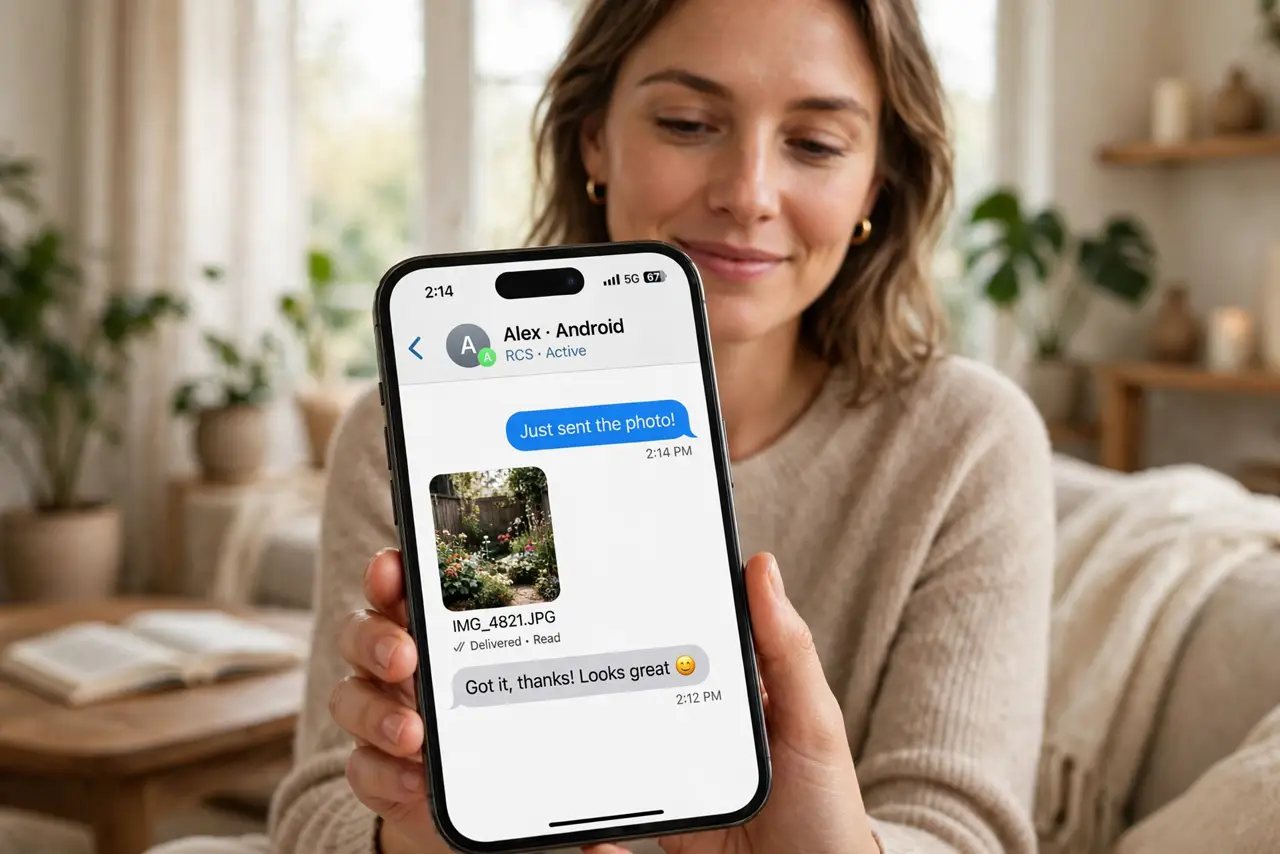
Texting an Android friend from your iPhone meant green bubbles with blurry photos, no read receipts, and broken group chats. RCS — Rich Communication Services — fixes most of that: high-quality media, typing indicators, and proper group messaging, all inside the regular Messages app. This guide explains what changed and how to make sure it is on.
TL;DR / Quick Fix
Quick fix: on iPhone, go to Settings, then Apps, then Messages, and turn on RCS Messaging — it needs a supporting carrier. Texts to Android phones then use RCS automatically when available, with sharp photos, read receipts, and typing indicators, falling back to SMS otherwise.
Follow these steps
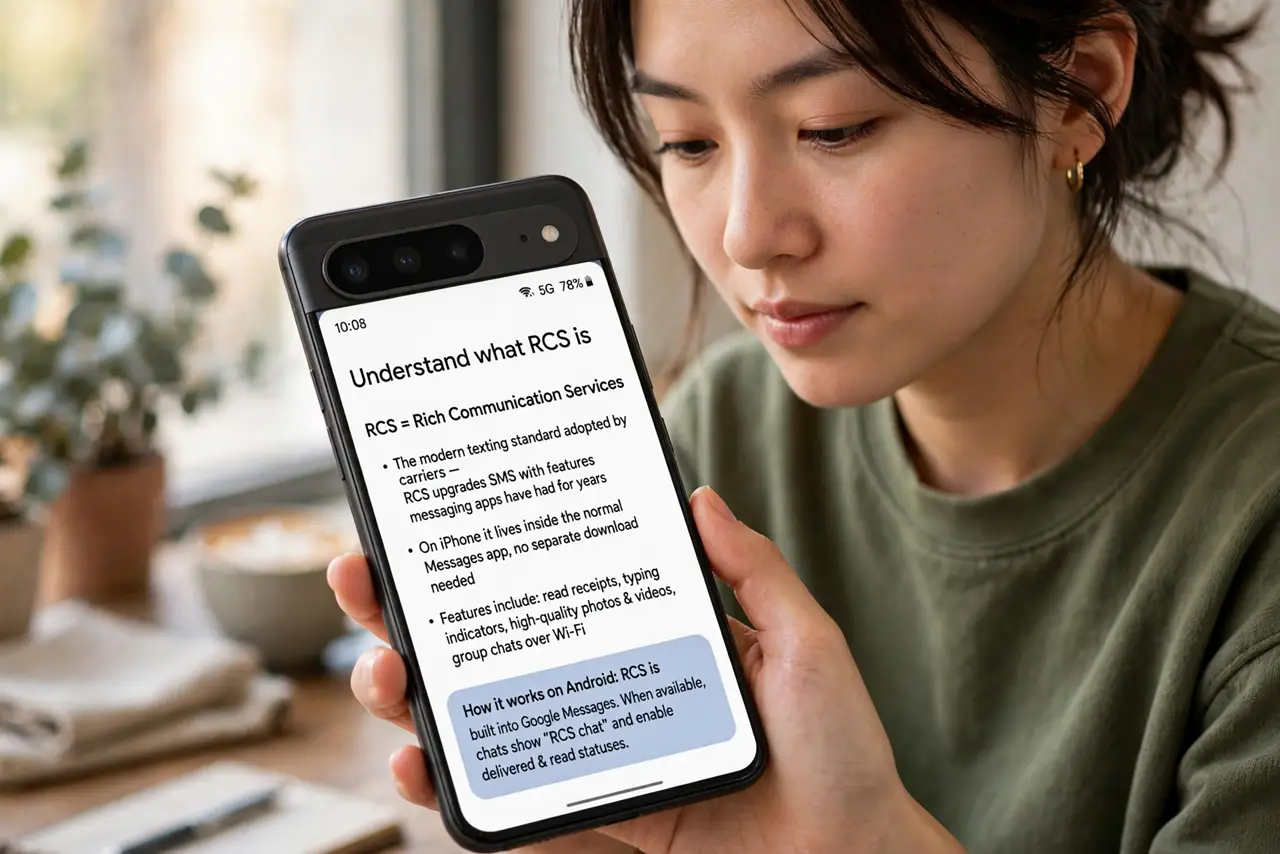
- Understand what RCS is. RCS is the modern texting standard carriers adopted — think SMS upgraded with the features messaging apps have had for years. On iPhone it lives inside the normal Messages app, not a separate download.
- Turn on RCS Messaging. Go to Settings, then Apps, then Messages, and enable RCS Messaging. If the toggle is missing, your carrier may not support it yet — see the carrier checklist.
- Know what improves. With RCS active between iPhone and Android: full-quality photos and videos, read receipts, typing indicators, and group chats that actually work. The bubbles stay green — only the features change.
- Know what stays Apple-only. iMessage exclusives like reactions with full effects, and end-to-end encryption as Apple implements it, remain between Apple devices. RCS improves cross-platform texting; it does not merge the ecosystems.
- Watch for automatic fallback. If RCS is unavailable — poor data, unsupported carrier — the message sends as plain SMS automatically. You do not need to do anything; the phone handles it.
- Tell your Android friends nothing. There is nothing for them to install — RCS works through their regular texting app too. It just starts working better on both ends.
What NOT to do
- Do not expect blue bubbles. RCS chats with Android stay green — the color was never the point; the features were.
- Do not assume RCS equals encrypted like iMessage. RCS encryption depends on the implementation — treat sensitive content accordingly.
- Do not turn it off over one glitch. If a message fails, it falls back to SMS on its own — toggling RCS off throws away the upgrades.
- Do not confuse RCS with a messaging app. It is a carrier standard inside your normal texting app, not another app to download.
Frequently asked questions
Why do I not see the RCS toggle?
Your carrier must support RCS on iPhone. If the toggle is absent, the carrier has not enabled it for your line yet.
Does RCS use my data plan?
Yes — RCS sends over mobile data or Wi-Fi rather than the old SMS channel. On Wi-Fi it costs nothing extra.
Will RCS replace iMessage?
No — iMessage stays for Apple-to-Apple chats. RCS only upgrades the cross-platform conversations that used to fall back to SMS.