Try the Reduce Interruptions Focus
Total silence is not the answer — you still need the school, the boss, the family to reach you. The Reduce Interruptions Focus mode uses on-device intelligence to let important notifications through while quietly holding back the noise. This guide sets it up so your phone finally respects your attention.
TL;DR / Quick Fix
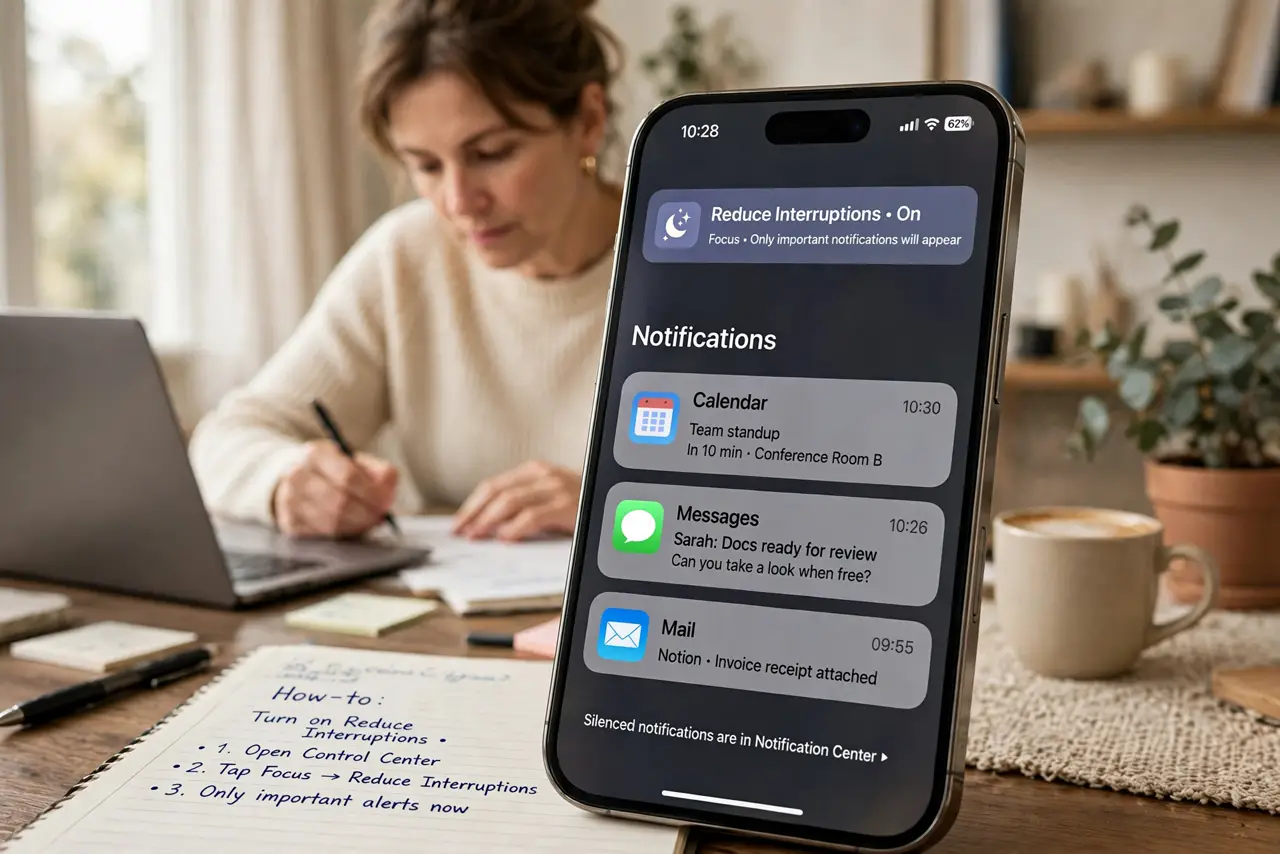
Quick fix: on iPhone, go to Settings, then Focus, and turn on Reduce Interruptions. Review the allowed people and apps — keep family, boss, and key apps. On Android, use Do Not Disturb with priority contacts and apps allowed. The phone then filters intelligently instead of buzzing at everything.
Follow these steps
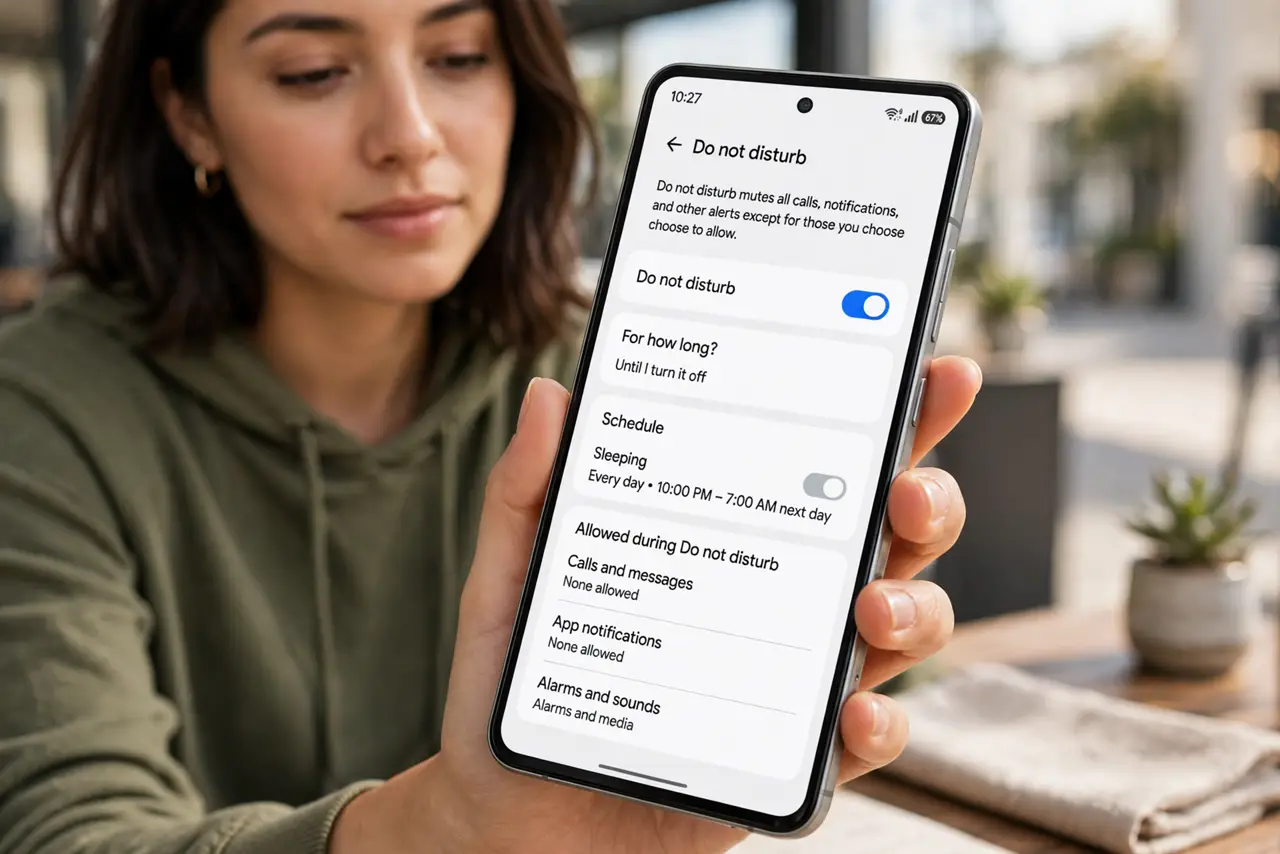
- Open Focus settings. On iPhone: Settings, then Focus. On Android: Settings, then Sound and vibration (or Notifications), then Do Not Disturb — the equivalent control.
- Enable Reduce Interruptions. On iPhone, tap Reduce Interruptions and turn it on. This is the smart mode — unlike plain Do Not Disturb, it judges importance instead of blocking everything.
- Choose your important people. Add the people who may always reach you — family, your manager, the school. Everyone else's messages wait quietly until you check.
- Choose your important apps. Allow calls, messages, and calendar through. Leave social, news, and games out — their alerts are exactly what this mode exists to hold back.
- Schedule it. Set it to run during work hours or wind-down time automatically. A scheduled focus beats one you must remember to enable.
- Check the held-back notifications later. Everything filtered waits in Notification Center — nothing is deleted. Review once or twice a day, like scheduled summaries.
What NOT to do
- Do not enable it and forget your allowed list. An empty allow-list blocks the school pickup call too — set people first.
- Do not use it as an excuse to never check notifications. Held-back alerts still deserve a daily review, or things slip.
- Do not confuse it with full Do Not Disturb. Reduce Interruptions is the smart filter; plain DND is the sledgehammer — pick the right tool.
- Do not leave it on 24/7. A focus mode that never turns off trains people to think you are unreachable — schedule it instead.
Frequently asked questions
How is this different from Do Not Disturb?
Do Not Disturb blocks nearly everything; Reduce Interruptions uses on-device intelligence to let the important stuff through while silencing the rest.
Will alarms still work?
Yes — alarms always sound regardless of focus mode. You will not sleep through your wake-up.
Can apps tell I have it on?
Messaging apps may show you are in a focus mode to senders, which sets expectations politely — most people find this reduces 'why didn't you reply' friction.