Cellular Data Stats Reset at the Wrong Date
The iPhone's data stats reset on a date that does not match your billing cycle, so the numbers never line up with your carrier bill. The reset date is manual — and easy to set wrong.
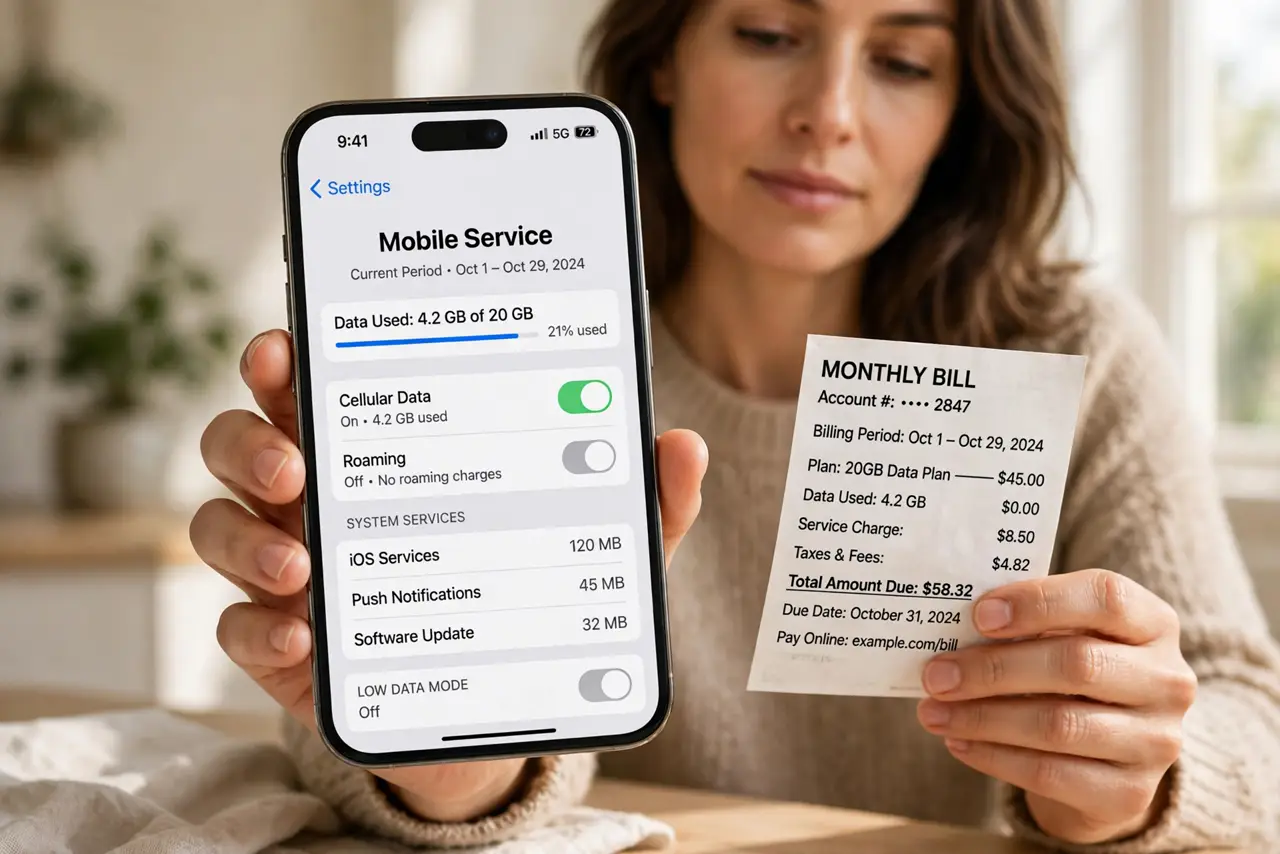
TL;DR / Quick Fix
Quick fix: open Settings, then Mobile Service, scroll to the usage section, and reset statistics on your billing start date. Then set a monthly reminder to reset on that same date next month and set a monthly reminder for your billing date.
Follow these steps
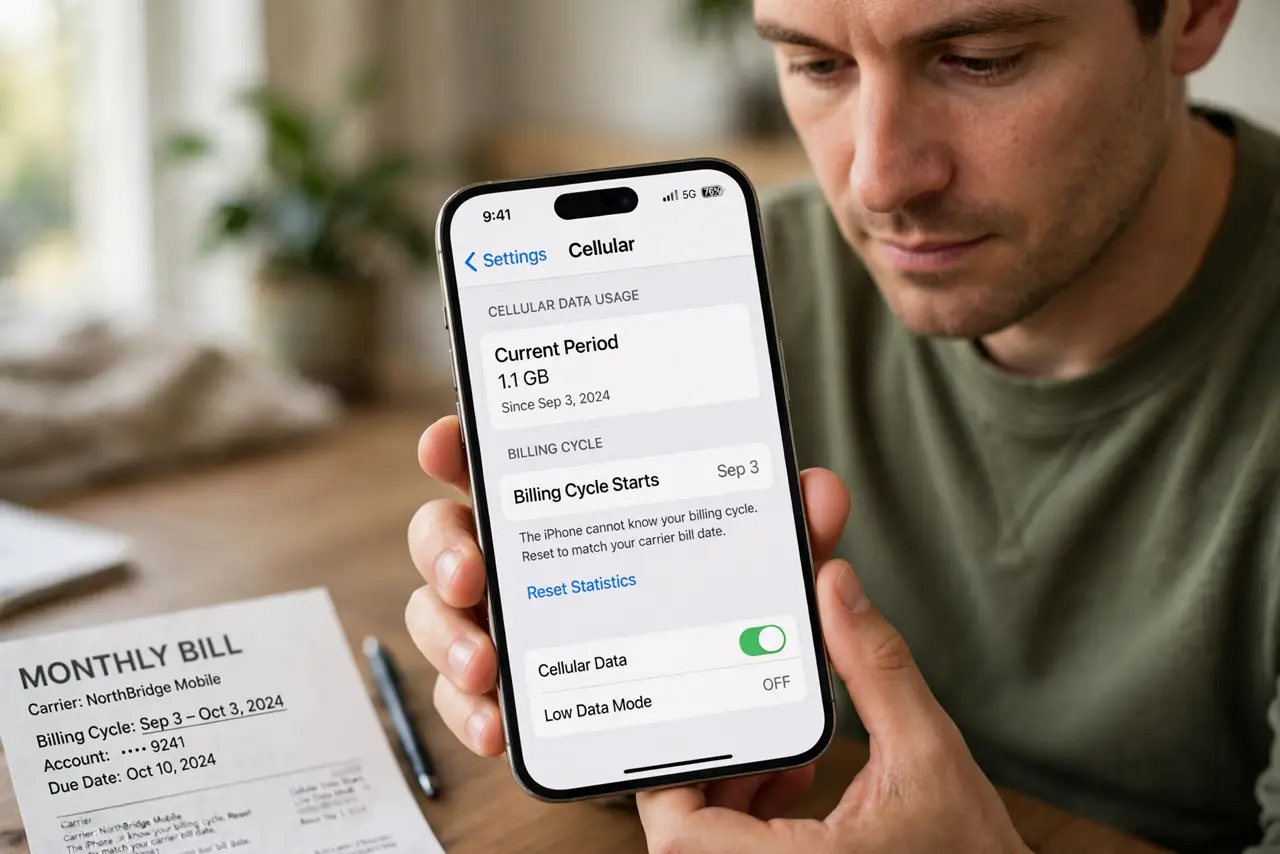
- Find your billing cycle start date. Check your carrier bill or account for the billing cycle start date. The iPhone cannot know your cycle, so the reset date must match the bill by hand.
- Reset statistics on that date. Open Settings, then Mobile Service, scroll down, and tap Reset Statistics on your billing start date. From then on, the numbers track the current cycle.
- Set a monthly reminder to reset again. Create a reminder for the same date next month to reset statistics again. The iPhone does not auto-reset on your cycle, so the reminder is what keeps it aligned.
- Compare with the carrier total, not the phone alone. Compare the iPhone total with the carrier's own usage figure. The carrier total is the billed one, and small differences from rounding or timing are normal.
- Check per-app usage for surprises. In the same Mobile Service pane, review usage by app. One app using far more than expected explains a total that looks wrong even when the reset date is right.
- Reset after a carrier or plan change. If you change carriers or plans, reset statistics on the new cycle start date. An old cycle date from a previous carrier keeps every later total misaligned.
What NOT to do
- Do not trust the iPhone total as your bill. The carrier total is what you pay, and the iPhone figure is only a guide for your own tracking.
- Do not reset statistics mid-cycle to fix a mismatch. A mid-cycle reset breaks the comparison, while waiting for the cycle start keeps it clean.
- Do not assume the iPhone resets automatically. It only resets when you tap Reset Statistics, so a reminder is part of the fix, not an extra.
- Do not ignore a per-app surprise. One app's heavy use can look like a wrong total, when the reset date was right all along.
Frequently asked questions
Why do my data stats not match my bill?
Because the iPhone resets only when you tap Reset Statistics, and its reset date rarely matches your billing cycle start.
Does the iPhone auto-reset each month?
No. You reset it by hand, so set a monthly reminder for your billing start date.
Which total should I trust for billing?
The carrier's total. The iPhone figure is a helpful guide, not the billed amount.